
JAPANNEXT 34-inch Curved IPS Monitor, 3440 × 1440 UWQHD, USB-C 65 W, KVM, Height-Adjustable Stand, Speakers, White
Brand:
JAPANNEXT

JAPANNEXT 34-inch Curved IPS Monitor, 3440 × 1440 UWQHD, USB-C 65 W, KVM, Height-Adjustable Stand, Speakers, White
€449.13 inc. VAT


JN-IPS340UWQHD60C-C65W-HS-W
Delivery
Order Today...
Ships...
Delivery...
ℹ️ Large or fragile items (e.g. monitors) may require extra handling time. We'll keep you informed.
Payment options
Trusted Tech Choice
Buying Benefits
Verified
Competitive EU pricing
Delivered to Cyprus from EU stock
Local warranty support
Please sign in so that we can notify you about a reply
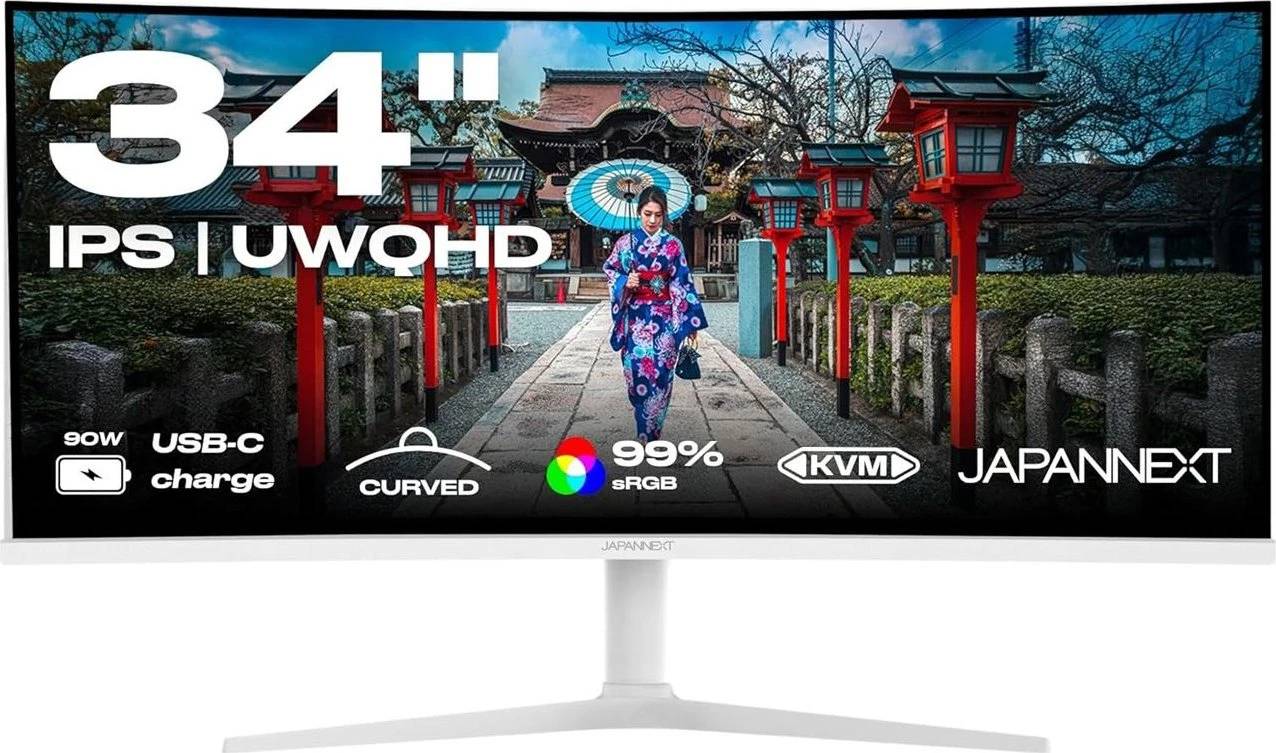
JAPANNEXT 34-inch Curved UWQHD — White Ultrawide with USB-C and KVM
34" 21:9 curved IPS3440 × 1440USB-C 65 W · KVMHeight-adjustable
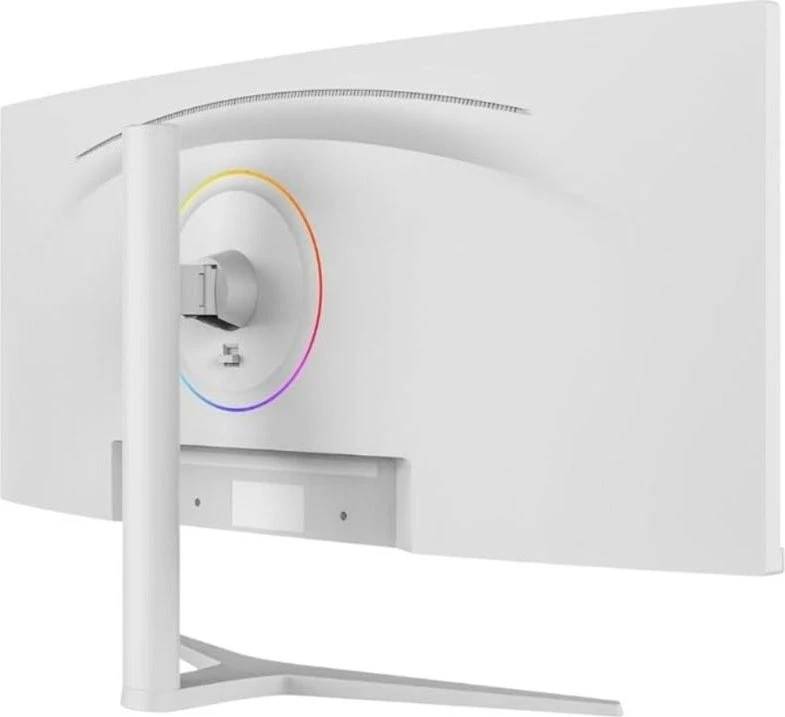
The JAPANNEXT JN-IPS340UWQHD60C-C65W-HS-W is a 34-inch curved IPS monitor with a 3440 × 1440 (UWQHD) 21:9 resolution, in an all-white design, for offices and home offices that want an ultrawide workspace on a tidy, bright desk. It gives the room of two screens without a bezel in the middle.
A USB-C input carries the picture and charges a laptop with up to 65 W, and the built-in KVM lets the keyboard and mouse on the monitor USB hub follow whichever computer is on screen. A height-adjustable, tilting and swivelling stand, two 3 W speakers and Picture-in-Picture / Picture-by-Picture complete a practical office setup.
Before you order: USB-C video needs a laptop port with DisplayPort Alt Mode, and the monitor USB hub runs at USB 2.0 speed. Laptops that need more than 65 W will charge slowly under heavy load. Refresh rate is 60 Hz, so this is an office monitor, not a gaming one.
What's in the Box
- JAPANNEXT JN-IPS340UWQHD60C-C65W-HS-W monitor with stand, white
- External power supply
- Detailed scope of delivery (cables) not published by JAPANNEXT — ask us if you need specific cables
What It Means in Practice
- Connect a laptop with one USB-C cable for screen, USB devices and up to 65 W charging.
- Use the KVM to switch keyboard and mouse between a laptop on USB-C and a desktop on USB-B.
- PBP shows two computers side by side across the 3440 × 1440 canvas.
- The white housing and stand suit bright, design-focused offices and reception desks.
What Will Not Work
- 60 Hz only — not suited to fast gaming.
- The USB hub is USB 2.0 (480 Mbit/s), so external drives on it run slowly.
- USB-C ports without DisplayPort Alt Mode will not carry video.
- No Ethernet port in the monitor.
Key Features
Ultrawide IPS
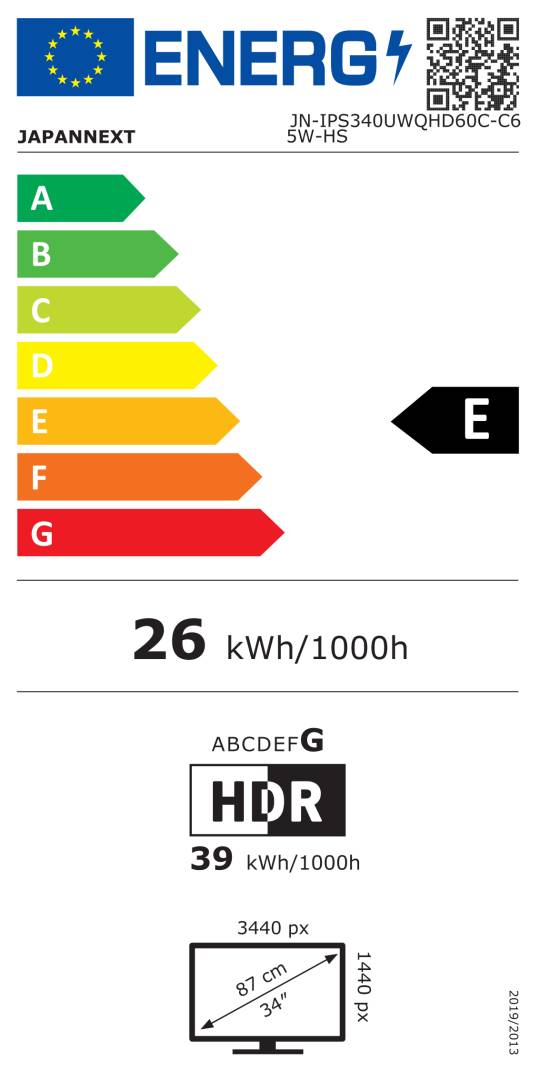
34-inch curved, 3440 × 1440, 10-bit (1.07 billion colours), 98% DCI-P3, 178°/178°.
One-cable laptop setup
USB-C with DisplayPort and 65 W power delivery.
KVM and PIP/PBP
Control two computers with one keyboard and mouse, view both at once.
Ergonomic stand
Height-adjustable, tilt and swivel, VESA 100 × 100.
Technical Specifications
Frequently Asked Questions
Singular Expert Insight · Buyer's Guide
A white 34-inch ultrawide with USB-C and KVM is an efficient single-screen desk for laptop users who also keep a desktop PC. If your laptop needs more ports than the USB 2.0 hub offers, add one of our docking stations.
✓ Buy it if you want a white curved ultrawide for office work with one-cable laptop charging and KVM.
✕ Skip it if you need high refresh rates for gaming or fast USB 3 ports on the monitor.
→ Also consider LG UltraWide 34U620B-B (144 Hz, black, no USB-C) or EIZO FlexScan EV3851X for a larger 24:10 docking monitor.
Not sure your laptop supports USB-C video and charging? Send us the model and we will check before you order.
Features - JAPANNEXT - JN-IPS340UWQHD60C-C65W-HS-W
Colour
white
More Details
Product Code
04:560171
EAN Code
4589511175811
Manufacturer
JAPANNEXT