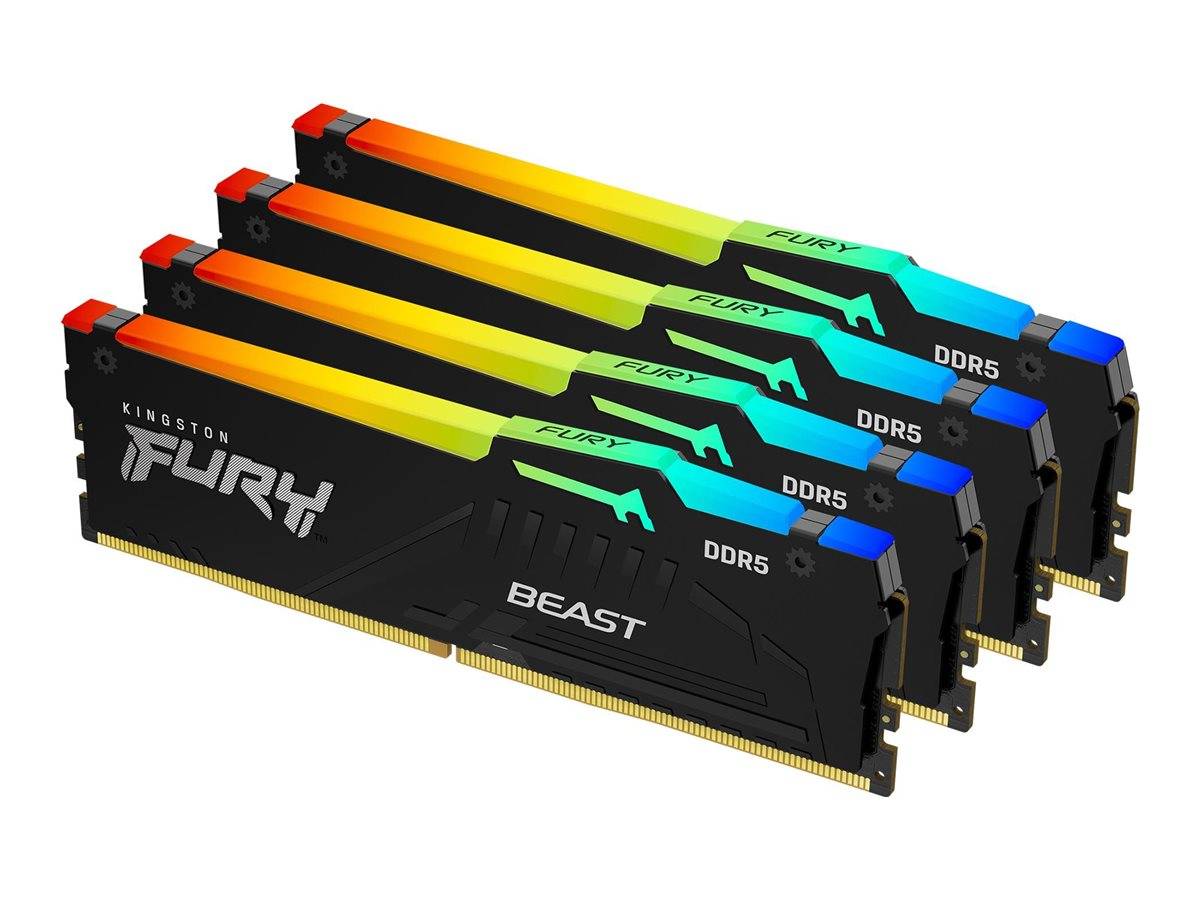
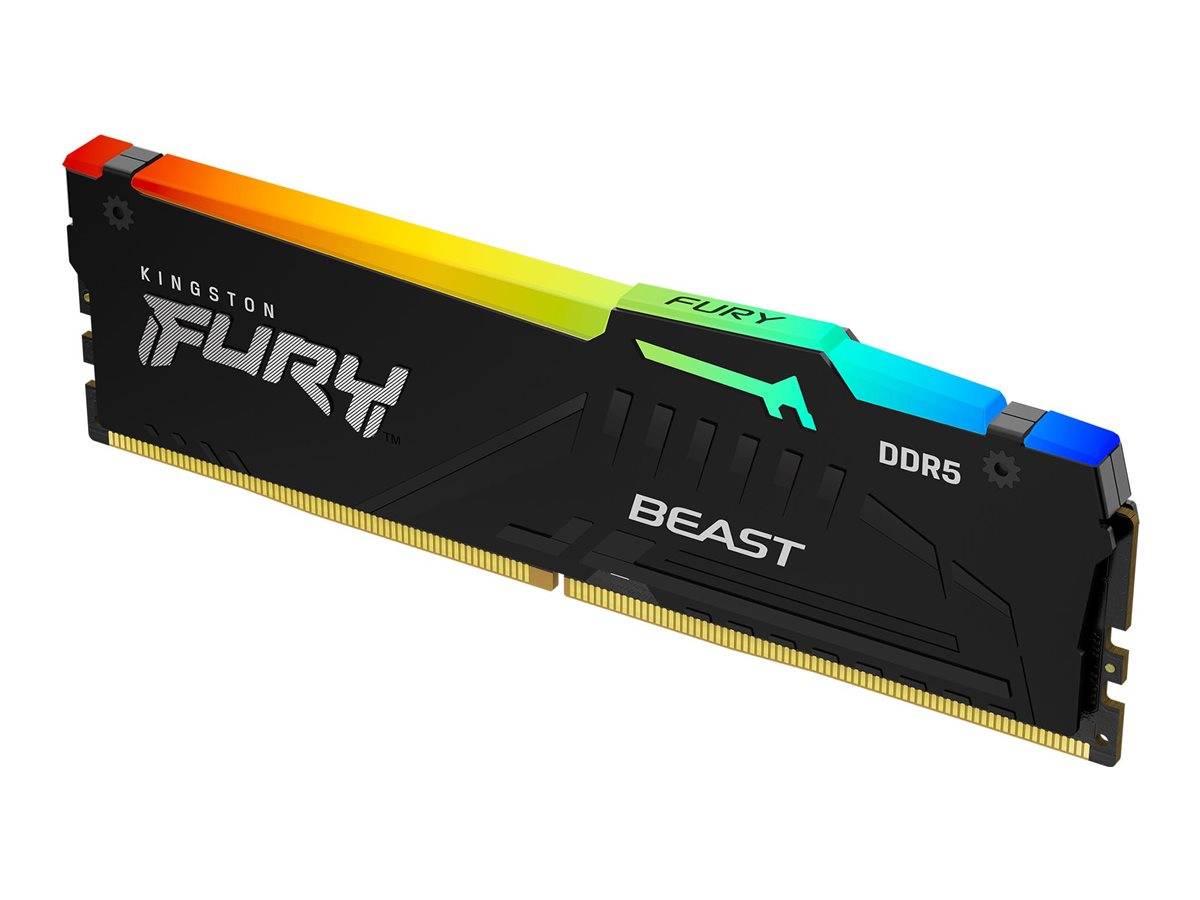
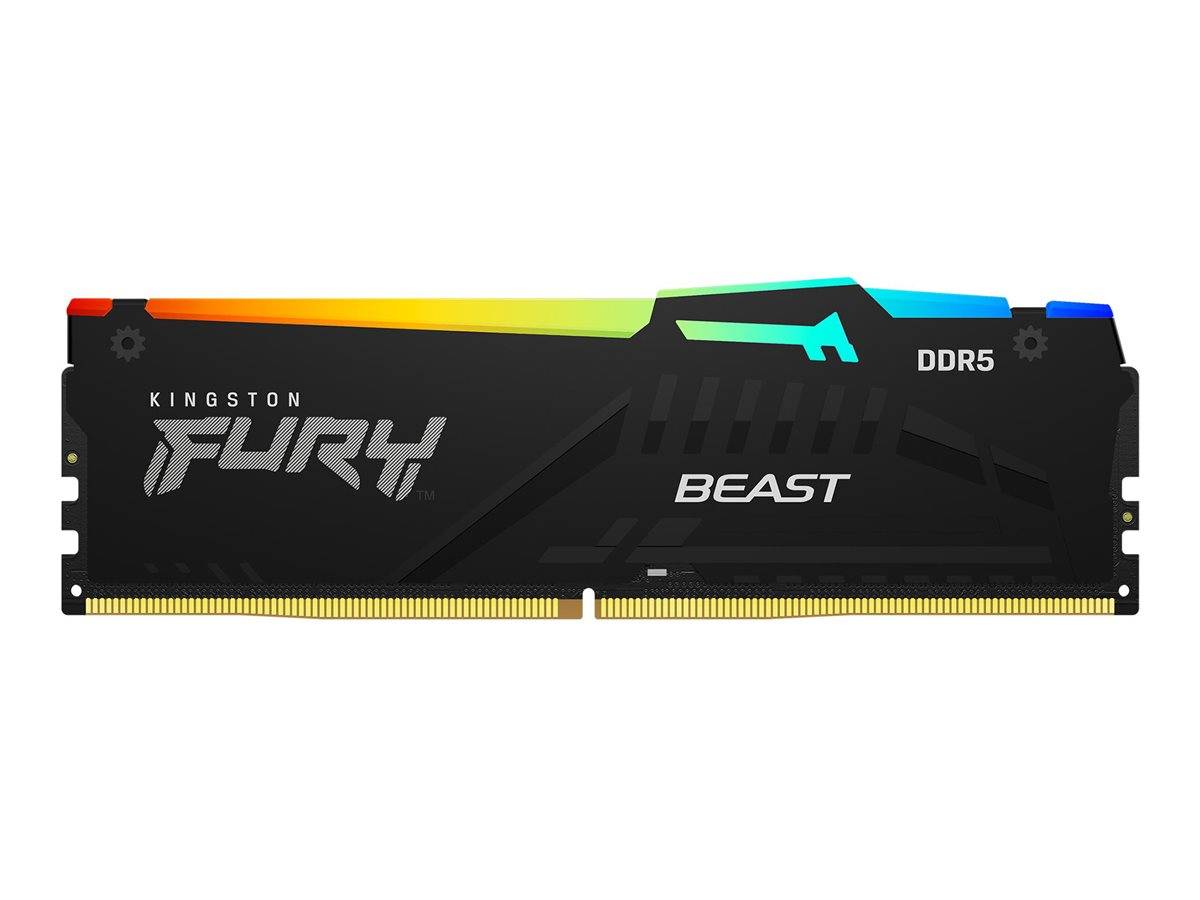
Kingston FURY Beast RGB 128GB Kit (4x32GB) DDR5-5200 Desktop DIMM
128GB Kit (4x32GB)DDR5-5200 CL401.25VRGB
The Kingston FURY Beast RGB KF552C40BBAK4-128 is a 128GB Kit (4x32GB) 288-pin unbuffered DDR5 desktop DIMM rated at 5200 MT/s with CL40 latency at 1.25V, for gamers, creators and power users building or upgrading a DDR5 desktop.
It comes as 4 matched modules of 32GB, giving 128GB in total and up to 41.6 GB/s of peak bandwidth per module (PC5-41600). DDR5 splits every module into two independent sub-channels and runs at far higher transfer rates than DDR4, which helps frame times in CPU-bound games and shortens compile, render and export jobs.
Typical uses: a new AM5 or Intel 600/700/800-series gaming build, a streaming or editing PC that needs headroom, or replacing a smaller DDR5 kit with 128GB so that games, browser, chat and capture software can all stay open without the system paging to disk.
Before you order: DDR5 only — it does not fit DDR4 or DDR3 motherboards (the slot key is in a different position). The rated 5200 MT/s needs the Intel XMP 3.0 profile enabled in BIOS; without it the kit boots at 4800 MT/s CL40 at 1.1V.
What's in the Box
- 4 × 32GB DDR5 DIMM modules (128GB matched kit, tested together)
- Manufacturer packaging — memory installs tool-free into the slot, no cables or drivers needed (RGB control software is a free download from the manufacturer)
What It Means in Practice
- Out of the box it boots at 4800 MT/s CL40 at 1.1V. Enabling XMP in BIOS is a one-click setting that loads the rated 5200 MT/s CL40 profile — the final speed depends on your CPU’s memory controller and motherboard.
- Four modules fill all four slots of a typical desktop board. With four DDR5 modules many platforms lower the achievable speed, so the kit is rated at a conservative 5200 MT/s for that reason.
- 128GB is workstation-class capacity for 4K/8K video, large datasets, simulation and several virtual machines at once.
- Height matters with large tower air coolers: at 42.23 mm check the clearance under your cooler’s front fan.
- Installation takes a few minutes: power off and unplug the PC, open the side panel, release the slot latches and press each module straight down until the latches click shut on both ends.
- After installation, Windows Task Manager (Performance → Memory) shows the total capacity, the speed in MT/s and how many slots are used — a quick way to confirm everything is detected.
What Will Not Work
- DDR4 or DDR3 motherboards — DDR5 is keyed differently and physically will not fit
- Laptops and mini PCs that take SO-DIMM memory
- Servers that require registered (RDIMM) ECC memory — this is non-ECC unbuffered memory
- Combining two kits for more modules — memory makers test kits as a set and do not guarantee the rated speed with mixed kits
Key Features
5200 MT/s · CL40
Rated 5200 MT/s (PC5-41600) with 40-40-40 timings at 1.25V — profiles: XMP #1 5200 MT/s 40-40-40 1.25V · XMP #2 4800 MT/s 38-38-38 1.1V.
128GB Kit (4x32GB) matched kit
4 identical modules tested together as one set, 2Rx8, 16Gbit DRAM.
RGB lighting
Black heat spreader, RGB, 42.23 mm tall. Lighting is controlled via the manufacturer’s software or motherboard RGB sync.
Low-voltage DDR5
1.25V operation with an on-module PMIC and on-die ECC inside the DRAM (this is not system-level ECC).
Technical Specifications
| Identification |
| Part Number |
KF552C40BBAK4-128 |
| EAN / GTIN |
0740617335248 |
| Brand |
Kingston |
| Series |
FURY Beast RGB |
| Memory |
| Type |
DDR5 SDRAM, Non-ECC Unbuffered |
| Form factor |
DIMM 288-pin |
| Capacity |
128GB Kit (4x32GB) |
| Speed |
5200 MT/s (PC5-41600) |
| Timings |
CL40-40-40 |
| Voltage |
1.25V |
| Profiles |
XMP #1 5200 MT/s 40-40-40 1.25V · XMP #2 4800 MT/s 38-38-38 1.1V |
| Default (no profile) |
4800 MT/s CL40 at 1.1V |
| Rank / organization |
2Rx8, 16Gbit DRAM |
| Physical |
| Heat spreader / colour |
Black heat spreader, RGB |
| RGB |
Yes |
| Module height |
42.23 mm |
| Operating temperature |
0 °C to 85 °C |
| Warranty |
| Warranty |
1-Year Warranty (Singular) |
| Manufacturer Term |
Lifetime warranty per Kingston (subject to local definitions) — claims handled through Singular |
Frequently Asked Questions
How do I check that it fits my PC?
Look up the motherboard model’s memory support: it must list DDR5 DIMM, a maximum capacity of at least 128GB. Send us the model and we check it for you.
Why does Windows show a lower speed after installation?
Because the XMP profile is not enabled yet. Enter BIOS, select the profile and save — the memory then runs at its rated 5200 MT/s if the CPU and board support it.
Is on-die ECC the same as ECC memory?
No. On-die ECC corrects errors inside the DRAM chips themselves and is part of every DDR5 module; system-level ECC (ECC UDIMM/RDIMM) also protects data on its way to the CPU and needs a platform that supports it.
What does the warranty cover?
Lifetime warranty per Kingston (subject to local definitions). Singular adds its own 1-year warranty and handles any claim for you — bring or send us the module and we take care of the manufacturer process.
Singular Expert Insight · Buyer's Guide
Memory speed matters most on DDR5 platforms where the CPU is the bottleneck; capacity matters most when you multitask or create. Four modules trade some top speed for capacity — fine for work machines, less ideal for chasing benchmark records. Browse our full
memory (RAM) range for other capacities and speeds.
✓ Buy it if you have a DDR5 desktop and want 128GB at 5200 MT/s.
✕ Skip it if your motherboard is DDR4, or you need ECC protection.
→ Also consider a matched kit of the same series in another capacity if you plan to grow later — adding kits afterwards is not guaranteed at full speed.
Not sure it fits? Send us the model of your motherboard or PC and we will check memory compatibility before you order.