
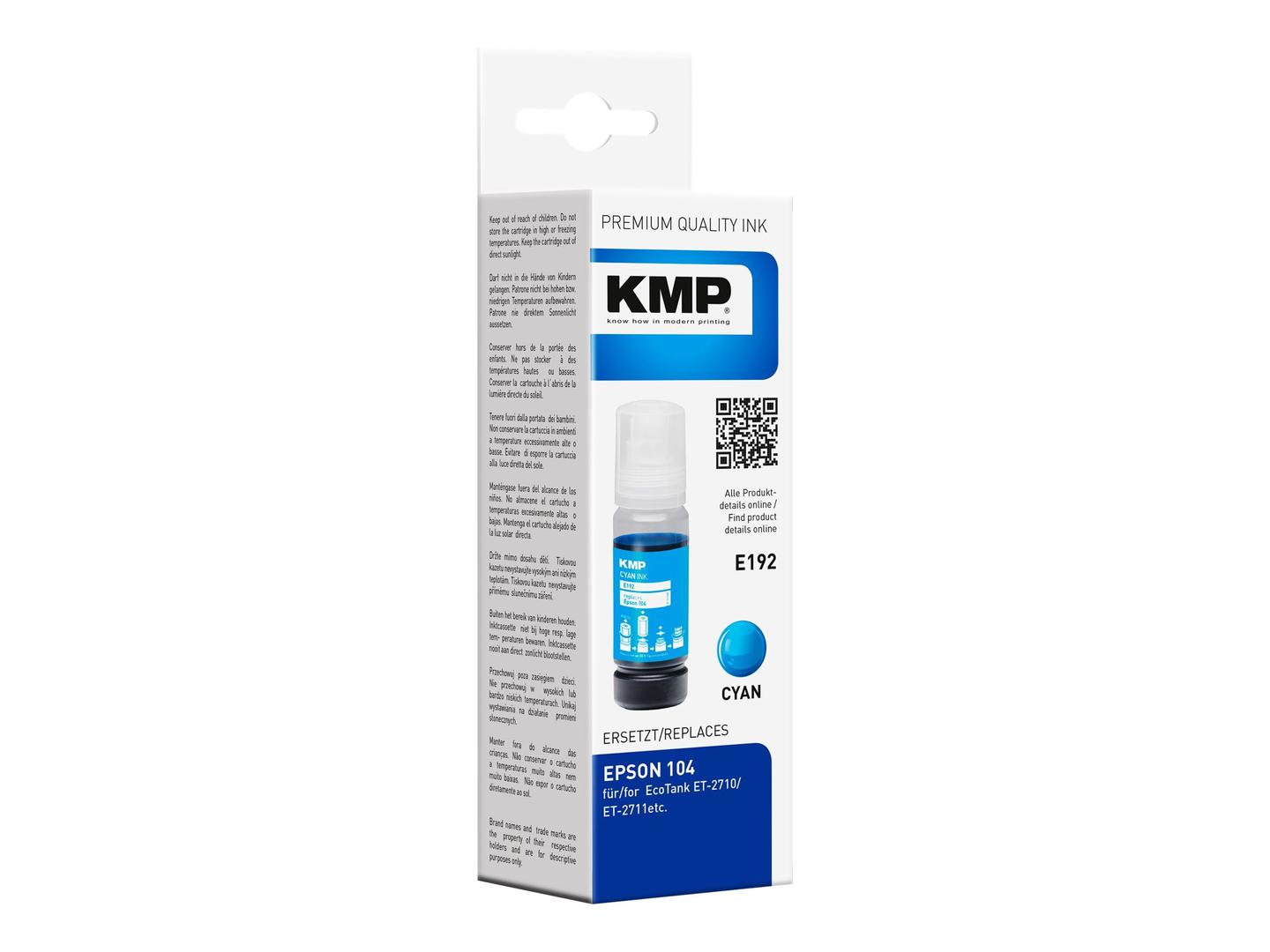
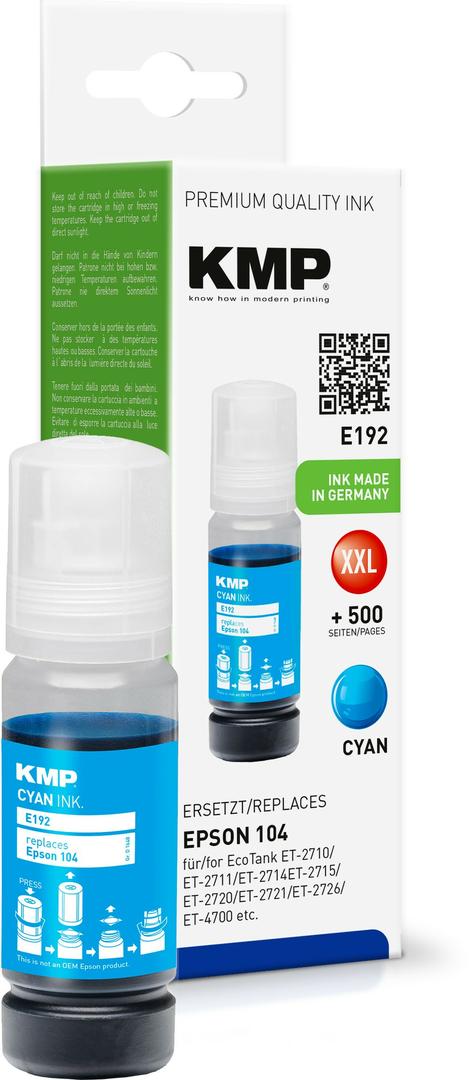
KMP Refill Ink Bottle for Epson 104 Cyan (C13T00P240), 70 ml, 8000 Pages, for EcoTank ET-2810/ET-2820/ET-4800
Brand:
KMP Printtechnik AG

KMP Refill Ink Bottle for Epson 104 Cyan (C13T00P240), 70 ml, 8000 Pages, for EcoTank ET-2810/ET-2820/ET-4800
€9.85 inc. VAT


1648,0003
Delivery
Order Today...
Ships...
Delivery...
ℹ️ Large or fragile items (e.g. monitors) may require extra handling time. We'll keep you informed.
Payment options
Trusted Tech Choice
Buying Benefits
Verified
Competitive EU pricing
Delivered to Cyprus from EU stock
Local warranty support
Please sign in so that we can notify you about a reply
KMP Epson 104 Cyan — Refill Ink Bottle
Replaces Epson 104 Cyan70 ml8,000 pagesEpson EcoTank
The KMP 1648,0003 is a refill ink bottle that replaces the Epson 104 EcoTank Cyan ink bottle (C13T00P240), holding 70 ml for 8,000 pages (per KMP) — for owners of Epson EcoTank printers who want to cut the cost per page without changing printer.
It is filled by KMP as a third-party alternative to the original Epson bottle. KMP article 1648,0003 (KMP reference E192) — one colour, one bottle; the EcoTank also needs 104-type bottles for its other tanks.
Before you order: This is a 104-type bottle for EcoTank models with the 104 ink system. EcoTank models that use 101, 102, 103, 106, 112 or 113 bottles have different nozzles — check the bottle number on your current bottle first.
What's in the Box
- 1 × KMP cyan refill ink bottle, 70 ml
- No cartridge, no chip — the ink goes straight into the printer's tank
What It Means in Practice
- Cost per page drops: the 70 ml bottle is rated at 8,000 pages by the manufacturer, measured per KMP.
- You fill the colour tank of the EcoTank directly from the bottle — no cartridge to swap, no chip.
- Your printer settings, drivers and paper stay exactly as they are — nothing to install on the computer.
- Pour the cyan ink only into the cyan tank and close the bottle cap if ink is left over — the rest keeps for the next refill.
- Print a nozzle check after installing: if a colour shows gaps, one cleaning cycle from the printer menu usually clears it — avoid running several in a row, as each one uses ink.
- Replace or refill only when the printer reports empty, not at the first low-ink warning — the warning appears while there is still ink left to print with.
What Will Not Work
- EcoTank printers built for 101, 102, 103, 106, 112, 113 or 114 bottles — the nozzle and ink differ.
- Epson cartridge printers (Expression, WorkForce, XP series with cartridges) — this is a bottle, not a cartridge.
- Filling a different colour tank — the cyan ink must go only into the cyan tank.
- Black — this article is cyan only; black is a separate bottle.
Key Features
Direct replacement
Made to replace the original Epson 104 one-for-one, in the same slot or tank, with no adapter.
Published content and yield
KMP publishes 70 ml and 8,000 pages for this article, so the cost per page is easy to compare.
Printer list from KMP
KMP lists the exact printer models for this article in its product catalogue — the same list we show below.
Safety data available
KMP provides a safety data sheet and instructions for its inks through its product catalogue.
Technical Specifications
Frequently Asked Questions
Singular Expert Insight · Buyer's Guide
A 104 colour bottle is one of the cheapest consumables to run, and on an EcoTank the third-party question is simpler than on cartridge printers: there is no chip to accept or reject. What matters is the bottle type — 104 only — and filling each colour into its own tank. For other printers, see our compatible ink range.
✓ Buy it if your EcoTank uses 104 bottles and the cyan tank is running low.
✕ Skip it if your EcoTank takes 101, 102, 103, 106, 112 or 113 bottles, or you need black.
→ Also consider the other KMP 104 colours (cyan 1648,0003 · magenta 1648,0006 · yellow 1648,0009) so all tanks are covered.
Not sure which cartridge your printer takes? Send us the exact printer model (it is on the label at the front or under the scanner lid) and we will check it before you order.
Features - KMP Printtechnik AG - 1648,0003
More Details
Product Code
04:462985
EAN Code
4011324372649
Manufacturer
KMP Printtechnik AG