
KMP H168BX Ink Cartridge for HP 302XL (F6U68AE) - Black - 15 ml - 550 Pages - for DeskJet, ENVY and OfficeJet
Μάρκα:
KMP Printtechnik AG

KMP H168BX Ink Cartridge for HP 302XL (F6U68AE) - Black - 15 ml - 550 Pages - for DeskJet, ENVY and OfficeJet
€30.07 inc. VAT


1745,4001
Delivery
Order Today...
Ships...
Delivery...
ℹ️ Large or fragile items (e.g. monitors) may require extra handling time. We'll keep you informed.
Payment options
Trusted Tech Choice
Buying Benefits
Verified
Competitive EU pricing
Delivered to Cyprus from EU stock
Local warranty support
Συνδεθείτε για να μπορέσουμε να σας ειδοποιήσουμε σχετικά με μια απάντηση
KMP Ink Cartridge for HP 302XL (F6U68AE)
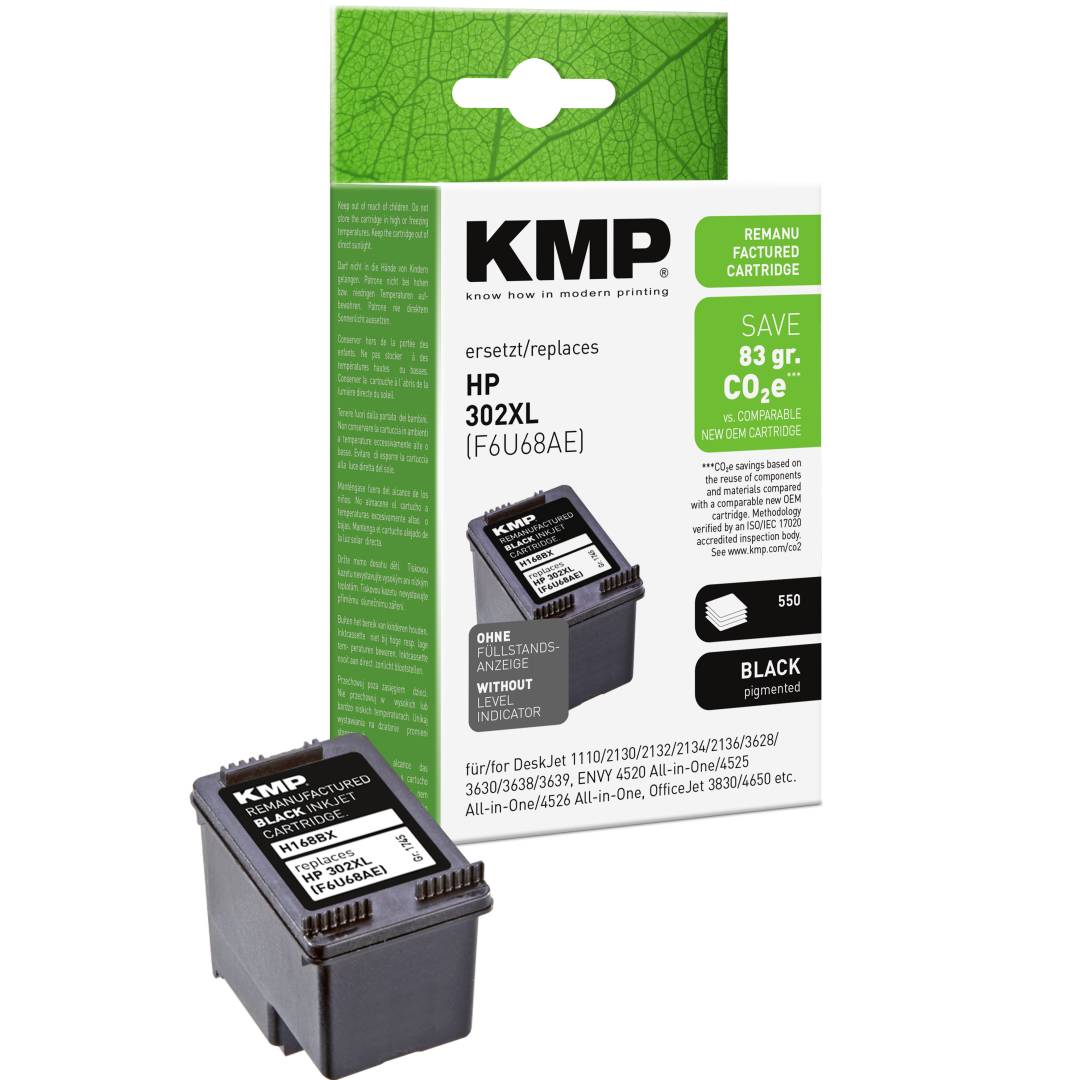
Replaces HP 302XL15 mlKMP 1745,4001 (H168BX)Compatible
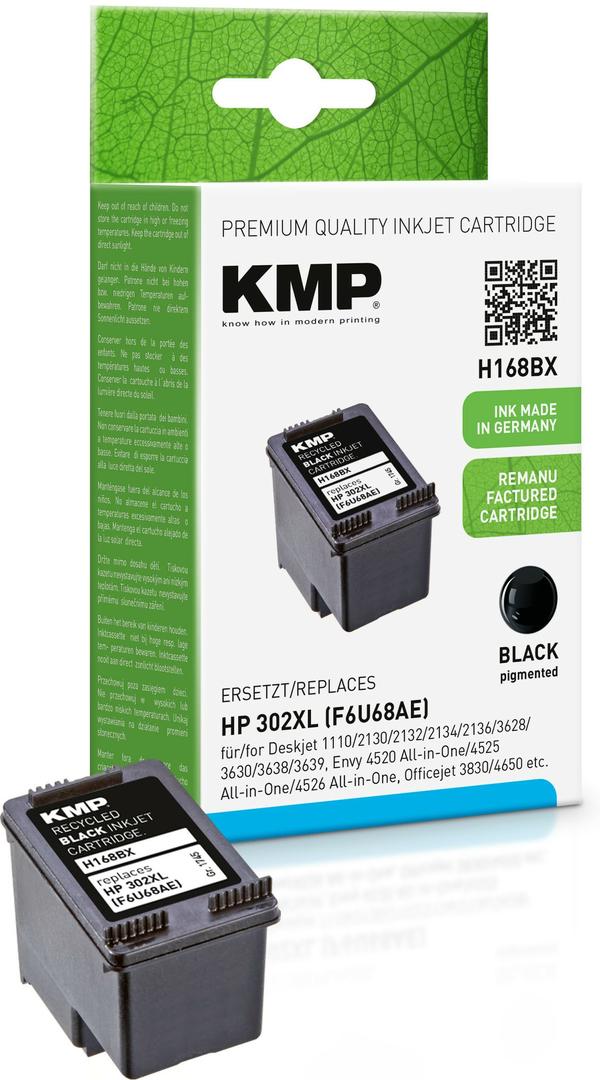
The KMP ink cartridge for HP 302XL (F6U68AE) is a compatible cartridge with 15 ml of black ink, made for HP DeskJet 1110/2130/3630, ENVY 4520 and OfficeJet 3830/4650/5220 printers and for anyone who wants lower running costs than the original HP 302XL.
KMP rates it at 550 pages (measured to ISO/IEC 24711, A4). It drops into the same slot as the original - no adapters, no software.
It suits home offices, students and small businesses that print regularly and want a spare cartridge on the shelf without paying original-brand prices. KMP publishes the full printer list for this article - 47 models - and it is reproduced in the specifications below, so you can match your exact model before ordering.
Before you order: HP 302XL colour (F6U67AE) is a separate cartridge - this H168BX is black only; the KMP colour partner is H168CX. Check the cartridge number in your printer, or the printer model, against the list below before ordering.
What's in the Box
- 1 x black cartridge, 15 ml
- Retail packaging - no printer, cables or software
What It Means in Practice
- Expect around 550 pages (measured to ISO/IEC 24711, A4) per cartridge at standard document coverage; photos and full-page graphics use more ink.
- Remove the empty cartridge, take the new one out of its bag, peel off any protective tape over the nozzles or contacts and click it into the same slot.
- Published page yields are measured on standard test pages of mixed text and graphics, not photos - real-world numbers depend on what you print.
- Run one alignment page after installing - most HP, Canon, Epson and Brother printers prompt for it automatically.
- If print looks faint after the printer has stood unused for a while, run one nozzle check and one cleaning cycle from the printer menu before judging the ink.
What Will Not Work
- Printers outside the HP 302XL list - cartridges and bottles are keyed to their printer family and physically will not fit others.
- Your printer may show a "non-original" or "used cartridge" message on first install; confirm it on the printer panel and printing continues.
- KMP lists this cartridge without an added chip, so the printer ink-level gauge may not be accurate - print until the output fades, then replace.
- HP printers with Dynamic Security can refuse third-party chips after a firmware update; if you plan to run compatibles, switch automatic firmware updates off in the printer settings.
- It does not include the original-brand print warranty programme - support for this product runs through us.
Key Features
Made for HP 302XL
Same fit and slot as the original HP 302XL (F6U68AE) - 47 printer models are listed by KMP.
Published yield
550 pages (measured to ISO/IEC 24711, A4) according to KMP.
Ink volume
15 ml of black ink - stated by KMP on the product data sheet.
Chip
No added chip (KMP specification).
Technical Specifications
Frequently Asked Questions
Singular Expert Insight · Buyer's Guide
For an HP DeskJet 1110/2130/3630 printer, this KMP ink cartridge is the sensible way to cut ink costs without changing anything else in your setup. The key is the number: it replaces HP 302XL (F6U68AE), and nothing else. Browse our compatible ink range for the other colours and sizes of the same family.
✓ Buy it if your printer takes HP 302XL and you want a lower cost per page than the original.
✕ Skip it if your printer uses a different cartridge number, or you need original-brand HP supplies for a service contract.
→ Also consider KMP H168CX, the matching tri-colour cartridge for HP 302XL.
Not sure which cartridge your printer takes? Send us the exact printer model (it is printed on the front or under the scanner lid) and we will check it before you order.
Χαρακτηριστικά
Product Code
04:227770
EAN Code
4011324211122
Manufacturer
KMP Printtechnik AG