Lenovo USB Numeric Keypad Gen II — 19 Keys, Black
19 keys00 keyLED NumLockDriver free
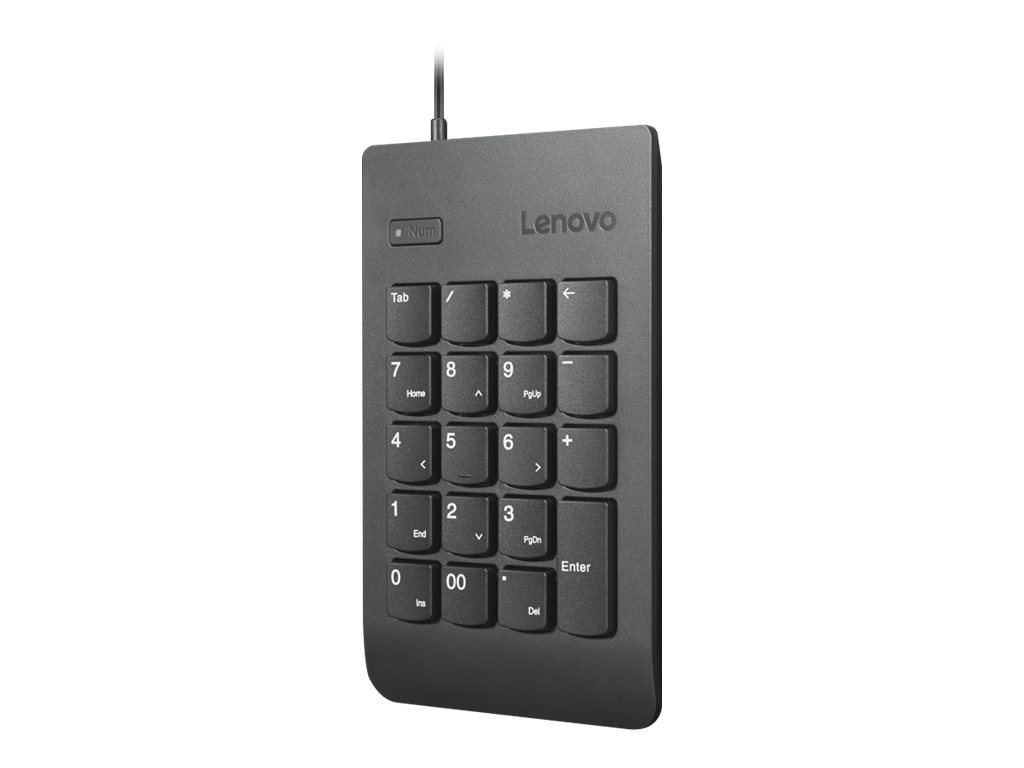
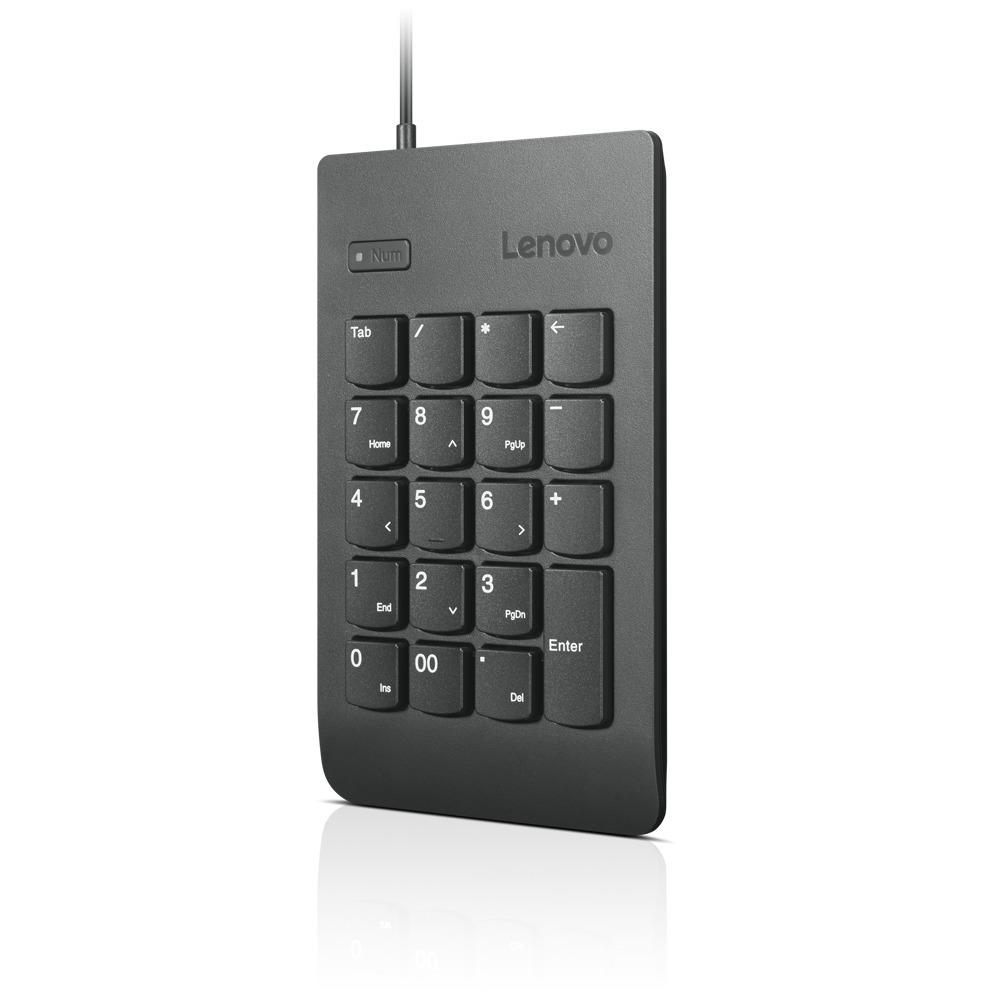
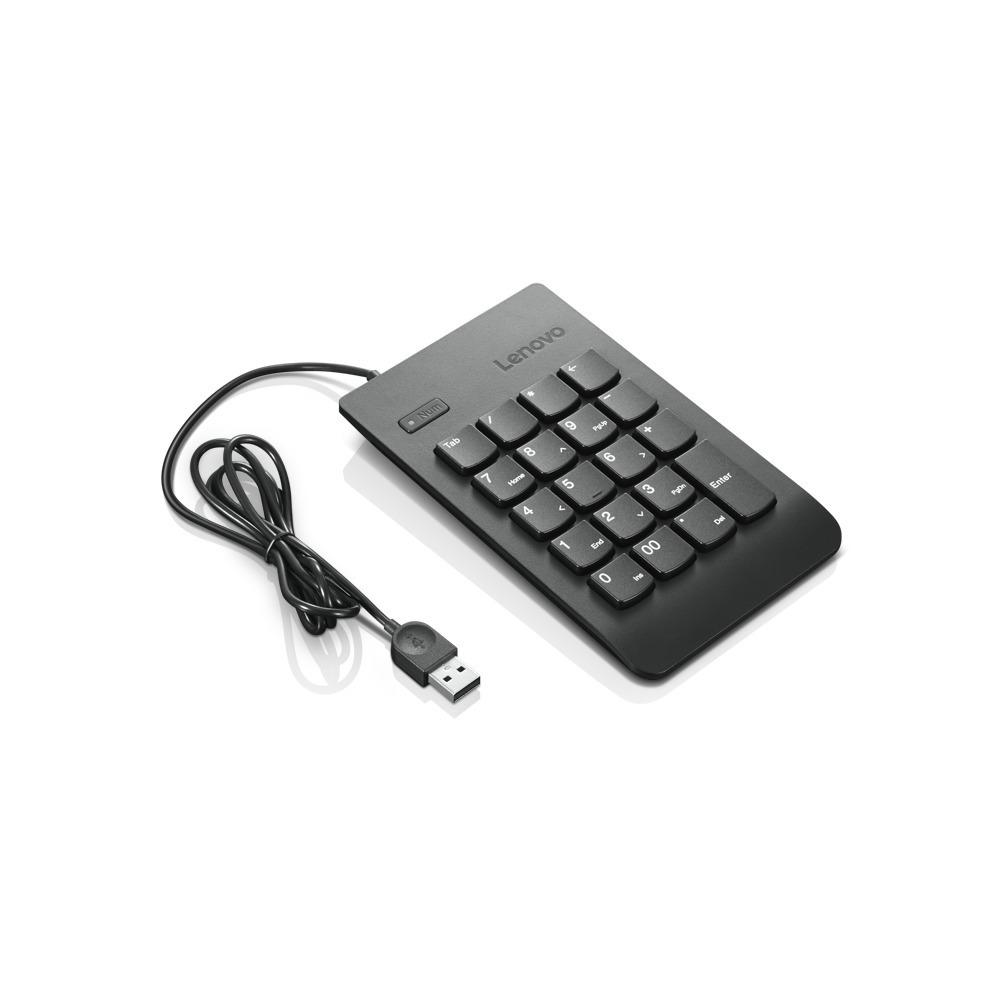
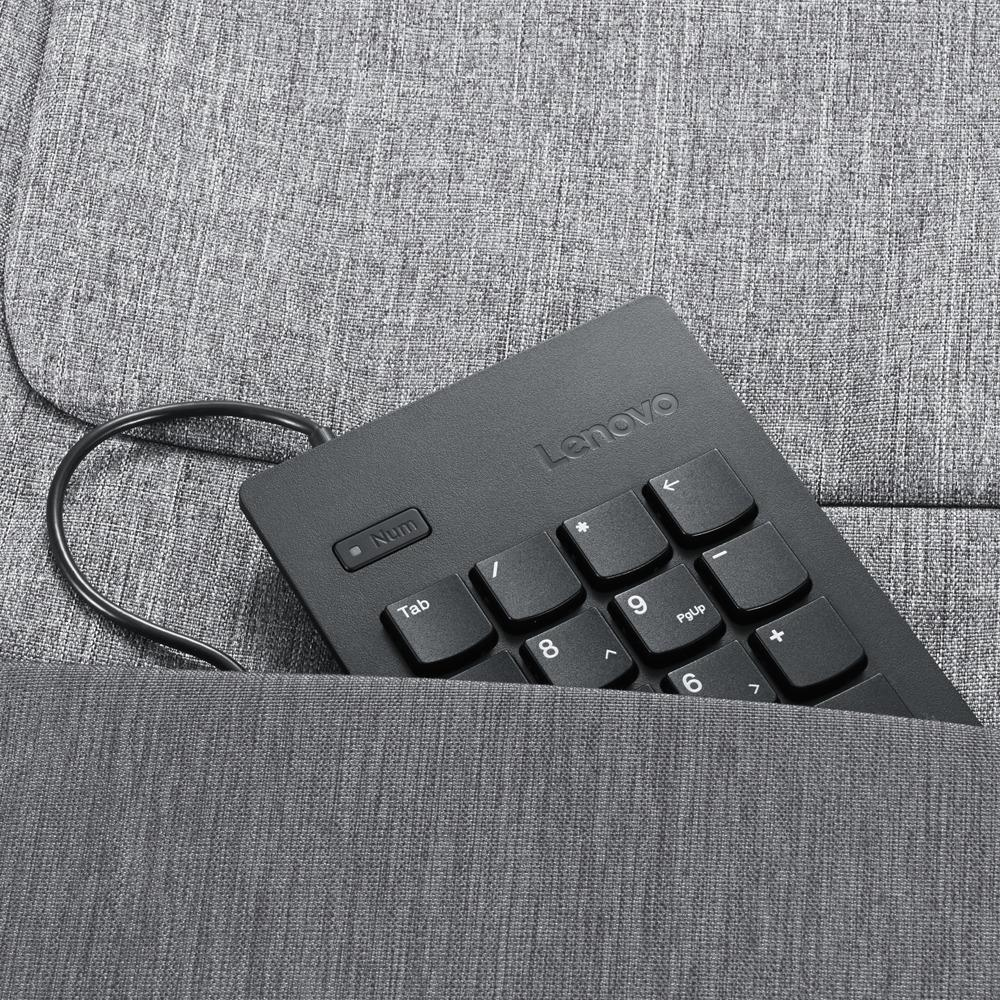
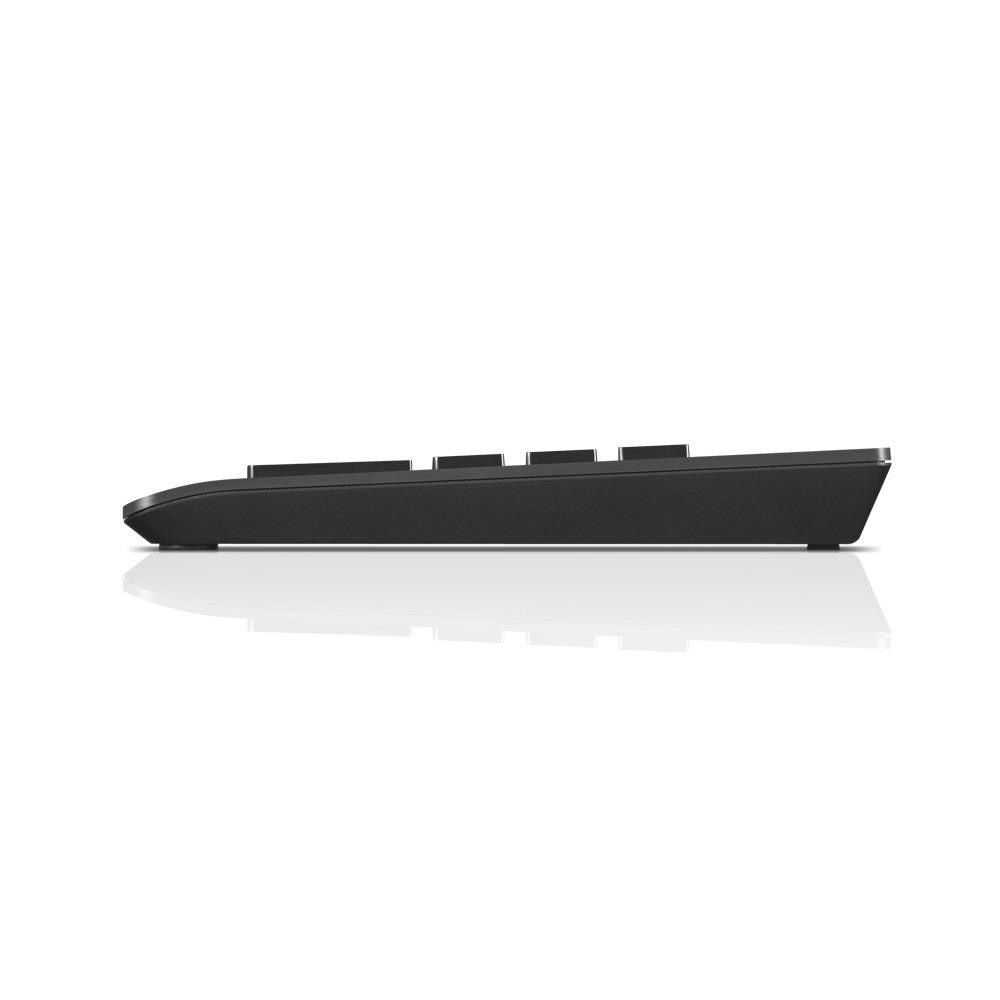
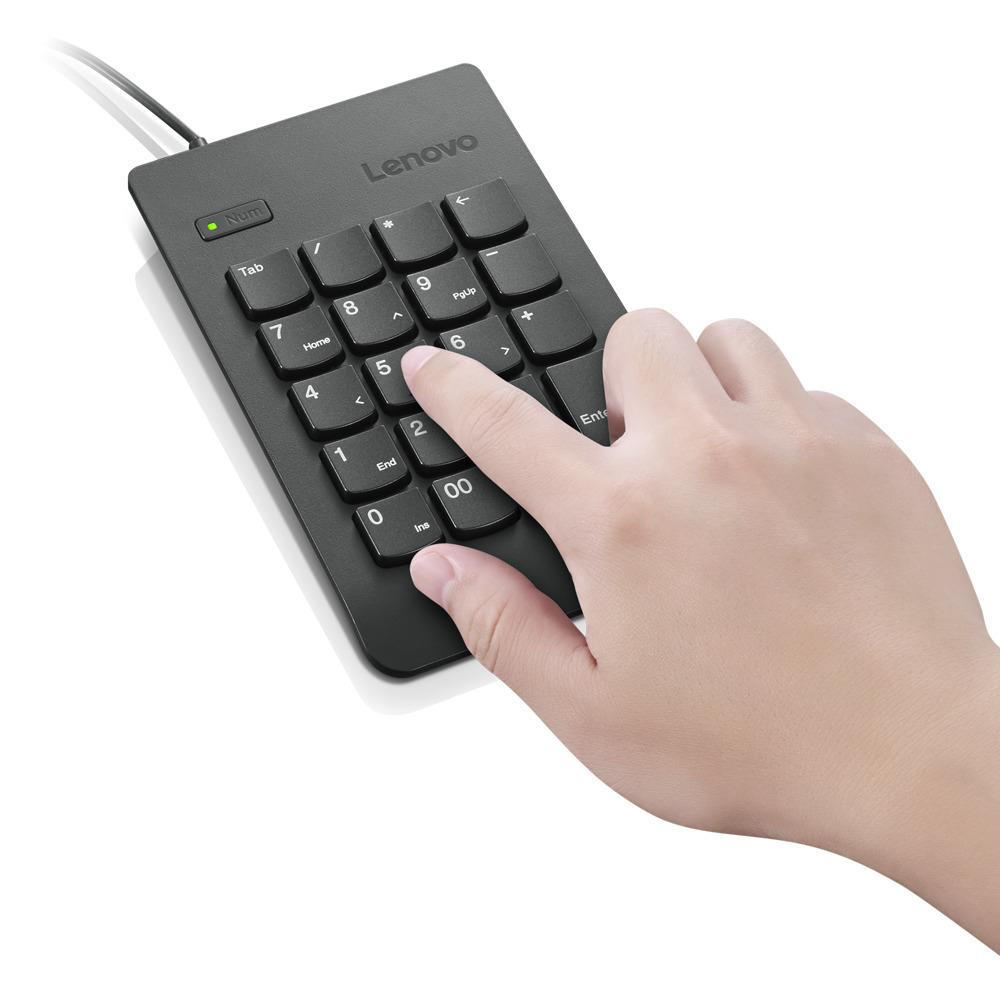
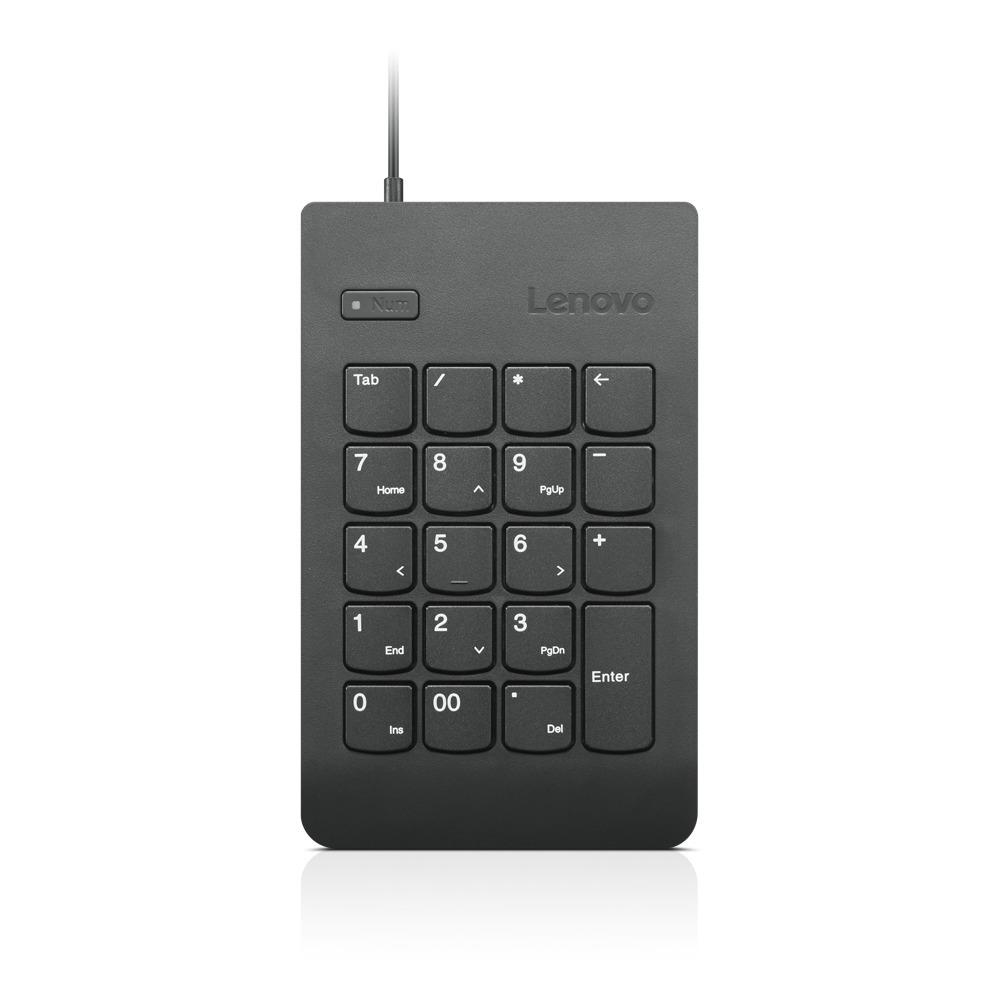
Lenovo’s own summary is the honest one: it has all the features of our classic keypad, but with a more stylish, and functional design. Just plug it in, wait a few seconds, and you’re good to go. It is a 19-key full-size keypad with a driver-free plug and play wired USB connection, so it works on a managed work machine where you cannot install anything. Two details lift it above the basic pads: the NumLock key is isolated and LED-illuminated, which Lenovo describes as making for easy, error-free typing — a Num Lock that has quietly flipped is the cause of most mis-entered columns — and there are dedicated productivity keys, Tab, Backspace and 00/IN, so your hand stays on the pad through a long entry session. It is designed to be light and portable, perfect for the office and travel, and shares a family ID with Lenovo Essential keyboards.
Compatibility — check before buying:
Three checks. The connector is wired USB-A, so a laptop with only USB-C ports needs an adapter — ask and we will include one. The 00 key types two zeros rather than three: if you enter figures in thousands all day, a keypad with a 000 key such as the Inter-Tech KB-120 saves you one more keystroke per number. And the design intent is to match: it carries a family ID with Lenovo Essential keyboards, so it looks right beside one and slightly different beside anything else — relevant if you are standardising a fleet. On the gaps: Lenovo states no dimensions, no weight, no cable length and no operating-system list for this part number on its own product page, so we quote none. There is no backlight on the keys themselves — the LED is the NumLock indicator only.
Best For
✓ Laptops with no number pad
✓ Lenovo Essential keyboard setups being matched
✓ Locked-down work machines where installs are blocked
✓ Anyone who keeps flipping Num Lock by accident
✓ Travel and hot-desk kits
✓ Accounting and data-entry work
Key Features
An LED NumLock you can see
Isolated and illuminated, so the state is obvious at a glance. Most wrong-column entries start with a Num Lock nobody noticed had changed.
Tab, Backspace and 00
Dedicated productivity keys, so moving between fields and correcting a figure does not send your hand back to the main keyboard.
Nothing installs
Driver-free plug and play over USB. Lenovo’s wording is plug it in, wait a few seconds, and you are good to go.
Matched to Lenovo Essential
A shared family ID with the Lenovo Essential keyboards, so a standardised desk actually looks standardised.
Technical Specifications
| Identification |
| Brand |
Lenovo |
| Series |
USB Numeric Keypad Gen II |
| Part Number |
4Y40R38905 |
| EAN / GTIN |
0192563495987 |
| MPN |
4Y40R38905 |
| Keypad |
| Keys |
19, full size |
| Extra keys |
Tab, Backspace, 00/IN |
| Indicator |
LED-illuminated isolated NumLock key |
| Backlight |
None on the keys |
| Colour |
Black |
| Design family |
Lenovo Essential keyboards |
| Connection |
| Interface |
Wired USB |
| Installation |
Driver free, plug and play |
| Cable length |
Not published by Lenovo |
| Operating systems |
Not listed by Lenovo for this part number |
| Physical |
| Dimensions and weight |
Not published by Lenovo — described as light and portable |
| Warranty |
| Warranty |
1-Year Warranty (Singular) |
| Manufacturer Term |
Lenovo does not publish a warranty term for this product on its own pages, and coverage terms vary by region. Singular’s direct warranty is 1 year; for anything beyond that we handle the claim with Lenovo on your behalf — ask us before ordering if the term matters. |
Frequently Asked Questions
Is there a 000 key?
No — Lenovo fits a 00 key, which types two zeros. If you enter figures in thousands all day, the Inter-Tech Eterno KB-120 has a 000 key and saves one more press per number.
Will it work on a Mac?
Lenovo publishes no operating-system list for this part number, so we will not promise it. As a driver-free USB keypad it is not doing anything Lenovo-specific — tell us your machine and we will test one before shipping.
How long is the cable?
Lenovo does not publish a cable length. If the run from your desk to the machine is tight, ask us and we will measure a unit before you order.
Singular Expert Insight
The illuminated NumLock is a small thing that prevents a specific, expensive mistake, and the Tab and Backspace keys are what make a keypad usable for real data entry rather than just digits. See our
keyboard accessories and our
keyboards.
Buyer’s Guide
Buy it if
You want a simple, well-made wired keypad that matches Lenovo Essential kit and shows you the Num Lock state.
Skip it if
You need a 000 key, a published cable length or dimensions, or you want it wireless.
Also consider
The Inter-Tech Eterno KB-120 for 23 keys and a 000 key, or the Kensington wired keypad for scissor switches and a three-year term.