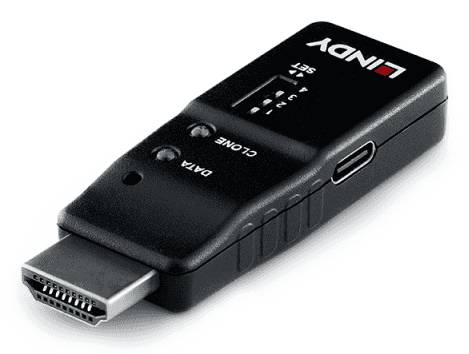
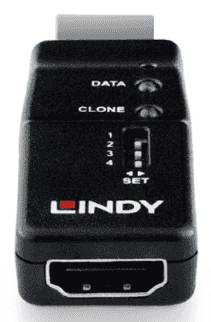
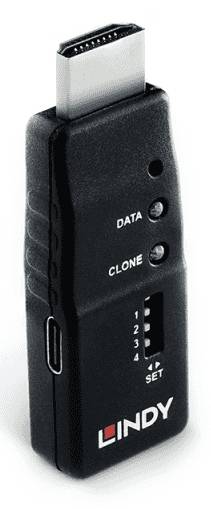
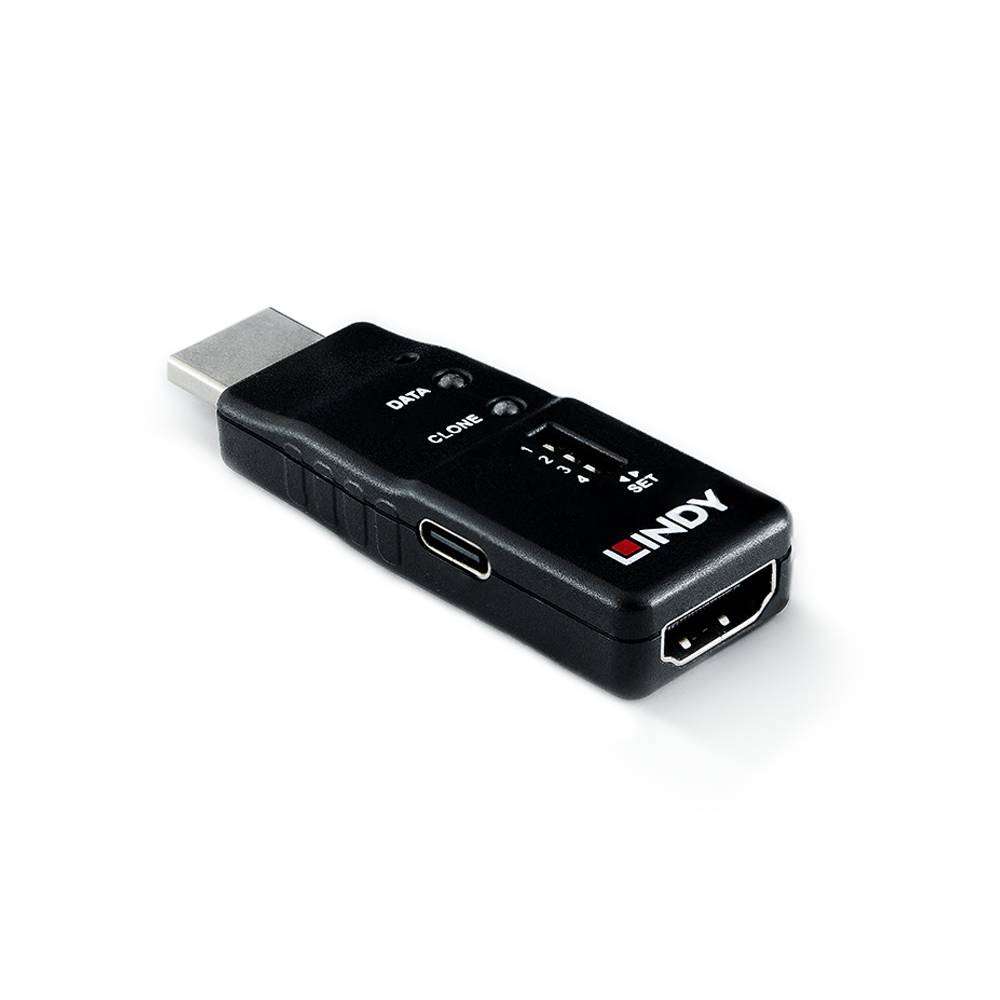
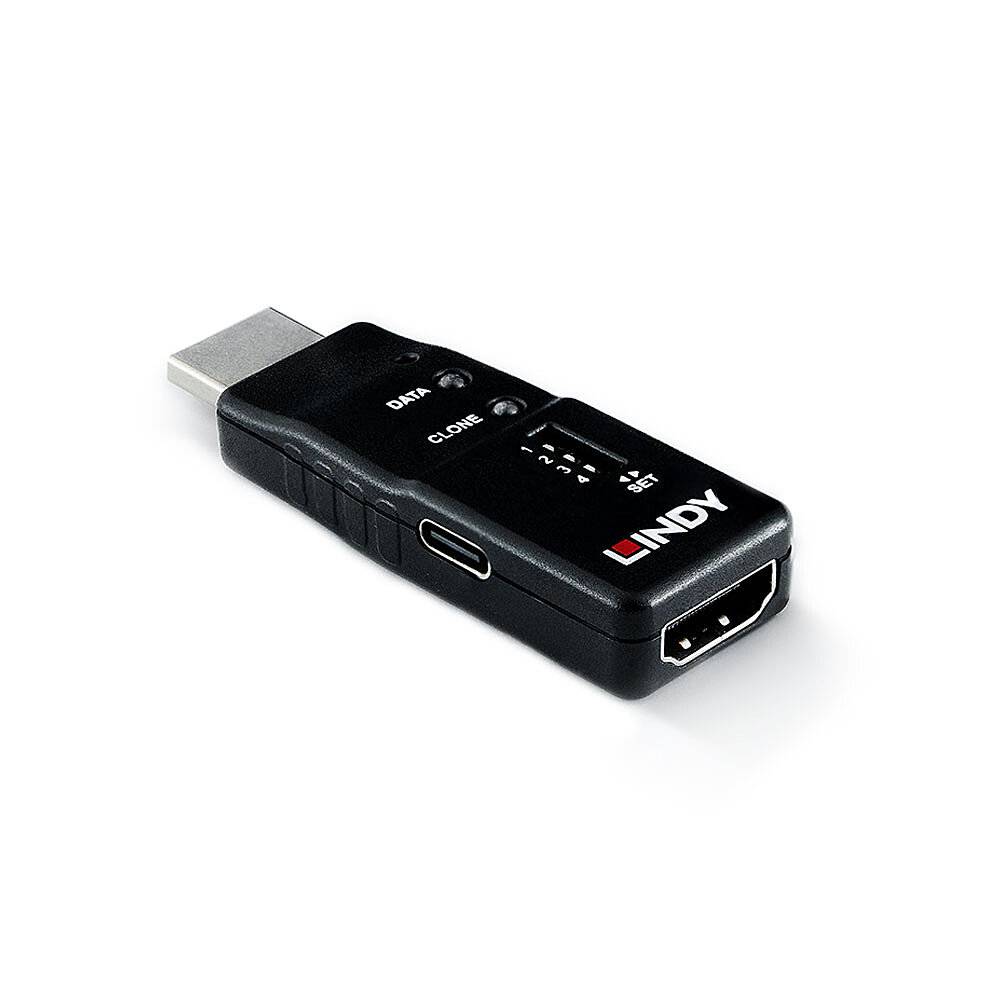
Lindy HDMI 8K60 EDID Feeder — Clones and Holds EDID, 8 Presets, Up to 7680x4320 60 Hz
Continuous EDID emulation8 EDID slots, DIP selectedUp to 7680x4320 60 HzPowered by the HDMI source
The Lindy HDMI 8K60 EDID Feeder, part number 32105, is a small in-line adapter that solves one of the most persistent and least understood faults in AV and IT: the source losing the display’s EDID. When a PC or media player cannot read valid EDID — because a KVM, extender, splitter or switch sits in the path, because the display is off, or because the cable was unplugged — it drops the resolution, rearranges the desktop or outputs nothing at all. This adapter sits between the source and the rest of the chain and presents a valid EDID continuously, whatever happens downstream. It clones EDID directly from a real display in a few seconds, stores up to eight independent EDID profiles, and lets you switch between them with an on-board DIP switch — no software, no re-cloning. It supports resolutions up to 7680x4320 at 60 Hz or 3840x2160 at 120 Hz, with HDR, 3D, Deep Colour and HDCP 1.4, 2.2 and 2.3 pass-through. It works headless — no monitor needs to be connected at all — and it is powered from the HDMI source, so there is no power supply to find. Lindy backs it with a 3-year warranty. Typically in stock with fast delivery across Cyprus.
Compatibility — check before buying:
Two points decide whether this is the right unit, and one is easy to miss. First, what the Feeder presents is the EDID you give it. Out of the box the factory default (EDID1) is a 1920x1080 at 60 Hz profile that supports up to 4K60 — so it does not advertise 8K until you clone or load an EDID that does. The 7680x4320 60 Hz figure is the ceiling the hardware can carry, not the resolution it announces by default. Plan on cloning from the display you actually intend to drive, or loading a .bin EDID file over the USB-C port (custom files follow the naming convention EDID2_yourfilename.bin). Second, this is an EDID device, not a converter or a booster: it does not change the signal format, does not extend distance and does not amplify anything — it manages the handshake information only. Note also that Lindy publishes maximum resolutions rather than an HDMI version number or a bandwidth figure for this unit, and does not publish dimensions, weight or an operating temperature range, so we do not quote any. Finally, distinguish it from its sibling: the HDMI 8K60 EDID Emulator (32119) covers the same resolutions but this Feeder is the one with cloning, eight stored profiles and USB-C file management.
Key Features
Eight independent EDID profiles on a DIP switch
The feature that separates this from a one-shot emulator. Eight slots means one adapter covers a rack of different displays, a test bench, or an installer’s van — you switch profile with a DIP switch in seconds instead of re-cloning against a different monitor every time the job changes.
Clones EDID from a real display in seconds
Connect the target display, press the recessed button with a pin, and the LED flashes blue for about five seconds before going solid. Lindy specifies the whole process at under ten seconds, which is what makes it practical on a high-volume installation rather than a bench curiosity.
Headless operation — no monitor required
Once an EDID is stored, the source behaves as though a display is permanently attached. That keeps a PC or server producing a proper desktop for remote IP access, screen capture, digital signage players and rendering nodes that would otherwise fall back to a minimal resolution when nobody is looking at them.
Fixes the classic KVM, extender, splitter and switch faults
Those devices are where EDID goes missing, and the symptoms are familiar: windows rearranged after a switch, a resolution that reverts, a display that stays black until something is re-plugged, an HDCP handshake that fails on wake. Feeding a constant EDID upstream removes the cause rather than working around it.
Supports HDR, 3D, Deep Colour and HDCP 2.3
Modern signalling passes through intact. HDCP 1.4, 2.2 and 2.3 support matters in particular, because a device in the chain that breaks HDCP negotiation turns protected content into a black screen with no useful error.
Powered by the HDMI source — nothing else to install
No PSU, no USB power lead for operation, no mains outlet to find behind a rack. The USB-C port is there for loading EDID files, not for powering the unit.
Technical Specifications
| Identification |
| Brand |
Lindy |
| Model |
HDMI 8K60 EDID Feeder |
| Part Number |
32105 |
| EAN / Barcode |
4002888321051 |
| Performance |
| Function |
Continuously emulates HDMI EDID information |
| Maximum Resolution |
7680 x 4320 at 60 Hz, or 3840 x 2160 at 120 Hz |
| HDR |
Supported |
| Additional Signal Support |
3D, Deep Colour |
| Content Protection |
HDCP 1.4 / 2.2 / 2.3 pass-through |
| Default Profile |
EDID1 — 1920 x 1080 at 60 Hz, supporting up to 4K60 |
| Note |
Lindy publishes maximum resolutions rather than an HDMI version or bandwidth figure for this product |
| EDID Management |
| Stored Profiles |
Up to 8 cloned resolutions / timings |
| Profile Selection |
On-board DIP switch |
| Cloning |
Press the recessed button with a pin; LED flashes blue for approximately 5 seconds, then solid blue when complete |
| Cloning Time |
Under 10 seconds, as published by Lindy |
| Custom EDID Files |
Loaded over USB-C as .bin files, named EDID2_yourfilename.bin |
| Connections and Power |
| Connectors |
HDMI input and output; USB-C port for EDID file management |
| Power |
Powered via the HDMI source interface — no external power supply |
| Operation |
Headless — no monitor connection required |
| In the Box |
| Contents |
1 x HDMI 8K60 EDID Feeder adapter; 1 x manual |
| Warranty |
| Warranty |
1-Year Warranty (Singular) |
| Manufacturer Term |
Lindy publishes a 3-year warranty on this product. Singular’s direct warranty is 1 year; beyond that we assist you with the manufacturer’s warranty process for its full duration. |
Frequently Asked Questions
What is EDID and why does losing it break things?
EDID is the small block of data a display sends back to the source describing what it can do — resolutions, refresh rates, colour, audio. If the source cannot read it, it has no idea what it is driving and falls back to a safe minimum, or outputs nothing. Anything in the middle of the chain that interrupts that conversation — a KVM, an extender, a splitter, a switch, or simply a display that has been powered off — produces the same family of faults.
Does it output 8K straight out of the box?
No. The hardware supports up to 7680x4320 at 60 Hz, but the factory-loaded EDID1 profile is 1920x1080 at 60 Hz with support up to 4K60. The Feeder presents whatever EDID it holds, so to advertise 8K you must clone it from an 8K-capable display or load a suitable .bin file over USB-C. That is how any EDID device works — it repeats information, it does not invent it.
How do I switch between the eight stored profiles?
With the DIP switch on the unit. Each slot holds one EDID configuration, so you can keep profiles for several different displays or resolutions and change which one the source sees in a couple of seconds, without connecting a monitor or re-running the cloning process.
Will it extend the cable distance or convert the signal?
Neither. This is purely an EDID device — it manages the handshake information and passes the signal through. It does not amplify, re-clock, convert format or add reach. If your problem is distance, you need an extender; if the picture is breaking up over a long cable, this is not the fix.
What is the difference between this and the 32119 EDID Emulator?
Both cover the same 8K60 resolution ceiling. The Feeder (32105) is the one that clones EDID from a real display, stores eight profiles and accepts custom EDID files over USB-C. If you only need a fixed EDID presented to the source, the Emulator is the simpler part; if you need to capture a specific display’s EDID or carry several profiles, this is the one.
Does it need a power supply?
No. It draws its power from the HDMI source interface, so there is nothing to plug in. The USB-C connector on the unit is for transferring EDID files, not for powering it.
Singular Expert Insight
EDID problems are among the most expensive faults in AV because they masquerade as something else. A screen that comes up at the wrong resolution after a KVM switch, a signage player that reverts to 1024x768 overnight, a server whose remote desktop is unusable because nothing is plugged into the graphics port, an HDCP handshake that fails only when the display was off first — all of these are one problem wearing different clothes, and all of them are solved by making sure the source always sees a valid EDID. That is the entire job of this adapter, and it does it without a power supply, without software and without a monitor attached. The eight stored profiles are what make it worth carrying rather than fitting and forgetting: one unit covers a rack of different displays or a series of different jobs. The one thing to understand before deploying it is that it presents the EDID it holds, so the first task is always cloning from the display you actually intend to emulate — the default profile is 1080p60, not 8K. Browse our
PC monitors range for the displays this clones from, and see our
commercial monitors section for signage and fixed-install screens.
Buyer's Guide
Buy it if
A KVM, extender, splitter or switch in the chain is causing resolution drops, rearranged windows or blank screens, or you need a headless PC, server or signage player to keep producing a proper desktop with no display attached.
Skip it if
Your problem is distance or signal degradation rather than the handshake — that needs an extender or an active cable. Also consider the simpler 32119 EDID Emulator if you do not need cloning or multiple stored profiles.
Also consider
Lindy HDMI 8K60 EDID Emulator (32119) where a fixed EDID is enough, Lindy DisplayPort and DVI EDID emulators for other interfaces, or HDMI extenders and splitters for the rest of a distribution chain.