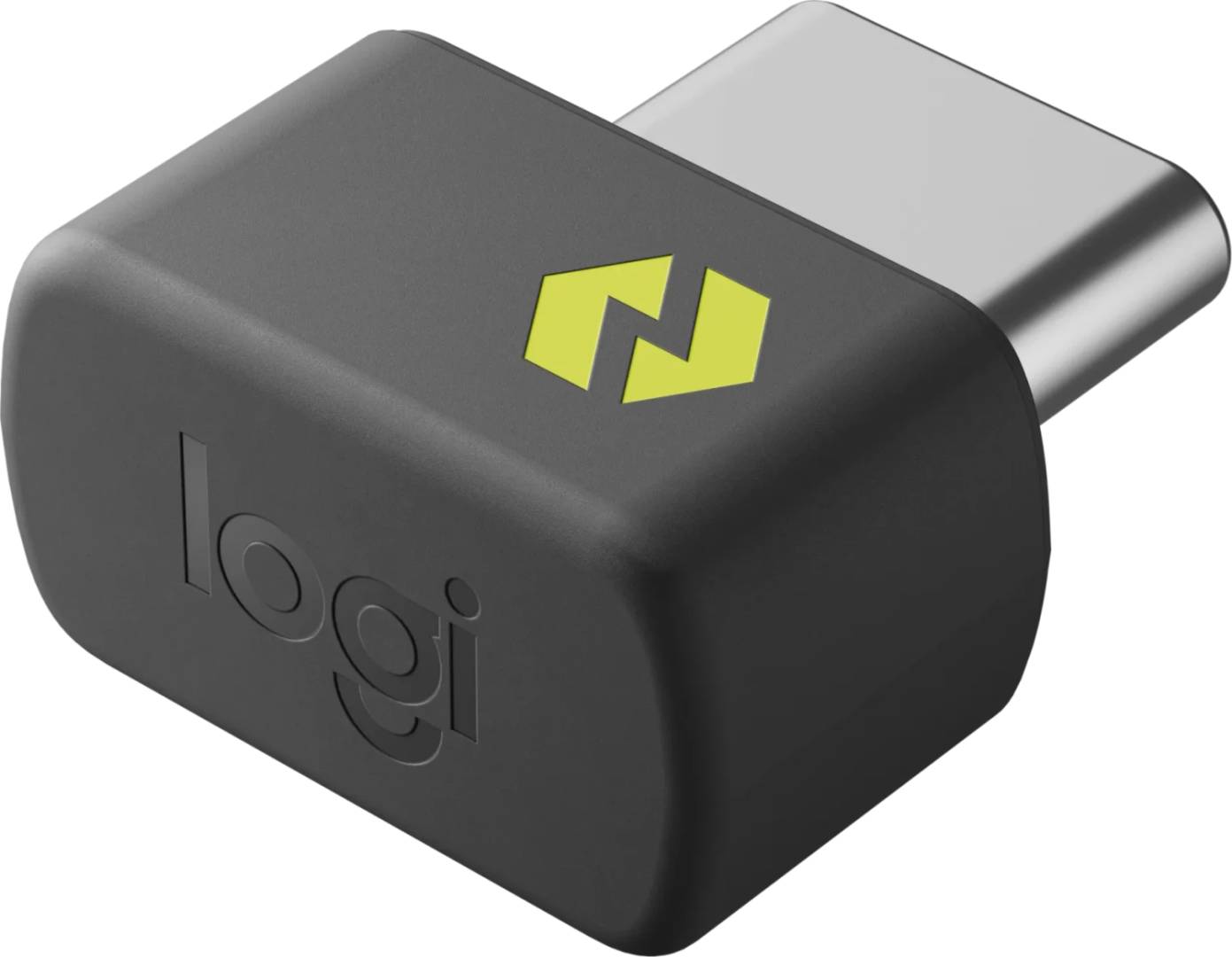
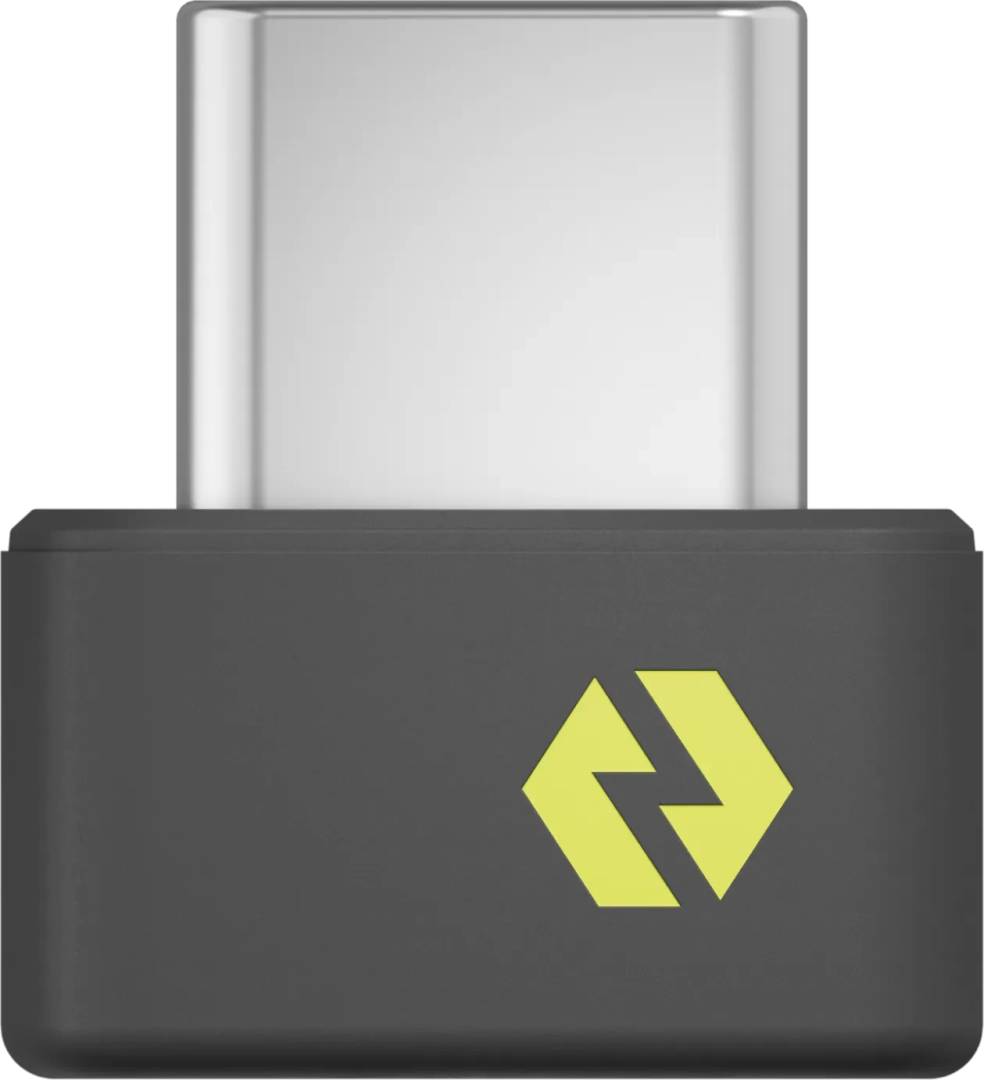
Logitech Logi Bolt USB-C Receiver — Secure Wireless Dongle
USB-CUp to 6 devices128-bit AES10 m range
Logi Bolt is Logitech’s business wireless protocol, and this is the receiver on its own — the part you buy when a dongle has been lost, when a machine is being redeployed, or when you want one receiver serving a whole desk. It connects up to 6 Logi Bolt wireless keyboards and mice to one computer, which is the practical point: one port instead of three. The link is designed for security and high performance, with AES-CCM 128-bit encryption on mouse and keyboard traffic, and Logitech specifies a strong and secure, no drop-off connection for up to 10 metres. It works with Windows, macOS, Linux and ChromeOS. This is the USB-C version, measuring 7.0 x 12.85 x 14.1 mm and weighing 0.97 g, with 85% post-consumer recycled plastic. Full functionality uses Logi Options+, available for Windows 10 or later and macOS 10.14 or later.
Compatibility — check before buying:
The one rule that catches people out: Logi Bolt receivers pair only with Logi Bolt devices. They are not compatible with Logitech’s older Unifying receivers or with Unifying-only mice and keyboards, and a Bolt device will not pair with a Unifying dongle either. Check the small Bolt logo on the underside of your mouse or keyboard before ordering. Because it is USB-C, Logitech lists it for tablets and smartphones as well as laptops and computers — the USB-A version is not listed for those. Two more notes: pairing more than one device is done through Logi Options+ rather than on the dongle itself, so you will need to install it once to add devices beyond the first; and the 10 m figure is a clear-line figure, so a metal desk or a machine inside a cabinet will reduce it. Logitech publishes no battery or power figure for the receiver, as it draws its power from the port.
Best For
✓ Replacing a lost or damaged Bolt receiver
✓ Consolidating several Bolt devices onto one port
✓ Machines being redeployed to a new user
✓ Environments with a security policy on wireless input
✓ Windows, macOS, Linux and ChromeOS alike
✓ IT stores keeping spares on the shelf
Key Features
Six devices, one port
A single receiver takes up to six Logi Bolt keyboards and mice, which on a docked laptop is five ports you get to keep.
Encryption, published
AES-CCM 128-bit on mouse and keyboard traffic — the reason Bolt exists and the reason it passes security reviews Unifying does not.
Ten metres, no drop-off
Logitech specifies a strong, secure connection with no drop-off up to 10 m, so a receiver in a dock under the desk still reaches the keyboard.
Four operating systems
Windows, macOS, Linux and ChromeOS are all published, so one spare part covers a mixed fleet.
Technical Specifications
| Identification |
| Brand |
Logitech |
| Series |
Logi Bolt USB-C Receiver |
| Part Number |
956-000157 |
| EAN / GTIN |
5099206129979 |
| Colour |
Graphite |
| Wireless |
| Protocol |
Logi Bolt |
| Devices per receiver |
Up to 6 |
| Encryption |
AES-CCM 128-bits, mouse and keyboard |
| Range |
Up to 10 m |
| Transmission power |
2 mW |
| Compatible with Unifying |
No |
| Physical |
| Connector |
USB-C |
| Dimensions |
7.0 x 12.85 x 14.1 mm |
| Weight |
0.97 g |
| Materials |
85% post-consumer recycled plastic |
| Compatibility |
| Operating systems |
Windows, macOS, Linux, ChromeOS |
| Software |
Logi Options+, Windows 10 or later, macOS 10.14 or later |
| Host |
Laptop, computer, tablet or smartphone with a USB-C port |
| Warranty |
| Warranty |
1-Year Warranty (Singular) |
| Manufacturer Term |
Logitech publishes a 2-year limited hardware warranty for this model on its warranty pages. Singular’s direct warranty is 1 year; beyond that we assist you with the manufacturer’s warranty process for its full duration. |
Frequently Asked Questions
Will it work with my Unifying mouse?
No. Logi Bolt and Unifying are different protocols and are not cross-compatible. Check for the Bolt logo on the underside of your device — if it shows the orange Unifying star instead, you need a Unifying receiver.
How do I add a second device to it?
Through Logi Options+, which you install once on the computer. The first device usually pairs on plug-in; anything beyond that is added in the software.
How is it different from the USB-A receiver?
Same protocol, same six devices, same encryption and range. The USB-C version is smaller at 7.0 x 12.85 x 14.1 mm and lighter at 0.97 g, uses 85% post-consumer recycled plastic, and is the one Logitech lists for tablets and smartphones as well as computers.
Singular Expert Insight
Buy this for what it removes: two USB ports and a security objection. The Bolt-versus-Unifying trap is the only thing to get right, and it takes ten seconds to check the logo on your mouse. See our
keyboard accessories and our
wireless mice.
Buyer’s Guide
Buy it if
You have Logi Bolt keyboards and mice and need a receiver — as a replacement, a spare, or to put several devices on one port.
Skip it if
Your devices are Unifying rather than Bolt, or your machine has no USB-C port free.
Also consider
The other Logi Bolt receiver in USB-A, or a Logi Bolt keyboard and mouse set if you are starting from scratch.