Logitech MX Master 4 — Wireless Performance Mouse with Haptic Actions Ring, Graphite
Haptic Sense Panel + Actions Ring8,000 DPI Darkfield, tracks on glassMagSpeed wheel + thumbwheel70 days per charge, 3 computers
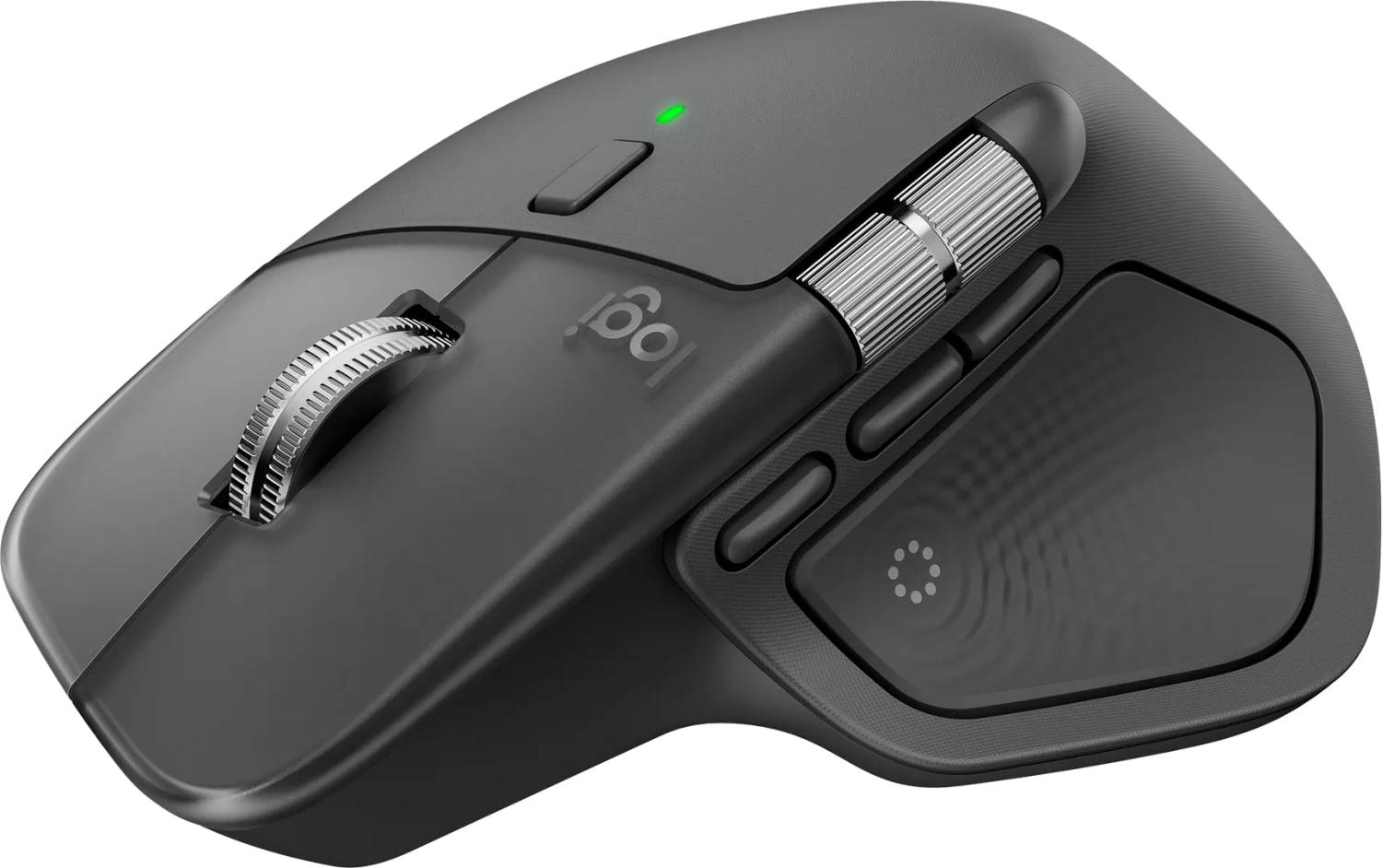
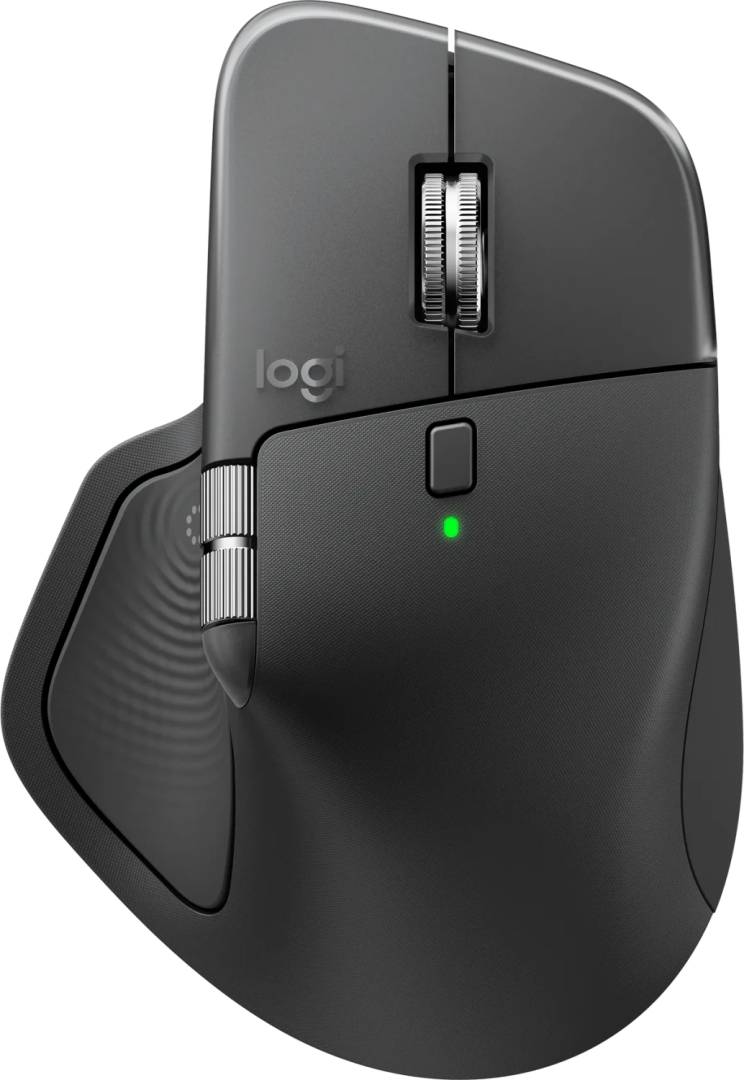
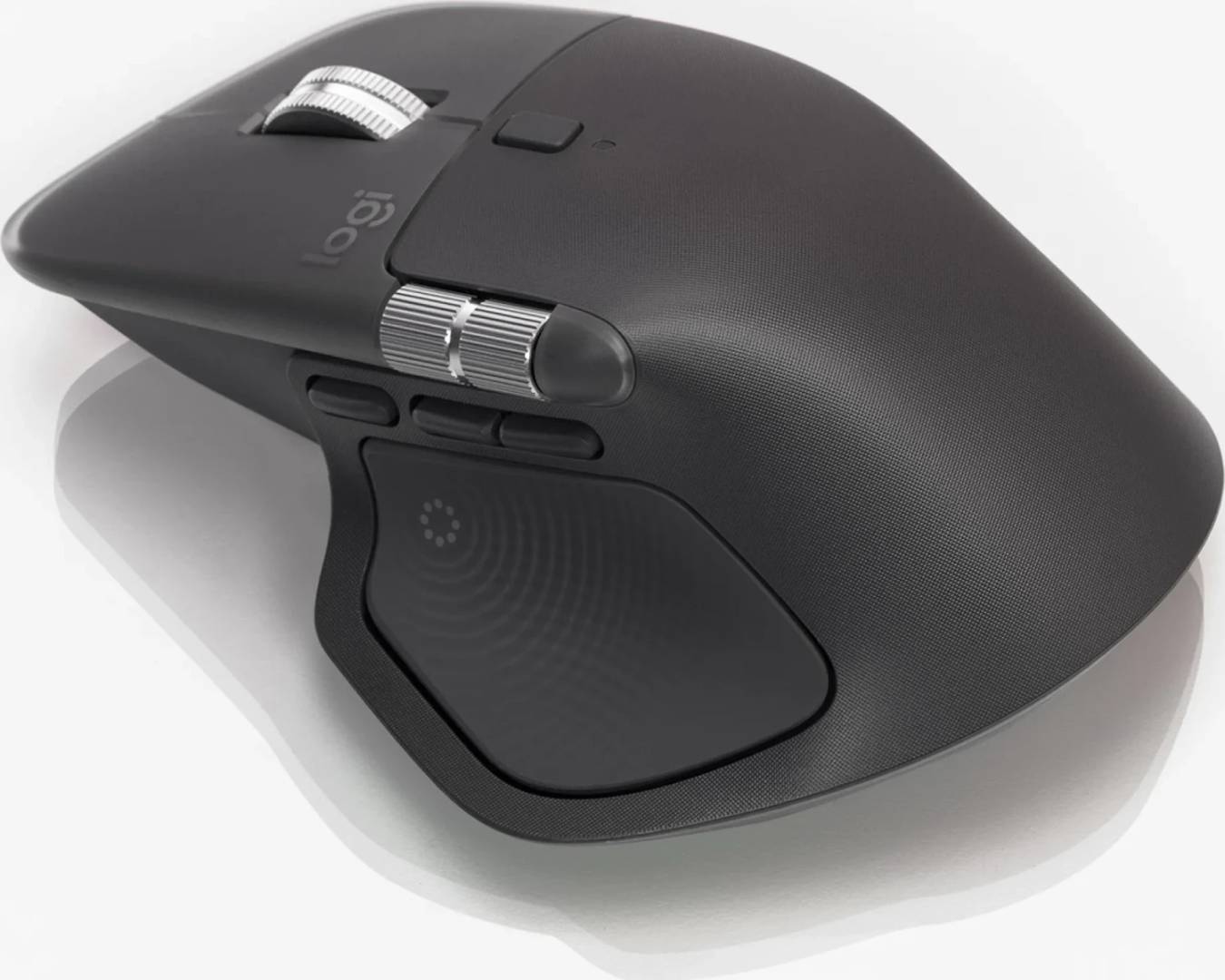
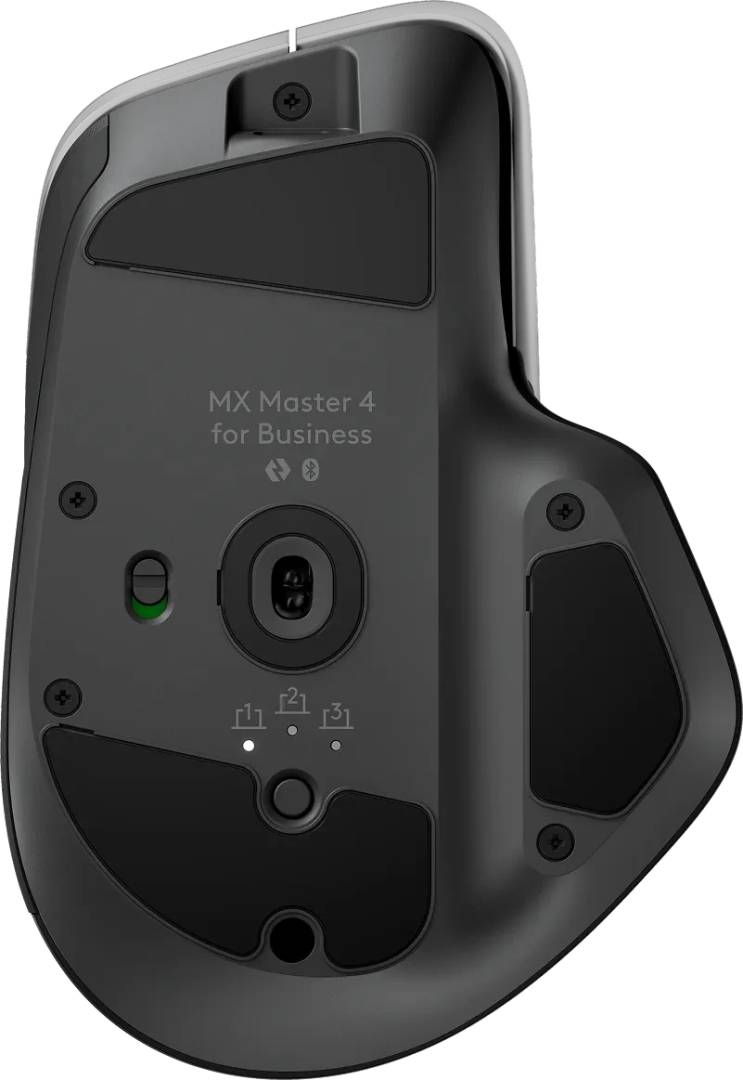
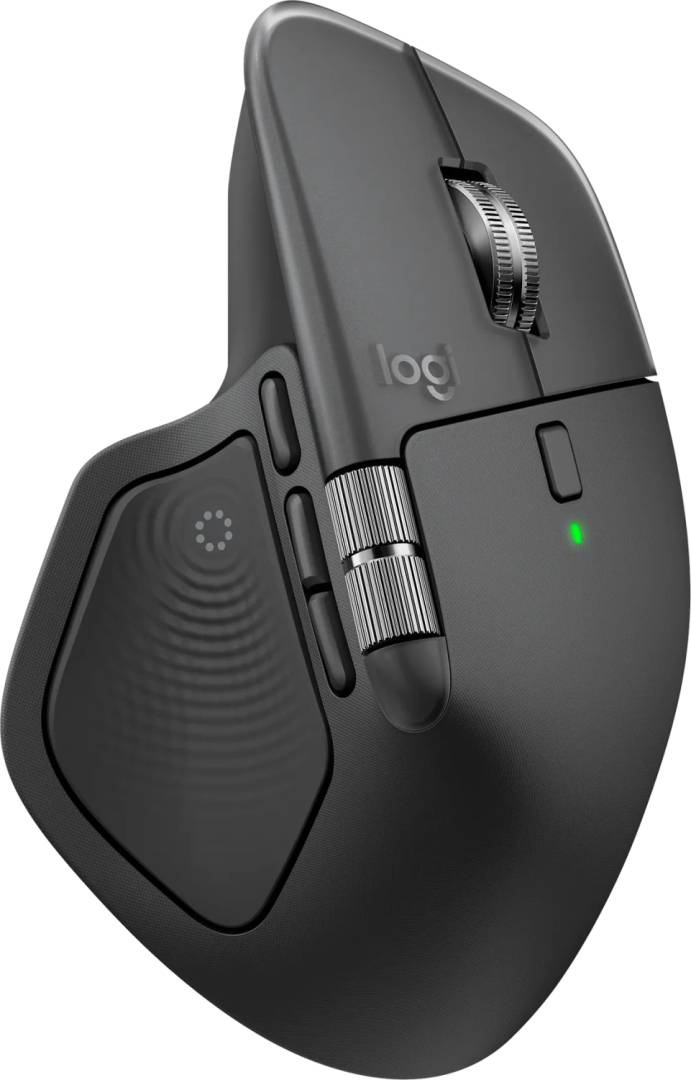
The Logitech MX Master 4 is the new generation of the MX Master: the same sculpted right-handed shape, Darkfield 8,000 DPI sensor that tracks on glass and MagSpeed electromagnetic wheel, now with a haptic sense panel under the thumb. Press it and an Actions Ring appears on screen with shortcuts for the app you are in — Logitech claims up to 33% time saved on common tasks — and the panel gives a tactile pulse as you use it. It pairs with three computers over Bluetooth or the included USB receiver with what Logitech calls twice the connection strength of its predecessor, and the 650 mAh battery runs up to 70 days with three hours of use from a one-minute USB-C charge. Graphite, part number 910-007594, EAN 5099206133129, 150 g. Tell us which applications you live in and we will confirm the Actions Ring supports them.
Compatibility — check before buying:
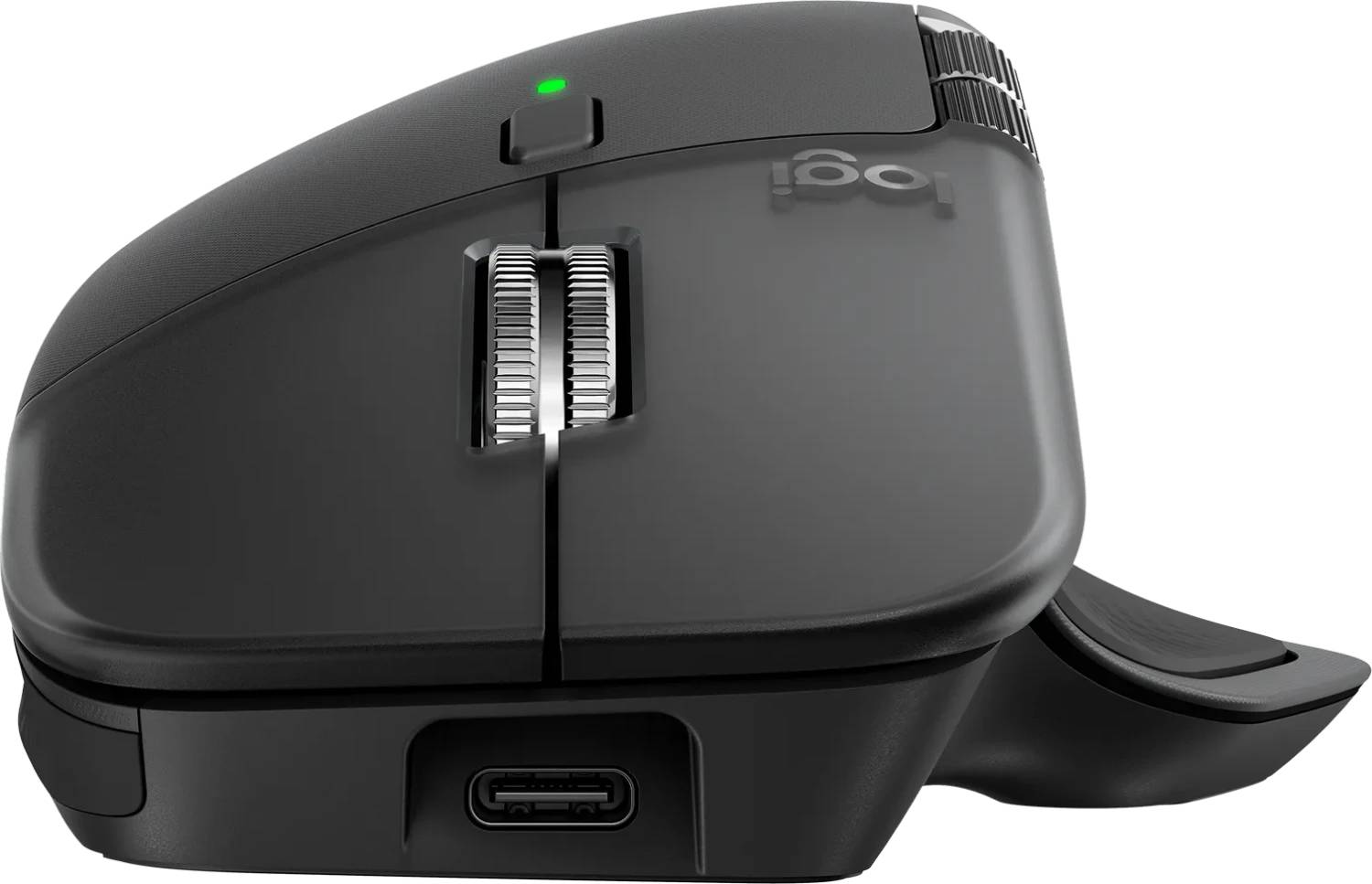
Right-handed only — the thumb panel, thumbwheel and thumb rest are on the left side. Connects over Bluetooth Low Energy or the included USB receiver; Logitech’s product page describes the receiver but our sources do not state the connector type, so check whether you need USB-A or USB-C before relying on it — Bluetooth works either way. The Actions Ring and haptics need Logi Options+ (Windows, macOS); the older Logi Options software does not support this mouse. Logitech publishes a 125 Hz report rate, which is normal for an office mouse and not suited to gaming. If you do not want the haptic panel, the MX Master 3S keeps the same sensor and wheel for less.
Best For
✓ Power users who switch apps all day and want shortcuts under the thumb
✓ Office and remote work across a laptop and a desktop
✓ Spreadsheets and long documents with the MagSpeed wheel
✓ Designers and editors who use the thumbwheel and gesture button
✓ Glass or glossy desks
✓ Anyone standardising a new fleet on the current MX Master
Key Features
Haptic Sense Panel and Actions Ring
A touch panel under the thumb opens the Actions Ring: a wheel of shortcuts that changes with the application, confirmed with haptic pulses. Set up in Logi Options+.
Darkfield, MagSpeed, thumbwheel
The Darkfield sensor tracks at 200 to 8,000 DPI on glass; the MagSpeed wheel scrolls 1,000 lines a second and shifts between ratchet and free-spin, with what Logitech rates as 87% more precise ratcheting; the thumbwheel scrolls sideways.
Stronger link, 70 days
Bluetooth or the included receiver for three computers with Easy-Switch, at what Logitech calls twice the connectivity of the previous model. The 650 mAh battery with recycled cobalt gives up to 70 days; one minute of USB-C gives three hours.
Technical Specifications
| Identification |
| Brand |
Logitech |
| Series |
MX Master 4 |
| Part Number |
910-007594 |
| EAN / GTIN |
5099206133129 |
| Performance |
| Sensor |
Darkfield high-precision optical, 200 to 8,000 DPI, tracks on glass |
| Report rate |
125 Hz (8 ms) |
| Controls |
Haptic Sense Panel, gesture button, back, forward, top mode-shift button, wheel click, left, right |
| Scroll |
MagSpeed electromagnetic wheel; thumbwheel for horizontal scroll |
| Actions Ring |
On-screen app-specific shortcuts opened from the haptic panel (Logi Options+) |
| Design |
| Shape |
Right-handed, sculpted with thumb rest |
| Dimensions |
128.15 x 88.35 x 50.8 mm |
| Weight |
150 g |
| Colour |
Graphite |
| Materials |
Post-consumer recycled ABS |
| Wireless & Battery |
| Connection |
Bluetooth Low Energy and included USB receiver; Easy-Switch for 3 computers |
| Range |
10 m |
| Battery |
650 mAh Li-Po with 100% recycled cobalt; up to 70 days; 3 h from a 1-minute charge |
| Charging |
USB-C |
| Software |
Logi Options+ required for Actions Ring and haptics (Windows, macOS) |
| In the Box |
| Contents |
Mouse, USB receiver, USB-C charging cable, documentation |
| Warranty |
| Warranty |
1-Year Warranty (Singular) |
| Manufacturer Term |
Logitech publishes a 2-year limited hardware warranty on this model on its UK support site. Singular’s direct warranty is 1 year; beyond that we assist you with the manufacturer’s warranty process for its full duration. |
Frequently Asked Questions
What does the Actions Ring actually do?
Press the thumb panel and a ring of shortcuts for the current application appears on screen — copy, paste, undo, custom macros — chosen and edited in Logi Options+, with a haptic pulse as feedback.
MX Master 4 or MX Master 3S?
Same Darkfield sensor and MagSpeed wheel. The 4 adds the haptic panel and Actions Ring, a larger battery and a stronger wireless link; the 3S is lighter (141 g) and cheaper.
Will it work on a laptop with only USB-C?
Yes over Bluetooth. For the receiver, confirm the connector type with us before ordering.
Is it a gaming mouse?
No. It reports at 125 Hz and is built for productivity. Look at the Logitech G range for gaming.
Singular Expert Insight
Buy the MX Master 4 if you will use the Actions Ring — that is the whole upgrade over the 3S, and for heavy app-switchers it is worth it. If you just want the best office mouse, the 3S is the same hardware underneath for less. Both sit in our wireless mice range with the matching MX Keys.
Buyer’s Guide
Buy it if
You switch applications all day and want app-specific shortcuts under your thumb, with the MX Master sensor, wheel and 70 days of battery.
Skip it if
You will not use the Actions Ring (buy the 3S), you are left-handed, or you want a gaming mouse.
Also consider
The MX Master 3S for the same sensor and wheel without the haptic panel, or the MX Keys keyboard to complete the desk.