
Logitech Rugged Folio 920-011206 Protective Keyboard Case for iPad 10th Gen and A16 Smart Connector UK QWERTY Graphite
Μάρκα:
Logitech

Logitech Rugged Folio 920-011206 Protective Keyboard Case for iPad 10th Gen and A16 Smart Connector UK QWERTY Graphite
€207.33 inc. VAT



920-011206
Delivery
Order Today...
Ships...
Delivery...
ℹ️ Large or fragile items (e.g. monitors) may require extra handling time. We'll keep you informed.
Payment options
Trusted Tech Choice
Buying Benefits
Verified
Competitive EU pricing
Delivered to Cyprus from EU stock
Local warranty support
Συνδεθείτε για να μπορέσουμε να σας ειδοποιήσουμε σχετικά με μια απάντηση
Logitech Rugged Folio for iPad (10th gen & A16)
Ultra-protective keyboard case with a sealed, spill-proof keyboard powered through the Smart Connector.
Smart ConnectorMilitary-Grade ProtectionSpill-Proof KeysUK QWERTY
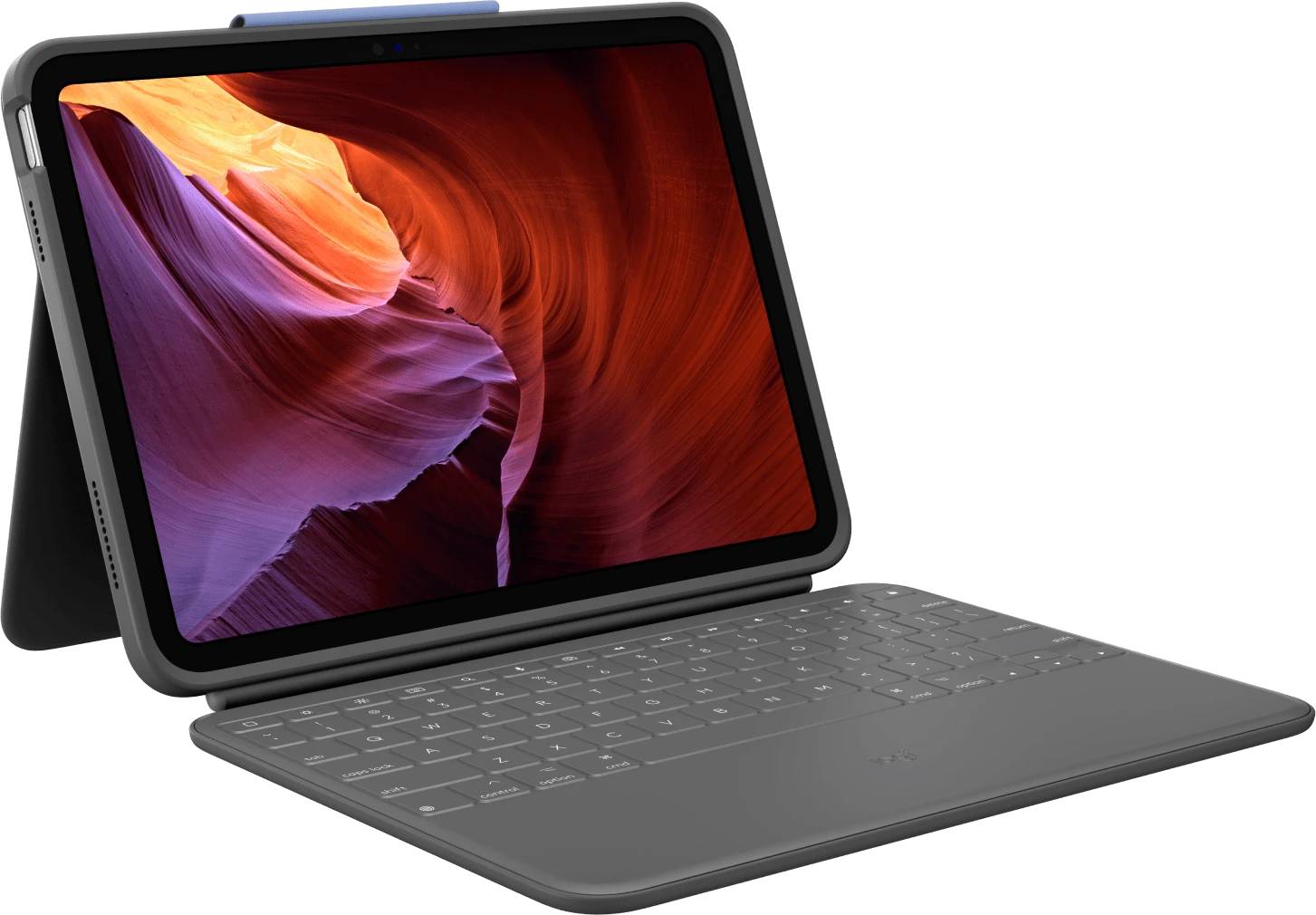
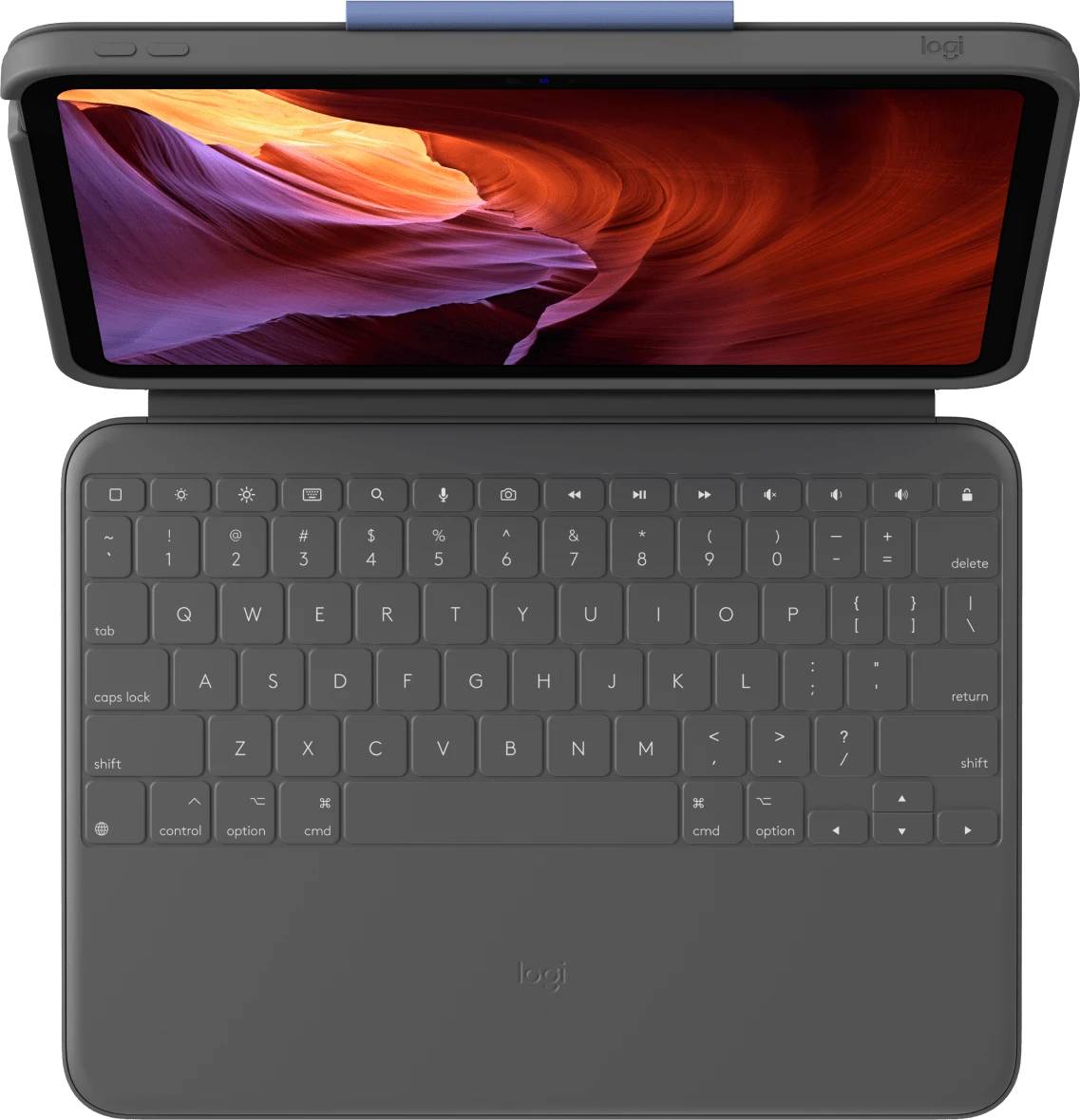
The Logitech Rugged Folio is an ultra-protective keyboard case for the iPad (10th generation) and iPad (A16), built for classrooms, field teams and anyone who needs an iPad that survives drops and spills. This listing is part number 920-011206, the Graphite version with the UK English QWERTY layout.
The keyboard connects and draws power through the iPad Smart Connector, so there is no pairing and no charging. A sealed, wipe-clean keyboard with an iPadOS shortcut row, a flexible 40° kickstand and a built-in pencil holder complete the package. Typically in stock with fast delivery across Cyprus.
Compatibility Note
Fits only the iPad (10th generation) and iPad (A16) — it will not fit iPad Air, iPad Pro, iPad mini or the 9th-gen iPad. Connection is via the Smart Connector on the edge of these iPads (no Bluetooth), and the keyboard is powered by the iPad. Logitech describes the protection as meeting or exceeding military-standard drop tests; it is not waterproof — only the keyboard is spill-proof.
Best For
✓Schools & 1:1 student iPads
✓Field service & site work
✓Warehouses & retail floors
✓Shared or loaned iPad fleets
✓Kids and heavy daily use
✓Typing without charging or pairing
Key Features
Smart Connector power
Snap the iPad in and start typing — no Bluetooth pairing, no batteries and no charging.
Military-grade protection
Rugged shell and reinforced corners designed to meet or exceed military-standard drop tests.
Sealed, spill-proof keyboard
A wipe-clean membrane keeps dust and liquid out, and the keys are designed for quiet typing.
Flexible kickstand
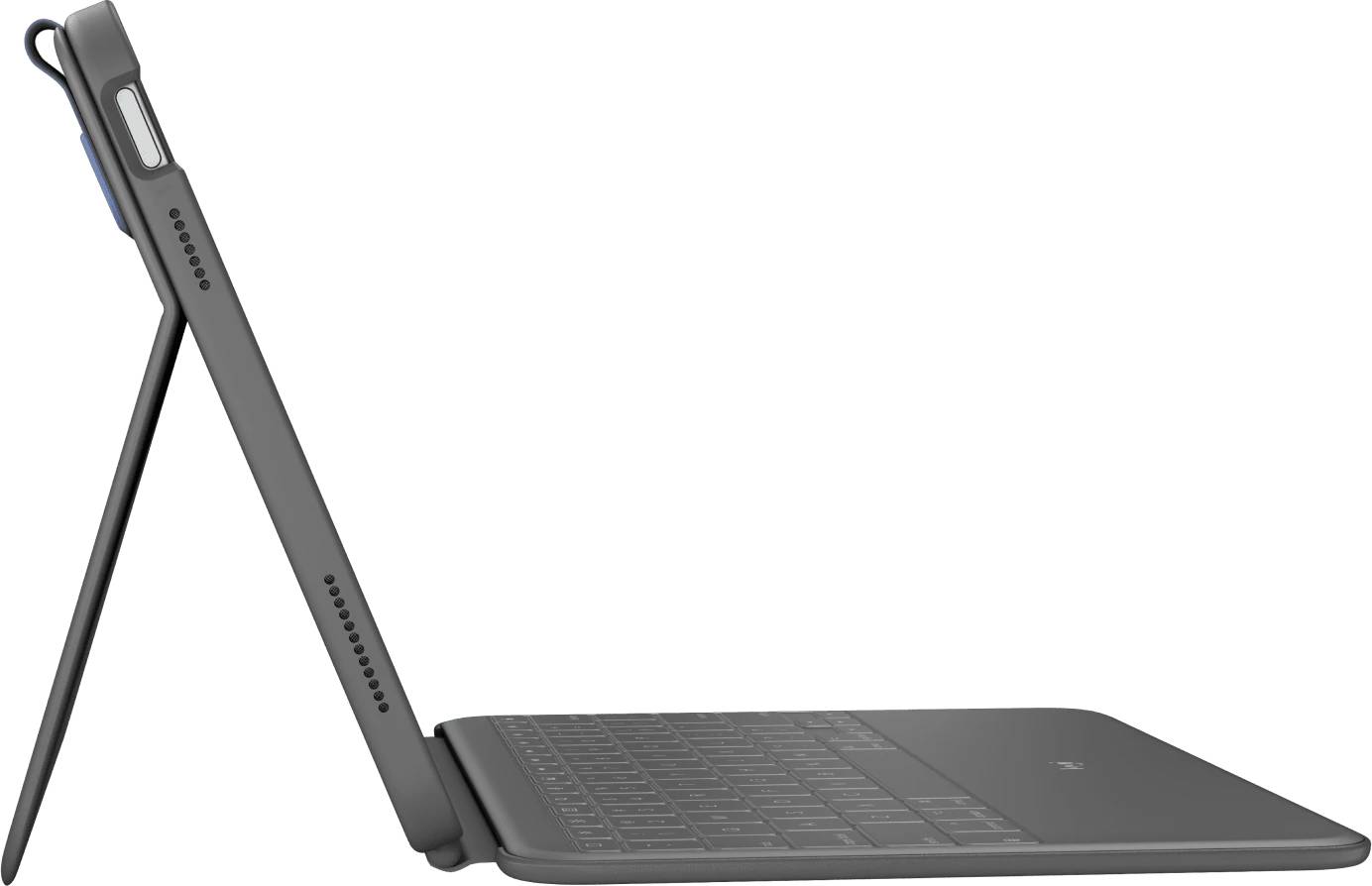
Up to 40° of tilt with Type, View, Sketch and Read modes, plus space to store a pencil.
Technical Specifications
Frequently Asked Questions
Singular Expert Insight
For schools and field teams, the Rugged Folio removes the two biggest headaches of iPad keyboards: charging and pairing. Its Smart Connector design means every device is ready to type as soon as it is handed out. If protection is less critical, the lighter Logitech Slim Folio costs less; if you want a trackpad, look at the Logitech Combo Touch.
Buyer's Guide
Buy it if
You deploy iPad (10th gen/A16) devices to students or field staff and need drop and spill protection with zero charging.
Skip it if
You want a trackpad, backlit keys or the lightest possible case.
Also consider
Logitech Slim Folio (lighter, Bluetooth) or Logitech Combo Touch (trackpad + backlit keys).
Colour
grey
Technical specifications
Compatible Platforms
- iOS
Χαρακτηριστικά
Product Code
CF88130
EAN Code
5099206106772
Manufacturer
Logitech