
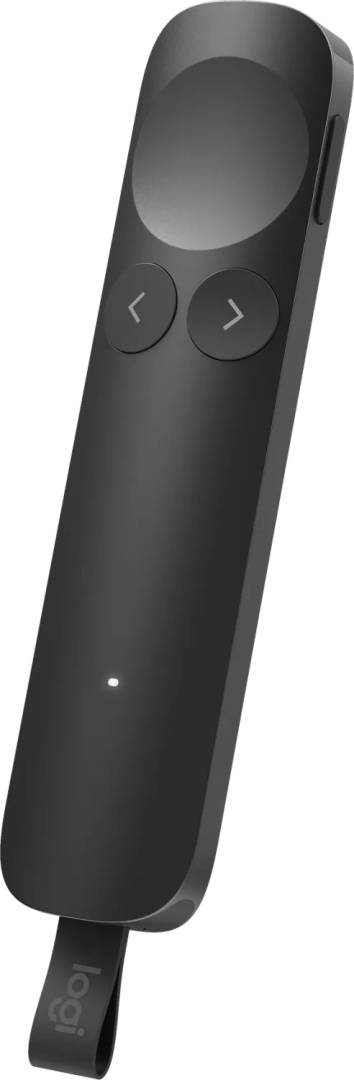
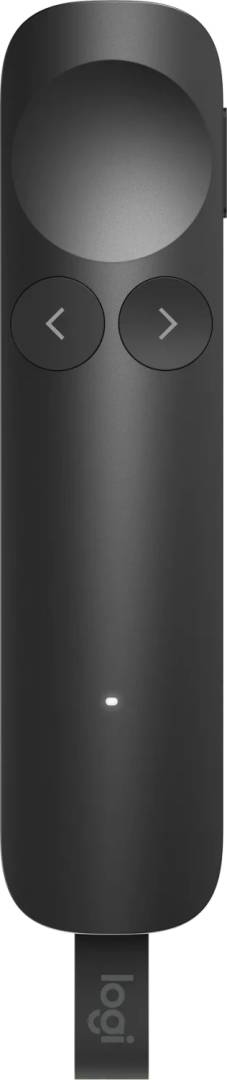
Logitech Spotlight 2 Wireless Presentation Remote 910-007672 Dual USB-C Receiver Bluetooth 30m Haptic Graphite
Μάρκα:
Logitech



910-007672
Delivery
Order Today...
Ships...
Delivery...
ℹ️ Large or fragile items (e.g. monitors) may require extra handling time. We'll keep you informed.
Payment options
Trusted Tech Choice
Buying Benefits
Verified
Competitive EU pricing
Delivered to Cyprus from EU stock
Local warranty support
Συνδεθείτε για να μπορέσουμε να σας ειδοποιήσουμε σχετικά με μια απάντηση
Logitech Spotlight 2 Advanced Wireless Presentation Remote
Haptic FeedbackDual USB-C + BluetoothUp to 30 m RangeUp to 3-Month Battery
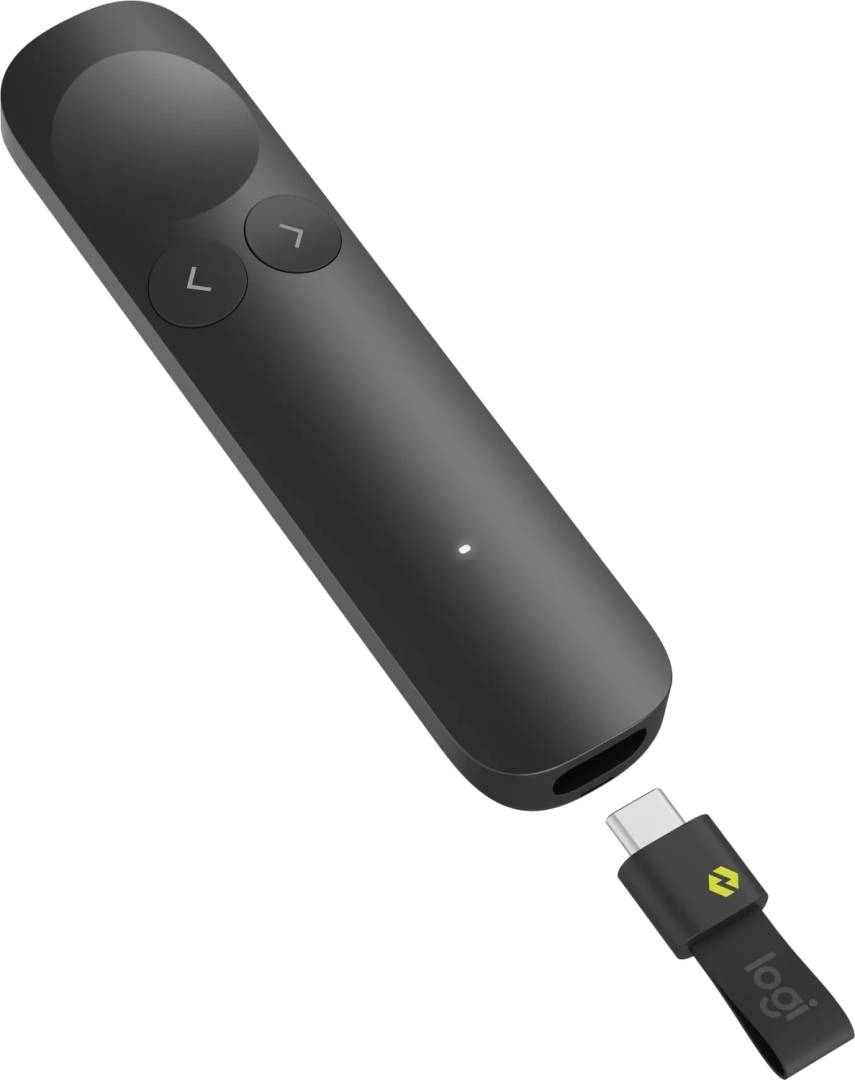
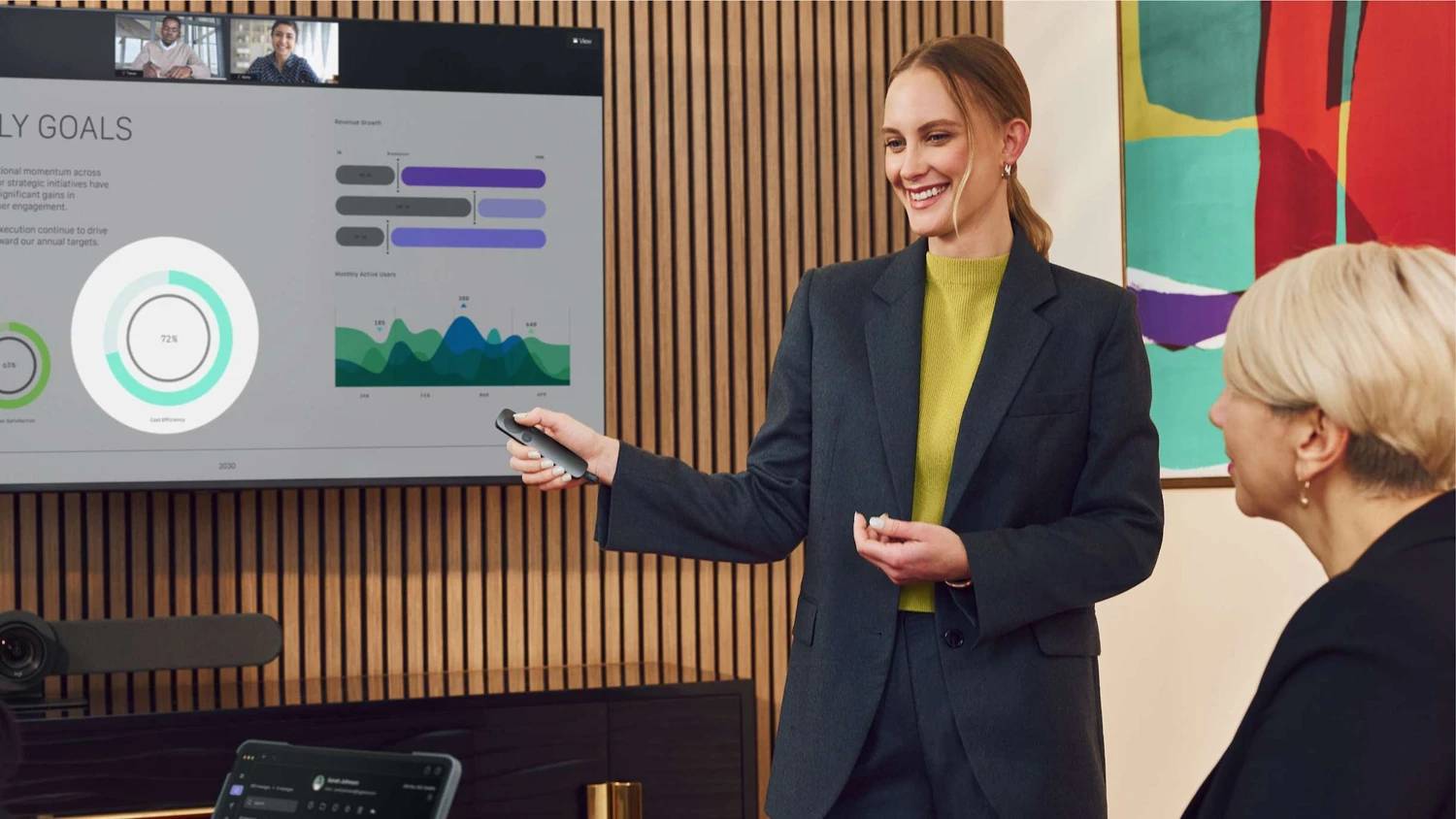
The Logitech Spotlight 2 (part number 910-007672) is an advanced wireless presentation remote that lets you control slides and highlight on-screen content from up to 30 metres away, built for presenters, lecturers and trainers who want to command a room without standing behind a laptop. It adds haptic feedback and refined digital highlighting effects over the original Spotlight, and connects through either an included Logi Bolt USB-C receiver or directly via Bluetooth. Typically in stock with fast delivery across Cyprus.
Before you buy — connection & software
The bundled Logi Bolt receiver plugs into a USB-C port — on USB-A-only computers you will need a USB-C adapter, or you can connect over Bluetooth instead. To unlock highlighting effects, custom button actions and on-screen pointer control, install the free Logi Options+ app (Windows and macOS). Out of the box the Next/Back and presentation controls work without software.
Best For
✓Conference talks and keynote presentations
✓University lectures and large lecture halls
✓Corporate training and sales pitches
✓PowerPoint, Keynote and Google Slides users
✓Presenters who highlight detail on screen
✓Anyone moving freely around the room
Key Features
Advanced Digital Highlighting
Draw your audience’s eye with a digital spotlight, on-screen magnifier, freehand annotations and a digital pointer — no laser, so it works on any display, screen-share or video call.
Haptic Feedback
Silent vibration alerts keep you on schedule with discreet timer reminders and low-battery warnings, so you stay focused on the room instead of the clock.
Dual Connectivity & Long Range
Connect via the included Logi Bolt USB-C receiver or directly over Bluetooth Low Energy, and present from up to 30 m / 100 ft away.
Technical Specifications
Frequently Asked Questions
Singular Expert Insight
For most presenters the Spotlight 2 is the sweet spot in Logitech’s line-up: the digital highlighting works on any screen (unlike a laser, which fails on LED walls and video calls), and the new haptic alerts let you track timing without glancing down. If you only click through slides occasionally and never highlight, a simpler R400-style presenter costs far less. Choose the Spotlight 2 when on-screen emphasis, longer range and a premium feel actually matter to your talks.
Buyer’s Guide
Buy it if
You present often, want digital highlighting that works on any display, and value haptic timing alerts and a 30 m range.
Skip it if
You only need basic next/back clicks — a budget RF presenter does that for much less without the highlighting features.
Also consider
The original Logitech Spotlight if you prefer a USB-A receiver, or a simple Logitech R500s for plain slide control on a tight budget.
Colour
grey
Interface
- USB Type-C,
- Bluetooth
Χαρακτηριστικά
Product Code
CR22574
EAN Code
5099206135833
Manufacturer
Logitech