
Logitech K400 Plus Wireless Touch Keyboard 920-007145 Built-in Touchpad Unifying Receiver 18 Months Battery US Intl Black
Μάρκα:
Logitech

Logitech K400 Plus Wireless Touch Keyboard 920-007145 Built-in Touchpad Unifying Receiver 18 Months Battery US Intl Black
€50.02 inc. VAT
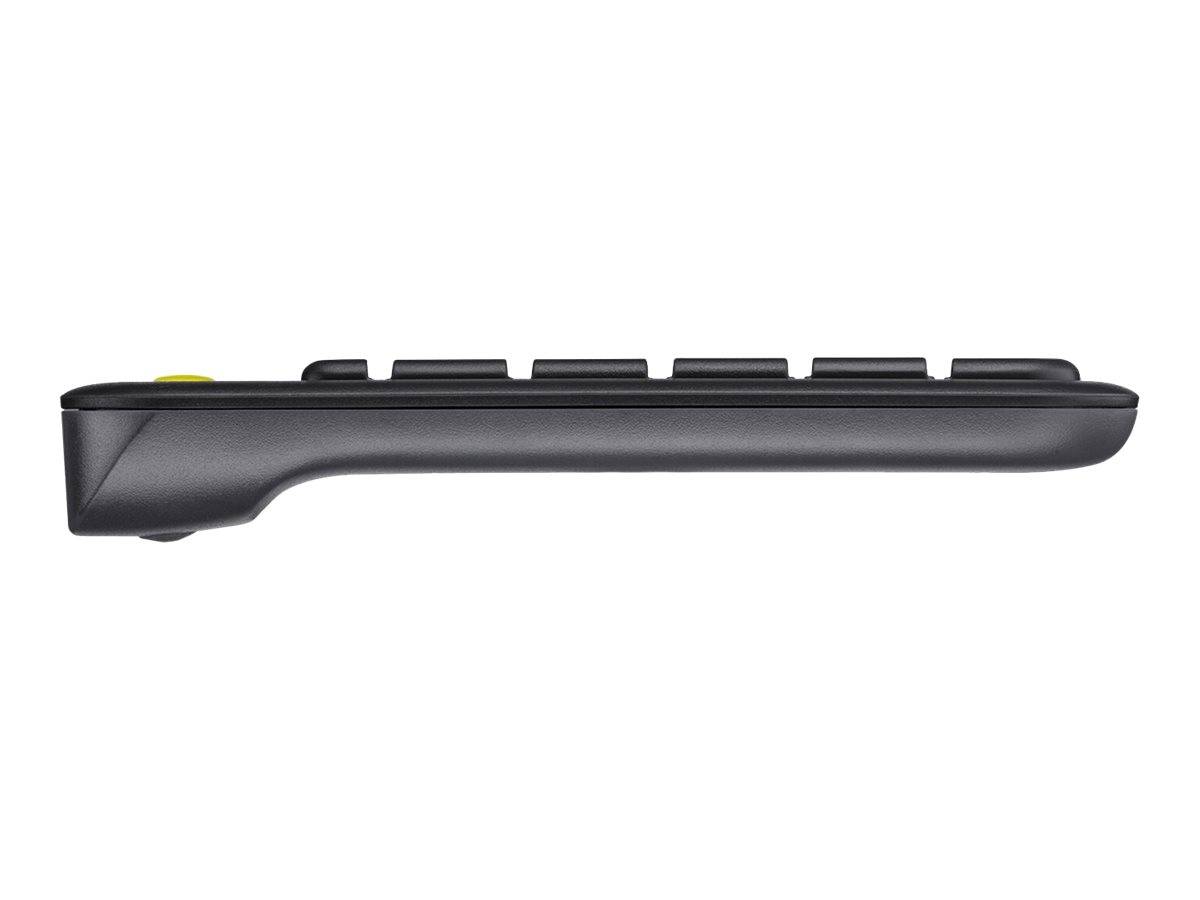


920-007145
Delivery
Order Today...
Ships...
Delivery...
ℹ️ Large or fragile items (e.g. monitors) may require extra handling time. We'll keep you informed.
Payment options
Trusted Tech Choice
Buying Benefits
Verified
Competitive EU pricing
Delivered to Cyprus from EU stock
Local warranty support
Συνδεθείτε για να μπορέσουμε να σας ειδοποιήσουμε σχετικά με μια απάντηση
Logitech K400 Plus — Wireless Touch Keyboard with Touchpad, US International, Black
Built-in touchpadUnifying receiver18-month battery60 ml spill tested
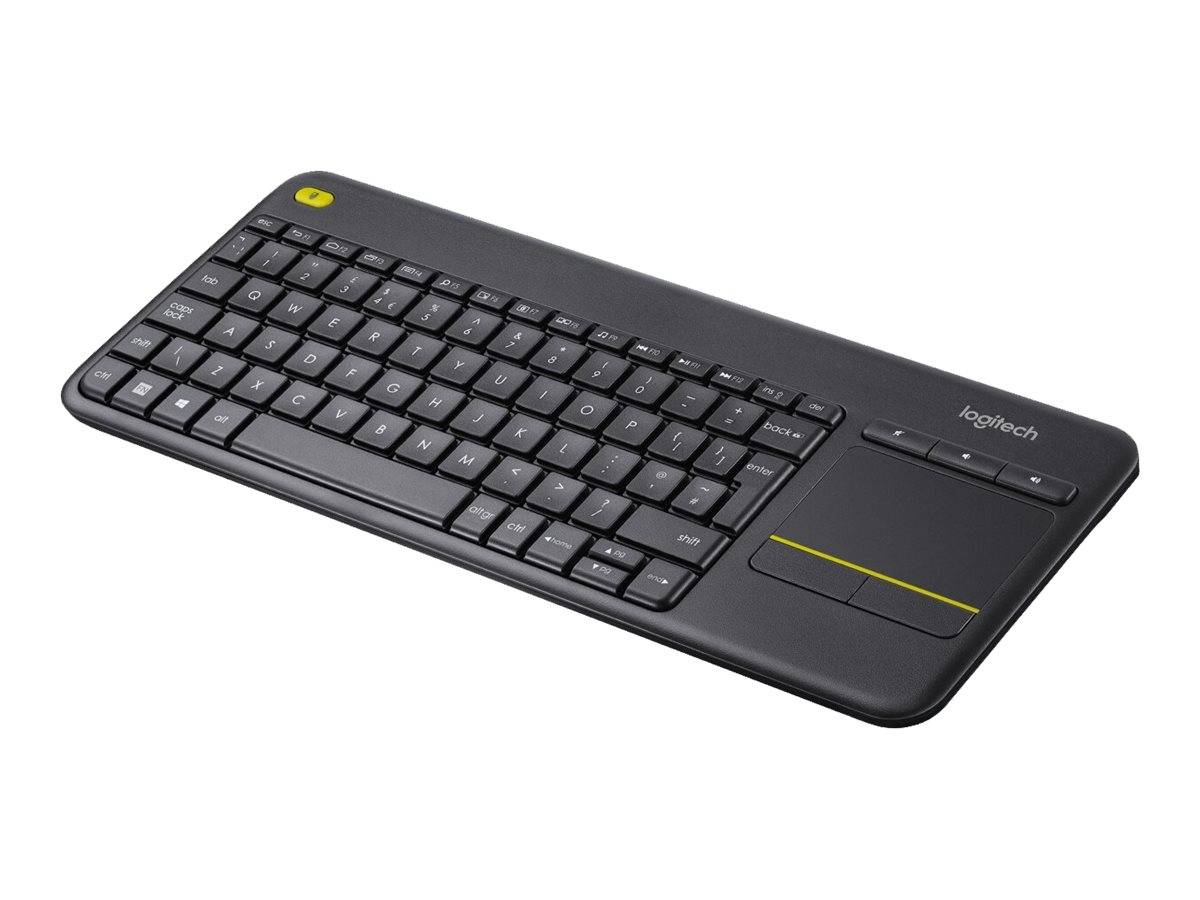
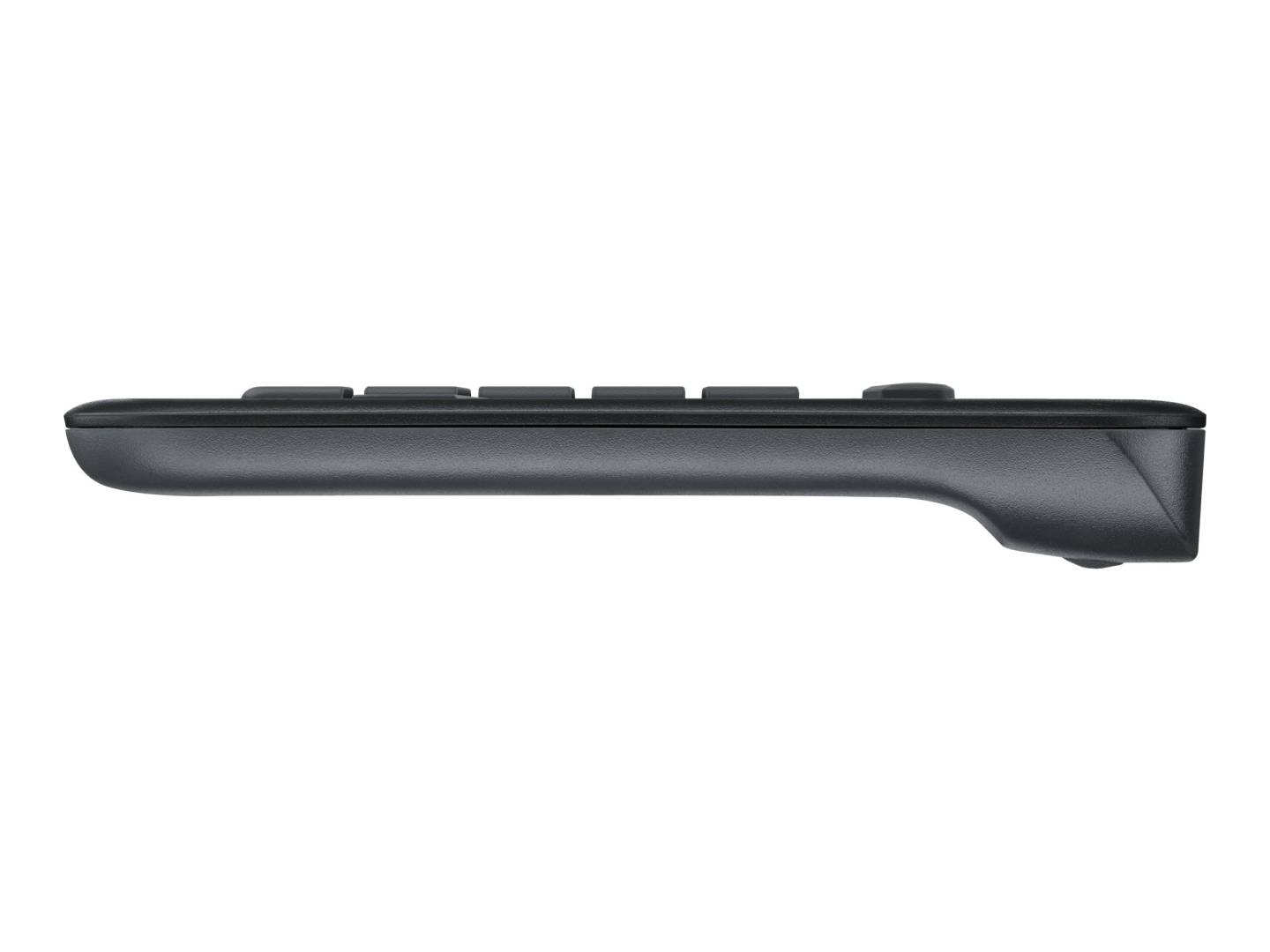
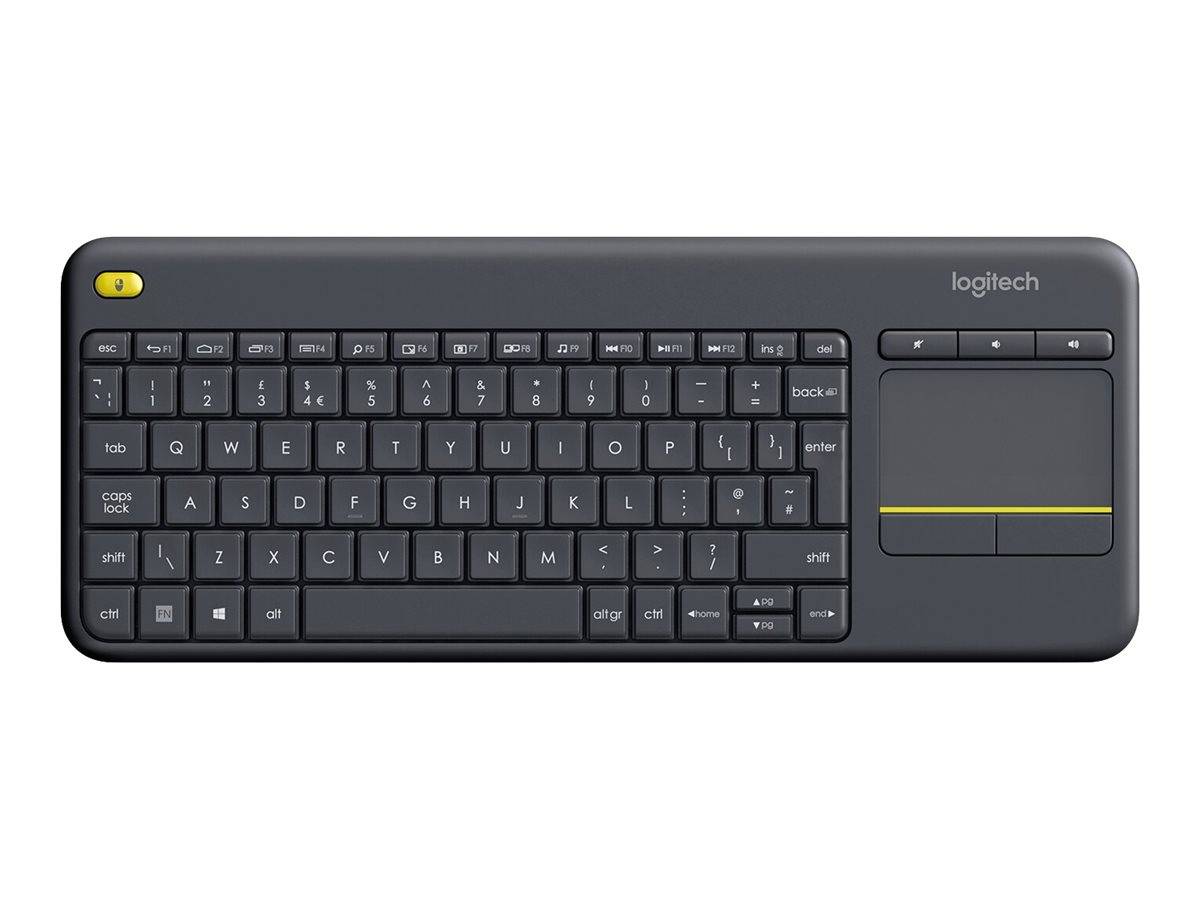
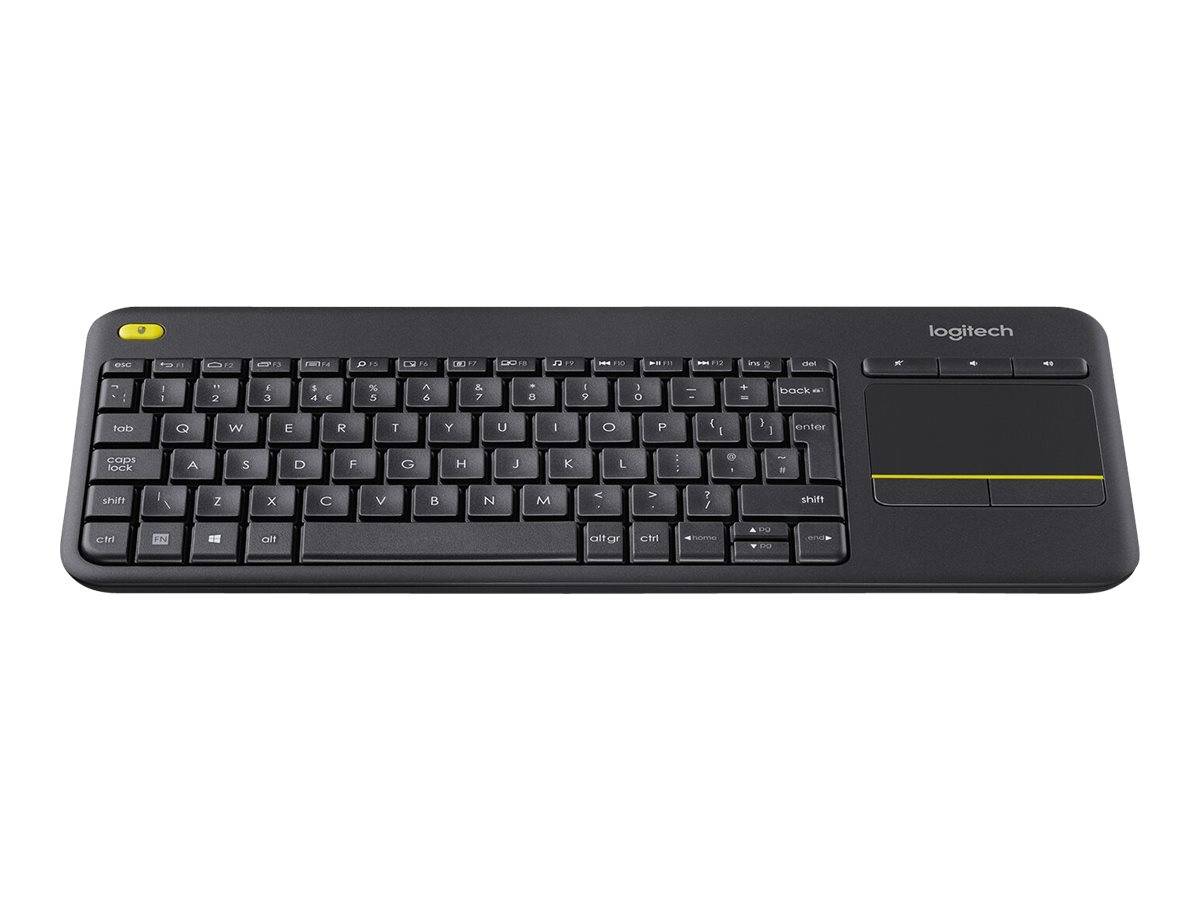
The Logitech K400 Plus (920-007145) is the keyboard for a sofa, a lectern or a media PC — anywhere there is no desk to put a mouse on. The touchpad is built in on the right, so one hand can navigate while the other types, and the whole thing sits comfortably on a lap. It connects through the supplied Logitech Unifying receiver with a range of about 10 m, which is enough to drive a screen from across a room, and runs up to 18 months on its batteries. Logitech tests it for spill resistance with up to 60 ml of liquid, which matters more on a coffee table than on a desk. It works with Windows, Android and Chrome OS. In the box: keyboard, Unifying receiver, batteries and documentation.
Compatibility — check before buying:
Layout: US International QWERTY is the layout most people in Cyprus type on: wide Enter key, @ above 2. If your current keyboard is UK layout, the Enter key changes shape and a few symbols move, but letters and numbers are identical. The link is 2.4 GHz through the supplied Unifying receiver, which needs a free USB-A port — a USB-C-only machine or a TV without USB-A needs an adapter. Because it is Unifying, a replacement receiver can be bought and paired if this one is lost. There is no Bluetooth, so it will not pair directly with a phone, a tablet or most smart TVs; a TV must have a USB port that accepts a keyboard receiver, so check that before ordering for a television. Logitech lists Windows, Android and Chrome OS — macOS is not listed. There is no backlight and no numeric keypad. Logitech does not publish the key count, the touchpad dimensions, the battery type, a weight or the physical dimensions for this model on the pages we can access.
Best For
✓ Media PCs and living-room computers driven from a sofa
✓ Presentations and lecterns where there is no desk
✓ Workshops, warehouses and kitchens with no room for a mouse
✓ Digital signage and kiosk machines
✓ Anywhere the keyboard is used on a lap
✓ Windows, Android or Chrome OS devices with a USB-A port
Key Features
The mouse is already in it
A touchpad on the right of the keyboard means one device instead of two, and no flat surface needed to use it.
Ten metres of range
Enough to sit across the room from the screen — the reason this keyboard ends up next to so many televisions.
Eighteen months of battery
Long enough that the keyboard outlives most of the setups it is bought for, on batteries included in the box.
Spill tested to 60 ml
Tested against the accident that actually happens on a coffee table rather than a desk.
Technical Specifications
Frequently Asked Questions
Singular Expert Insight
We sell the K400 Plus mostly for living rooms, lecterns and machines driving a screen from a distance — if it is going on a desk, a normal keyboard and a proper mouse will serve you better. Check the receiver has a USB-A port to live in. Browse the rest of our keyboards or add a mouse from our wireless mice.
Buyer’s Guide
Buy it if
You want one device that types and points, works from ten metres away, and runs for over a year on its batteries, in US International layout.
Skip it if
You need Bluetooth, a numeric keypad, macOS support, a backlight, or a keyboard for a normal desk with a mouse.
Also consider
Logitech K400 Plus in other layouts, or a compact wireless keyboard and mouse set if the machine sits on a desk after all.
Colour
black
Χαρακτηριστικά
Product Code
04:41840
EAN Code
5099206059429
Manufacturer
Logitech