
Apple Mac mini (2026) M6 12-Core CPU, 12-Core GPU Desktop, 32GB Unified Memory, 1TB SSD, 10Gb Ethernet, Silver (CTO, base model MHQK4)
Brand:
Apple


Z1UA-IN23
Delivery
Order Today...
Ships...
Delivery...
ℹ️ Large or fragile items (e.g. monitors) may require extra handling time. We'll keep you informed.
Payment options
Trusted Tech Choice
Buying Benefits
Verified
Competitive EU pricing
Delivered to Cyprus from EU stock
Local warranty support
Please sign in so that we can notify you about a reply
Apple Mac mini (2026) · M6 · 32GB · 1TB SSD · 10Gb Ethernet
M6 12-core CPU32GB unified memory1TB SSD10Gb Ethernet
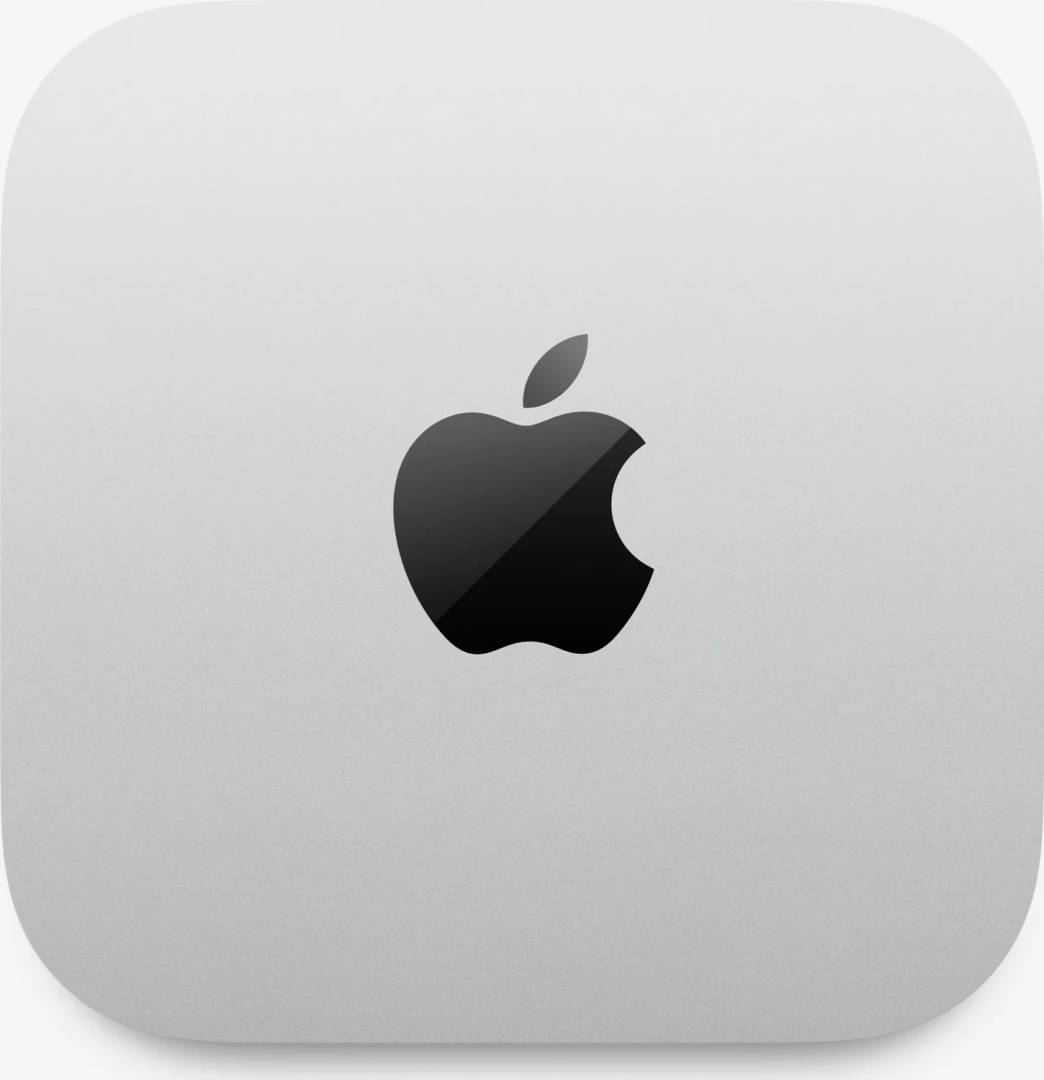
The Apple Mac mini (2026) in this configuration is a 12.7 cm square desktop built on the M6 chip with a 12-core CPU, 12-core GPU, dual 16-core Neural Engine, the maximum 32GB of unified memory, a 1TB SSD and 10Gb Ethernet, aimed at professionals, developers, small studios and offices that work over a fast network and want the most memory the M6 Mac mini offers.
This is a configure-to-order (CTO) build based on the standard M6 Mac mini (Apple base MHQK4, 16GB, 256GB, 2.5Gb Ethernet). It doubles memory to 32GB — which also raises memory bandwidth from 153GB/s to 170GB/s — quadruples storage to 1TB and replaces 2.5Gb Ethernet with the 10Gb Ethernet option.
Before you order: Memory and storage are part of the Apple silicon design and cannot be upgraded after purchase; 32GB is the maximum for the M6 Mac mini. 10Gb Ethernet only reaches full speed with a 10GbE (or multi-gig) switch, NAS and Cat6A cabling. No display, keyboard or mouse is included.
What's in the Box
- Mac mini (M6, 12-core CPU, 12-core GPU, 32GB, 1TB SSD, 10Gb Ethernet)
- Power cord (1.8 m)
- No display, keyboard, mouse or trackpad — these are sold separately
What It Means in Practice
- 10Gb Ethernet makes a NAS or file server feel almost like an internal drive — open and save large photo, video or CAD projects directly over the network.
- 32GB of unified memory gives room for virtual machines, Docker containers, Xcode builds, local AI models and many browser tabs at the same time.
- The M6 chip with 12-core CPU and 12-core GPU (with hardware ray tracing and Neural Accelerators) handles Office, Lightroom, Photoshop and 4K editing in Final Cut Pro comfortably.
- Up to three external displays: two up to 6K at 60Hz plus a third over Thunderbolt or HDMI.
- 1TB internal SSD holds macOS, apps and active projects; long-term files can live on the NAS you reach at 10Gb/s.
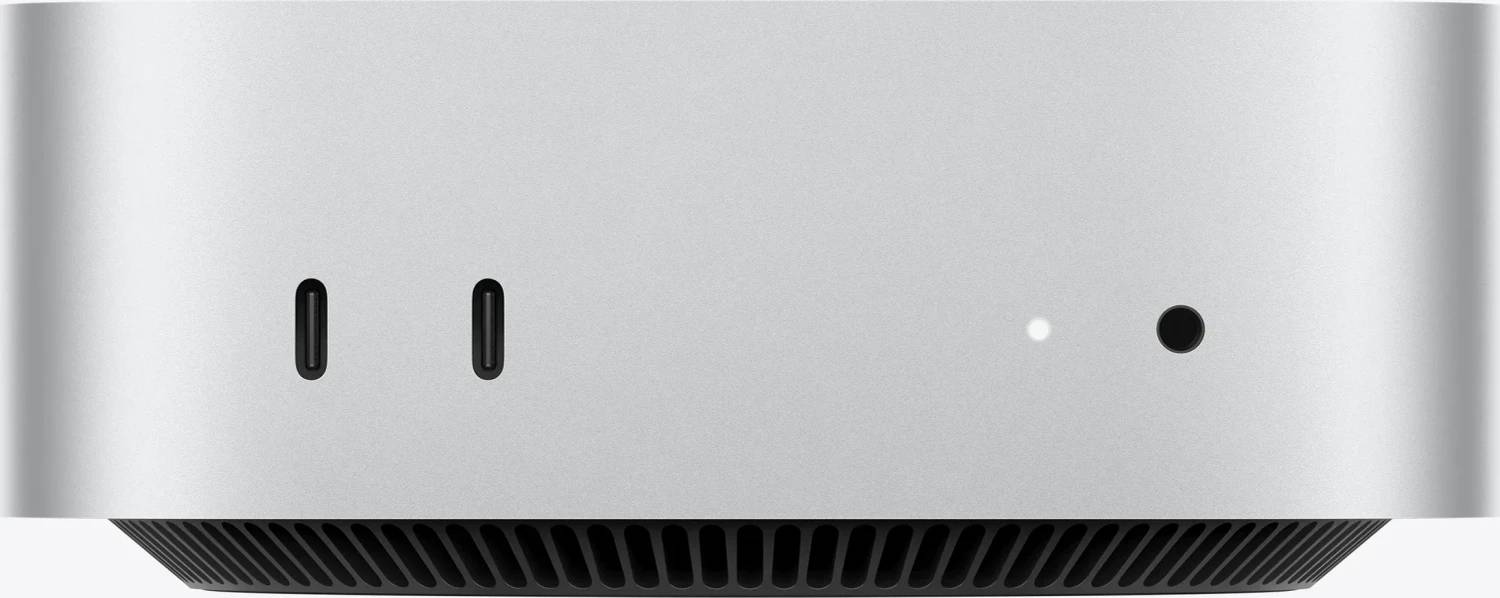
- Two front USB-C ports and the headphone jack keep everyday connections within reach; it is near-silent at idle.
What Will Not Work
- It has no built-in screen, keyboard or mouse — you need your own monitor and input devices.
- RAM and SSD cannot be upgraded later; 32GB is already the M6 maximum, so for more memory look at the M5 Pro Mac mini or Mac Studio.
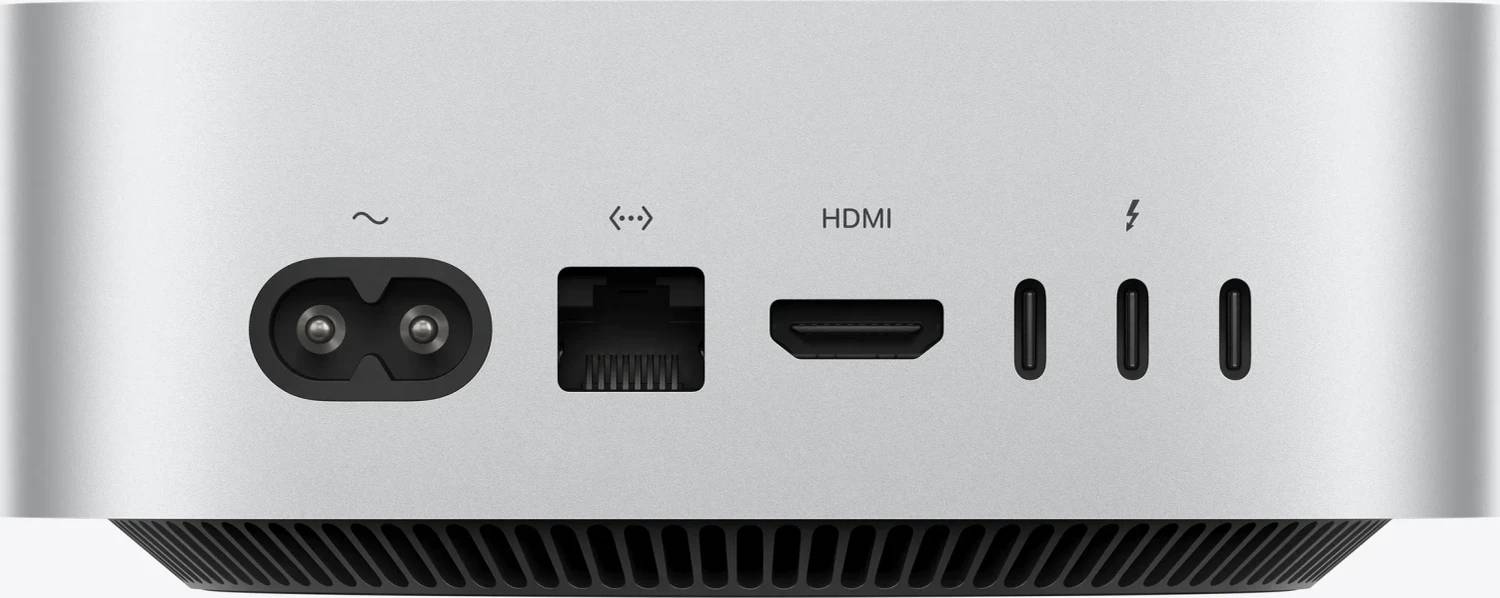
- There are no USB-A ports and no SD card slot — older USB-A devices and cameras need a USB-C adapter or a hub/dock.
- Ports are Thunderbolt 4 (up to 40Gb/s), not Thunderbolt 5.
- On a gigabit switch or with Cat5e cabling over long runs, the 10Gb port will not reach 10Gb/s.
- Windows cannot be installed natively (no Boot Camp on Apple silicon); Windows on Arm only through virtualisation such as Parallels Desktop. External GPUs (eGPU) are not supported.
Key Features
M6, 12-core CPU
2 super cores, 4 performance cores and 6 efficiency cores — fast for development and creative work, efficient when idle.
32GB unified memory
The maximum for the M6 Mac mini, with 170GB/s bandwidth for VMs, containers and local AI.
10Gb Ethernet
Factory 10GbE option instead of 2.5Gb — for fast NAS, server and studio networks.
Wi-Fi 7 and Bluetooth 6
Apple N1 wireless chip with Wi-Fi 7 (802.11be), Bluetooth 6 and Thread.
Technical Specifications
Frequently Asked Questions
Singular Expert Insight · Buyer's Guide
This is the "pro" Mac mini M6: maximum memory and 10Gb networking in the same 12.7 cm box. It suits developers, CAD and photo studios working from a NAS, and small offices that use the Mac mini as a lightweight server. Pair it with one of our PC monitors and, if needed, a USB-C hub for older USB-A devices.
✓ Buy it if you work from a NAS or server over a 10GbE network, run VMs or containers, or want the maximum memory the M6 Mac mini offers.
✕ Skip it if you only need office and browsing on a gigabit network — a 16GB model with 2.5Gb Ethernet costs less — or you need more than 32GB.
→ Also consider the M6 Mac mini with 16GB/2TB for storage-heavy use, the M5 Pro Mac mini for more GPU and Thunderbolt 5, or the Mac Studio for workstation-class performance.
Not sure your network will use 10Gb Ethernet? Tell us your switch and NAS model and we will check before you order.
Features - Apple - Z1UA-IN23
Colour
silver
More Details
Product Code
CS93278
EAN Code
-
Manufacturer
Apple