
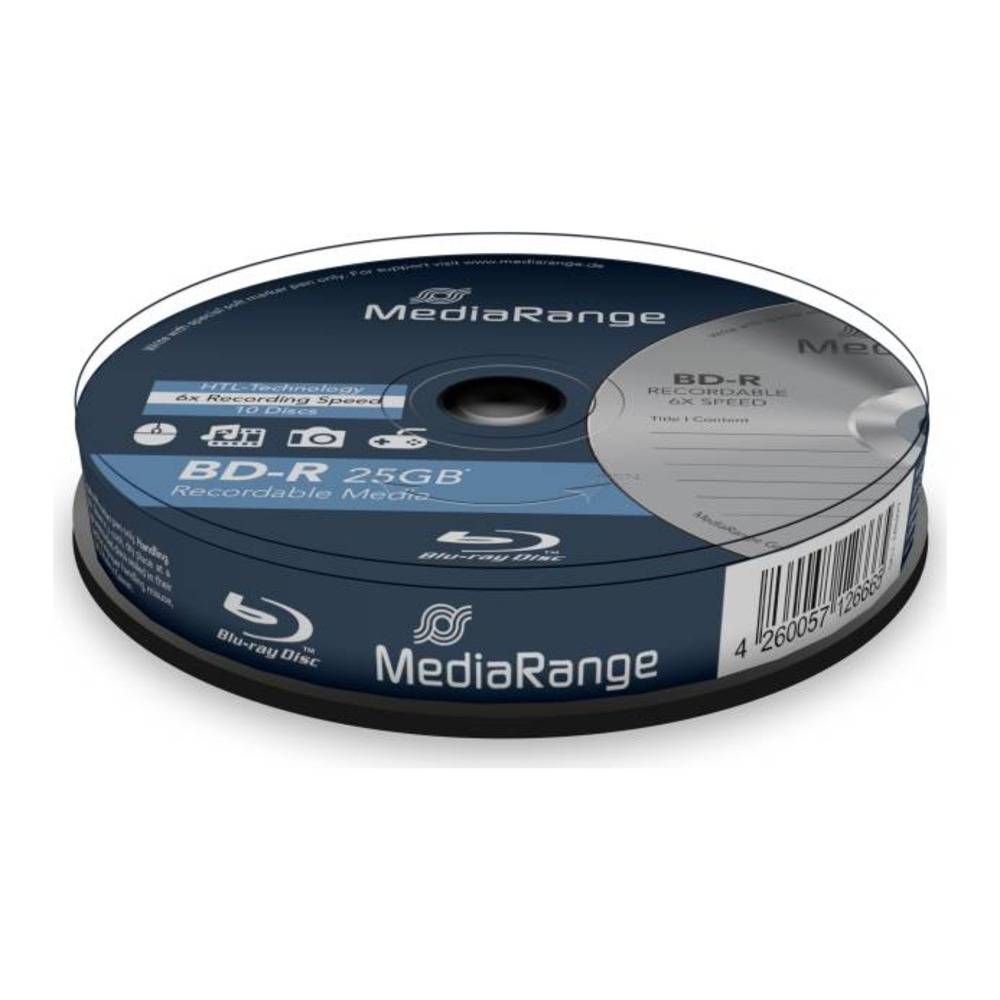
MediaRange BD-R Blu-ray Disc 25GB 6x, Single Layer, 10-Pack Cakebox Spindle, Branded Label
Brand:
MediaRange

MediaRange BD-R Blu-ray Disc 25GB 6x, Single Layer, 10-Pack Cakebox Spindle, Branded Label
€12.02 inc. VAT


MR499
Delivery
Order Today...
Ships...
Delivery...
ℹ️ Large or fragile items (e.g. monitors) may require extra handling time. We'll keep you informed.
Payment options
Trusted Tech Choice
Buying Benefits
Verified
Competitive EU pricing
Delivered to Cyprus from EU stock
Local warranty support
Please sign in so that we can notify you about a reply
MediaRange BD-R 25 GB 6x — 10-Pack
BD-R 25 GB6x speed10 discsBranded label
MediaRange MR499 is a pack of 10 BD-R Blu-ray discs with 25 GB per disc (single layer), rated for up to 6x writing and supplied in a cakebox spindle — aimed at backups, project archives and video copies.
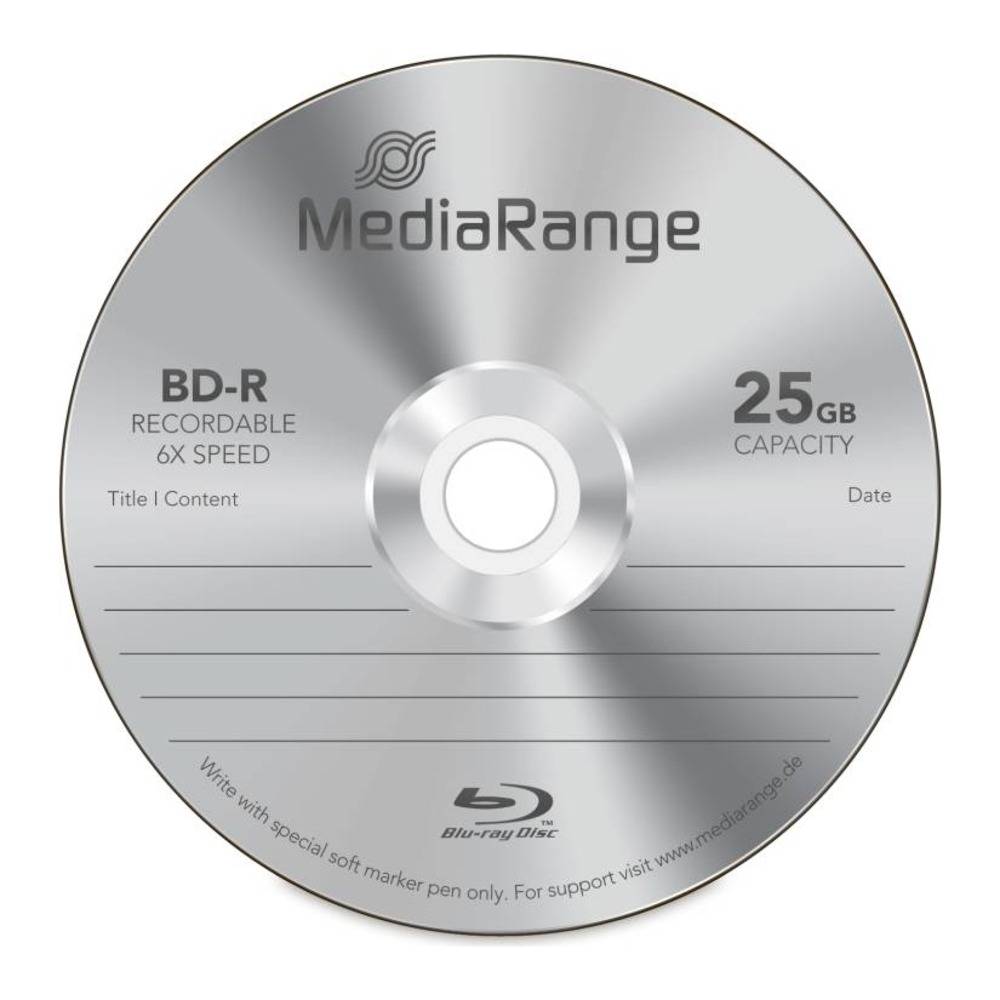
As write-once media, once a session is finalised the data cannot be erased or overwritten — exactly what you want for archives, legal and accounting records, finished projects and handover copies. The top carries a MediaRange branded label; you can write on it with a CD/DVD/BD-safe marker.
What's in the Box
- 10 × MediaRange BD-R discs, 25 GB each (250 GB total)
- A clear-lid cakebox with the discs stacked on the centre post — no individual sleeves or cases
- No drive, burning software or sleeves included
What It Means in Practice
- 25 GB per disc is about five times a single-layer DVD — enough for a large photo library, a full system image of a small PC or a long Full HD recording. MediaRange quotes up to 135 minutes of Full HD video per disc.
- Rated 6x (216 Mbps). Actual speed depends on your writer and burning software; for archive copies a moderate speed with verification after burning is a sensible habit.
- Write-once: the disc cannot be wiped by mistake or by ransomware once written, a real advantage for offline archive copies.
- Label by hand with a CD/DVD/BD-safe marker; avoid ballpoint pens and adhesive labels, which can damage or unbalance the disc.
- MediaRange uses an HTL recording layer described as UV- and scratch-resistant and designed for long archival life; it recommends storage at about 23 °C and 50% relative humidity, away from sunlight.
- A cakebox is the most economical way to buy discs in quantity; if you hand discs to clients or store them long-term, budget for separate jewel or slim cases.
- Windows and macOS can write simple data discs from the file manager; for verification after burning, multi-session control or Blu-ray video authoring, use dedicated burning software.
- For important archives burn two copies on separate discs and keep them in different locations — one disc is a copy, two discs in two places are a backup.
What Will Not Work
- CD or DVD-only drives cannot read or write these discs — you need a Blu-ray writer to burn them and a Blu-ray drive or player to read them.
- Write-once means no erasing: if you need to reuse discs, choose BD-RE instead.
- There is no printable surface — choose an inkjet-printable version if you want to print artwork on the disc.
- Most current laptops and all current Macs have no optical drive; you will need an external USB Blu-ray writer.
- A data disc is not automatically a playable movie: to play in a Blu-ray player, video must be authored as a Blu-ray video disc with suitable software.
Key Features
Capacity
25 GB per disc, single layer — 250 GB across the pack.
Speed
Up to 6x (216 Mbps) with a compatible writer.
Surface
MediaRange branded label — mark it with a disc-safe pen.
Protection
HTL recording layer, UV- and scratch-resistant (MediaRange).
Technical Specifications
Frequently Asked Questions
Singular Expert Insight · Buyer's Guide
Blu-ray remains one of the few offline, write-protected storage options that small businesses can afford: an archive disc cannot be encrypted by ransomware once it is on the shelf. For anything you must keep unchanged, BD-R is the right medium; check the disc after burning with your software's verify option. For daily backups of hundreds of gigabytes, an external hard drive is faster and pairs well with periodic Blu-ray archive copies.
✓ Buy it if you need reliable write-once Blu-ray media for backups, archives or video copies and label discs by hand.
✕ Skip it if you want to print artwork directly on the disc — choose the inkjet-printable version.
→ Also consider MR500 — the same 25 GB 6x disc with a white full-surface inkjet-printable top; MR514 for a 25-disc cakebox.
Not sure your drive or printer supports these discs? Send us the model of your Blu-ray writer or disc-printing printer and we will check compatibility before you order.
Features - MediaRange - MR499
More Details
Product Code
04:73995
EAN Code
4260057126665
Manufacturer
MediaRange