
MSI PRO MP275QDE E14 27" WQHD IPS Business Monitor, 144Hz, 2x HDMI + DisplayPort, Built-in Speakers, Black
Brand:
MSI

MSI PRO MP275QDE E14 27" WQHD IPS Business Monitor, 144Hz, 2x HDMI + DisplayPort, Built-in Speakers, Black
€262.4 inc. VAT


PROMP275QDEE14
Delivery
Order Today...
Ships...
Delivery...
ℹ️ Large or fragile items (e.g. monitors) may require extra handling time. We'll keep you informed.
Payment options
Trusted Tech Choice
Buying Benefits
Verified
Competitive EU pricing
Delivered to Cyprus from EU stock
Local warranty support
Please sign in so that we can notify you about a reply
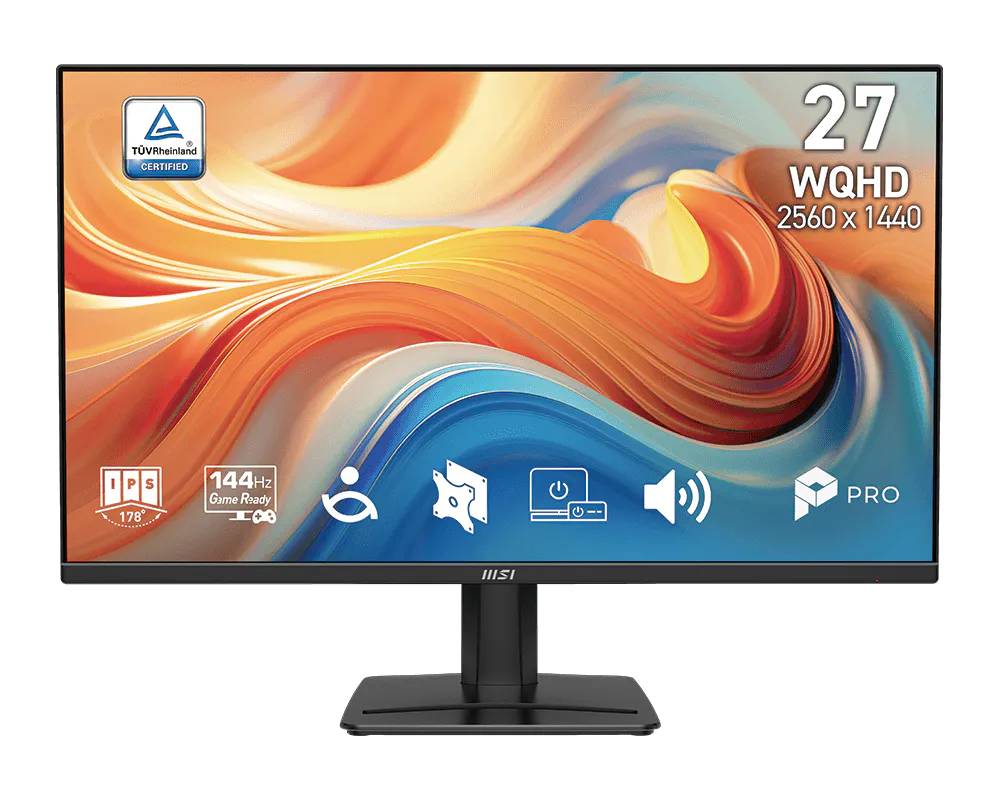
MSI PRO MP275QDE E14 — 27" WQHD IPS office monitor at 144Hz
27" WQHD IPS144Hz2x HDMI + DP2x 2W speakers
The MSI PRO MP275QDE E14 is a 27-inch WQHD (2560 x 1440) IPS business monitor with a 144Hz refresh rate, built for offices and home workstations that want more screen space than Full HD without moving to a 4K budget.
At 27 inches, WQHD gives roughly 78% more pixels than 1080p, so two documents or a spreadsheet and a browser sit side by side comfortably. The 144Hz panel makes scrolling and cursor movement noticeably smoother than a standard 60Hz office screen, and AMD FreeSync (48–144Hz) removes tearing if the monitor is also used for light gaming. MSI fits TÜV-certified eye-care, anti-flicker and its EyesErgo low-blue-light mode for long working days.
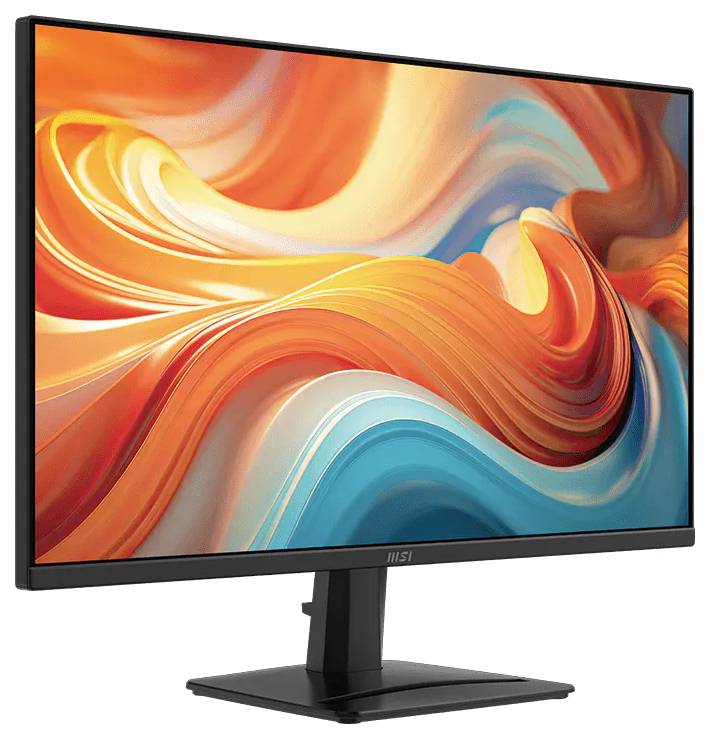
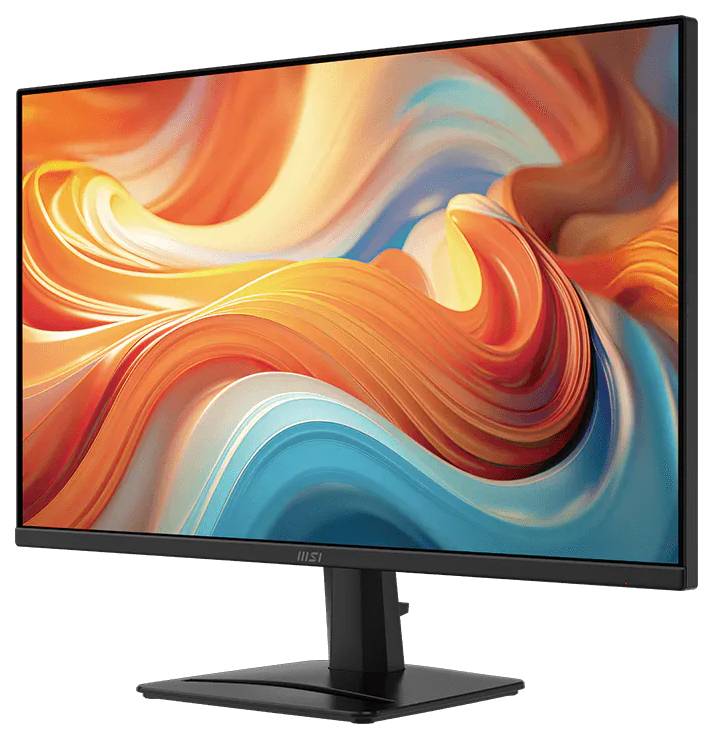
Before you order: The stand tilts only (-5° to +20°) — there is no height, swivel or pivot adjustment. If you need height adjustment, plan for a VESA 100 x 100 monitor arm. There is no USB-C or USB hub on this model.
What's in the Box
- MSI PRO MP275QDE E14 monitor with stand
- HDMI cable (x1)
- Power cord (internal power supply — no external brick)
- Quick guide
What It Means in Practice
- WQHD at 27" is the sweet spot for office work: text stays sharp at 100% scaling and you gain real workspace over Full HD.
- 144Hz needs a source that can output it: use HDMI 2.0b or DisplayPort 1.2a from a PC or laptop that supports 2560 x 1440 at 144Hz.
- Two HDMI inputs let you keep a desktop and a laptop connected and switch from the on-screen menu with the 5-way navigation key.
- Built-in 2x 2W speakers cover system sounds and video calls; use the headphone output for anything better.
What Will Not Work
- No USB-C input and no USB hub — a USB-C-only laptop needs a USB-C to HDMI or USB-C to DisplayPort adapter or a dock.
- No DisplayPort cable in the box — only HDMI is included.
- No height, swivel or pivot on the included stand.
- No HDR certification — this is an SDR office monitor.
Key Features
WQHD IPS panel
2560 x 1440 on a 27" anti-glare IPS panel with wide viewing angles and around 110% sRGB coverage (CIE1931) as published by MSI.
144Hz with FreeSync
Smooth scrolling for daily work and tear-free motion with AMD FreeSync (48–144Hz) when you game after hours.
Eye care
TÜV-certified display, anti-flicker and MSI EyesErgo low-blue-light modes for long sessions.
Office-friendly I/O
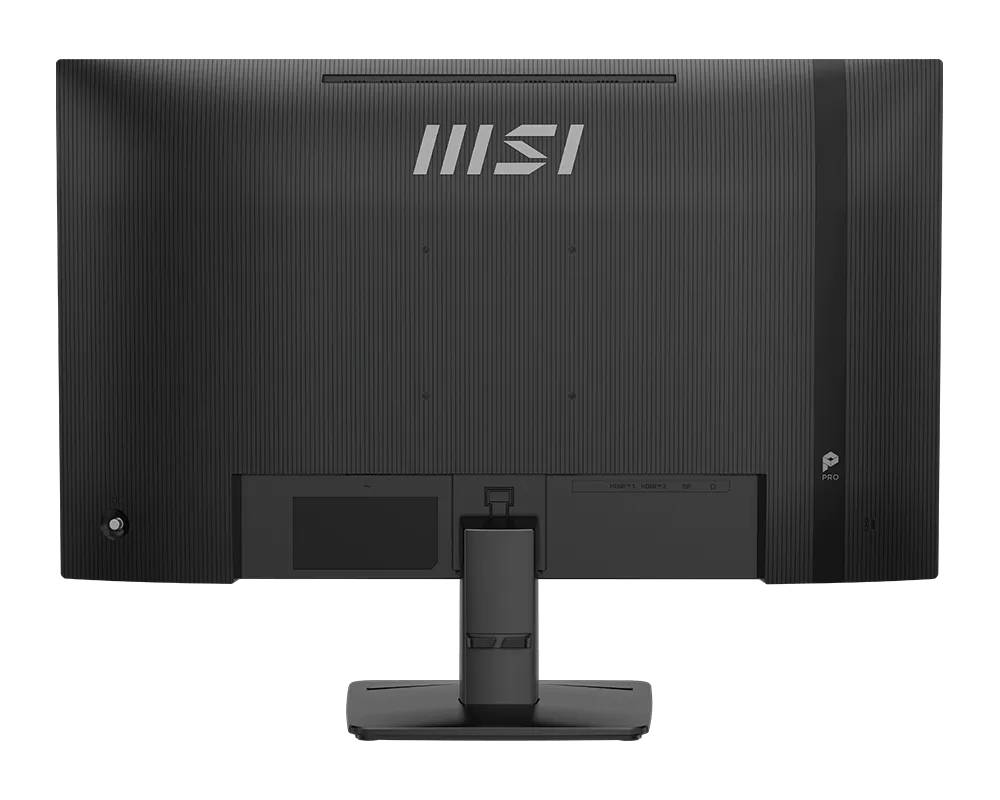
2x HDMI 2.0b, 1x DisplayPort 1.2a, headphone out, Kensington lock and VESA 100 x 100 mounting.
Technical Specifications
Frequently Asked Questions
Singular Expert Insight · Buyer's Guide
For a general office desk the MP275QDE E14 hits a practical balance: WQHD clarity, a 144Hz panel and two HDMI inputs at a business-monitor price. The trade-offs are the tilt-only stand and the lack of USB-C, so check how your laptops connect. Browse our PC monitors if you need USB-C or a height-adjustable stand.
✓ Buy it if you want a 27" WQHD screen for office work with smoother 144Hz motion and two HDMI sources.
✕ Skip it if you need USB-C single-cable docking, a height-adjustable stand or HDR.
→ Also consider a 27" WQHD monitor with USB-C power delivery if your laptop charges over USB-C.
Not sure it suits your PC or laptop? Send us the model and we will confirm the right cable and the maximum refresh rate before you order.
Features - MSI - PROMP275QDEE14
Colour
black
More Details
Product Code
04:572565
EAN Code
4711377392792
Manufacturer
MSI