
Owl Labs Whiteboard Owl Wireless Whiteboard Camera for Meeting Owl 3, Meeting Owl 4+ & Owl Bar, 1080p, Wi-Fi
Brand:
OWL LABS

Owl Labs Whiteboard Owl Wireless Whiteboard Camera for Meeting Owl 3, Meeting Owl 4+ & Owl Bar, 1080p, Wi-Fi
€984.92 inc. VAT
WBC100-2000
Delivery
Order Today...
Ships...
Delivery...
ℹ️ Large or fragile items (e.g. monitors) may require extra handling time. We'll keep you informed.
Payment options
Trusted Tech Choice
Buying Benefits
Verified
Competitive EU pricing
Delivered to Cyprus from EU stock
Local warranty support
Please sign in so that we can notify you about a reply
Owl Labs Whiteboard Owl — bring the meeting-room whiteboard into every call
Whiteboard cameraPairs with Meeting Owl / Owl Bar1080pSee-through presenter
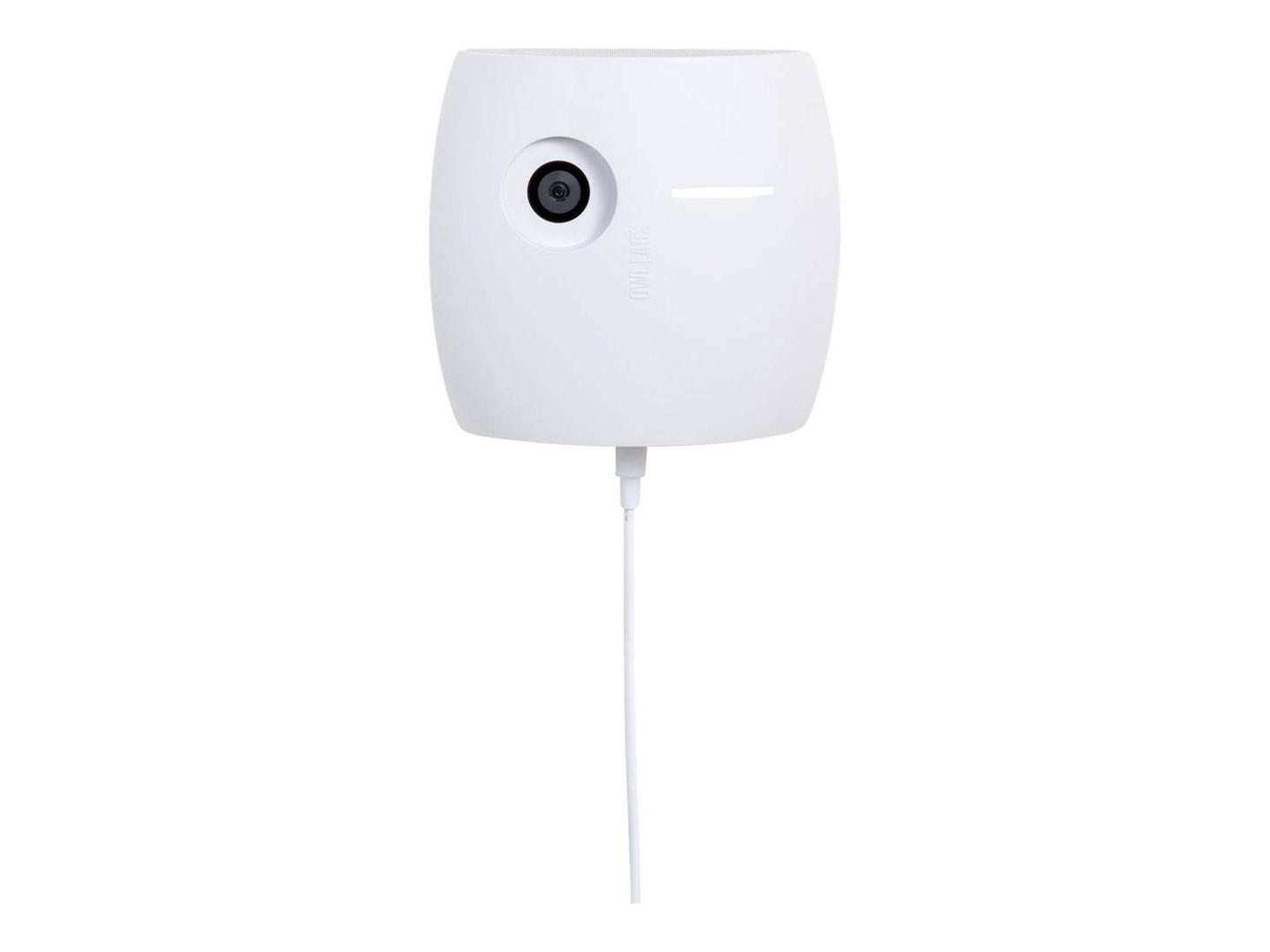
The Owl Labs Whiteboard Owl (WBC100-2000) is a dedicated whiteboard camera that pairs wirelessly with a Meeting Owl 3, Meeting Owl 4+ or Owl Bar and streams a cleaned-up view of the room whiteboard into Zoom, Microsoft Teams, Google Meet and other calls, for hybrid teams, classrooms and workshop rooms that already use an Owl.
Its main trick is the see-through presenter: the person writing at the board is made transparent, so remote participants keep seeing the writing instead of someone standing in front of it. You start it by flipping the magnetic Whiteboard Tag on the board — no app or button press in the meeting.
Before you order: Whiteboard Owl is not a standalone webcam. It needs a Meeting Owl 3, Meeting Owl 4+ or Owl Bar in the same room; the original Meeting Owl, Meeting Owl Pro and Meeting Owl 5 Pro are not on the Owl Labs compatibility list.
What's in the Box
- Whiteboard Owl camera
- Power supply with 6 m (19.6 ft) power cable
- 2x magnetic Whiteboard Tags
- Drywall screws and anchors
- 2x adhesive mounting strips
- Quick Start Guide
What It Means in Practice
- Mount it 2–5 m from the board on the opposite wall, the ceiling or a tripod; the long 6 m power cable usually reaches a socket without an extension.
- Pair it once with your Owl through the Meeting Owl App; after that it appears in meetings whenever a Whiteboard Tag is flipped.
- Remote participants see the whiteboard and the room camera at the same time, enhanced for contrast.
- Firmware updates arrive over the air through the Owl.
What Will Not Work
- It does not work on its own with a laptop or PC — there is no USB video output.
- It does not support glass or transparent boards; Owl Labs specifies white, non-glass boards.
- It cannot be paired by cable — pairing is Wi-Fi only.
- It is not listed for the original Meeting Owl, Meeting Owl Pro or Meeting Owl 5 Pro.
Key Features
See-through presenter
The person at the board becomes transparent so the writing stays visible.
Tag activation
Flip the magnetic Whiteboard Tag to start sharing the board.
High-resolution sensor
4208 x 3120 sensor, 1080p output, 68° horizontal field of view.
Flexible mounting
Wall, ceiling or tripod; boards up to 4.5 x 6 m.
Technical Specifications
Frequently Asked Questions
Singular Expert Insight · Buyer's Guide
Whiteboard Owl is the missing piece for rooms where ideas are drawn by hand: remote people finally see the board as clearly as those in the room. It only makes sense if the room already has, or will get, a compatible Owl; for the main view, pair the Owl with one of our commercial displays.
✓ Buy it if your room already runs a Meeting Owl 3, Meeting Owl 4+ or Owl Bar and the team uses a whiteboard in meetings.
✕ Skip it if you have no Owl, use a glass board, or need a USB document camera for a laptop.
→ Also consider a Meeting Owl 4+ or Owl Bar if the room has no Owl yet.
Not sure your Owl or your board will work? Send us the Owl model and the board type and size, and we will check before you order.
Features - OWL LABS - WBC100-2000
More Details
Product Code
CG82369
EAN Code
0850022203510
Manufacturer
OWL LABS