
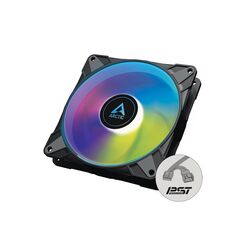
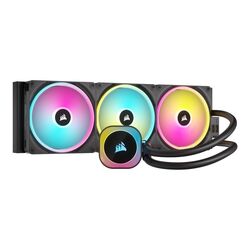
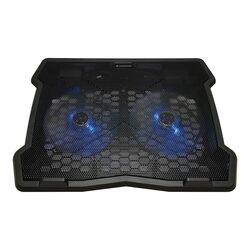
Cooling for desktops, workstations, servers and laptops: air and all-in-one liquid CPU coolers, 80 to 200 mm case fans, fan controllers and hubs, laptop cooling pads and stands, and coolers for graphics cards, memory and hard drives.
How to choose cooling
- CPU coolers. Match the cooler to the socket (Intel LGA1700/1851, AMD AM4/AM5) and to the processor heat output (TDP). Check the cooler height against the case and that it clears the memory modules. Tray CPUs need a separate cooler.
- Liquid or air. All-in-one liquid coolers suit high-end CPUs and compact cases with room for a radiator (240, 280 or 360 mm). Good tower air coolers are quieter and need no maintenance.
- Case fans. Check the size (120 or 140 mm) and connector: 4-pin PWM fans adjust speed automatically. Front intake and rear exhaust is a good basic layout.
- Laptops. A cooling pad raises the laptop and adds airflow for long work sessions.
Tell us your processor, case and how quiet the PC must be, and we will suggest the right cooling. Call +357 25 878 758 or email [email protected].