




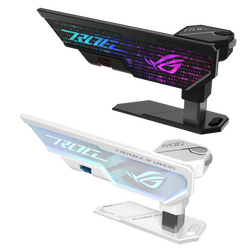
Graphics cards for every type of PC: NVIDIA GeForce RTX cards for gaming, content creation and AI, NVIDIA RTX professional cards for CAD, 3D, video post-production and certified workstation software, AMD Radeon and Intel Arc cards, Matrox cards for multi-monitor and video wall setups, and accessories such as riser cables, brackets and supports.
How to choose a graphics card
- Use first. GeForce cards suit gaming, creative apps and many AI tools. RTX workstation (professional) cards are certified for CAD and engineering software, have more memory and run cooler for long renders. Matrox cards drive many screens for control rooms and signage.
- Memory (VRAM). 8 GB is entry level; 12 to 16 GB suits 1440p gaming and most creative work; 24 GB and more suits 4K editing, large 3D scenes and AI models.
- Fit and power. Check the card length and slot width against the case, and the power supply wattage and connectors (8-pin or 12V-2x6) against the card. High-end cards need a strong power supply.
- Outputs. Count the DisplayPort and HDMI outputs you need for your monitors, and whether you need small form factor or low-profile cards for compact PCs.
Tell us your software, monitors and PC model, and we will suggest a graphics card that fits and is supported. Call +357 25 878 758 or email [email protected].