
PORT Connect Professional Ergonomic Wireless Trackball Mouse 900719 Bluetooth 5.2 and 2.4 GHz 3 Devices Rechargeable Black
Brand:
Port

PORT Connect Professional Ergonomic Wireless Trackball Mouse 900719 Bluetooth 5.2 and 2.4 GHz 3 Devices Rechargeable Black
€69.6 inc. VAT


900719
Delivery
Order Today...
Ships...
Delivery...
ℹ️ Large or fragile items (e.g. monitors) may require extra handling time. We'll keep you informed.
Payment options
Trusted Tech Choice
Buying Benefits
Verified
Competitive EU pricing
Delivered to Cyprus from EU stock
Local warranty support
Please sign in so that we can notify you about a reply
PORT Connect Professional Ergonomic Trackball Mouse — Black
Thumb trackball, angled body3 devices: Bluetooth 5.2 + 2.4 GHzSilent clicks, 4 speed levelsUSB-C rechargeable
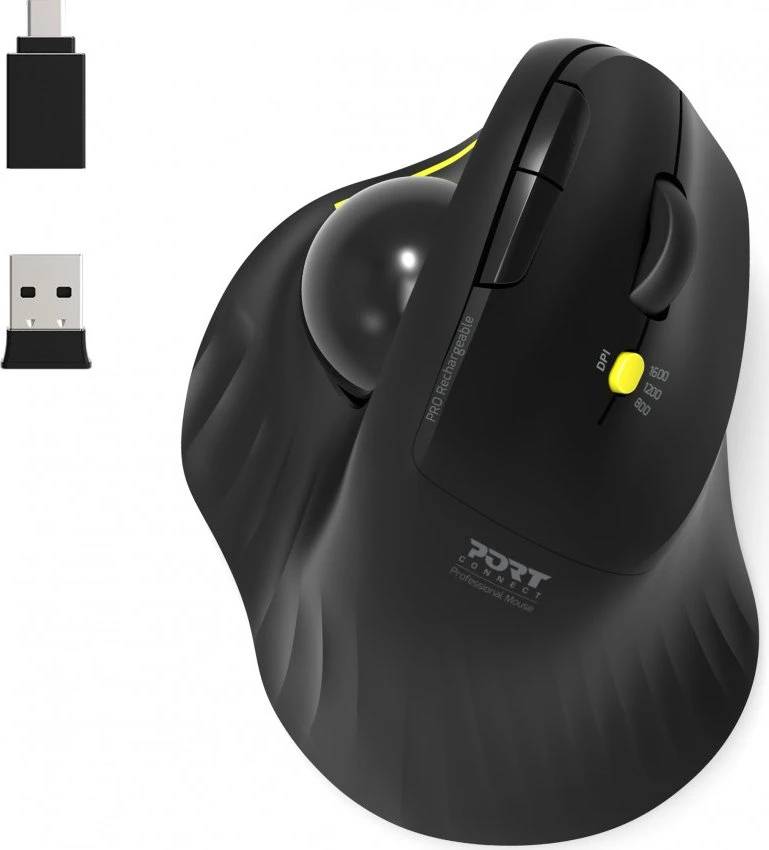
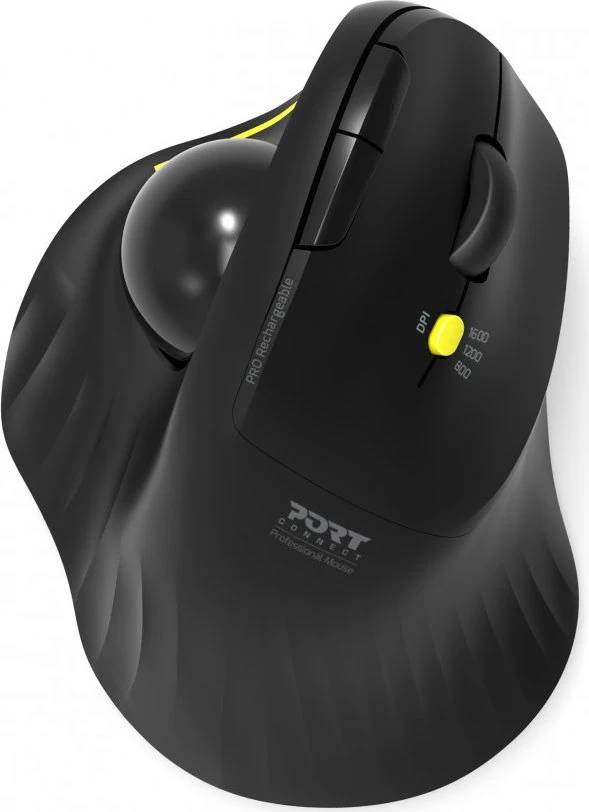
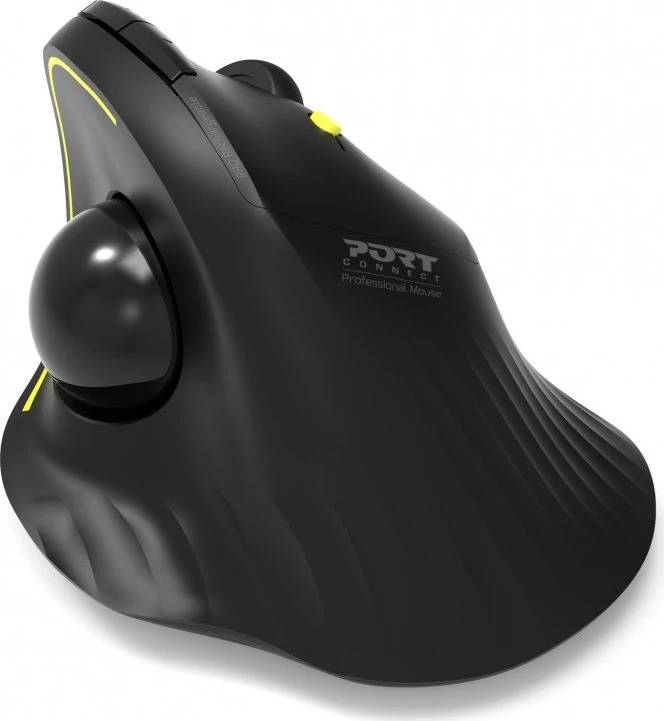
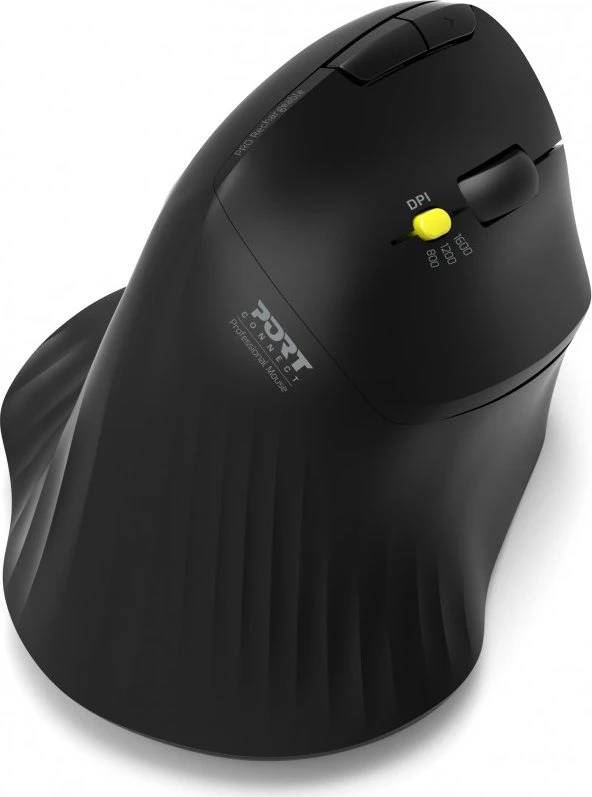
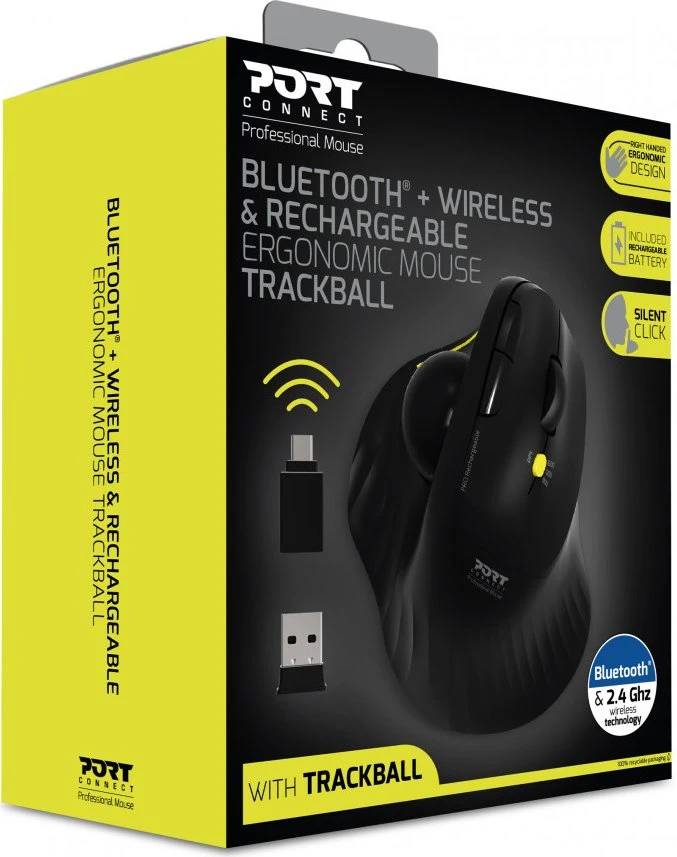
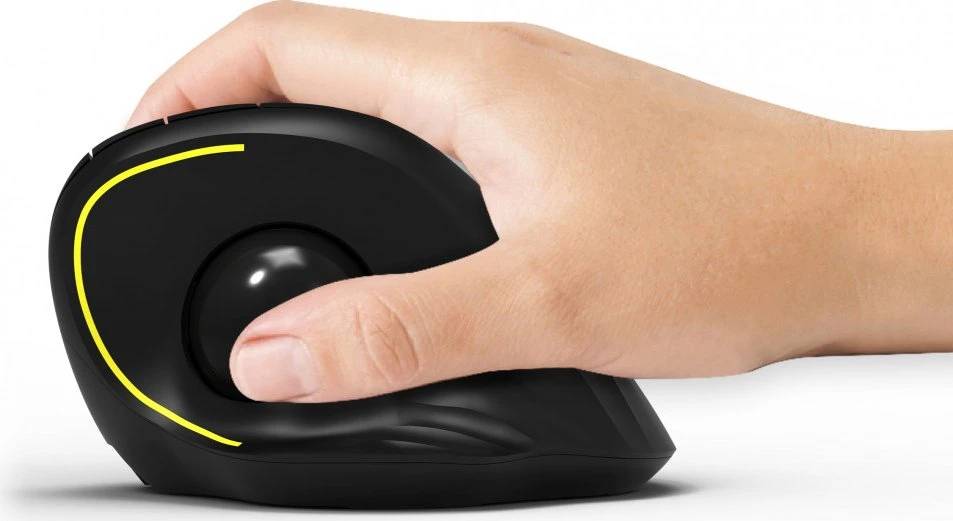
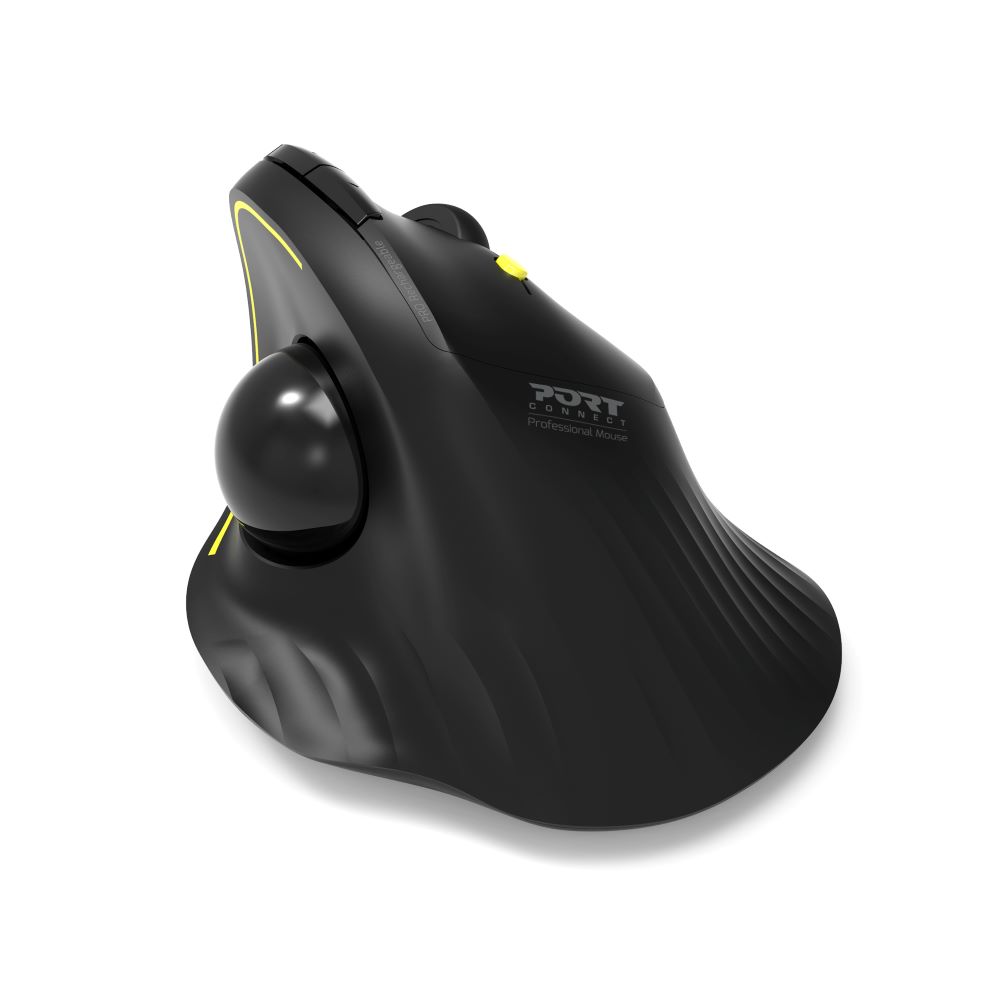
The PORT Connect Professional trackball (reference 900719) is an angled ergonomic mouse in which the cursor is driven by a thumb-operated ball instead of moving the whole hand, so the wrist and forearm stay still. PORT publishes dual wireless — Bluetooth 5.2 up to 10 m or the 2.4 GHz USB receiver up to 20 m — with a selector for three separately paired devices, four adjustable speed levels, silent clicks, five buttons plus a scroll wheel, and USB-C charging. Both a USB-A receiver and USB-C connectivity are covered, and it works with Windows, macOS, ChromeOS and Android.
Compatibility — check before buying:
This is a trackball, not a conventional mouse: the cursor moves with your thumb and the body stays put, which takes a few days to get used to. Right-handed angled shape only. PORT does not publish the DPI values behind the four speed levels, the battery capacity, dimensions or weight — if any of those decide your purchase, ask us before ordering. The 2.4 GHz receiver is USB-A; USB-C hosts use Bluetooth or the supplied adapter.
Best For
✓ Wrist or forearm strain from conventional mousing
✓ Small desks where there is no room to slide a mouse
✓ Switching between a work laptop, a desktop and a tablet
✓ Quiet offices thanks to silent clicks
✓ Laptop users who want USB-C charging rather than AA batteries
✓ Mixed Windows, macOS, ChromeOS and Android devices
Key Features
Trackball plus angled body
The angled shell puts the hand in a handshake-like position and the thumb ball moves the cursor, so the wrist and forearm barely move. Four speed levels let you tune cursor travel to your screen size.
Three devices, one selector
Pair over Bluetooth 5.2 or the 2.4 GHz USB receiver and use the selector to jump between three devices. PORT rates the RF link at 20 m and Bluetooth at 10 m.
Rechargeable and quiet
Built-in battery charged over USB-C, silent main buttons, five buttons plus a top scroll wheel. Plug-and-play on Windows, macOS, ChromeOS and Android with no driver.
Technical Specifications
Frequently Asked Questions
Singular Expert Insight
The 900719 is one of the few wireless mice we stock that combines a thumb trackball with a vertical-style angle and three-device switching, which makes it a strong pick for anyone whose wrist pain has not been solved by a vertical mouse alone. The trade-off is a learning curve and a set of unpublished figures (DPI, battery hours, weight). If you would rather keep a familiar sliding motion, the PORT 900706-BT or the Trust Bayo+ (25146) give the angled posture without the ball; if you dock a laptop, see our docking stations for a USB-A port for the receiver.
Buyer’s Guide
Buy it if
You want the wrist relief of an angled body and the zero-movement control of a thumb trackball, plus three-device switching and USB-C charging.
Skip it if
You have never used a trackball and need to be productive on day one, are left-handed, or need published DPI and battery figures.
Also consider
PORT 900706-BT (same angled range without the trackball) or Trust Bayo+ 25146 for a 57-degree vertical mouse with 3-device switching.
Features - Port - 900719
Colour
black
More Details
Product Code
04:418558
EAN Code
3567049007195
Manufacturer
Port