
Samsung 980 500GB NVMe M.2 2280 SSD, PCIe 3.0 x4, 3100/2600 MB/s, 300 TBW, DRAM-less HMB (MZ-V8V500BW)
Brand:
Samsung

Samsung 980 500GB NVMe M.2 2280 SSD, PCIe 3.0 x4, 3100/2600 MB/s, 300 TBW, DRAM-less HMB (MZ-V8V500BW)
€307.59 inc. VAT


MZ-V8V500BW
Delivery
Order Today...
Ships...
Delivery...
ℹ️ Large or fragile items (e.g. monitors) may require extra handling time. We'll keep you informed.
Payment options
Trusted Tech Choice
Buying Benefits
Verified
Competitive EU pricing
Delivered to Cyprus from EU stock
Local warranty support
Please sign in so that we can notify you about a reply
Samsung 980 500 GB — PCIe 3.0 NVMe, 3,100 MB/s, DRAM-less
3,100 / 2,600 MB/sPCIe 3.0 ×4300 TBWM.2 2280
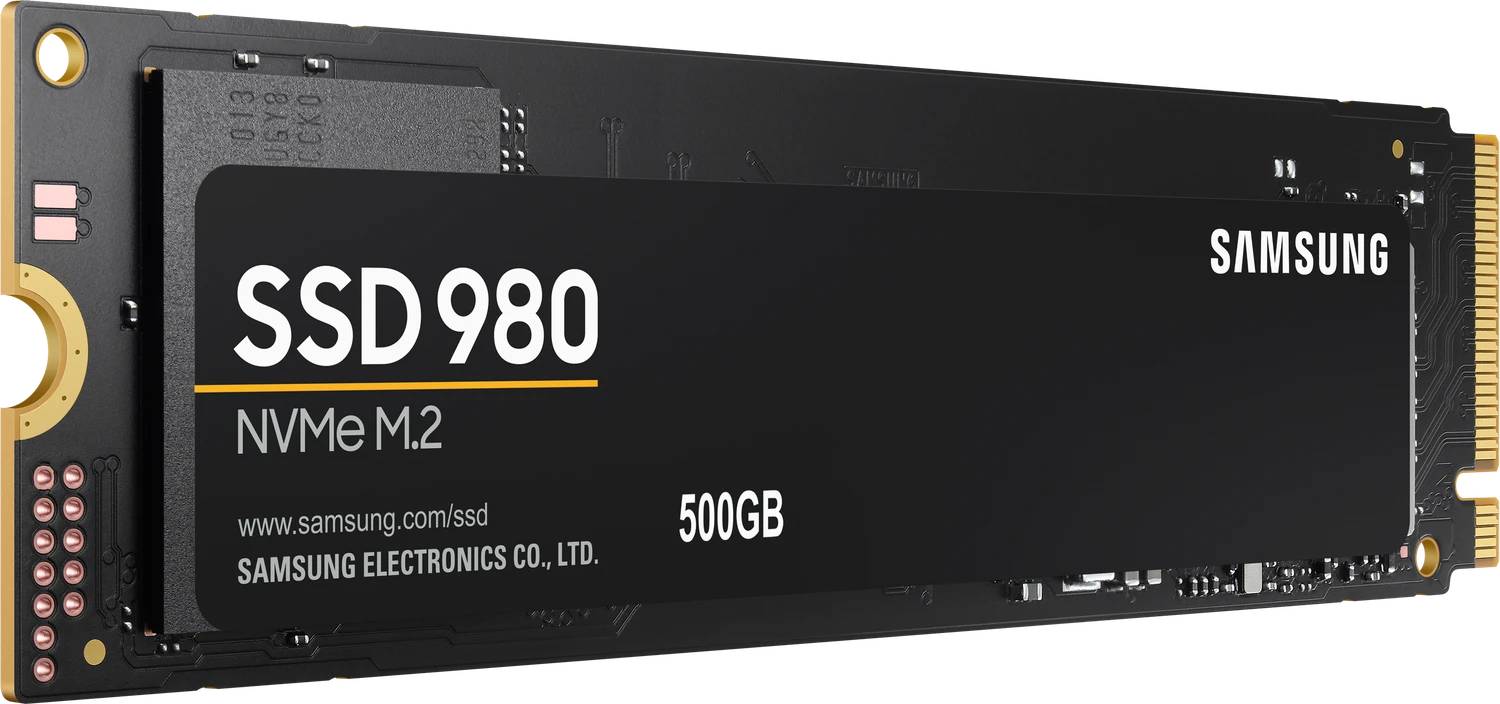
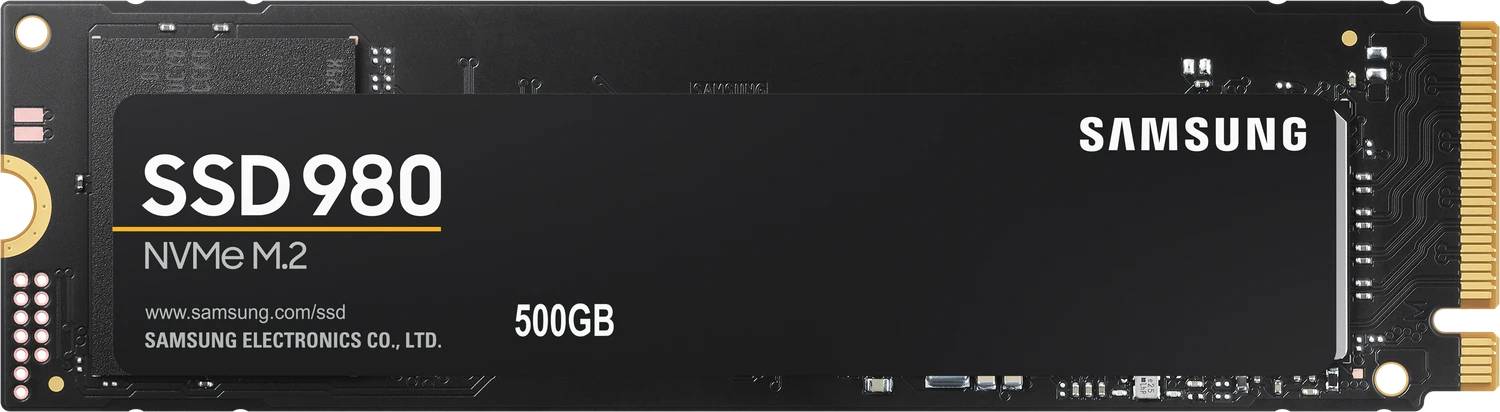
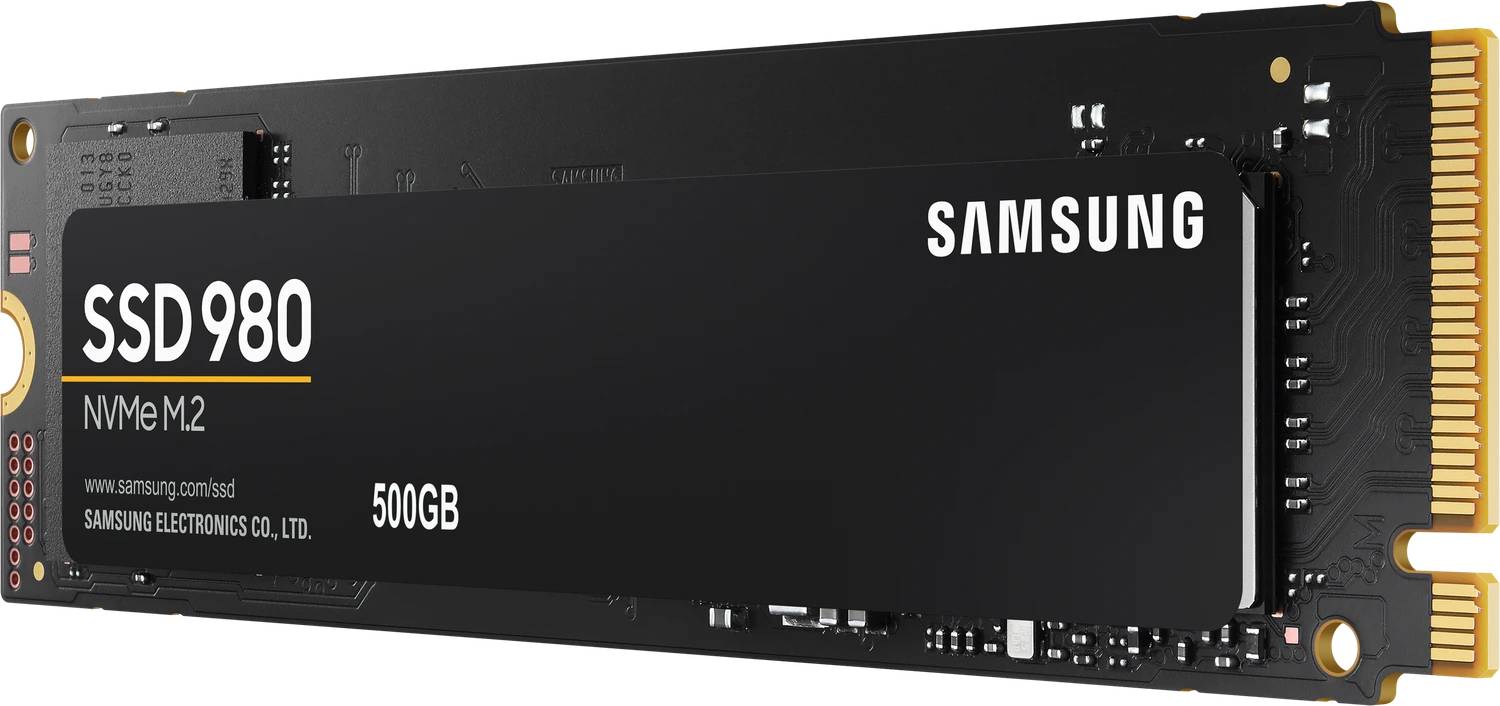
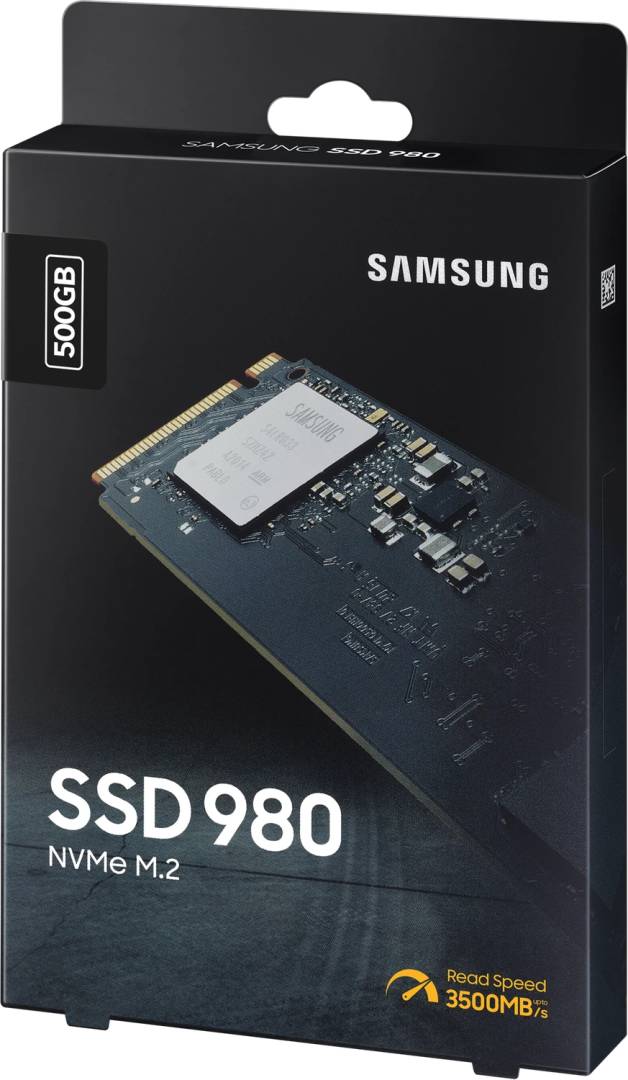
The MZ-V8V500BW is Samsung’s 980 at 500 GB — an M.2 2280 NVMe drive on PCIe 3.0 ×4, reading at 3,100 MB/s and writing at 2,600 MB/s. It uses Samsung’s Pablo controller and V-NAND 3-bit MLC (TLC) flash, is rated at 300 TBW, and carries AES 256-bit encryption with TCG Opal 2.0 and IEEE 1667. Single-sided, 2.38 mm thick, 8 g.
Compatibility — check before buying:
Two things we would rather you knew before ordering than after.
1. It is DRAM-less — and that is Samsung’s own wording, not a teardown finding. Samsung’s specification table prints the cache row as “HMB (Host Memory Buffer)” and its copy describes a DRAM-less design. Instead of its own DRAM chip, the drive borrows a small amount of your system RAM. In everyday use — booting, launching applications, general work — you will not notice. Under sustained heavy writing, or once the drive is very full, a DRAM drive holds up better. At this price that is a fair trade, but it should be stated rather than hidden.
2. Do not confuse the 980 with the 980 PRO. They are not trim levels of one product:
• 980 (this drive) — PCIe 3.0 ×4, DRAM-less (HMB), 3,100 / 2,600 MB/s.
• 980 PRO (MZ-V8P…) — PCIe 4.0 ×4, onboard LPDDR4 DRAM, up to 7,000 / 5,000 MB/s.
Different controllers, different tier, roughly double the speed. Listings quoting 7,000 MB/s against this part number are describing the PRO.
No heatsink. Thermal management is a nickel-coated controller, a heat-spreader label and Dynamic Thermal Guard. There is no heatsink version of the 980.
1. It is DRAM-less — and that is Samsung’s own wording, not a teardown finding. Samsung’s specification table prints the cache row as “HMB (Host Memory Buffer)” and its copy describes a DRAM-less design. Instead of its own DRAM chip, the drive borrows a small amount of your system RAM. In everyday use — booting, launching applications, general work — you will not notice. Under sustained heavy writing, or once the drive is very full, a DRAM drive holds up better. At this price that is a fair trade, but it should be stated rather than hidden.
2. Do not confuse the 980 with the 980 PRO. They are not trim levels of one product:
• 980 (this drive) — PCIe 3.0 ×4, DRAM-less (HMB), 3,100 / 2,600 MB/s.
• 980 PRO (MZ-V8P…) — PCIe 4.0 ×4, onboard LPDDR4 DRAM, up to 7,000 / 5,000 MB/s.
Different controllers, different tier, roughly double the speed. Listings quoting 7,000 MB/s against this part number are describing the PRO.
No heatsink. Thermal management is a nickel-coated controller, a heat-spreader label and Dynamic Thermal Guard. There is no heatsink version of the 980.
Best For
✓ Adding a fast NVMe drive to a laptop or desktop with a PCIe 3.0 M.2 slot
✓ A boot and applications drive where cost per gigabyte matters
✓ Replacing a SATA SSD in a machine that supports NVMe
✓ A second drive alongside an existing NVMe system disk
Key Features
3,100 MB/s — roughly six times a SATA SSD
The practical jump from SATA to NVMe is large and immediately visible in boot times and application launches. PCIe 3.0 ×4 is the ceiling here; a Gen 4 drive goes higher, but only in a machine with a Gen 4 slot.
DRAM-less by design, and Samsung says so
The cache row on Samsung’s own specification table reads “HMB (Host Memory Buffer)”. The drive uses a slice of system RAM instead of its own DRAM chip. Fine for everyday work; less resilient than a DRAM drive under sustained heavy writing or when nearly full.
300 TBW and a dual-limited warranty
Samsung warrants it for 5 years or 300 TBW, whichever comes first. Normal desktop use will reach the five years long before the terabytes, but it is a genuine dual cap and worth reading as one.
Full hardware encryption
AES 256-bit (Class 0), TCG Opal 2.0 and IEEE 1667 for Microsoft BitLocker eDrive. Business-grade security on a value drive.
Single-sided and 2.38 mm thick
Fits the tight M.2 slots in thin laptops and small-form-factor machines where a double-sided drive will not. Just 8 g.
Technical Specifications
Frequently Asked Questions
Singular Expert Insight
The 980 was Samsung’s value NVMe drive and it still does a specific job well: it turns a machine with a PCIe 3.0 M.2 slot into something several times quicker than any SATA SSD, for a price close to one. The honest caveat is the DRAM-less design — Samsung is upfront about it, and so are we, because it is the difference you would feel under a heavy sustained workload rather than in daily use. Two things to weigh before buying. If your machine has a PCIe 4.0 slot, a Gen 4 drive costs little more and doubles the ceiling. And Samsung is winding this line down in its own EU channel in favour of the 990 EVO and 990 EVO Plus, so this is a legacy upgrade drive rather than a current-generation purchase. Browse our internal SSD range.
Buyer’s Guide
Buy it if
Your machine has a PCIe 3.0 M.2 slot and you want a big step up from SATA at the lowest sensible price, with proper hardware encryption.
Skip it if
You have a PCIe 4.0 or 5.0 slot (a Gen 4 drive is a far better use of it), you write very large sets sustainedly (a DRAM drive holds up better), or the drive is for a PS5.
Also consider
The 990 EVO Plus for a current-generation Gen 4 drive, the 980 PRO if you want PCIe 4.0 with DRAM, or an 870 EVO if the machine has no M.2 slot at all.
Features - Samsung - MZ-V8V500BW
Form Factor
- Internal
Interface
- M.2
More Details
Product Code
04:360079
EAN Code
8806090572227
Manufacturer
Samsung
Technical specifications
Capacity
500GB