
Samsung Essential Monitor S3 S30GD 27 inch IPS Full HD 100Hz 5ms, HDMI and D-Sub, VESA 100x100 (LS27D302GAUXEN)
Brand:
Samsung




LS27D302GAUXEN
Delivery
Order Today...
Ships...
Delivery...
ℹ️ Large or fragile items (e.g. monitors) may require extra handling time. We'll keep you informed.
Payment options
Trusted Tech Choice
Buying Benefits
Verified
Competitive EU pricing
Delivered to Cyprus from EU stock
Local warranty support
Please sign in so that we can notify you about a reply
Samsung Essential Monitor S3 — 27-inch flat IPS at 100 Hz
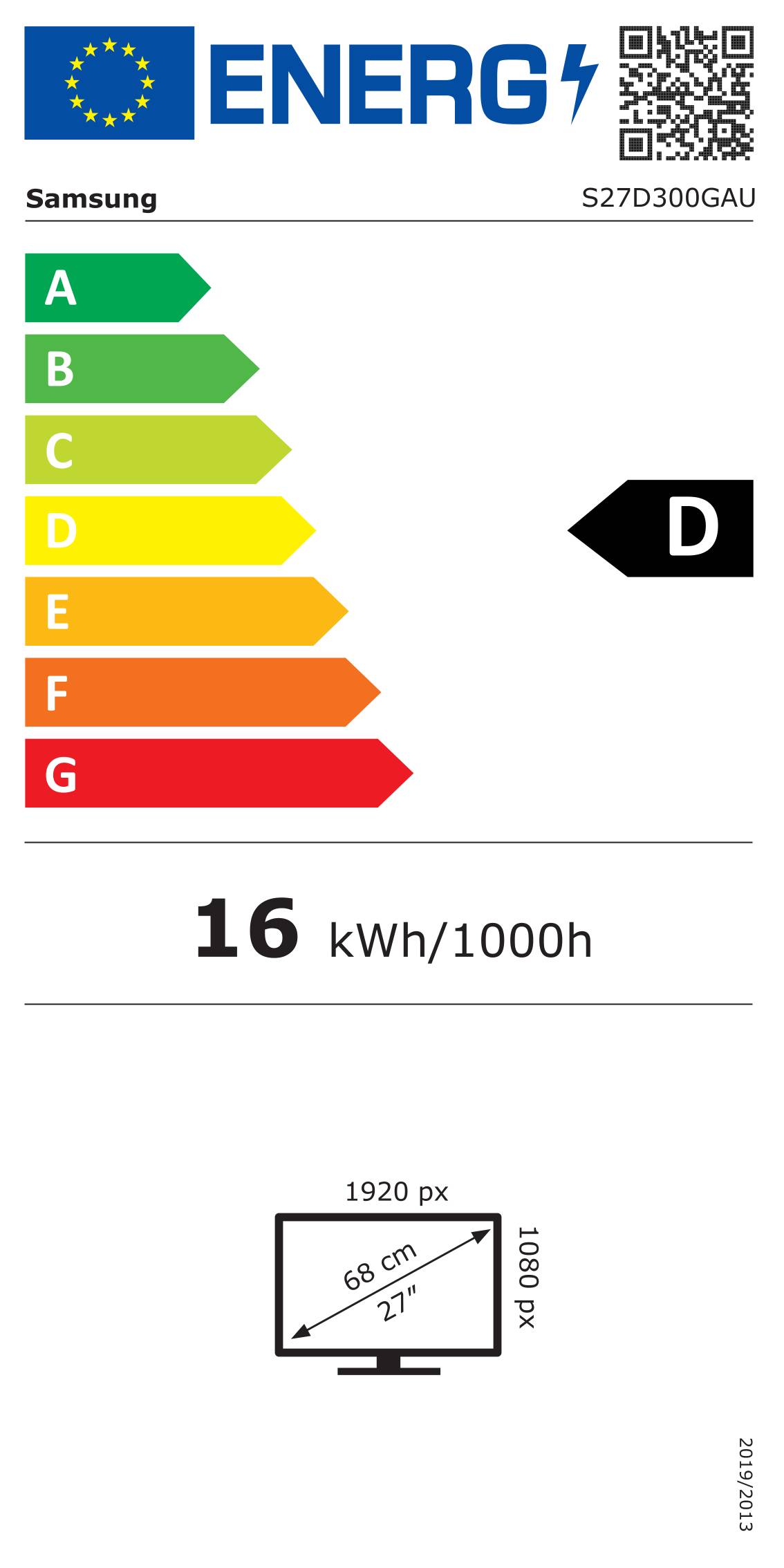
27″ flat IPS100 HzVESA 100 × 100Energy class D
The LS27D302GAUXEN is Samsung’s 27-inch Essential Monitor S3 (S30GD) — a flat IPS panel at Full HD 1920 × 1080, running at 100 Hz with a 5 ms grey-to-grey response. IPS keeps colour and brightness consistent when you look at the screen from an angle, which is what makes it the sensible choice for an office or a shared desk. Connections are one HDMI and one D-Sub.
Compatibility — check before buying:
⭐ The same monitor is sold under two part numbers. Samsung publishes LS27D302GAUXEN and LS27D304GAUXEN with identical specifications in every published field — same panel, same contrast, same ports, same stand, same VESA, same energy class, same power, same dimensions, same weight, same box contents. We compared both pages on the same Samsung regional site to rule out translation differences. Samsung publishes no suffix decoder and states no difference. It is almost certainly a channel or packaging code. Buy whichever is cheaper or in stock — and we would rather tell you that than invent a distinction.
Three things to check. There are no built-in speakers and no headphone output — unusually, this is the one Essential model with no audio out at all, so sound has to come from the PC. There is no DisplayPort and no USB. And the monitor ships set to 60 Hz: switch it to 100 Hz in the on-screen menu and in your display settings.
Three things to check. There are no built-in speakers and no headphone output — unusually, this is the one Essential model with no audio out at all, so sound has to come from the PC. There is no DisplayPort and no USB. And the monitor ships set to 60 Hz: switch it to 100 Hz in the on-screen menu and in your display settings.
Best For
✓ Office work and shared desks
✓ Anything viewed from an angle or by two people at once
✓ A second screen alongside a laptop
✓ A budget 27-inch screen with consistent colour
Key Features
IPS — colour that holds up off-axis
The reason to choose this over the curved VA models. IPS keeps colour and brightness consistent when you are not sitting dead centre, which covers the everyday office reality of someone leaning over your shoulder or a screen not quite square to your chair. VA panels shift; this does not.
27 inches at 100 Hz on a budget
A third more frames than a standard office monitor, on the largest size in the range. Most visible in how smooth scrolling and cursor movement feel. Remember to switch it on — it ships at 60 Hz.
VESA 100 × 100 — the standard pattern
Unlike the curved Essential models, which use 75 × 75, this takes any ordinary monitor arm. Since the supplied stand only tilts, that matters: an arm is the practical way to get height adjustment here.
The lightest monitor in the range
2.9 kg with the stand and 36.2 mm deep without it. Easy to wall-mount, easy to move, and undemanding on a cheap arm.
No audio output at all — and we will say so
No speakers and, unusually, no headphone jack either. Every other Essential model here has at least a headphone output. If audio through the monitor matters at all, this is the wrong one.
Technical Specifications
Frequently Asked Questions
Singular Expert Insight
This is the cheapest sensible way to put a 27-inch IPS screen on a desk, and for office work it is the right panel type — contrast matters far less than consistent colour when two people are looking at the same spreadsheet. Two caveats are worth weighing. It has no audio output at all, which is unusual even at this price and catches people out. And the stand only tilts, so budget for an arm if the height matters — at least here you can use an ordinary VESA 100 × 100 one, which the curved models in this range do not allow. If you work at the screen all day, the Essential S4 at the same size is a genuinely better tool: height, swivel and pivot, DisplayPort, two HDMI and a USB hub, and lower running costs. Browse the rest of our PC monitors, or a monitor stand or arm if the supplied base is the sticking point.
Buyer’s Guide
Buy it if
You want an inexpensive 27-inch IPS screen for office work or a shared desk, with the standard VESA pattern for an arm.
Skip it if
You need any kind of audio output, you want strong contrast for films (the curved VA models triple it), or you work at it all day and want a height-adjustable stand.
Also consider
The 27-inch Essential S4 for a proper ergonomic stand and a full port set, or the curved S39GD if contrast matters more than viewing angle.
Features - Samsung - LS27D302GAUXEN
Colour
black
More Details
Product Code
03:280798
EAN Code
8806095803036
Manufacturer
Samsung