
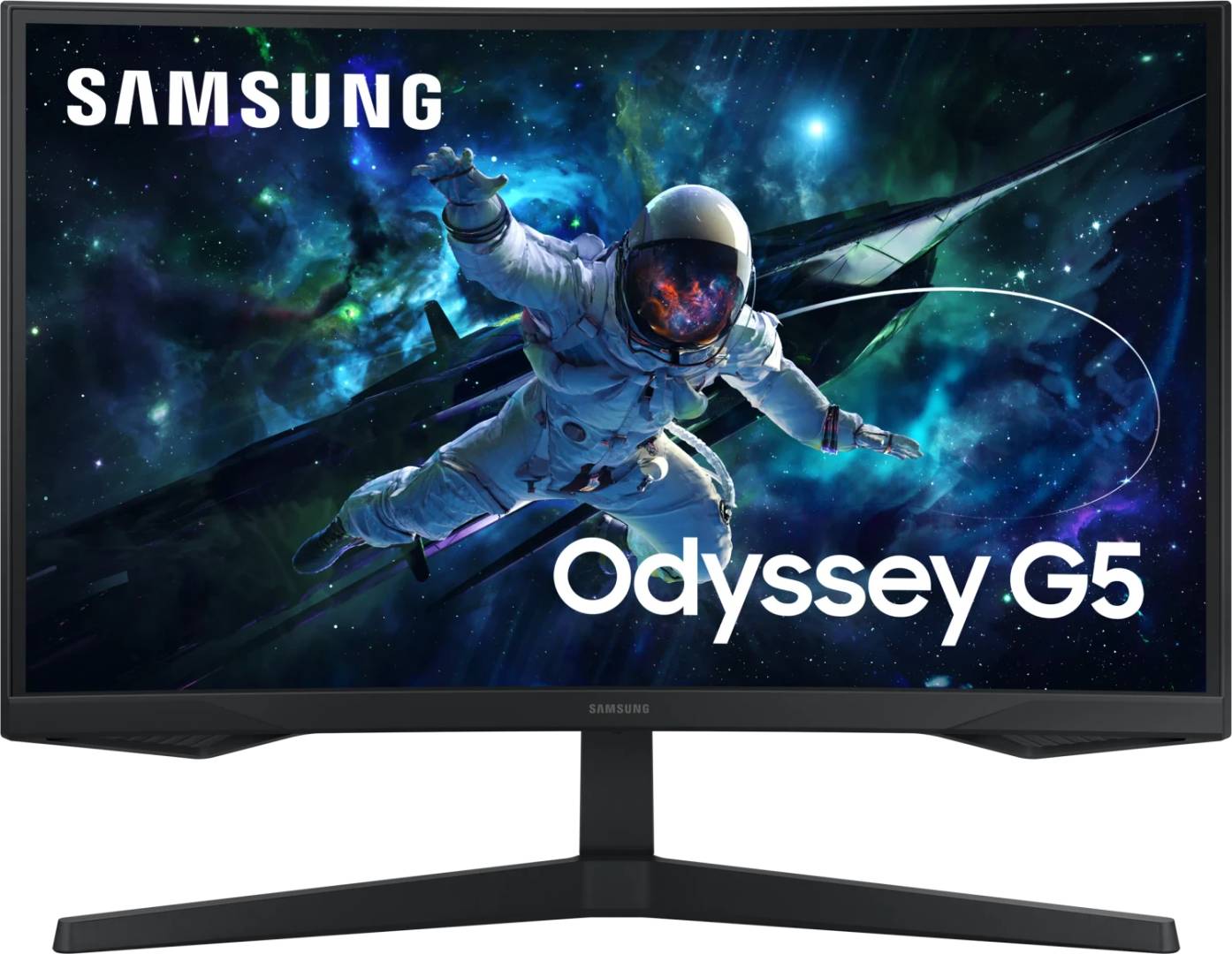
Samsung Odyssey G5 G55C 27 inch QHD 165Hz Curved 1000R VA Gaming Monitor, HDR10, FreeSync (LS27CG554EUXEN)
Brand:
Samsung

Samsung Odyssey G5 G55C 27 inch QHD 165Hz Curved 1000R VA Gaming Monitor, HDR10, FreeSync (LS27CG554EUXEN)
€204.49 inc. VAT


LS27CG554EUXEN
Delivery
Order Today...
Ships...
Delivery...
ℹ️ Large or fragile items (e.g. monitors) may require extra handling time. We'll keep you informed.
Payment options
Trusted Tech Choice
Buying Benefits
Verified
Competitive EU pricing
Delivered to Cyprus from EU stock
Local warranty support
Please sign in so that we can notify you about a reply
Samsung Odyssey G5 — 27-inch curved QHD at 165 Hz
QHD 2560 × 1440165 HzCurved 1000R2500:1 contrast
The LS27CG554EUXEN is Samsung’s Odyssey G5 (G55C) — a 27-inch curved 1000R VA gaming monitor at QHD 2560 × 1440, running at 165 Hz with 2500:1 contrast, HDR10 and AMD FreeSync. It is the only monitor in this range above Full HD, and at 27 inches that extra resolution is a genuine step up in usable desktop space as well as in-game detail. This version ships with a DisplayPort cable in the box.
Compatibility — check before buying:
⚠️ Two disclosures that matter more than the specifications, because buyers assume otherwise at this price.
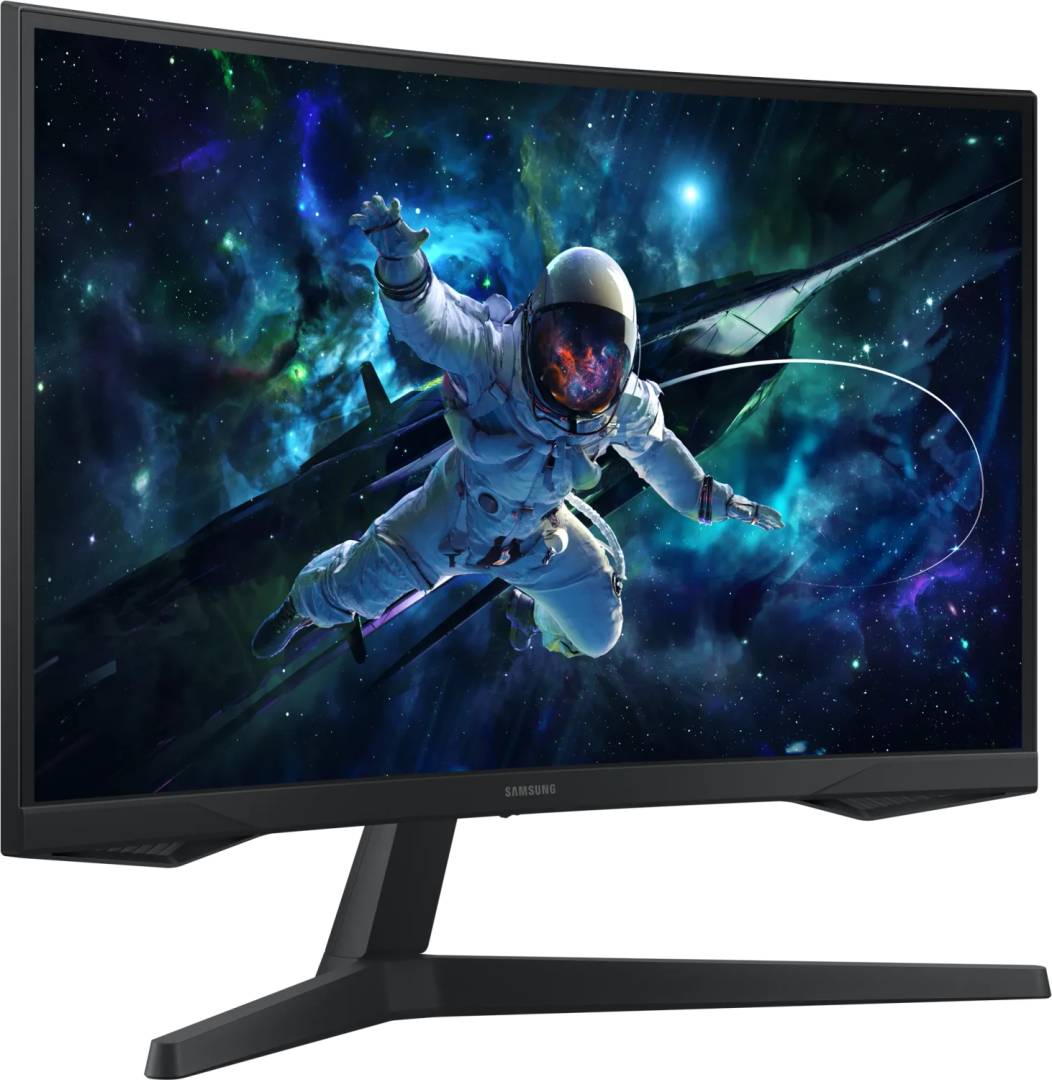
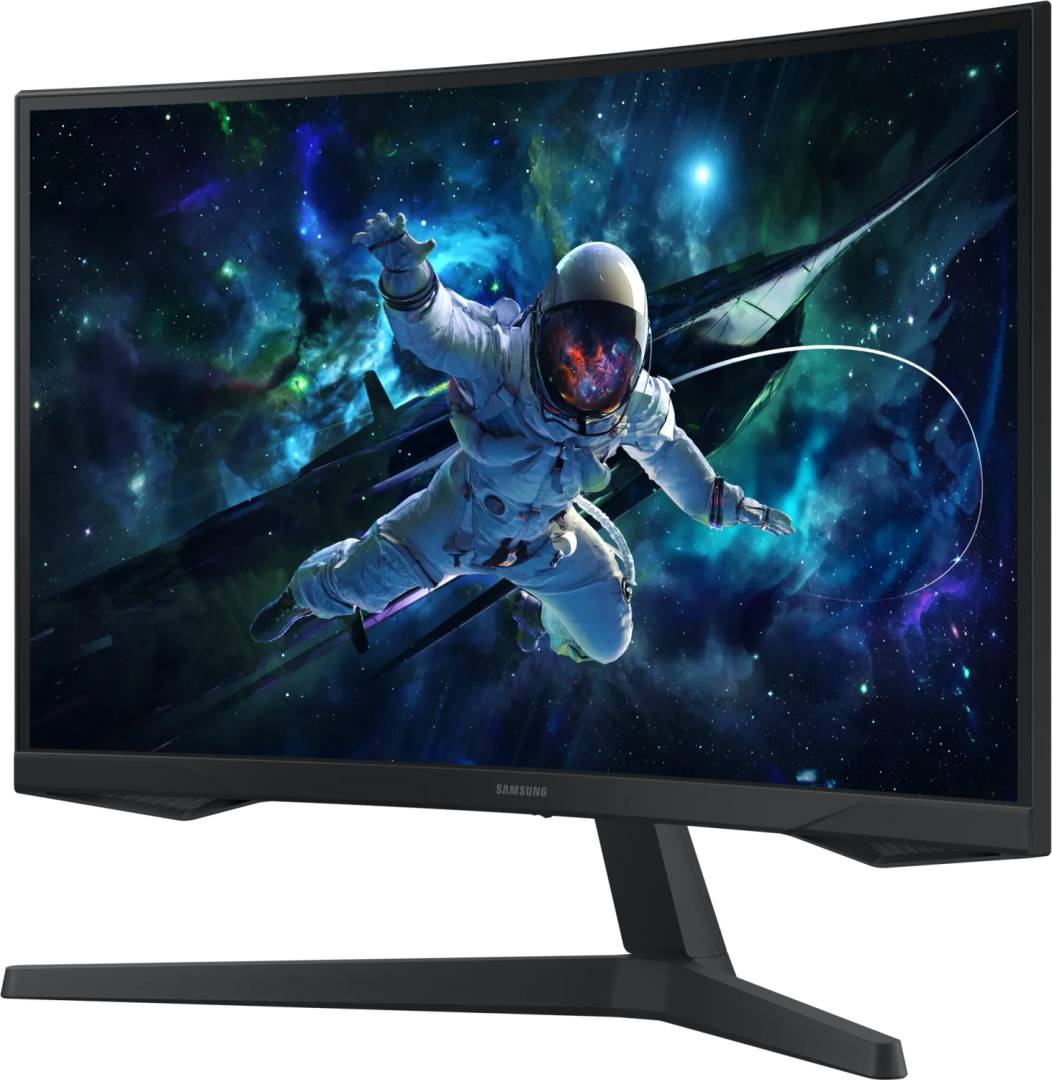
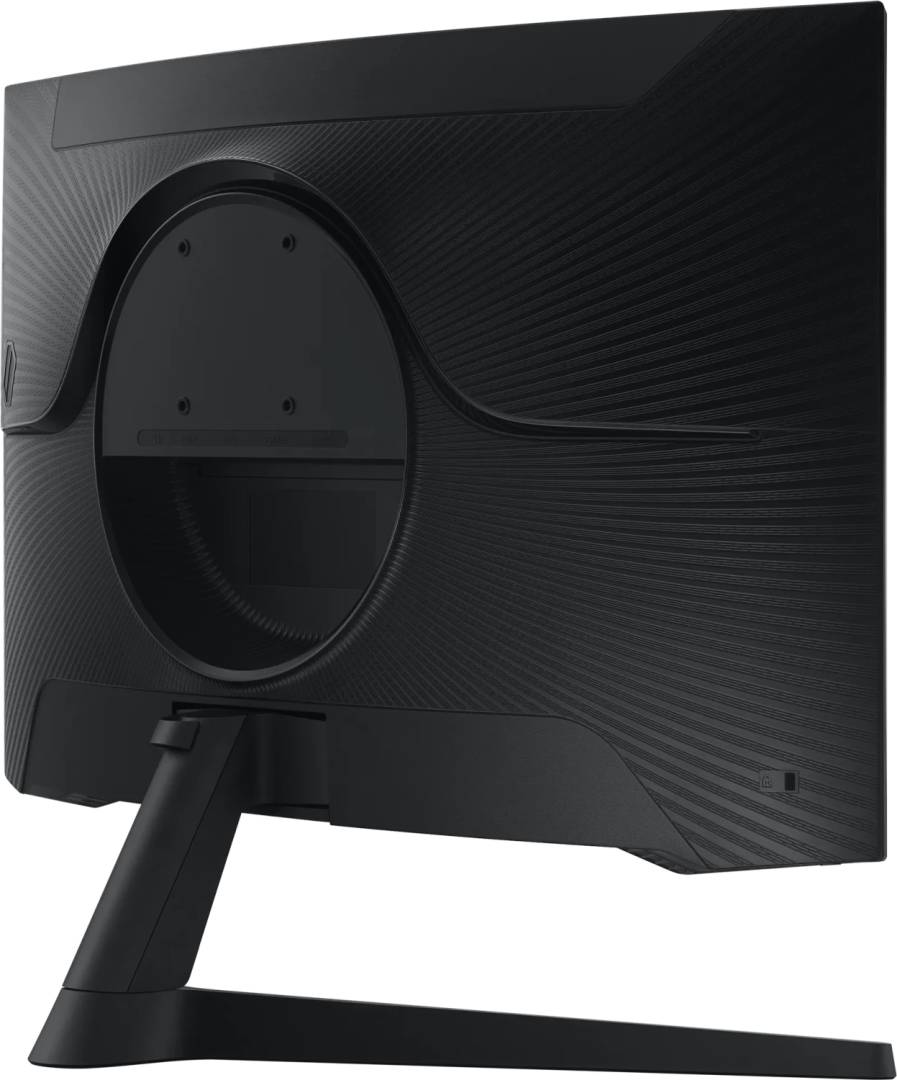
1. The stand tilts and nothing else. No height adjustment, no swivel, no pivot — Samsung classifies it as a “simple” stand, with a tilt range of −2° to +18°. The cheaper Odyssey G3 and G4 both have full height-adjustable stands. If you need the screen at a particular height, budget for an arm.
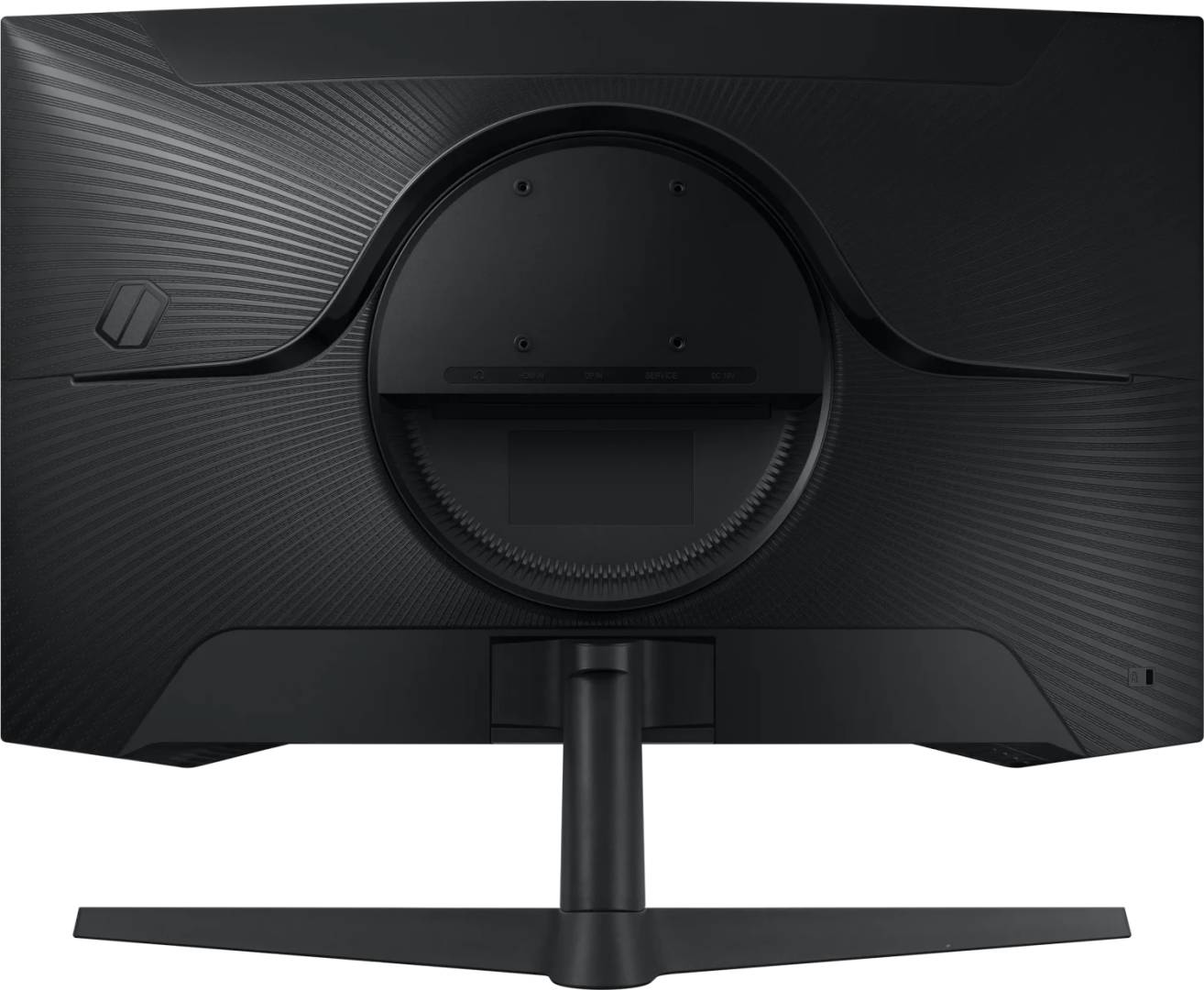
2. The VESA mount is 75 × 75, not 100 × 100. Most monitor arms are sold for 100 × 100. Combined with the tilt-only stand, this is the single most important thing to check before ordering — many arms include both patterns, but not all.
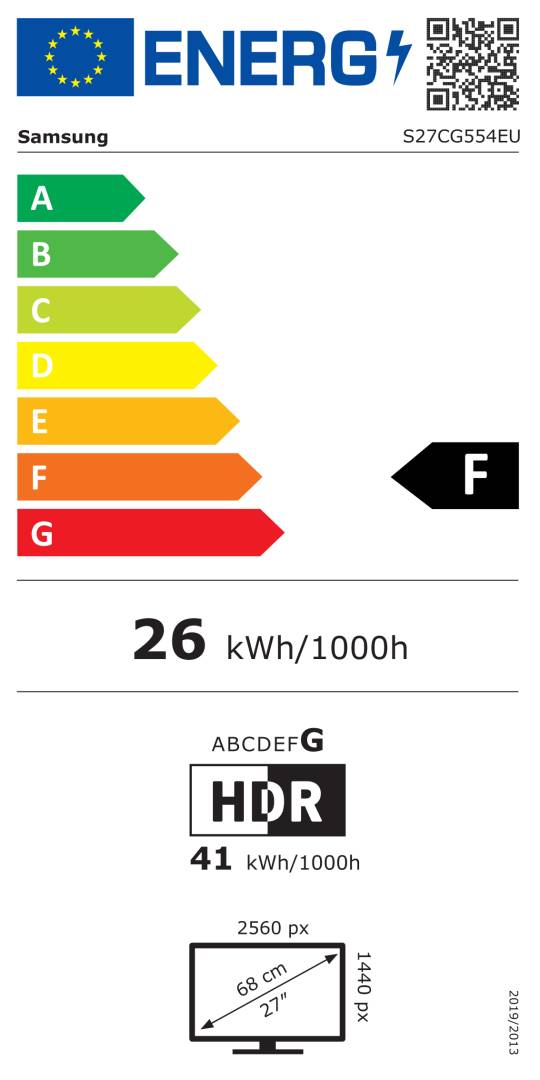
It is also the least efficient monitor in this range: energy class F at 26 W, against 18–20 W for the Odyssey G3 and G4.
Cables: this part number includes a DisplayPort cable only. Samsung sells the identical monitor as LS27CG552EUXEN, which includes both an HDMI cable and a DisplayPort cable. Everything else matches exactly. Note this runs the opposite way to Samsung’s Essential S4 pair, where the higher number is the better-equipped box — here the lower number is.
On adaptive sync and ports: Samsung publishes plain AMD FreeSync with no tier, and no G-Sync Compatible row at all — so we make no NVIDIA claim. There is one DisplayPort 1.2 and one HDMI 2.0. For the full 165 Hz at QHD we would use DisplayPort: Samsung does not publish per-port refresh limits, and HDMI 2.0 is marginal at this resolution and refresh.
1. The stand tilts and nothing else. No height adjustment, no swivel, no pivot — Samsung classifies it as a “simple” stand, with a tilt range of −2° to +18°. The cheaper Odyssey G3 and G4 both have full height-adjustable stands. If you need the screen at a particular height, budget for an arm.
2. The VESA mount is 75 × 75, not 100 × 100. Most monitor arms are sold for 100 × 100. Combined with the tilt-only stand, this is the single most important thing to check before ordering — many arms include both patterns, but not all.
It is also the least efficient monitor in this range: energy class F at 26 W, against 18–20 W for the Odyssey G3 and G4.
Cables: this part number includes a DisplayPort cable only. Samsung sells the identical monitor as LS27CG552EUXEN, which includes both an HDMI cable and a DisplayPort cable. Everything else matches exactly. Note this runs the opposite way to Samsung’s Essential S4 pair, where the higher number is the better-equipped box — here the lower number is.
On adaptive sync and ports: Samsung publishes plain AMD FreeSync with no tier, and no G-Sync Compatible row at all — so we make no NVIDIA claim. There is one DisplayPort 1.2 and one HDMI 2.0. For the full 165 Hz at QHD we would use DisplayPort: Samsung does not publish per-port refresh limits, and HDMI 2.0 is marginal at this resolution and refresh.
Best For
✓ Gaming at QHD, where the extra resolution is genuinely visible
✓ Single-player and atmospheric games — 2500:1 on a curved VA
✓ A screen used for work as well as play, thanks to the QHD desktop space
✓ Anyone with an AMD card who wants adaptive sync at 1440p
Key Features
QHD — the only one here above 1080p
2560 × 1440 on a 27-inch screen is the sweet spot most people notice immediately: sharper text, meaningfully more desktop room, and enough detail in games that the resolution rather than the frame rate becomes the thing you see. Every other monitor in this range is Full HD.
1000R curve — tighter than the Essential models
A 1000R curve is much more pronounced than the 1800R used on Samsung’s curved Essential monitors. At 27 inches and desk distance it genuinely wraps, which is the point for immersive single-player games.
2500:1 on a VA panel
Deeper blacks than any IPS gaming monitor at this price. Dark scenes look dark rather than grey — the trade being that colour shifts more when you look at the screen off-axis.
⚠️ Tilt-only stand on VESA 75 × 75
We would rather you knew now. There is no height adjustment, no swivel and no pivot, and the mounting pattern is the smaller 75 × 75. The cheaper Odyssey G3 and G4 both have full ergonomic stands on the standard 100 × 100 pattern. If you are coming from an adjustable monitor, this will feel like a step back.
Use DisplayPort for 165 Hz
There is one DP 1.2 and one HDMI 2.0. DisplayPort has ample bandwidth for QHD at 165 Hz; HDMI 2.0 is marginal at that combination, and Samsung publishes no per-port refresh limits. Connect over DisplayPort where you can.
Technical Specifications
Frequently Asked Questions
Singular Expert Insight
The case for the G5 is resolution: it is the only monitor here above 1080p, and on a 27-inch screen QHD is the single upgrade most people actually notice, in games and on the desktop alike. Paired with a 1000R curve and 2500:1 VA contrast, it is the most immersive screen in the range for single-player games. The case against it is everything around the panel. A tilt-only stand on a VESA 75 × 75 mount is a real step back from the cheaper Odyssey G3 and G4, which both have full ergonomic stands on the standard pattern; it is class F at 26 W, the highest here; there is one HDMI port; and Samsung publishes no gamut figure and no G-Sync status. Buy it for the resolution and the curve, and go in knowing you may want an arm. Between the two G55C part numbers, the CG552 includes an HDMI cable as well as the DisplayPort one; this CG554 includes DisplayPort only. If you need both cables, ask us for the CG552. Browse the rest of our PC monitors, or a monitor stand or arm if the supplied base is the sticking point.
Buyer’s Guide
Buy it if
You want QHD resolution and an immersive 1000R curve for gaming at 1440p, and you are content with a tilt-only stand or already own an arm.
Skip it if
You need a height-adjustable stand or a VESA 100 × 100 mount, you want certified G-Sync, or you play competitively where the G4’s 240 Hz and 1 ms GTG matter more than resolution.
Also consider
The LS27CG552EUXEN, the same monitor with an HDMI cable added, or the Odyssey G3 and G4 if a height-adjustable stand matters more than resolution.
Features - Samsung - LS27CG554EUXEN
More Details
Product Code
03:243798
EAN Code
8806095337234
Manufacturer
Samsung