
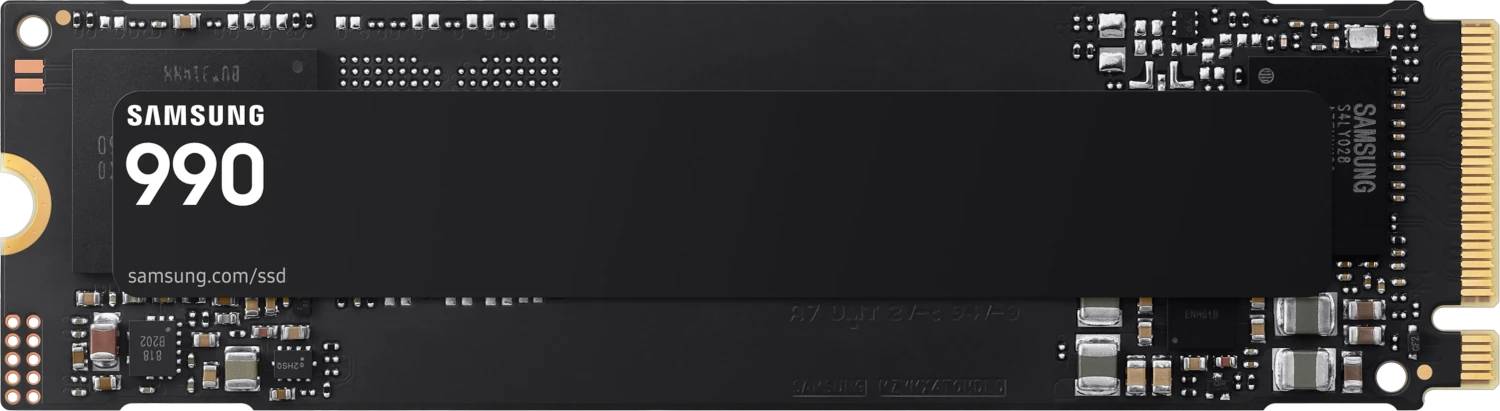
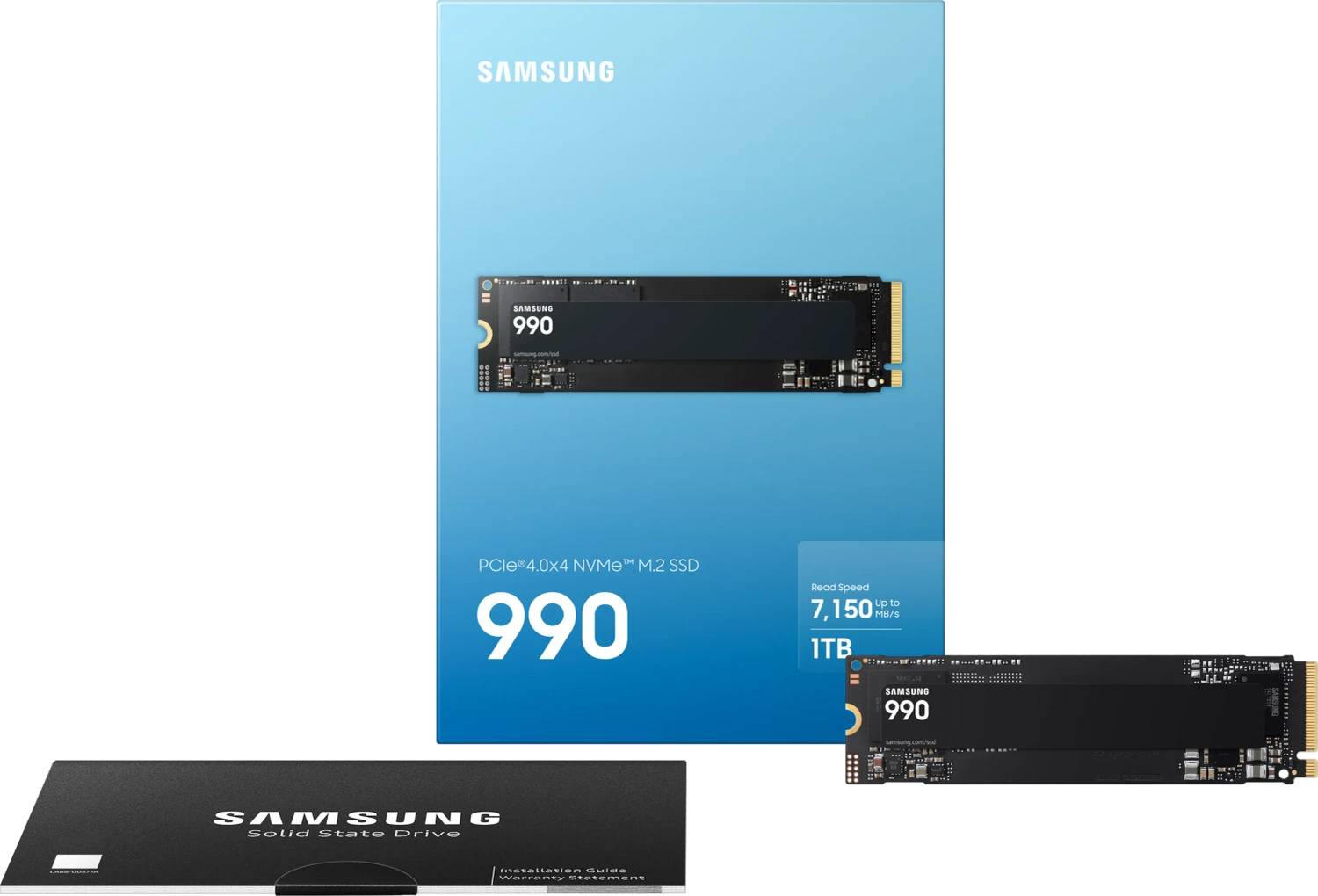
Samsung SSD 990 1TB MZ-V9V1T0BW M.2 2280 Internal SSD PCIe 4.0 x4 NVMe 2.0 7150 MB/s Read 400 TBW
Μάρκα:
Samsung

Samsung SSD 990 1TB MZ-V9V1T0BW M.2 2280 Internal SSD PCIe 4.0 x4 NVMe 2.0 7150 MB/s Read 400 TBW
€266.91 inc. VAT


MZ-V9V1T0BW
Delivery
Order Today...
Ships...
Delivery...
ℹ️ Large or fragile items (e.g. monitors) may require extra handling time. We'll keep you informed.
Payment options
Trusted Tech Choice
Buying Benefits
Verified
Competitive EU pricing
Delivered to Cyprus from EU stock
Local warranty support
Συνδεθείτε για να μπορέσουμε να σας ειδοποιήσουμε σχετικά με μια απάντηση
Samsung SSD 990 1TB — PCIe 4.0 NVMe M.2 2280
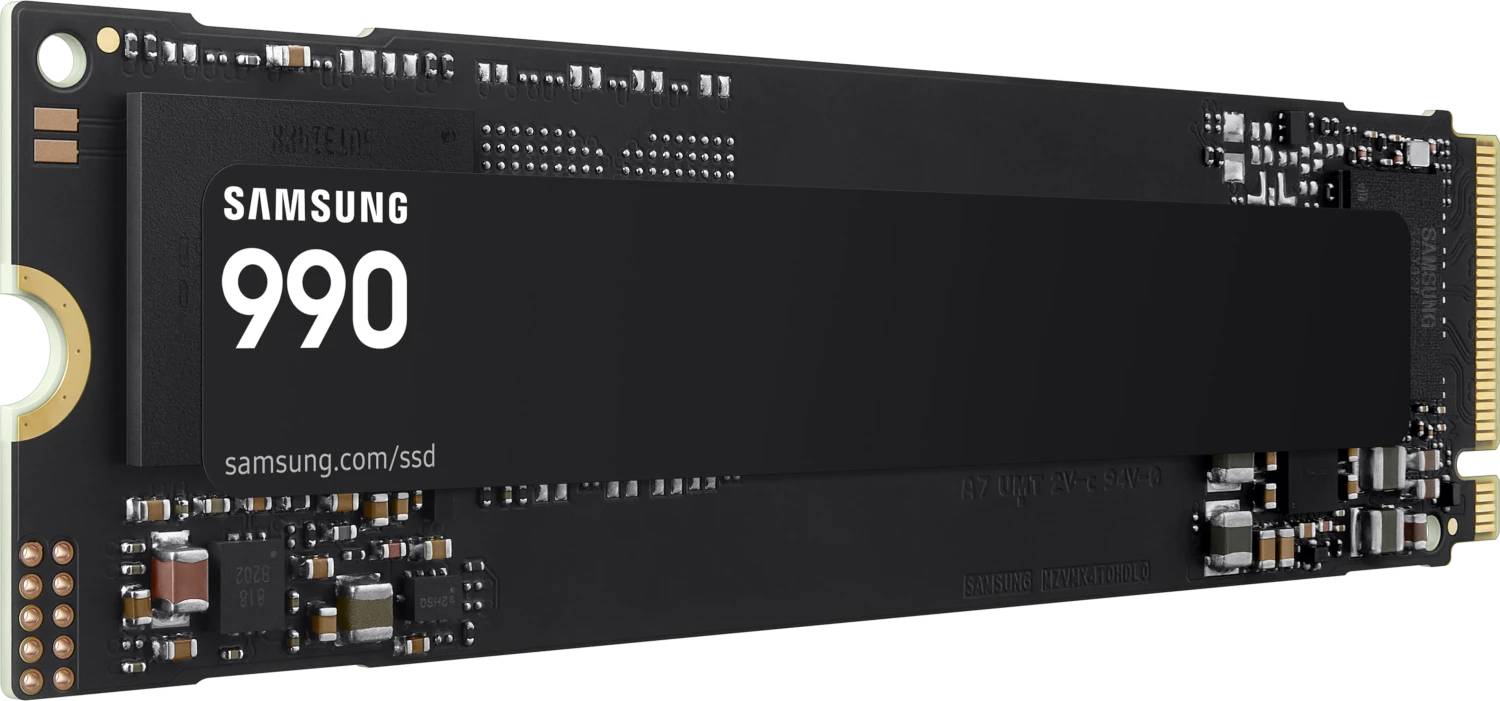
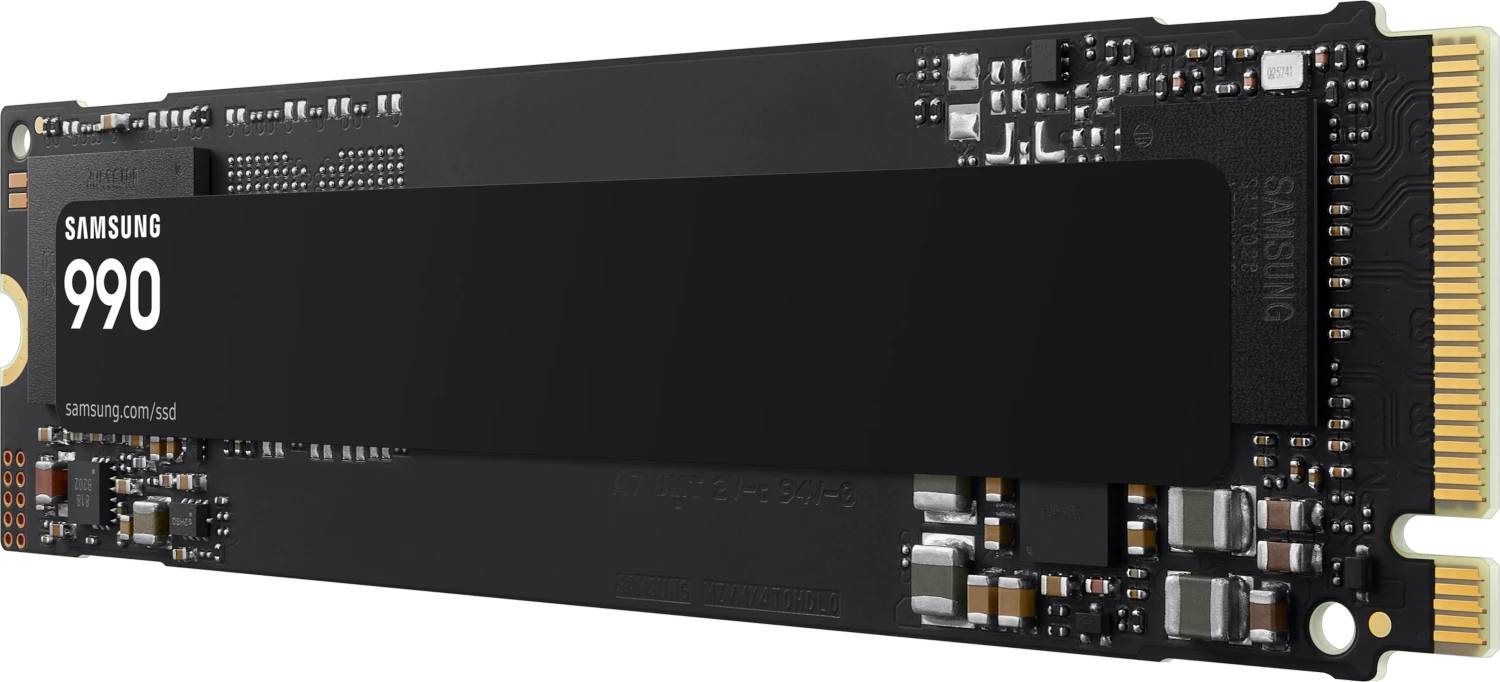
7,150 MB/s readPCIe 4.0 x4 · NVMe 2.0400 TBWM.2 2280, no heatsink
The Samsung SSD 990 (MZ-V9V1T0BW) is a 1 TB M.2 2280 NVMe drive on PCIe 4.0 x4, rated by Samsung at up to 7,150 MB/s sequential read and 6,450 MB/s write — a Gen4 upgrade for a desktop or laptop that needs a fast system drive without paying for a flagship. It is the plain 990, launched by Samsung in July 2026, and it sits below the 990 EVO Plus and 990 PRO: no DRAM cache on the drive, a 3-year warranty, and 400 TBW of rated endurance at this capacity. In practical terms, 1 TB holds Windows, a full Office and Adobe install and a few large games with room to spare, and loads them at Gen4 speed.
Compatibility — check before buying:
Needs an M.2 2280 slot that supports NVMe. Some older laptops and budget boards have M.2 slots that accept SATA drives only — this drive will not be detected in one of those. Check your manual for “NVMe” or “PCIe” next to the M.2 slot. PCIe 3.0 slots work, but slower: the drive runs, limited by the Gen3 link to roughly half its rated speed. No heatsink is fitted. That suits laptops and boards with their own M.2 cover; for a PlayStation 5, Sony requires a cooling structure such as a heatsink, which you would need to add. In the box: Samsung does not list the contents — M.2 mounting screws normally come with the motherboard or laptop, not with the drive. Tell us your laptop or motherboard model and we will confirm the fit before you order.
Best For
✓ Upgrading a laptop from SATA or a small Gen3 drive
✓ A fast Windows boot drive in a new desktop build
✓ Game libraries that load noticeably faster than from SATA
✓ Content caches and project files for photo editing
✓ Cloning an old drive with Samsung Magician
✓ Office machines that need Gen4 speed at a sensible price
Key Features
Gen4 speed where it counts
Samsung rates the 1 TB model at up to 7,150 MB/s sequential read and 6,450 MB/s write, with random performance of up to 700K IOPS read and 1,100K IOPS write. That is full PCIe 4.0 x4 territory: boot, app launches and large file copies are limited by what you do with the data, not by the drive.
400 TBW and a 3-year term
Samsung publishes 400 TBW of endurance for this capacity — writing 100 GB every single day would take more than ten years to reach it. The warranty is 3 years or 400 TBW. Note the difference from the 990 EVO Plus and 990 PRO, which carry 5-year terms.
HMB instead of on-board DRAM
The drive uses Host Memory Buffer: instead of its own DRAM chip it borrows a small slice of system memory for its mapping tables. That keeps the drive cheaper and more power-efficient, and in everyday use you will not notice it. Samsung rates average power at 4.0 W reading and 3.7 W writing, with 3 mW in device sleep — kind to a laptop battery.
Encryption and Samsung Magician
Samsung lists AES 256-bit full-drive encryption with TCG Opal 2.0 and IEEE 1667 (Encrypted Drive) support, so it works with BitLocker hardware encryption on supported systems. Samsung Magician adds firmware updates, health monitoring and data migration from your old drive.
Technical Specifications
Frequently Asked Questions
Singular Expert Insight
The plain Samsung 990 is the drive to buy when you want Samsung’s Gen4 speed and software in a laptop or office build and do not need a 5-year term. At 1 TB it reads at up to 7,150 MB/s, which is effectively the ceiling of PCIe 4.0, and its HMB design keeps power low — useful in a laptop, where the drive is always on. Be clear about what you give up against the 990 EVO Plus: two years of warranty and 200 TBW of endurance at the same capacity. Against the 990 PRO, on-board DRAM for heavy sustained writes. And do not confuse the part numbers: MZ-V9V is this 990, V9E the 990 EVO, V9S the EVO Plus and V9P the PRO. Tell us what the drive is going into and we will tell you honestly whether the extra for the bigger models is worth it.
Buyer’s Guide
Buy it if
You need a 1 TB NVMe system or game drive for a laptop or desktop with an M.2 2280 NVMe slot, you want up to 7,150 MB/s reads and Samsung Magician, and a 3-year / 400 TBW term covers how you use it.
Skip it if
Your M.2 slot is SATA-only or takes 2230/2242 drives. Skip it too if you write hundreds of gigabytes a day — video, VMs, databases — where a DRAM drive with a 5-year term is the better tool, or if you want a heatsink in the box for a PS5.
Also consider
Samsung 990 EVO Plus 1TB for a 5-year warranty and higher endurance. Samsung 990 PRO for on-board DRAM and sustained heavy workloads. A 2 TB drive if 1 TB will be full within a year — Samsung publishes higher speed and 800 TBW for the 990 at 2 TB.
Interface
- M.2
Technical specifications
Μέγεθος
1TB
Χαρακτηριστικά
Product Code
04:595193
EAN Code
8806099020699
Manufacturer
Samsung