
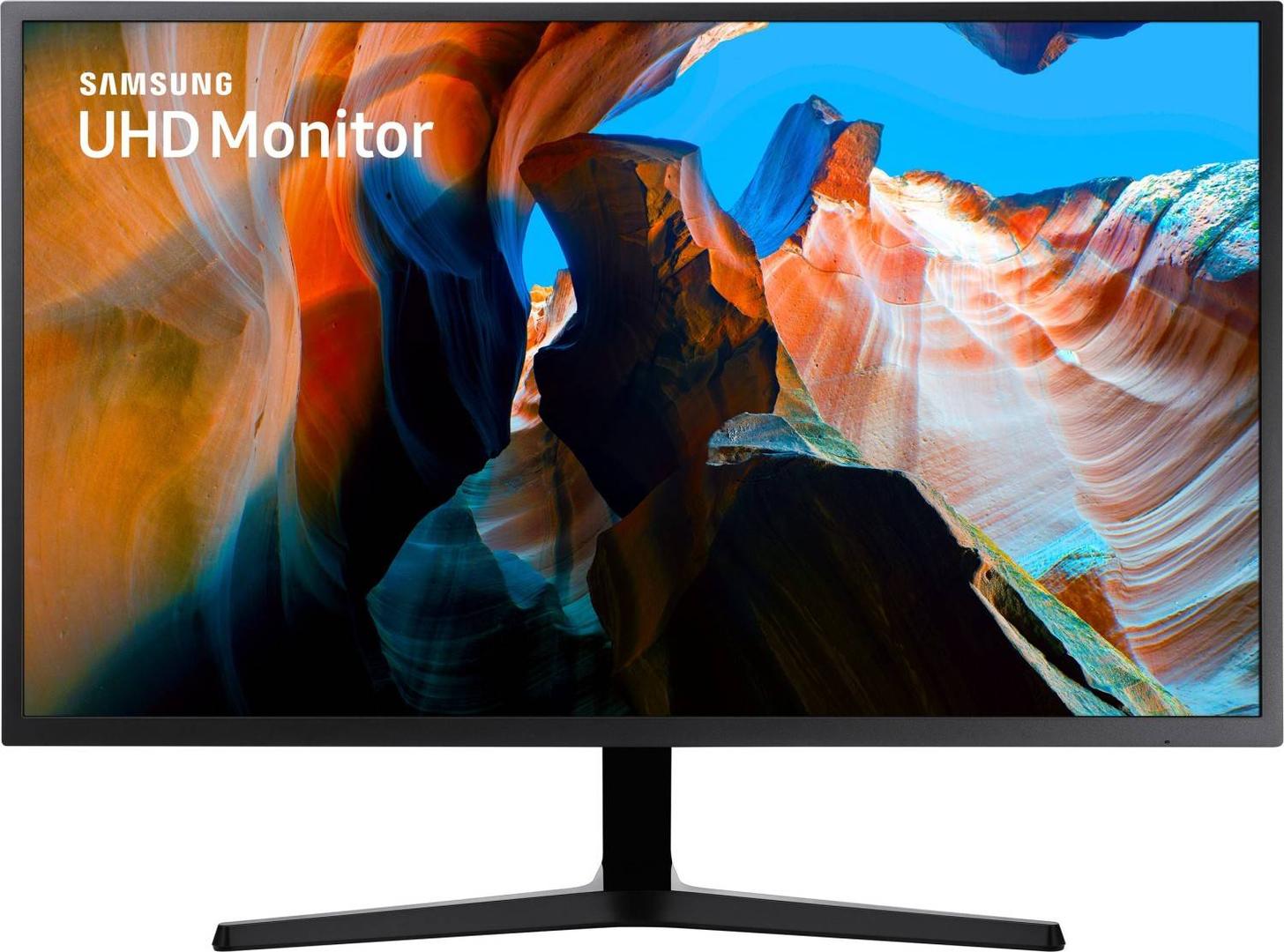
Samsung UJ59 32" 4K UHD Monitor, 3840x2160 VA, 60Hz, 3000:1, 178% sRGB, FreeSync, HDMI + DisplayPort (LU32J590UQPXEN)
Μάρκα:
Samsung


LU32J590UQPXEN
Delivery
Order Today...
Ships...
Delivery...
ℹ️ Large or fragile items (e.g. monitors) may require extra handling time. We'll keep you informed.
Payment options
Trusted Tech Choice
Buying Benefits
Verified
Competitive EU pricing
Delivered to Cyprus from EU stock
Local warranty support
Συνδεθείτε για να μπορέσουμε να σας ειδοποιήσουμε σχετικά με μια απάντηση
Samsung UJ59 32″ — 4K with a wide gamut, at 60 Hz
3840 × 2160 4K UHD32″ VA · 3000:1138 % sRGBFreeSync
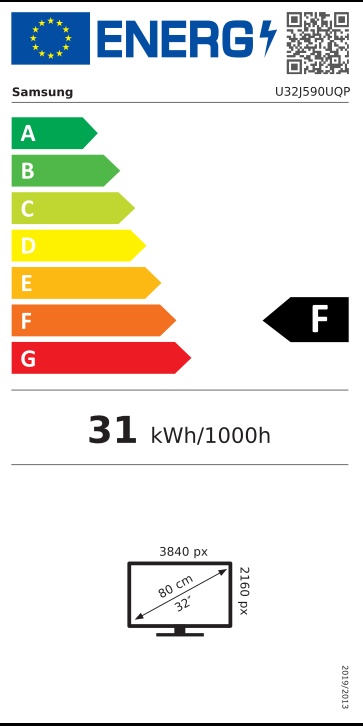
The LU32J590UQPXEN is Samsung’s UJ59 — a 32″ 4K UHD monitor at 3840 × 2160 on a flat VA panel with 3000:1 contrast and an unusually wide published colour gamut: 138 % sRGB, 102 % Adobe RGB and 97 % NTSC, with 1.07 billion colours. It runs at 60 Hz with a 4 ms grey-to-grey response and supports AMD FreeSync.
Compatibility — check before buying:
⭐ The colour gamut is the genuinely unusual thing here, and Samsung publishes real numbers for it. 138 % sRGB, 102 % Adobe RGB and 97 % NTSC is a wide-gamut panel — considerably more coverage than the 99 % sRGB that Samsung’s current ViewFinity monitors publish, and the Adobe RGB figure in particular is rare, since Samsung publishes no Adobe RGB number at all for its newer models. If you work with print colour, this older monitor publishes a specification the current range does not.
⚠️ A caution to go with that: a wide gamut is not the same as an accurate one. Samsung publishes no Delta-E figure, no factory calibration and no sRGB clamp mode for this monitor. Wide-gamut panels without an sRGB mode tend to oversaturate ordinary content. For colour-critical work you would want to profile it yourself.
⭐ 4K at 32″ is the size that makes 4K practical. At 32 inches, 3840 × 2160 works out at about 138 pixels per inch — dense enough to look sharp, large enough to run at 125 % scaling or even 100 % and gain real desktop space. At 27″, 4K forces 150–200 % scaling, which hands most of that space back.
⚠️ It is 60 Hz, and this is a productivity monitor. FreeSync is supported, but Samsung publishes no tier and no G-SYNC Compatible claim, and the response is 4 ms grey-to-grey. It will play games and they will look detailed; it is not a gaming monitor.
⚠️ No HDR of any kind. Samsung publishes no HDR support for this model — not HDR10, not any DisplayHDR certification. Listings claiming HDR on the UJ59 are not following Samsung.
⚠️ Check which HDMI port you use. The monitor has two HDMI inputs but they are not the same: one is HDMI 2.0 and the other is HDMI 1.4. HDMI 1.4 cannot carry 4K at 60 Hz — it will fall back to 30 Hz, which feels sluggish and is a common complaint from people who plugged into the wrong socket. Use the HDMI 2.0 port or the DisplayPort 1.2 input.
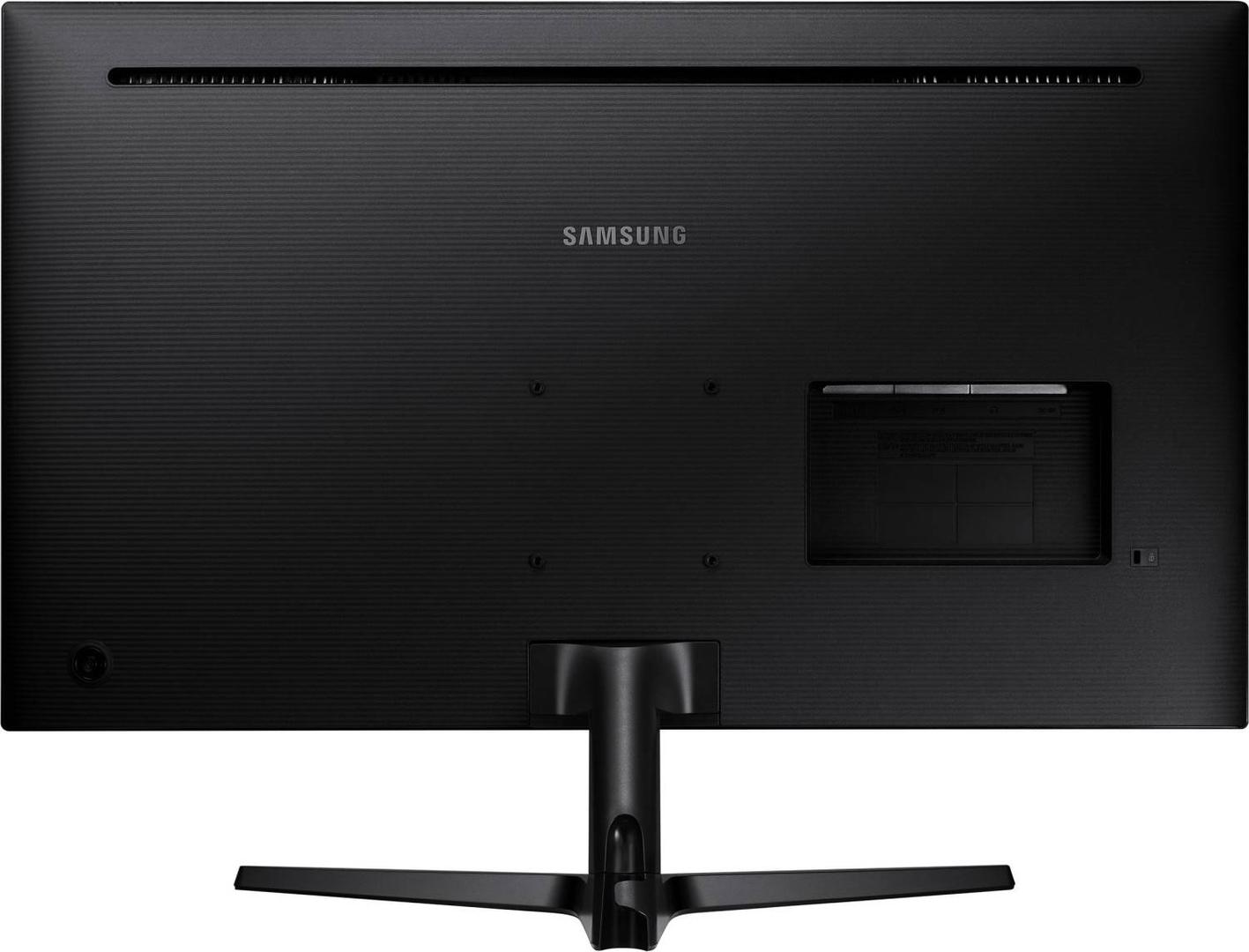
⚠️ Tilt-only stand, and no speakers. Tilt from −2° to +15° and nothing more — no height, swivel or pivot — on a 6.3 kg 32″ screen. VESA 100 × 100 makes an arm an easy fix and is worth budgeting for. There are no built-in speakers, only a headphone output.
⚠️ The box has an HDMI cable but no DisplayPort cable.
⚠️ A caution to go with that: a wide gamut is not the same as an accurate one. Samsung publishes no Delta-E figure, no factory calibration and no sRGB clamp mode for this monitor. Wide-gamut panels without an sRGB mode tend to oversaturate ordinary content. For colour-critical work you would want to profile it yourself.
⭐ 4K at 32″ is the size that makes 4K practical. At 32 inches, 3840 × 2160 works out at about 138 pixels per inch — dense enough to look sharp, large enough to run at 125 % scaling or even 100 % and gain real desktop space. At 27″, 4K forces 150–200 % scaling, which hands most of that space back.
⚠️ It is 60 Hz, and this is a productivity monitor. FreeSync is supported, but Samsung publishes no tier and no G-SYNC Compatible claim, and the response is 4 ms grey-to-grey. It will play games and they will look detailed; it is not a gaming monitor.
⚠️ No HDR of any kind. Samsung publishes no HDR support for this model — not HDR10, not any DisplayHDR certification. Listings claiming HDR on the UJ59 are not following Samsung.
⚠️ Check which HDMI port you use. The monitor has two HDMI inputs but they are not the same: one is HDMI 2.0 and the other is HDMI 1.4. HDMI 1.4 cannot carry 4K at 60 Hz — it will fall back to 30 Hz, which feels sluggish and is a common complaint from people who plugged into the wrong socket. Use the HDMI 2.0 port or the DisplayPort 1.2 input.
⚠️ Tilt-only stand, and no speakers. Tilt from −2° to +15° and nothing more — no height, swivel or pivot — on a 6.3 kg 32″ screen. VESA 100 × 100 makes an arm an easy fix and is worth budgeting for. There are no built-in speakers, only a headphone output.
⚠️ The box has an HDMI cable but no DisplayPort cable.
Best For
✓ Detailed desktop work at a size where 4K gives real extra space
✓ Photo work that benefits from a wide gamut — with your own profiling
✓ Watching 4K content, where 3000:1 contrast tells
✓ A desktop PC with an HDMI 2.0 or DisplayPort output
Key Features
A genuinely wide colour gamut, with published figures
138 % sRGB, 102 % Adobe RGB and 97 % NTSC, with 1.07 billion colours. The Adobe RGB number is notable — Samsung does not publish one for its current ViewFinity range at all.
4K UHD on a 32″ VA panel
3840 × 2160 at about 138 pixels per inch, with 3000:1 native contrast. Sharp, and large enough to use at low scaling for real extra desktop space.
3000:1 contrast
Three times a typical IPS panel. Blacks are properly black, which shows in photographs and film more than any gamut percentage does.
AMD FreeSync
Tear-free variable refresh with an AMD card at 60 Hz. ⚠️ Samsung publishes no FreeSync tier and no G-SYNC Compatible certification.
⚠️ Tilt-only stand, no speakers, no HDR
−2° to +15° and nothing more. No built-in audio, and Samsung publishes no HDR support of any kind for this model.
Technical Specifications
Frequently Asked Questions
Singular Expert Insight
The UJ59 is an older monitor with one specification the current range cannot match: Samsung publishes a real wide-gamut figure for it — 138 % sRGB and 102 % Adobe RGB — where its newer ViewFinity models publish only 99 % sRGB and no Adobe RGB number at all. Combined with 3000:1 VA contrast and 4K at the size where 4K actually buys you desktop space, that makes it a genuinely capable screen for photographs and film. Be clear about the caveats, though. A wide gamut with no published Delta-E, no factory calibration and no sRGB clamp mode will oversaturate ordinary content unless you profile it yourself. There is no HDR at all. The stand only tilts, on a 6.3 kg panel where height matters. And the trap to avoid on day one: the two HDMI ports are different versions, and plugging into the HDMI 1.4 socket limits you to 4K at 30 Hz — use HDMI 2.0 or DisplayPort. Browse our PC monitor range or our monitor arms and stands.
Buyer’s Guide
Buy it if
You want 4K at 32″ with deep contrast and a wide colour gamut, on a desktop PC, and you are happy to profile the screen yourself.
Skip it if
You need HDR, an adjustable stand out of the box, built-in speakers, or a high refresh rate for gaming.
Also consider
A VESA 100 × 100 monitor arm, a DisplayPort cable (none is supplied), and a colorimeter if you intend to use the wide gamut seriously.
Colour
grey
Technical specifications
Resolution
3840 x XXXX
Resolution Group
4K UHD
Χαρακτηριστικά
Product Code
CG29790
EAN Code
8806094771961
Manufacturer
Samsung