
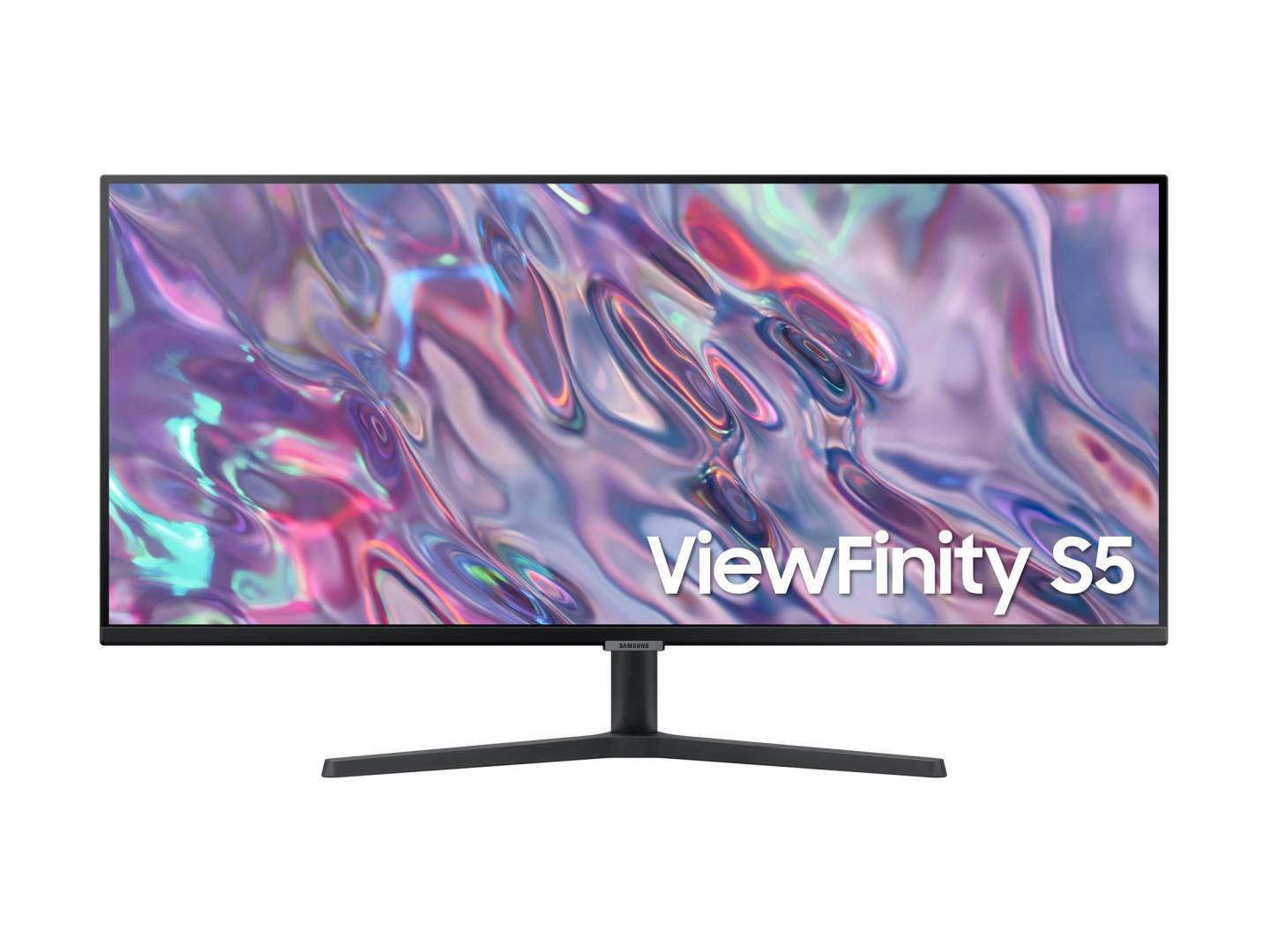
Samsung ViewFinity S5 S50GC 34" Ultrawide Monitor, 3440x1440 UWQHD VA, 100Hz, 3000:1, HDR10, FreeSync (LS34C500GAUXEN)
Μάρκα:
Samsung




LS34C500GAUXEN
Delivery
Order Today...
Ships...
Delivery...
ℹ️ Large or fragile items (e.g. monitors) may require extra handling time. We'll keep you informed.
Payment options
Trusted Tech Choice
Buying Benefits
Verified
Competitive EU pricing
Delivered to Cyprus from EU stock
Local warranty support
Συνδεθείτε για να μπορέσουμε να σας ειδοποιήσουμε σχετικά με μια απάντηση
Samsung ViewFinity S5 34″ — ultrawide, and flat
3440 × 1440 21:934″ · 100 Hz3000:1 VA contrastFlat, not curved
The LS34C500GAUXEN is Samsung’s ViewFinity S5 (S50GC) at 34″ — an ultrawide 21:9 monitor at 3440 × 1440 and 100 Hz, on a flat VA panel with 3000:1 contrast and HDR10. It is the width of two 17″ screens side by side without the bezel down the middle, and it supports AMD FreeSync. Inputs are two HDMI 2.0 and one DisplayPort 1.2.
Compatibility — check before buying:
⭐ Ultrawide is about window layout, not about size. 3440 × 1440 gives you roughly a third more horizontal space than a 2560-wide screen — enough to put a document and a browser side by side at full readable width, or a timeline and a preview, or a spreadsheet that no longer needs scrolling sideways. For a working day that changes more about how the desk feels than a resolution increase would.
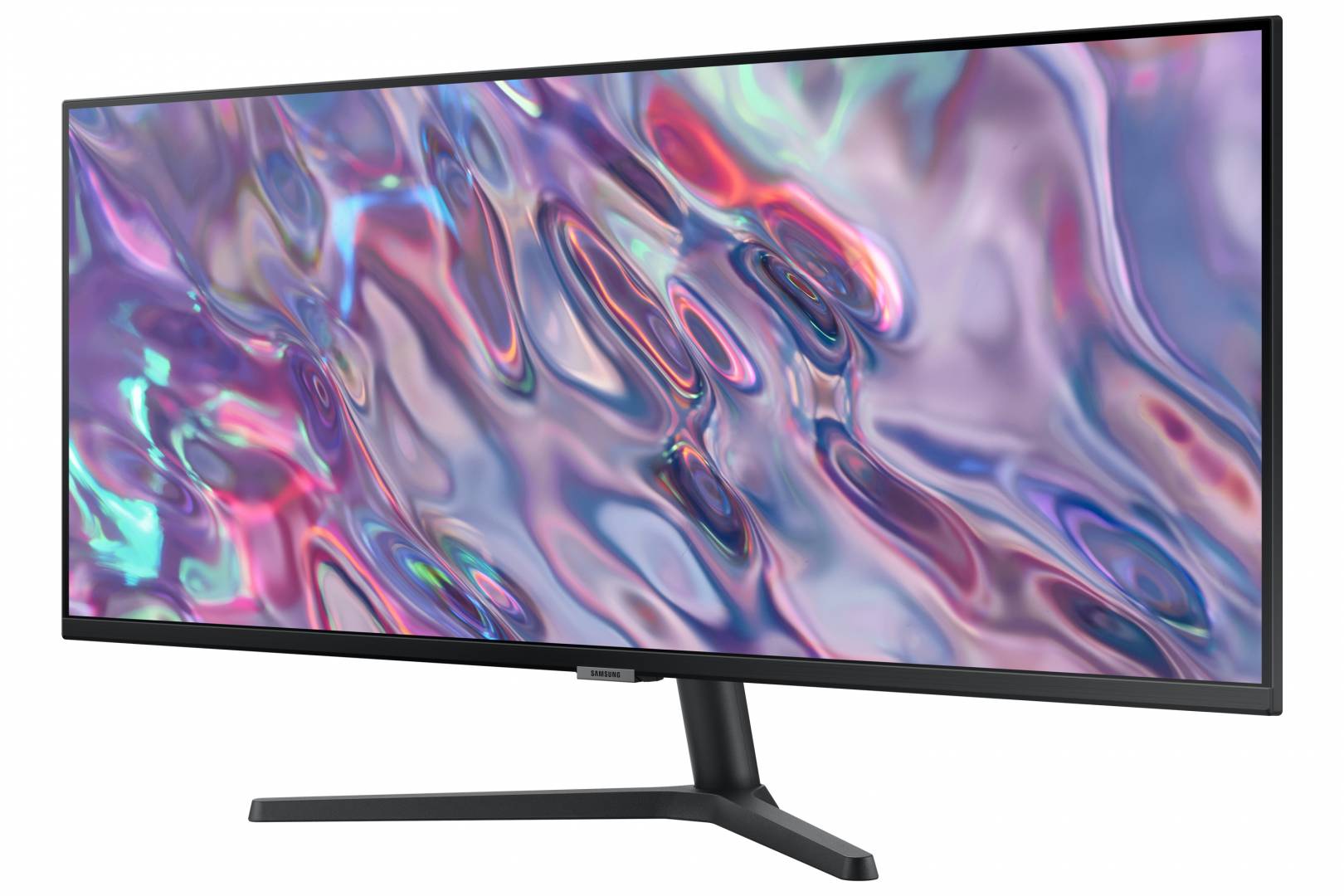
⚠️ It is FLAT, and that is unusual for an ultrawide. Samsung publishes no curvature and no R value for the S50GC — confirmed on both its German and UK pages. Most 34″ ultrawides are curved, so this is a deliberate difference and worth deciding on. Flat is better for design, CAD and anything where straight lines must look straight, and for two people looking at the screen together. Curved is more comfortable for a single user sitting close, because the far edges of a flat 34″ panel sit noticeably off-axis. If you are used to curved ultrawides, expect this one to feel different.
⚠️ VA on a very wide flat panel — know the trade. 3000:1 contrast is three times a typical IPS panel and looks excellent for films and dark scenes. But VA viewing angles are weaker than IPS, and on a flat screen this wide, the far edges are exactly where you will notice it. If colour consistency edge to edge is critical to your work, an IPS ultrawide is the safer choice.
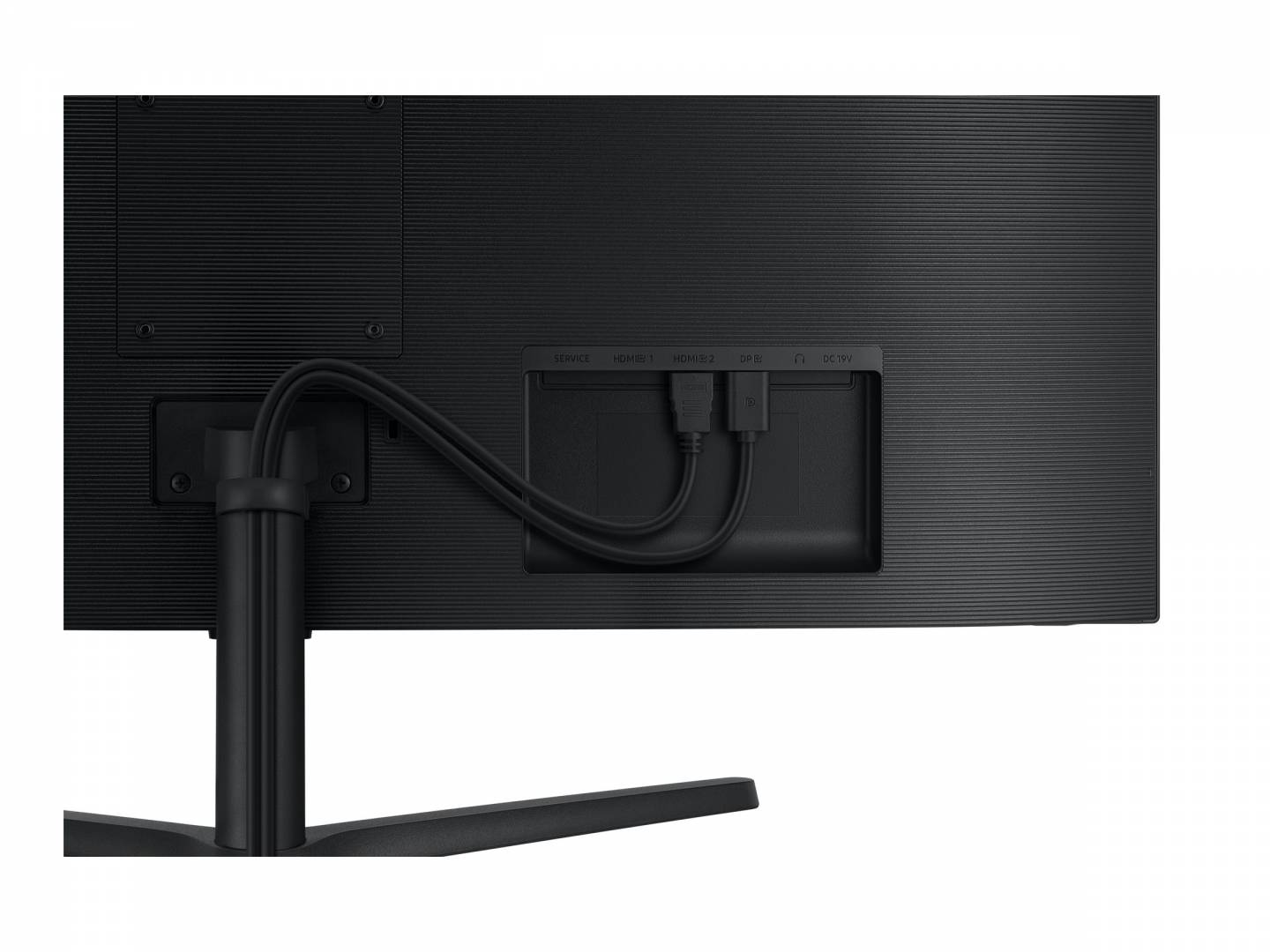
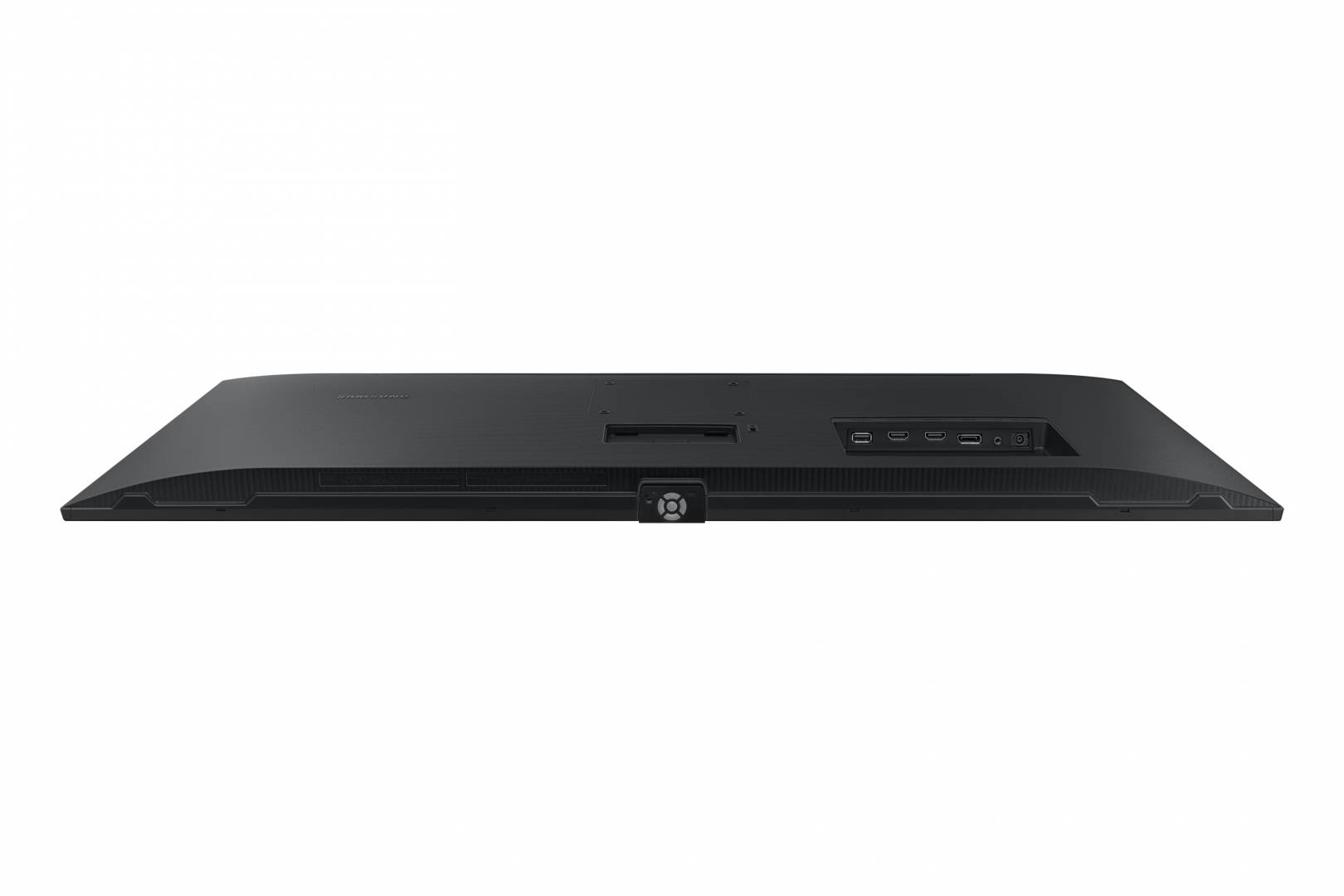
⚠️ No USB-C and no USB hub. Confirmed on both Samsung pages: two HDMI, one DisplayPort, a headphone jack, and nothing else. This monitor cannot dock a laptop over one cable and cannot charge one. On a screen this size that is a genuine omission — if single-cable docking matters, look at the ViewFinity S60UD instead.
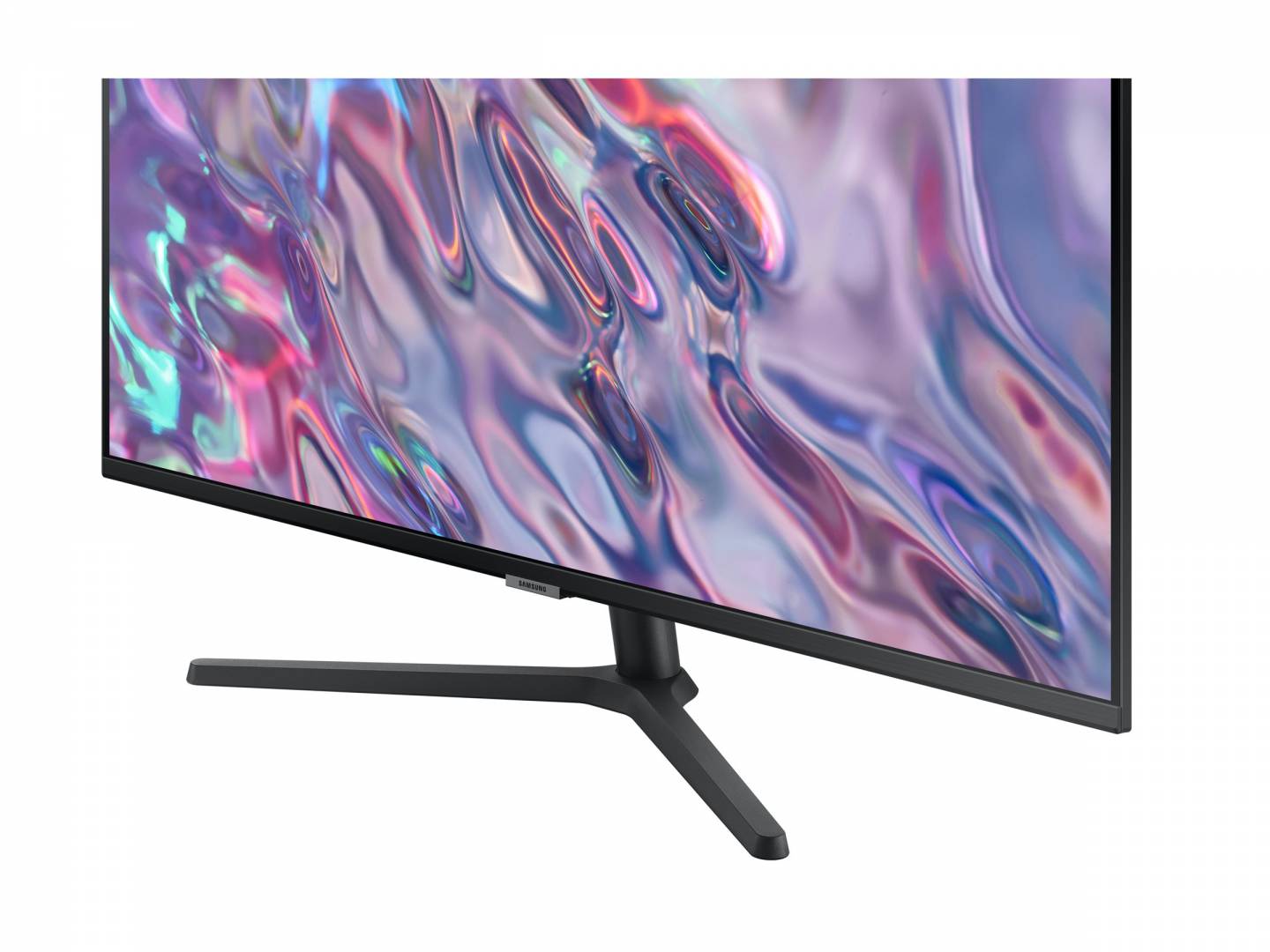
⚠️ The stand tilts only. −2° to +22°: no height, no swivel, no pivot. On a 34″ panel, screen height matters more than usual, so budget for a VESA 100 × 100 arm if the fixed height does not suit you.
⚠️ FreeSync only, no tier stated, and no G-SYNC claim. Samsung publishes plain “AMD FreeSync” — not Premium, and it makes no NVIDIA G-SYNC Compatible claim anywhere. At 100 Hz this is a productivity monitor that games adequately, not a gaming monitor.
⚠️ The box has an HDMI cable but no DisplayPort cable.
⚠️ It is FLAT, and that is unusual for an ultrawide. Samsung publishes no curvature and no R value for the S50GC — confirmed on both its German and UK pages. Most 34″ ultrawides are curved, so this is a deliberate difference and worth deciding on. Flat is better for design, CAD and anything where straight lines must look straight, and for two people looking at the screen together. Curved is more comfortable for a single user sitting close, because the far edges of a flat 34″ panel sit noticeably off-axis. If you are used to curved ultrawides, expect this one to feel different.
⚠️ VA on a very wide flat panel — know the trade. 3000:1 contrast is three times a typical IPS panel and looks excellent for films and dark scenes. But VA viewing angles are weaker than IPS, and on a flat screen this wide, the far edges are exactly where you will notice it. If colour consistency edge to edge is critical to your work, an IPS ultrawide is the safer choice.
⚠️ No USB-C and no USB hub. Confirmed on both Samsung pages: two HDMI, one DisplayPort, a headphone jack, and nothing else. This monitor cannot dock a laptop over one cable and cannot charge one. On a screen this size that is a genuine omission — if single-cable docking matters, look at the ViewFinity S60UD instead.
⚠️ The stand tilts only. −2° to +22°: no height, no swivel, no pivot. On a 34″ panel, screen height matters more than usual, so budget for a VESA 100 × 100 arm if the fixed height does not suit you.
⚠️ FreeSync only, no tier stated, and no G-SYNC claim. Samsung publishes plain “AMD FreeSync” — not Premium, and it makes no NVIDIA G-SYNC Compatible claim anywhere. At 100 Hz this is a productivity monitor that games adequately, not a gaming monitor.
⚠️ The box has an HDMI cable but no DisplayPort cable.
Best For
✓ Working with two full-width windows side by side
✓ Video and audio editing, where a wide timeline is the point
✓ Spreadsheets that run off the edge of a normal screen
✓ Design or CAD work that needs a flat panel rather than a curved one
Key Features
3440 × 1440 across 21:9
About a third more horizontal room than a 2560-wide screen, with no bezel in the middle as a dual-monitor setup would have. This is the practical argument for ultrawide.
3000:1 VA contrast
Three times a typical IPS panel. Blacks are properly black, which shows in films and dark scenes far more than any colour-gamut figure does.
⭐ Flat, not curved
Samsung publishes no curvature for this model. Straight lines look straight, which matters for design and CAD, and two people can share the view. A deliberate difference from most 34″ ultrawides.
100 Hz with FreeSync
Noticeably smoother than a 60 Hz office panel for scrolling and cursor movement, with FreeSync for tear-free gaming at moderate frame rates.
Certified eye comfort
TÜV Rheinland “Intelligent Eye Care” certification, plus Eye Saver Mode and Flicker Free.
Technical Specifications
Frequently Asked Questions
Singular Expert Insight
The case for this monitor is the shape and the contrast. 3440 × 1440 at 21:9 genuinely changes how a desk works — two full-width windows, or a timeline that no longer scrolls — and the 3000:1 VA panel gives blacks that an IPS ultrawide cannot match. The unusual choice is that it is flat. That is right for design and CAD work and for sharing the screen, and less comfortable than a curved panel if you sit close and work alone; decide that deliberately rather than by accident. Where it falls short is connectivity and adjustment: no USB-C, no USB hub, and a stand that only tilts, on a screen where height matters more than usual. Budget for an arm. And be careful with colour claims — Samsung publishes no sRGB or DCI-P3 figure at all for this model, and contradicts itself on colour depth between its own pages, so this is not a monitor to buy for colour-critical work on the strength of its specification sheet. Browse our PC monitor range or our monitor arms and stands.
Buyer’s Guide
Buy it if
You want the horizontal space of an ultrawide with strong contrast, and you specifically want a flat panel rather than a curved one.
Skip it if
You need USB-C docking, you want an adjustable stand out of the box, you game seriously, or your work depends on published colour accuracy.
Also consider
A VESA 100 × 100 monitor arm for height adjustment, and a DisplayPort cable if you prefer it to the supplied HDMI.
Colour
black
Technical specifications
Resolution
3440 x XXXX
Resolution Group
UWQHD (Ultrawide)
Χαρακτηριστικά
Product Code
03:280361
EAN Code
8806094760347
Manufacturer
Samsung