
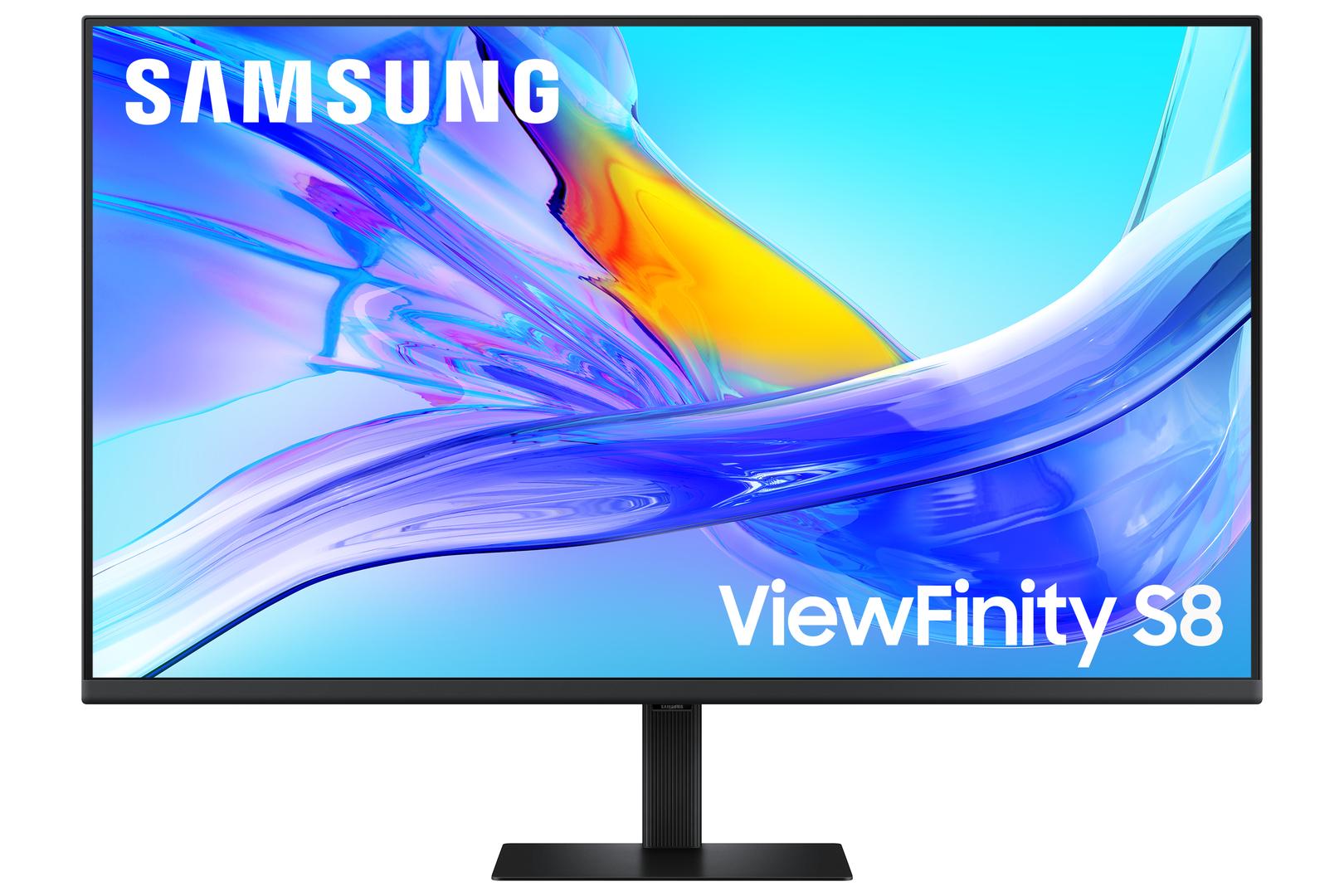
Samsung ViewFinity S8 S80UD 37" 4K Monitor, 3840x2160 VA, USB-C 90W, KVM, LAN, 100% sRGB (LS37D804UAUXEN)
Μάρκα:
Samsung


LS37D804UAUXEN
Delivery
Order Today...
Ships...
Delivery...
ℹ️ Large or fragile items (e.g. monitors) may require extra handling time. We'll keep you informed.
Payment options
Trusted Tech Choice
Buying Benefits
Verified
Competitive EU pricing
Delivered to Cyprus from EU stock
Local warranty support
Συνδεθείτε για να μπορέσουμε να σας ειδοποιήσουμε σχετικά με μια απάντηση
Samsung ViewFinity S8 37″ — a very large screen that is also the dock
37″ 4KUSB-C 90 WKVM + RJ45 LAN100 % sRGB
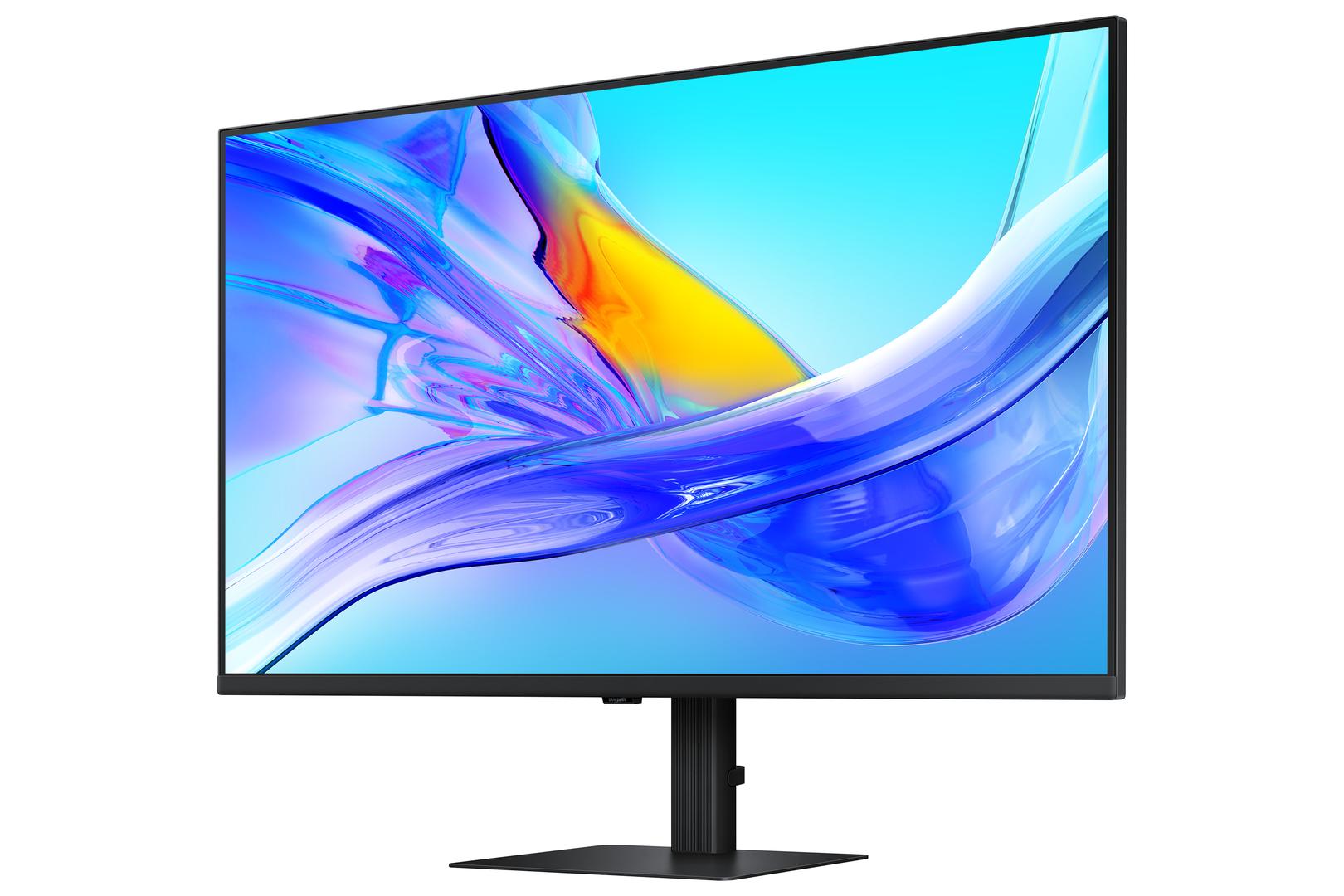
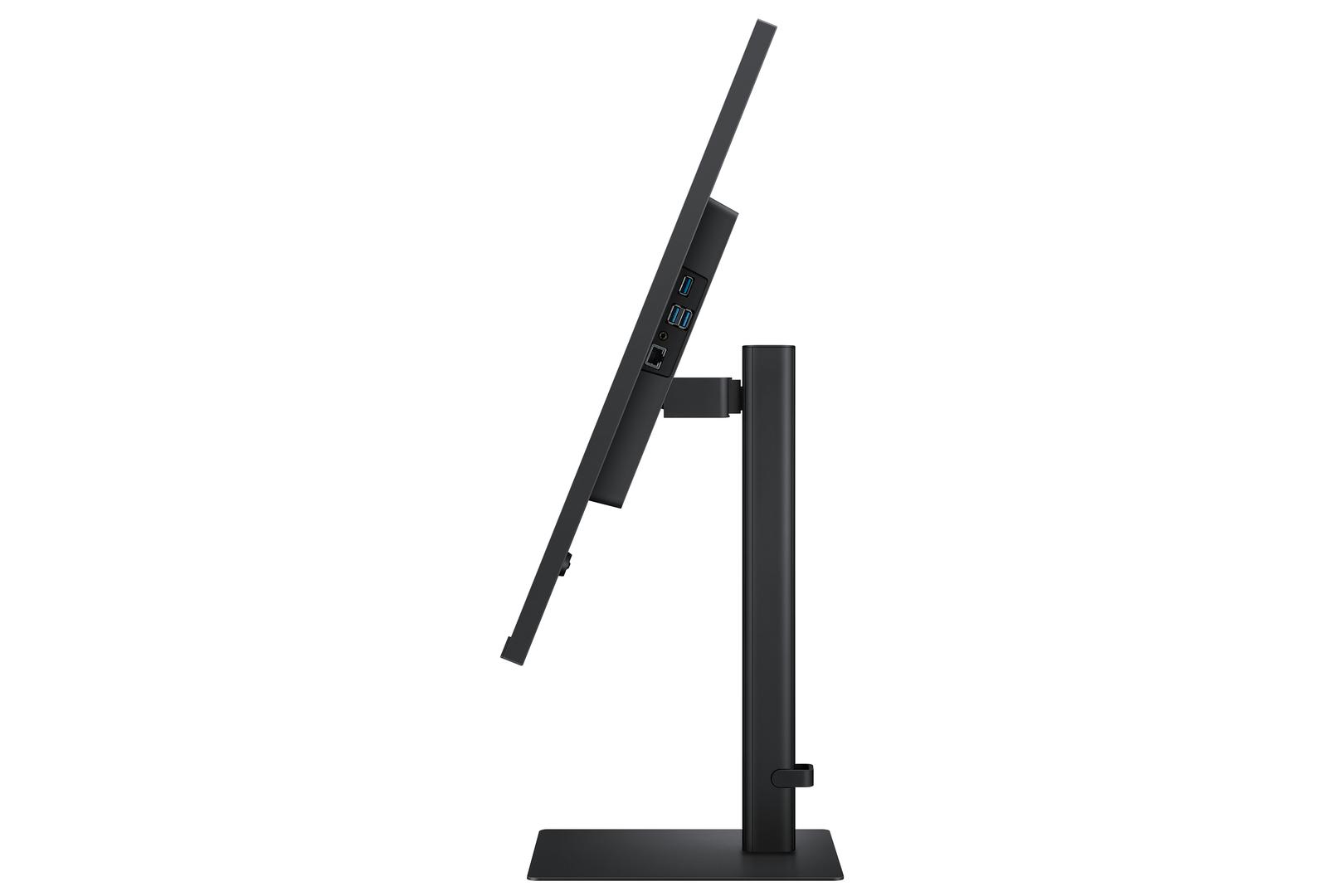
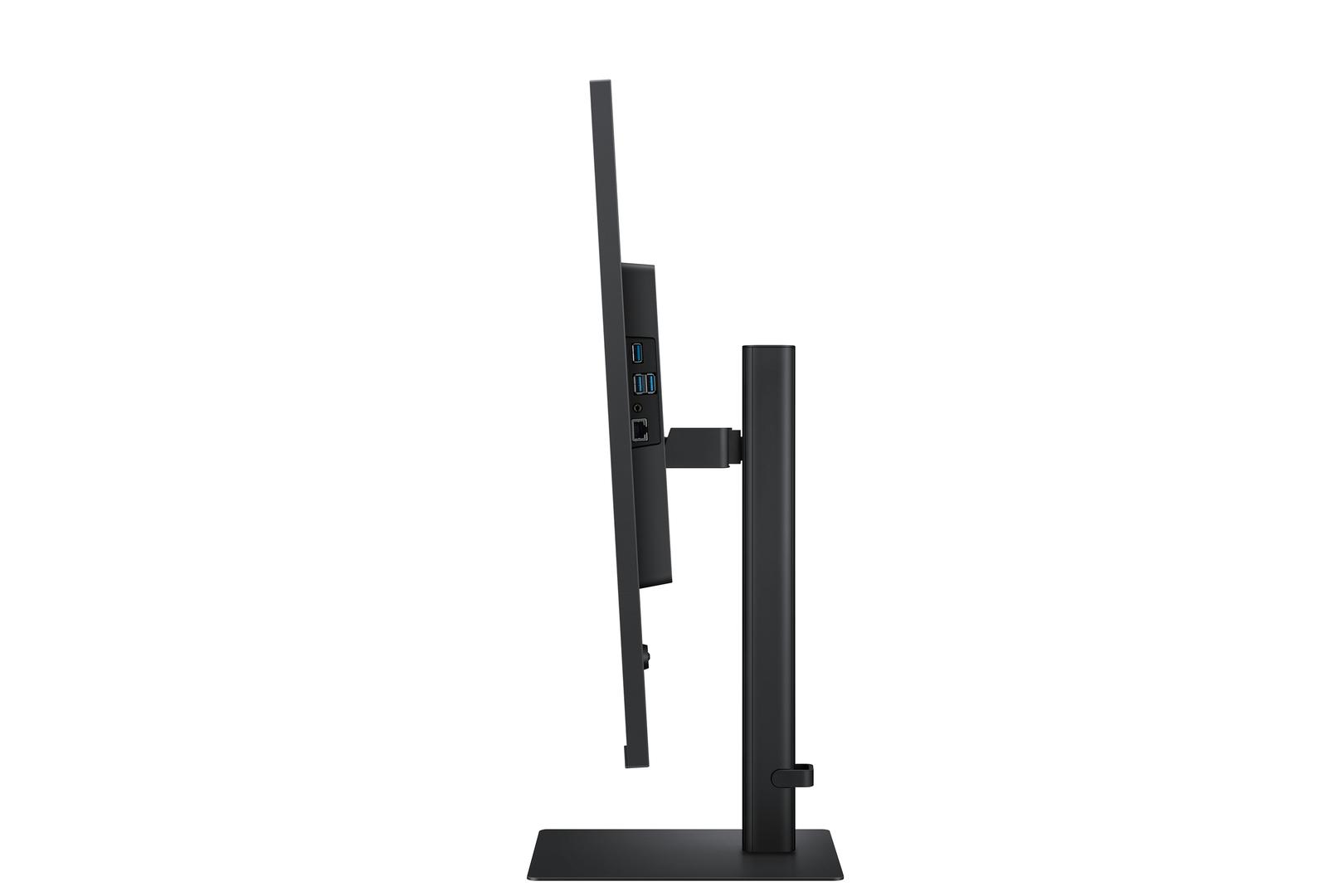
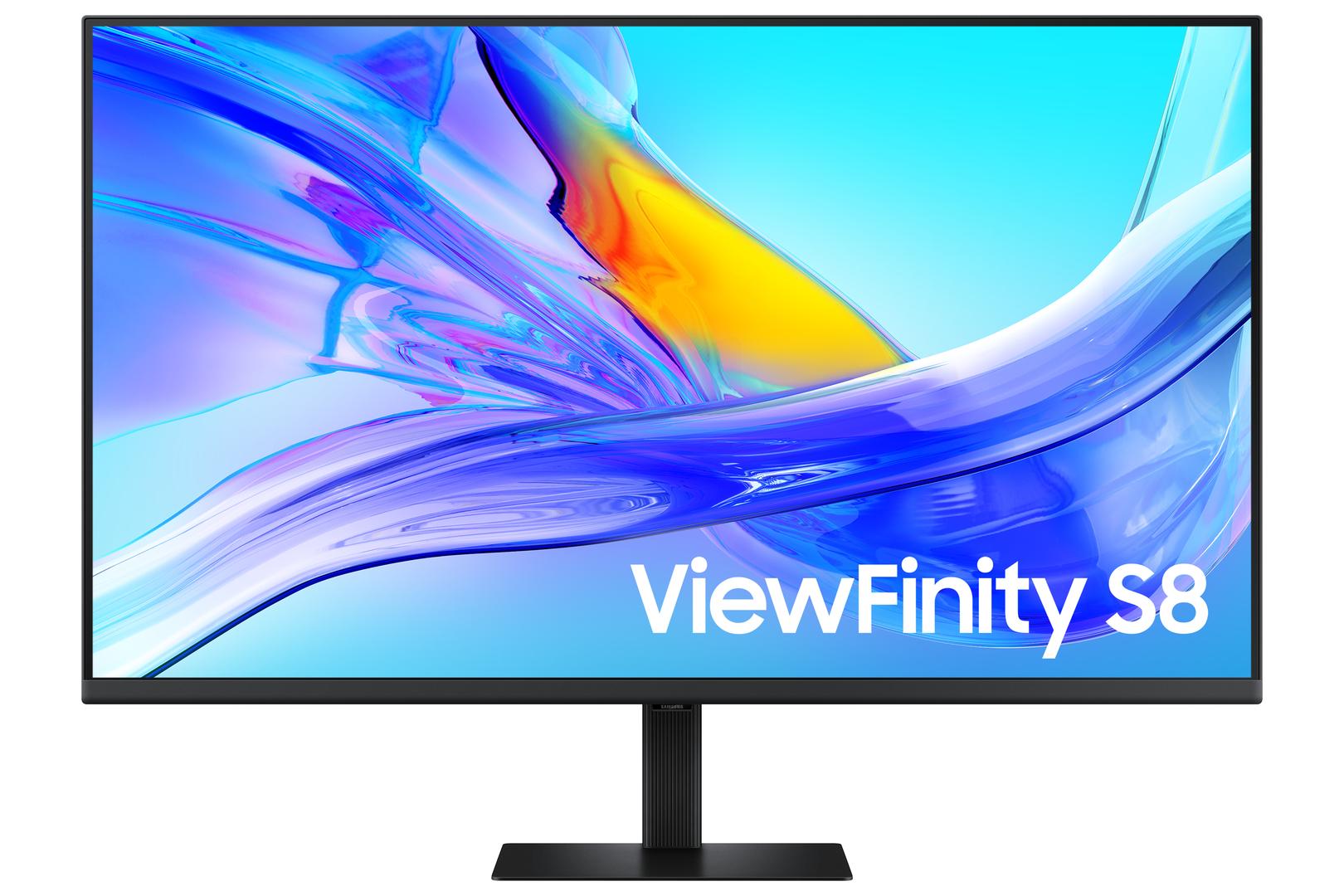
The LS37D804UAUXEN is Samsung’s ViewFinity S8 (S80UD) at 37 inches — a flat 4K monitor at 3840 × 2160 on a VA panel with 3000:1 contrast and 100 % sRGB coverage. It doubles as a full laptop dock: USB-C with 90 W Power Delivery, a built-in KVM switch, an RJ45 Ethernet port and a three-port USB 3.0 hub. It is a 60 Hz productivity panel.
Compatibility — check before buying:
⭐ This is a dock that happens to be a very large monitor, and the connectivity is unusually complete. One USB-C cable to a laptop carries the picture, the data and 90 W of charging. Plug your keyboard, mouse and drives into the monitor’s three-port USB hub, run the network through its RJ45 port, and connecting or disconnecting the laptop becomes a single cable. The built-in KVM switch then lets that one keyboard and mouse control two connected computers. A separate dock with this feature set is a meaningful fraction of the monitor’s price.
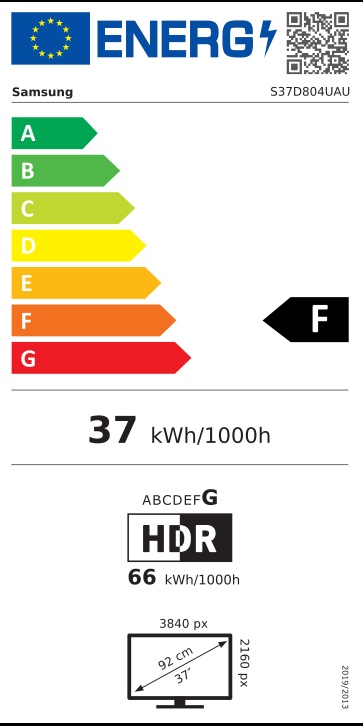
⭐ 37 inches of 4K is a lot of usable desktop. At this size, 3840 × 2160 works out at about 119 pixels per inch — close to a 27″ QHD screen in text size, which means you can comfortably run it at 100 % scaling and keep every pixel as working space. For four windows side by side, or a spreadsheet that no longer needs scrolling, this is the practical argument.
⚠️ Check that your laptop’s USB-C port supports DisplayPort Alt Mode. Not all do. A USB-C port carrying only data and charging will not send a picture. On most laptops the video-capable port is marked with a DisplayPort or Thunderbolt symbol.
ℹ️ 90 W covers most laptops. Comfortable for a 13–14″ ultrabook or a MacBook Air and adequate for most 15″ machines. A workstation or gaming laptop shipped with a 140 W-plus adapter will charge slowly under load. Check what your laptop’s own charger is rated at.
⚠️ It is 60 Hz and Samsung publishes FreeSync as not applicable. This is a productivity monitor with a 5 ms grey-to-grey response. It will play games at 4K and they will look detailed on a very large screen, but there is no adaptive sync and no high refresh rate. For gaming at this size, the Odyssey G7 G75F is the 37″ model to look at instead.
⚠️ There is no DisplayPort output, so no daisy-chaining. Confirmed absent from every Samsung datasheet for this model — not merely unpublished. If you want to run a second monitor from the first, this is not the model that does it.
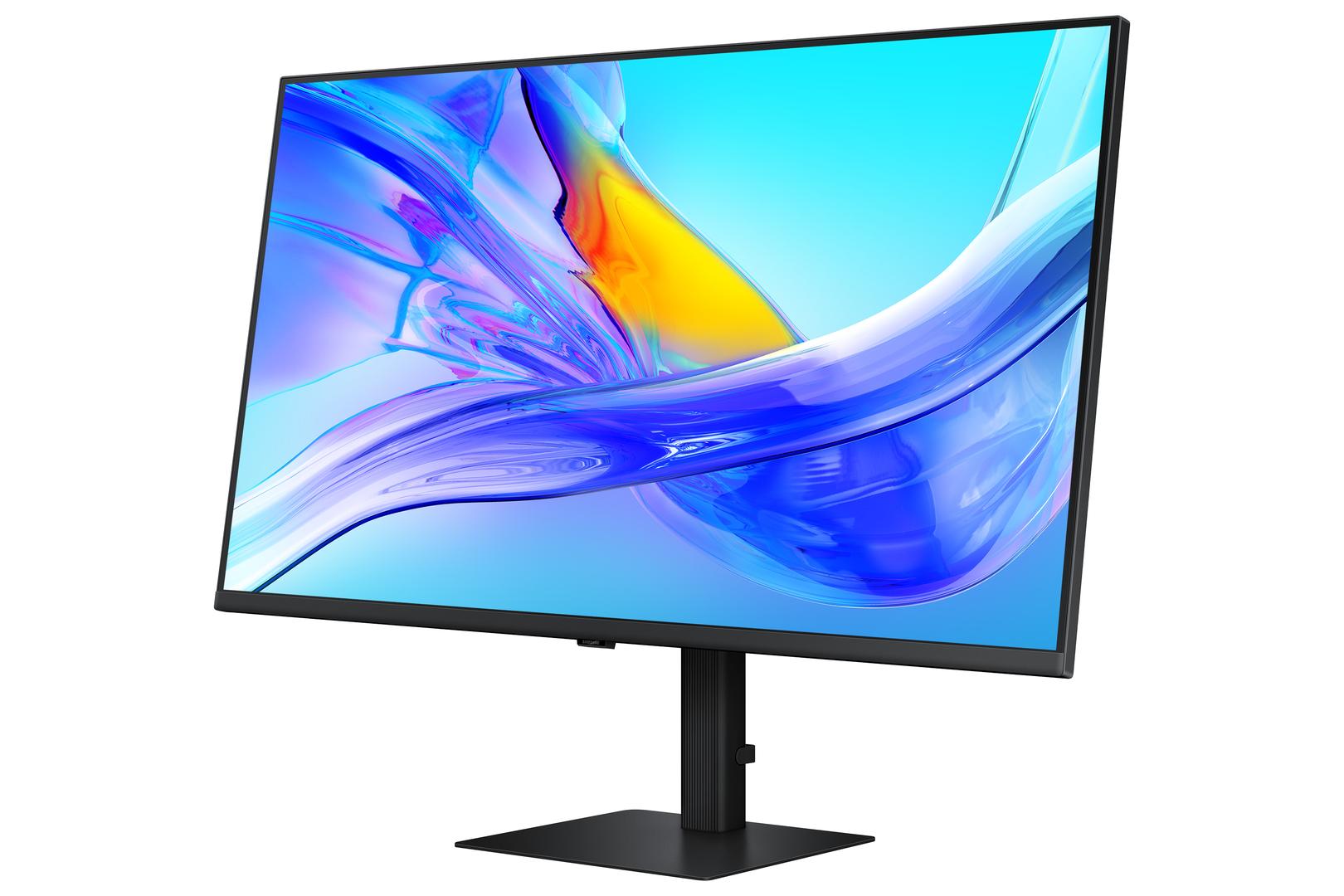
⚠️ No speakers and no pivot. A headphone output only, and a stand that adjusts for height, tilt and swivel but does not rotate into portrait — which on a 37″ screen is academic anyway.
⚠️ Check your desk. It is 824 mm wide, 648 mm tall with the stand and 8.9 kg, with a 250 mm stand footprint. Measure before ordering.
⚠️ The box has a DisplayPort cable and a USB-C cable, but no HDMI cable. For USB-C docking that is all you need; buy an HDMI cable if you will connect a second machine that way.
⭐ 37 inches of 4K is a lot of usable desktop. At this size, 3840 × 2160 works out at about 119 pixels per inch — close to a 27″ QHD screen in text size, which means you can comfortably run it at 100 % scaling and keep every pixel as working space. For four windows side by side, or a spreadsheet that no longer needs scrolling, this is the practical argument.
⚠️ Check that your laptop’s USB-C port supports DisplayPort Alt Mode. Not all do. A USB-C port carrying only data and charging will not send a picture. On most laptops the video-capable port is marked with a DisplayPort or Thunderbolt symbol.
ℹ️ 90 W covers most laptops. Comfortable for a 13–14″ ultrabook or a MacBook Air and adequate for most 15″ machines. A workstation or gaming laptop shipped with a 140 W-plus adapter will charge slowly under load. Check what your laptop’s own charger is rated at.
⚠️ It is 60 Hz and Samsung publishes FreeSync as not applicable. This is a productivity monitor with a 5 ms grey-to-grey response. It will play games at 4K and they will look detailed on a very large screen, but there is no adaptive sync and no high refresh rate. For gaming at this size, the Odyssey G7 G75F is the 37″ model to look at instead.
⚠️ There is no DisplayPort output, so no daisy-chaining. Confirmed absent from every Samsung datasheet for this model — not merely unpublished. If you want to run a second monitor from the first, this is not the model that does it.
⚠️ No speakers and no pivot. A headphone output only, and a stand that adjusts for height, tilt and swivel but does not rotate into portrait — which on a 37″ screen is academic anyway.
⚠️ Check your desk. It is 824 mm wide, 648 mm tall with the stand and 8.9 kg, with a 250 mm stand footprint. Measure before ordering.
⚠️ The box has a DisplayPort cable and a USB-C cable, but no HDMI cable. For USB-C docking that is all you need; buy an HDMI cable if you will connect a second machine that way.
Best For
✓ A laptop that docks and undocks daily — one cable for screen, power, network and peripherals
✓ Four windows side by side, or spreadsheets that run off a normal screen
✓ A two-computer desk that needs a KVM
✓ Anyone replacing a dual-monitor setup with one very large screen
Key Features
USB-C with 90 W Power Delivery
Video, data and charging on a single cable, feeding the USB hub and the LAN port as well. Samsung publishes 90 W for this model.
Built-in KVM switch and RJ45 Ethernet
One keyboard and mouse across two connected computers, and wired networking through the monitor — useful on laptops that no longer have an Ethernet port. Both are rare on a screen this size.
37″ of 4K at about 119 pixels per inch
Dense enough to look sharp, large enough to run at 100 % scaling and keep the full desktop area. This is what makes 4K worth having at this size.
3000:1 VA contrast with 100 % sRGB
Three times a typical IPS panel’s contrast, with full sRGB coverage and 1.07 billion colours. HDR10 is supported.
⚠️ 60 Hz, no adaptive sync, no DisplayPort output
A productivity monitor. Samsung publishes FreeSync as not applicable, and confirms there is no DP-out for daisy-chaining.
Technical Specifications
Frequently Asked Questions
Singular Expert Insight
Judged as a monitor this is a solid, unexciting 60 Hz 4K panel. Judged as what it actually is — a docking station with 37 inches of screen attached — it is very good value. 90 W USB-C, a built-in KVM, wired Ethernet and a three-port USB hub is a more complete set than most standalone docks offer, and it means a laptop arriving at the desk connects with one cable and leaves with one tug. The size works in its favour too: at 37″, 4K lands at about 119 pixels per inch, so you can run it at 100 % scaling and keep every pixel as usable space — which is the thing a 27″ 4K screen cannot do. Know the limits before ordering. It is 60 Hz with no adaptive sync, so it is a work screen rather than a gaming one; there is no DisplayPort output, confirmed rather than merely unlisted, so it cannot daisy-chain; and there are no speakers. And measure the desk: 824 mm wide, 648 mm tall on the stand, 8.9 kg. Browse our PC monitor range or our docking stations if you would rather keep the two separate.
Buyer’s Guide
Buy it if
You dock a laptop daily, you want one cable for screen, charging, network and peripherals, and you want the largest usable 4K desktop you can fit.
Skip it if
You want to game (60 Hz, no adaptive sync — the Odyssey G7 G75F is the 37″ gaming model), you need to daisy-chain a second screen, or your desk cannot take 824 mm and 8.9 kg.
Also consider
An HDMI cable if you will connect a second machine that way — the box has power, DisplayPort and USB-C only. A VESA 100 × 100 arm rated for 8.9 kg if you prefer one.
Technical specifications
Resolution
3840 x XXXX
Resolution Group
4K UHD
Χαρακτηριστικά
Product Code
04:527086
EAN Code
8806095972077
Manufacturer
Samsung