
SanDisk 320 SATA SSD 2TB · 2.5-inch 7mm Internal Solid State Drive · SATA III 6Gb/s · Up to 545MB/s Read
Μάρκα:
Sandisk

SanDisk 320 SATA SSD 2TB · 2.5-inch 7mm Internal Solid State Drive · SATA III 6Gb/s · Up to 545MB/s Read
€489.39 inc. VAT
SDSS31200TBB-000G0
Delivery
Order Today...
Ships...
Delivery...
ℹ️ Large or fragile items (e.g. monitors) may require extra handling time. We'll keep you informed.
Payment options
Trusted Tech Choice
Buying Benefits
Verified
Competitive EU pricing
Delivered to Cyprus from EU stock
Local warranty support
Συνδεθείτε για να μπορέσουμε να σας ειδοποιήσουμε σχετικά με μια απάντηση
SanDisk 320 SATA SSD 2TB — a 2.5-inch drive to bring an older PC or laptop back to speed
2TBSATA III 6Gb/sUp to 545MB/s read2.5-inch · 7mm bay
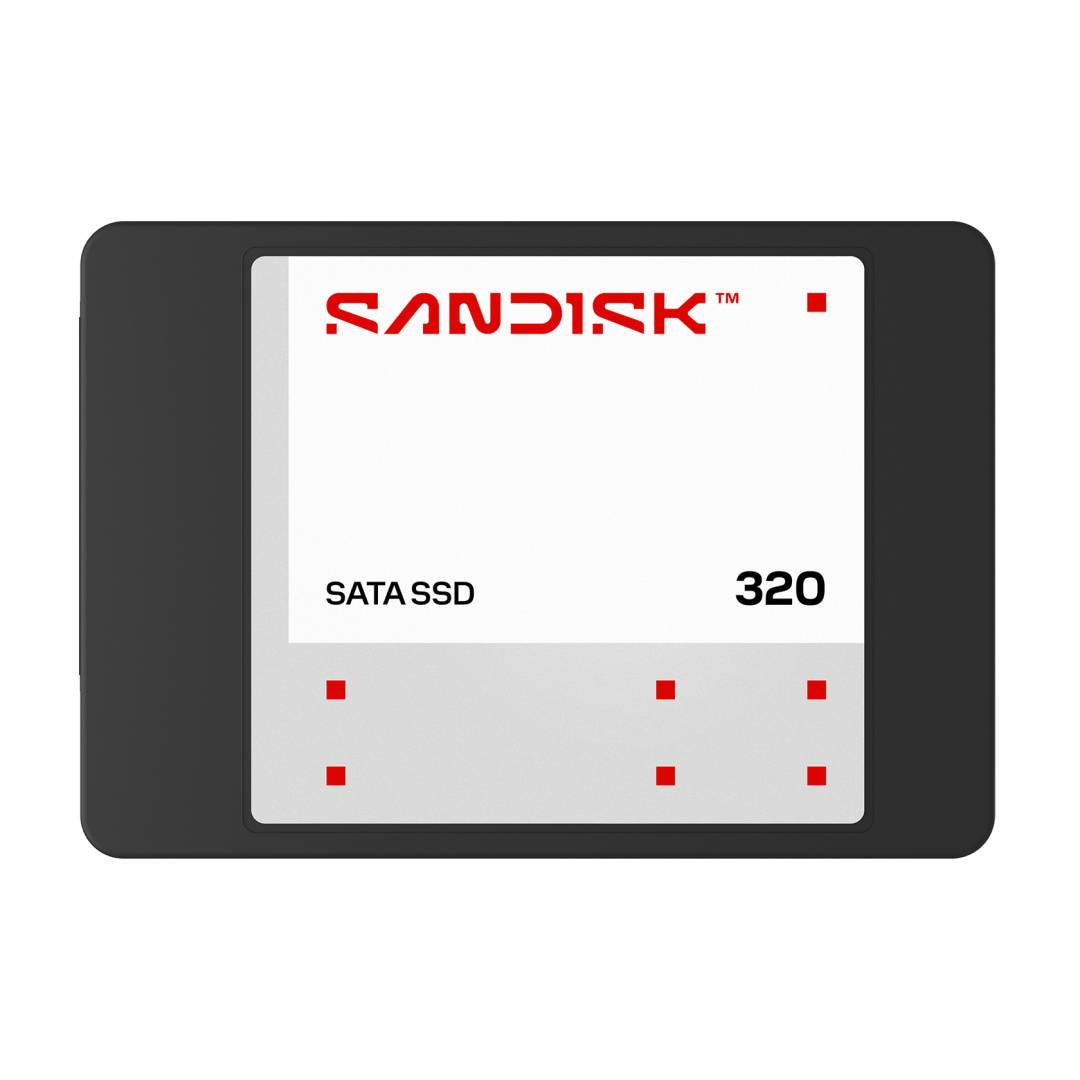
The SanDisk 320 SATA SSD 2TB (SDSS31200TBB-000G0) is a 2.5-inch internal solid state drive with a SATA III 6Gb/s interface and sequential reads of up to 545MB/s, made for anyone replacing a slow hard drive in a laptop or desktop, or adding a large, quiet data drive to a PC that has a spare SATA bay.
It is the capacity people usually pick when they want one drive for the operating system, applications and a sizeable photo or project library without juggling external disks. The 6.86mm-thick body fits both standard 2.5-inch bays and slim 7mm laptop bays.
Before you order: This is a SATA drive, not NVMe. It needs a 2.5-inch SATA bay (or a 3.5-inch bay with an adapter bracket) and a SATA data and power connection. If your laptop only has an M.2 slot, this drive will not fit inside it — send us the laptop model and we will tell you which drive does.
What's in the Box
- 1 × SanDisk 320 SATA SSD 2TB, 2.5-inch
- No SATA cable, 3.5-inch adapter bracket, screws or cloning software are listed in the box by SanDisk
What It Means in Practice
- Moving from a hard drive to this SSD typically makes boot, application launch and file search feel far quicker — the biggest gain on older machines is responsiveness, not raw copy speed.
- SATA III caps any SATA SSD at roughly 550–600MB/s, so this drive runs close to what the interface allows. A faster SATA SSD would not feel meaningfully different in everyday use.
- No moving parts: silent, cooler and more tolerant of the knocks a laptop takes in a bag than a spinning disk.
- For a desktop, a 2.5-inch drive in a 3.5-inch bay needs a simple adapter bracket, which you order separately.
What Will Not Work
- M.2-only laptops and mini PCs with no 2.5-inch bay — the drive physically cannot be installed.
- It will not reach NVMe speeds (2,000MB/s and above) even when installed in a PC that also has NVMe slots.
- Old SATA I or SATA II controllers will run it, but at the lower speed of that controller.
- Continuous 24/7 NAS duty is what SanDisk's separate NAS 600 line is designed for — for a NAS array, choose that line instead.
Key Features
Close to the SATA limit
Up to 545MB/s sequential read keeps boot times and application loading short on any SATA III system.
Fits slim bays
At 6.86mm thick it fits 7mm laptop bays as well as standard 2.5-inch drive slots.
SanDisk 3D NAND
Built on SanDisk 3D NAND flash, with no moving parts to wear out or rattle.
2TB in one drive
Enough room for the OS, applications and a large media or project library on a single drive.
Technical Specifications
Frequently Asked Questions
Singular Expert Insight · Buyer's Guide
The 320 is a straightforward SATA upgrade: the value is in replacing a hard drive, not in chasing speed, because every SATA SSD hits the same interface ceiling. Check the bay first — 2.5-inch SATA or M.2 — and that decides everything else. If you also need an external case for the old drive, see our HDD/SSD enclosures.
✓ Buy it if your laptop or desktop has a 2.5-inch SATA bay and you want to replace a hard drive or add 2TB of fast, silent storage.
✕ Skip it if your system has only M.2 slots, or it supports NVMe and you want maximum speed.
→ Also consider a SanDisk NAS-rated SATA SSD for 24/7 NAS use, or an NVMe SSD if your PC has a free M.2 NVMe slot.
Not sure which drive your PC takes? Send us the laptop or desktop model and we will confirm the bay type before you order.
Interface
- SATA
Technical specifications
Μέγεθος
2TB
Χαρακτηριστικά
Product Code
CS56756
EAN Code
0619659231897
Manufacturer
Sandisk