
Silicon Power UD90 1TB M.2 2280 PCIe Gen4 x4 NVMe SSD, up to 5,000 MB/s Read / 4,800 MB/s Write

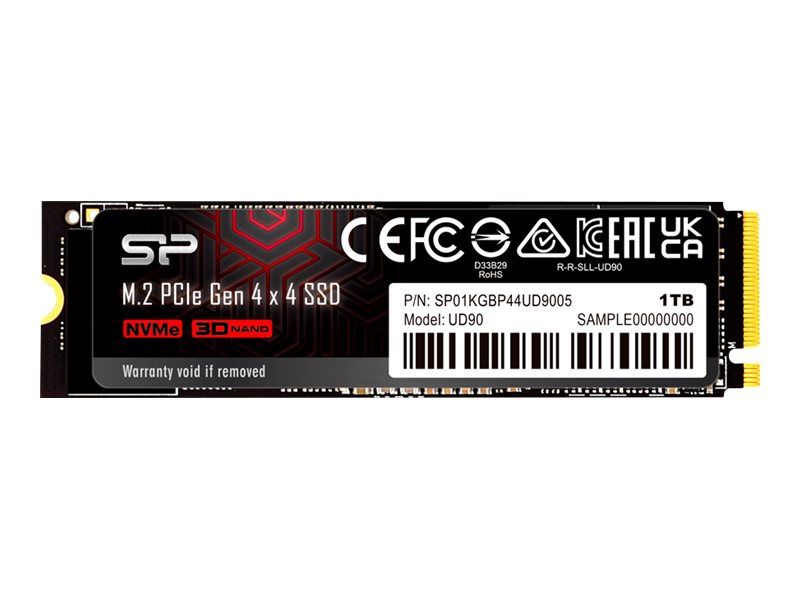
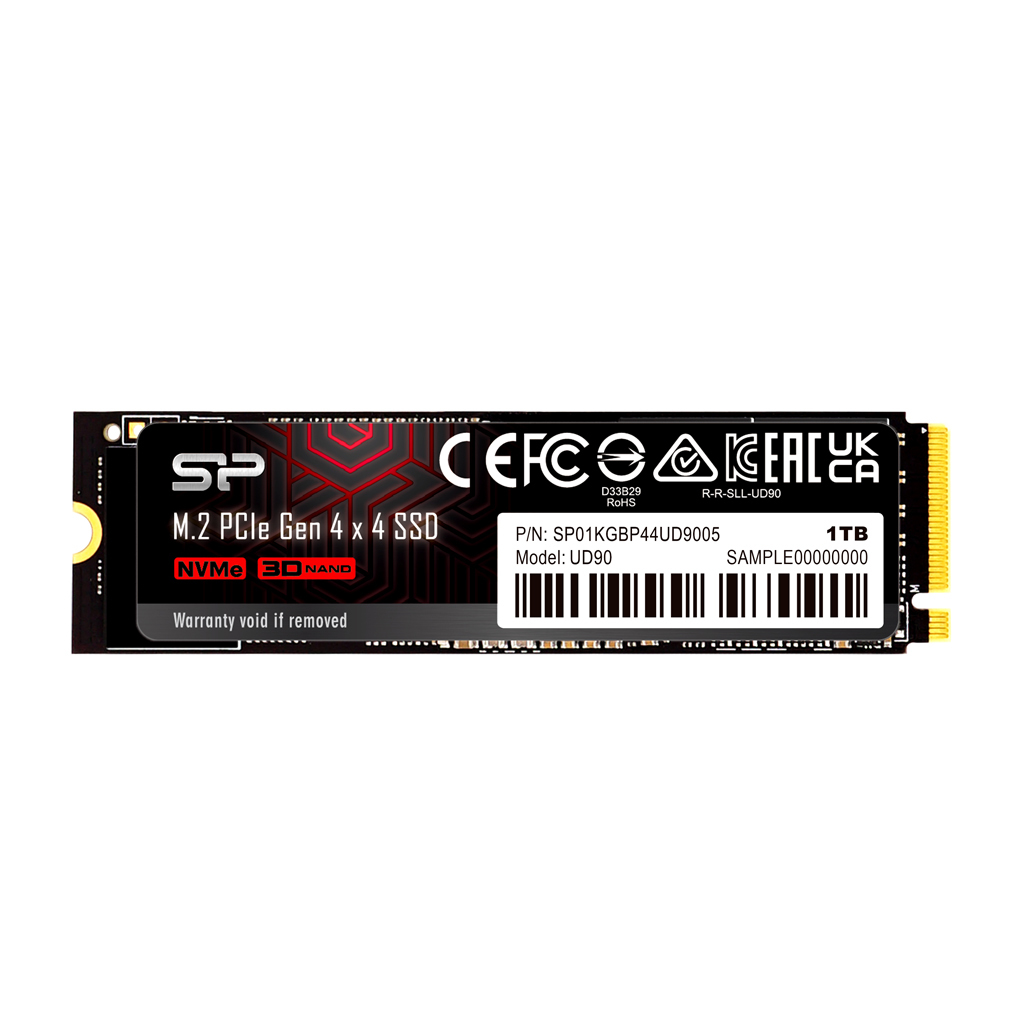


Silicon Power UD90 1TB — M.2 2280 NVMe SSD
Silicon Power UD90 1TB is a M.2 2280 NVMe internal SSD on PCIe Gen4 x4, NVMe 1.4, rated up to 5000 MB/s read and 4800 MB/s write, built for gamers and creators who want near top-tier Gen4 speed in a desktop or laptop M.2 2280 slot.
An M.2 NVMe SSD talks to the processor over PCIe lanes instead of the old SATA bus, which is why its sequential speed is several times higher than any 2.5-inch drive. The practical gains are shorter boot and load times, faster copies of large project folders and snappier work with big files — provided the slot in your machine supports the right length, key and PCIe generation.
Installation takes a few minutes: power down, unplug, fit the drive into the M.2 slot at a slight angle, press it flat and secure it with the slot's screw or latch, then clone your old system or install Windows fresh. Windows detects NVMe drives natively, disables defragmentation for SSDs automatically and uses TRIM to keep write speed steady. Keep 10–15% of the capacity free and make sure the slot gets some airflow — NVMe drives throttle when they run hot under long transfers.
What's in the Box
- Silicon Power UD90 1TB M.2 2280 SSD (no heatsink; SP does not list screws)
What It Means in Practice
- Fits an M.2 slot with M-key and 2280 (80 mm) mounting point; check your motherboard or laptop manual for the supported lengths.
- Full speed needs a PCIe 4.0 x4 M.2 slot; in an older PCIe slot it still works, at that slot's lower speed.
- Boot drive use requires UEFI with NVMe boot support — practically every PC from 2016 onwards.
- 1TB formatted shows slightly less in Windows (decimal vs binary units) — this is normal for every drive.
- No heatsink of its own: in a desktop use the motherboard's M.2 shield if it has one; in a laptop it fits the slot as-is.
- Make sure you order the 2280 version — the UD90 also comes in a short 2230 size for handhelds.
What Will Not Work
- SATA-only M.2 slots (B-key or "M.2 SATA" sockets on some older laptops) — this is an NVMe drive and will not be detected there.
- Systems without an M.2 slot, unless you add a PCIe-to-M.2 adapter card.
- Old BIOS-only (non-UEFI) systems may see it as a data drive but cannot boot from it.
Key Features
Technical Specifications
Frequently Asked Questions
Features - Silicon Power - SP01KGBP44UD9005
- Internal
- M.2