
StarTech.com USB4 Cable 80Gbps 1m, USB-C to USB-C, USB-IF Certified, 240W PD, 8K 120Hz DisplayPort 2.1, White
Brand:
StarTech.com

StarTech.com USB4 Cable 80Gbps 1m, USB-C to USB-C, USB-IF Certified, 240W PD, 8K 120Hz DisplayPort 2.1, White
€42.51 inc. VAT


CC1M80GUSB4CABLEW
Delivery
Order Today...
Ships...
Delivery...
ℹ️ Large or fragile items (e.g. monitors) may require extra handling time. We'll keep you informed.
Payment options
Trusted Tech Choice
Buying Benefits
Verified
Competitive EU pricing
Delivered to Cyprus from EU stock
Local warranty support
Please sign in so that we can notify you about a reply
StarTech.com CC1M80GUSB4CABLEW — 1 m USB4 80Gbps Cable, 240W and 8K Video
USB4 80Gbps · USB-IF240W PD 3.1 EPR8K 120Hz · DP 2.11 m · White
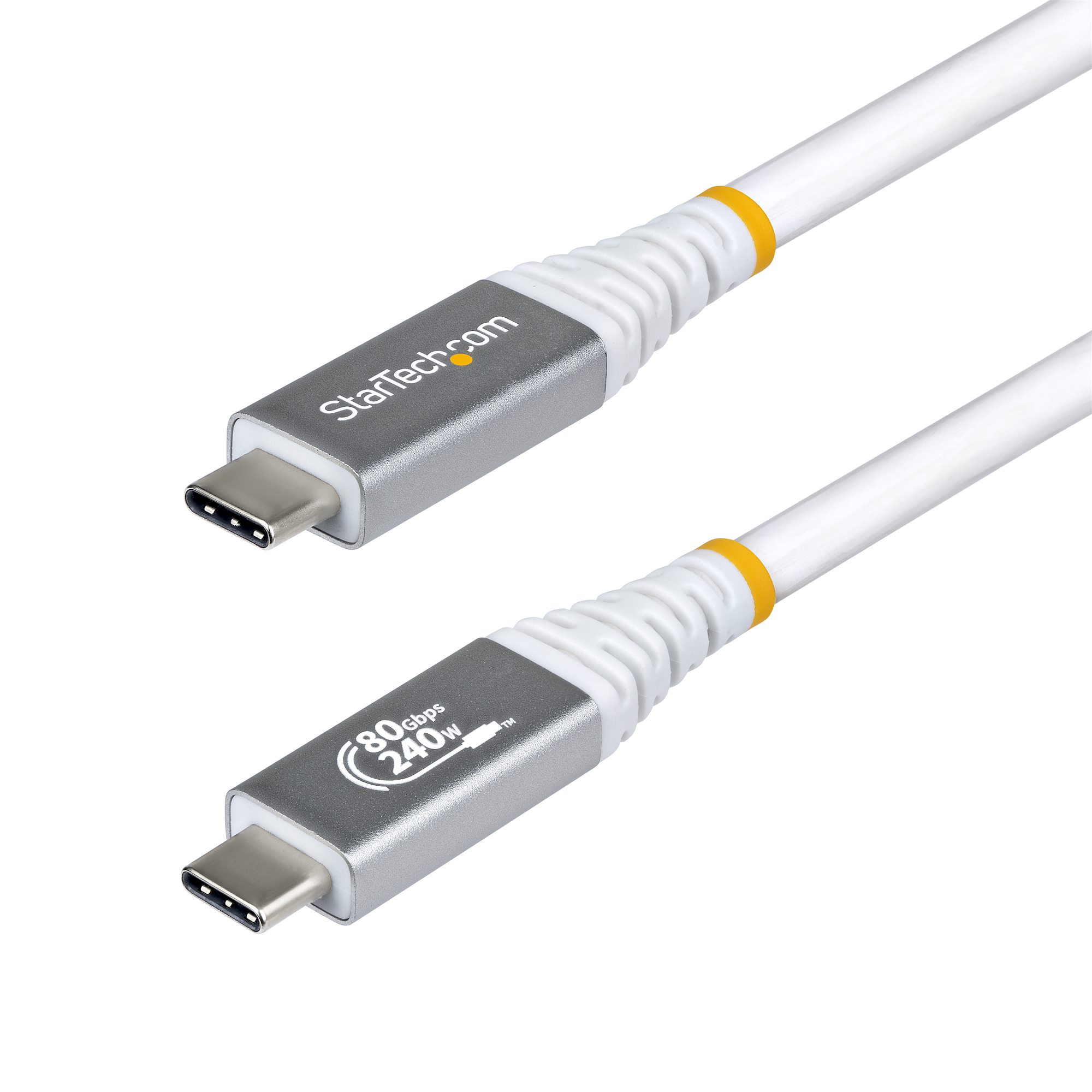
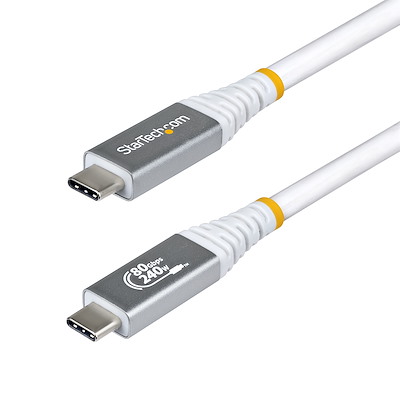
The StarTech.com CC1M80GUSB4CABLEW is a 1 m USB-C to USB-C USB4 cable, USB-IF certified for 80Gbps data, 240W USB Power Delivery and DisplayPort 2.1 video, made for current USB4 laptops, docks, USB-C monitors and fast external SSDs.
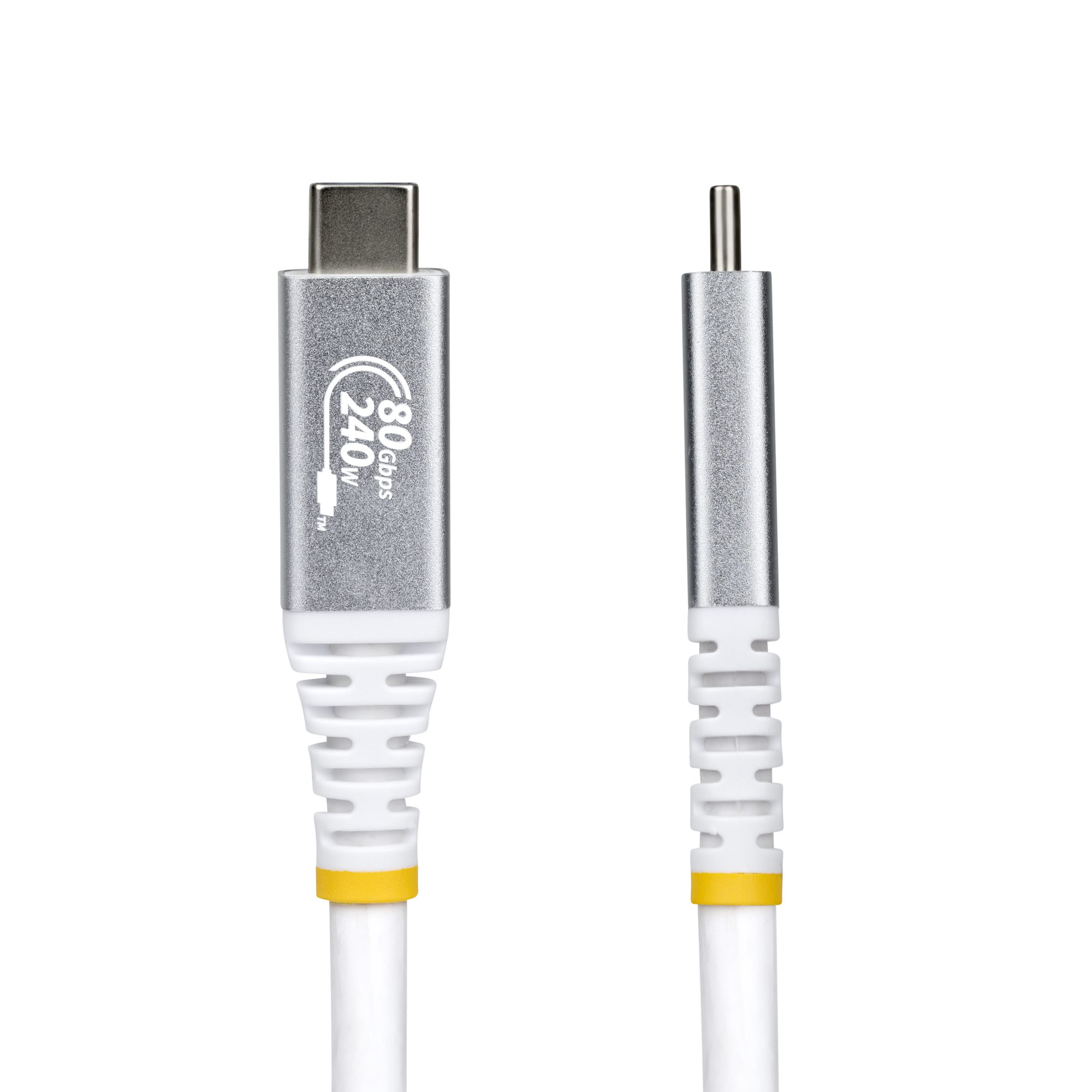
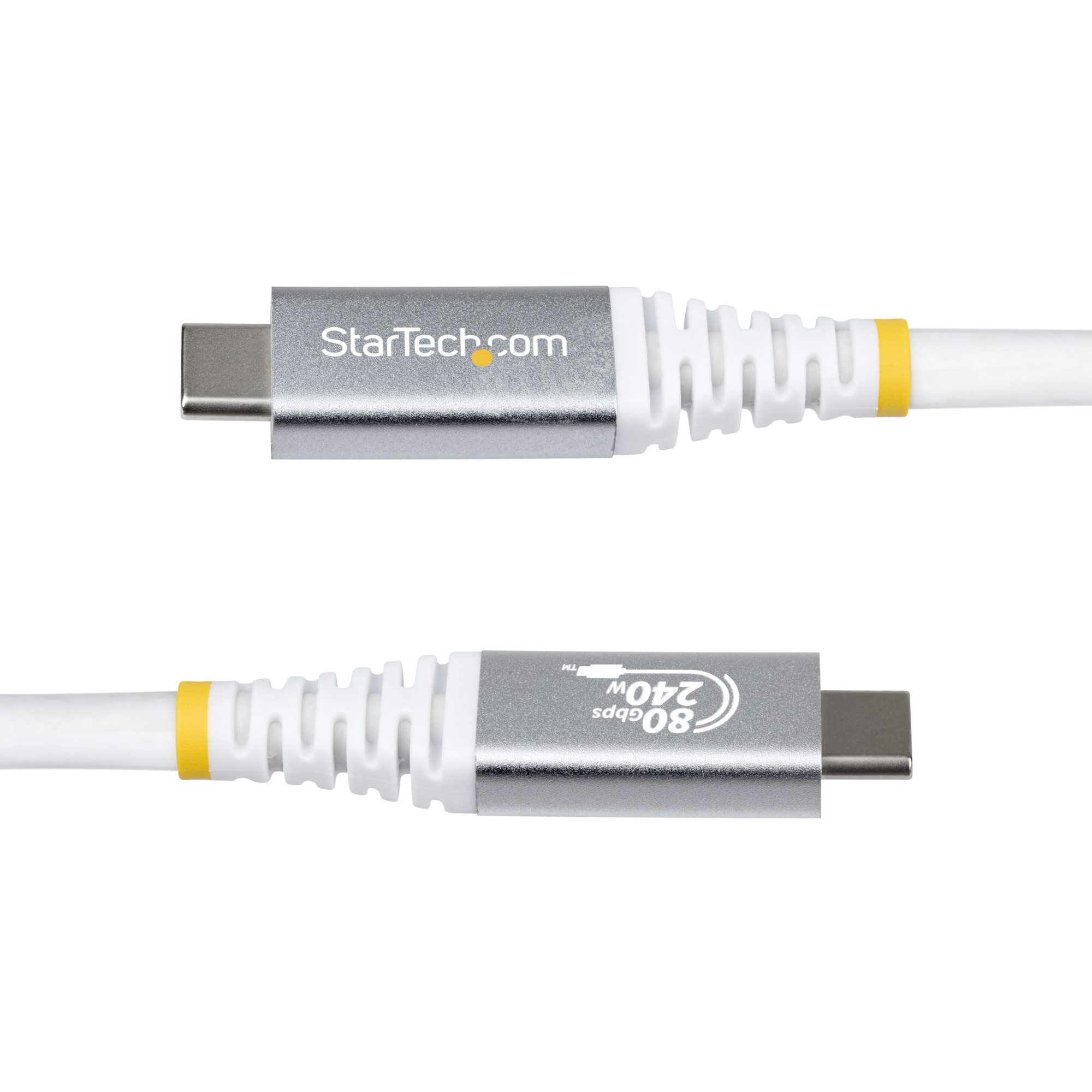
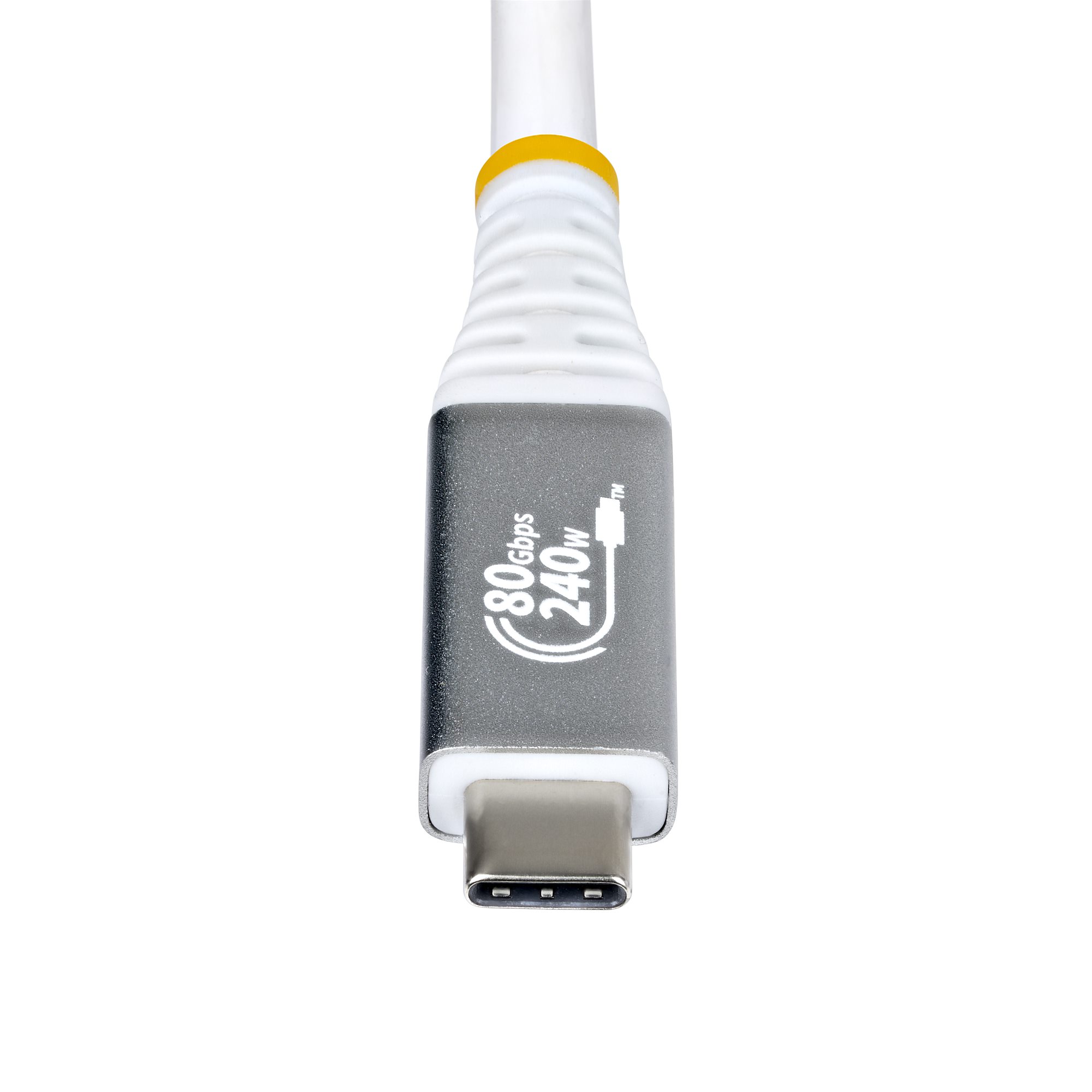
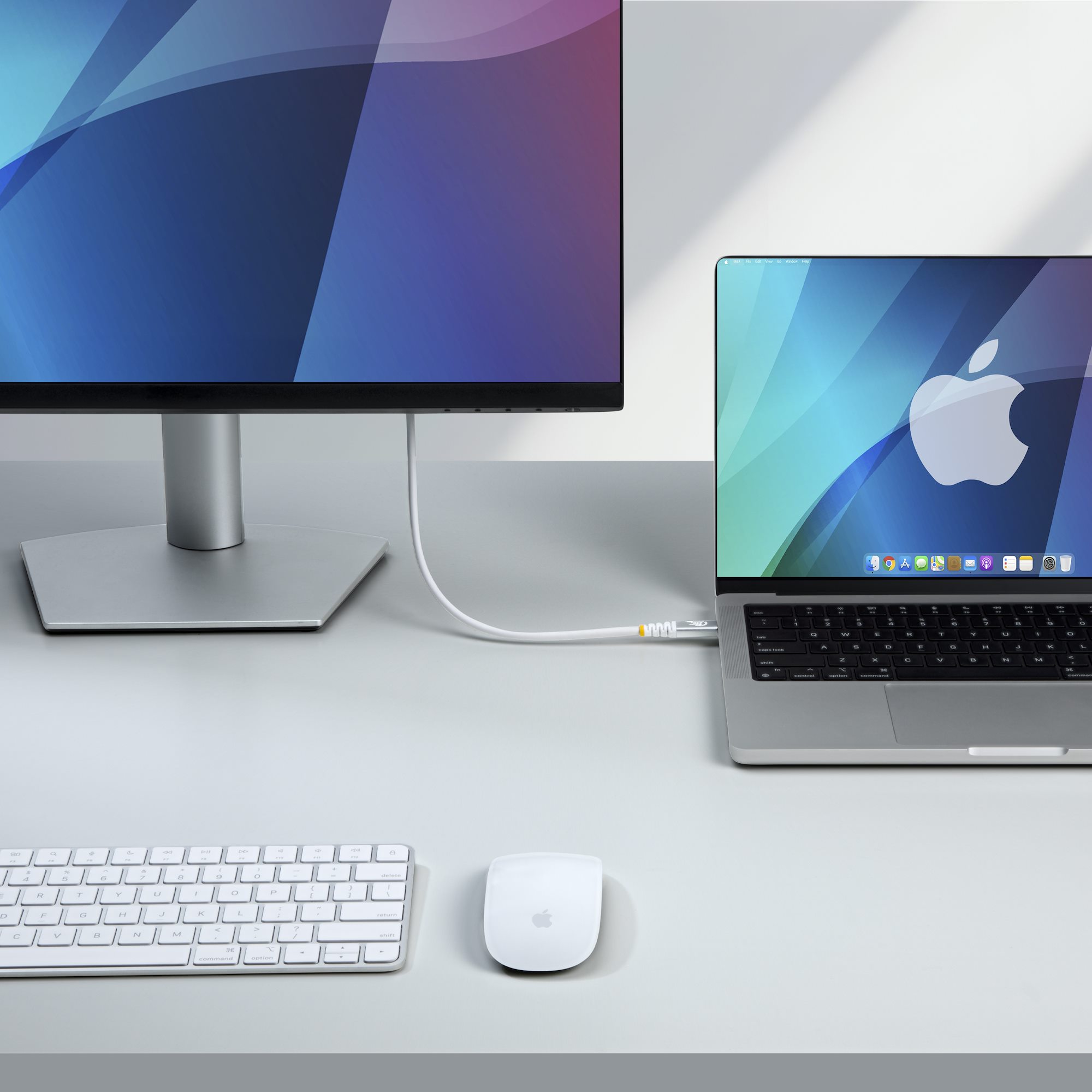
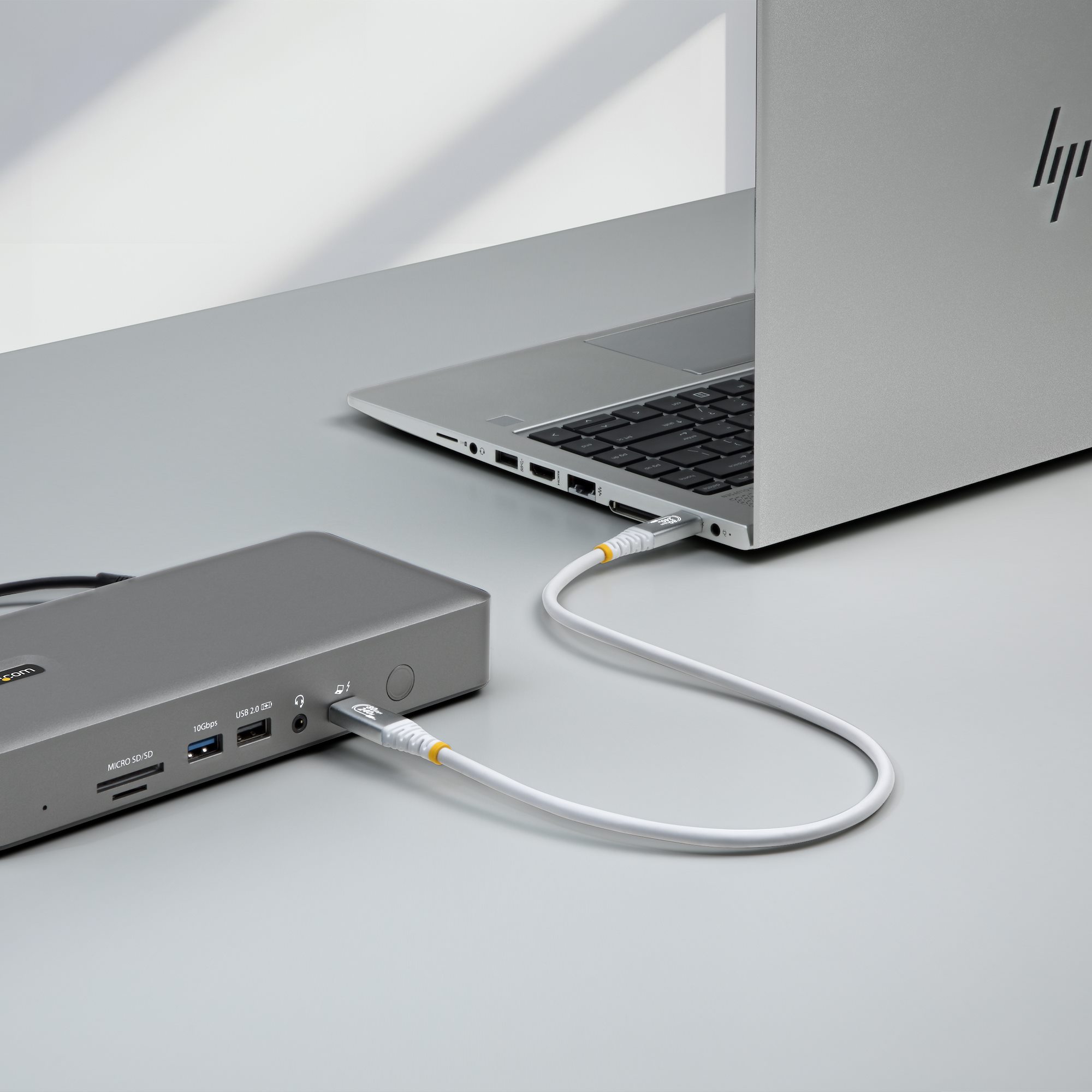
It is a passive white cable with a flexible TPE jacket and an e-marker chip that tells the charger and the laptop it can carry 5A, so a 240W EPR charger can deliver its full power. The same lead runs a monitor at up to 8K 120Hz (with DSC) and is Thunderbolt 4 compatible, so one cable can replace separate charging, display and data leads on a desk. The speed and power ratings are laser-etched on the connectors, which makes it easy to tell apart from ordinary USB-C cables in a drawer.
Before you order: 80Gbps and 240W are the cable's ceiling, not a guarantee. You get 80Gbps only when both ends are USB4 80Gbps (USB4 Version 2.0) devices, and 240W only with a PD 3.1 EPR charger and a laptop that accepts EPR. On older USB-C ports the cable simply runs at whatever the port supports.
What's in the Box
- 1 × StarTech.com CC1M80GUSB4CABLEW USB4 cable, USB-C male to USB-C male, 1 m, white
What It Means in Practice
- Charging: with a 240W PD 3.1 EPR charger and a laptop that accepts EPR, the cable carries the full 240W; with a standard 65W, 100W or 140W charger it carries whatever the charger and laptop agree on.
- Display: connect a USB-C or Thunderbolt monitor, or a dock with DisplayPort Alt Mode, and the cable carries video up to 8K 120Hz or two 4K 120Hz screens, provided the laptop port and graphics output that.
- Data: NVMe SSD enclosures and docks reach full speed only if both ports are 40Gbps or 80Gbps USB4/Thunderbolt; on a 10Gbps USB 3.2 port the cable behaves like a 10Gbps cable.
- Length: 1 m is the usual laptop-to-dock or laptop-to-monitor distance on a desk.
What Will Not Work
- It is not a USB-C to USB-A, HDMI or DisplayPort cable — both ends are USB-C. A monitor with only HDMI or DisplayPort inputs needs a USB-C to HDMI or USB-C to DisplayPort cable instead.
- 80Gbps will not happen on Thunderbolt 3, Thunderbolt 4 or USB4 40Gbps ports — those ports stop at 40Gbps, with this or any other cable.
- It cannot add video or fast charging to a USB-C port that lacks them: a phone or laptop port without DisplayPort Alt Mode will not output video through any cable.
- Do not lengthen it with a USB-C extension or coupler — the extra connection breaks the 80Gbps and 240W ratings.
Key Features
USB-IF certified USB4 80Gbps
Certified by the USB Implementers Forum, with speed and power markings laser-etched on both connectors.
240W PD 3.1 EPR
Integrated e-marker and 5A rating let Extended Power Range chargers deliver up to 240W (48V × 5A) to laptops that support it.
DisplayPort 2.1 (DP80)
DP Alt Mode with DSC, HBR3 and HDR10+: up to 8K 120Hz on one screen or two 4K 120Hz screens, with DisplayPort audio.
Shielded TPE build
30/34 AWG coaxial conductors, aluminium-Mylar foil plus braid shielding, nickel-plated connectors and a flexible TPE jacket.
Technical Specifications
Frequently Asked Questions
Singular Expert Insight · Buyer's Guide
A certified 80Gbps cable is the one USB-C cable that is never the bottleneck: it handles 240W charging, 8K video and the fastest external SSDs. On a 40Gbps Thunderbolt 4 laptop it works like a top-quality Thunderbolt 4 cable, so it is a safe standard for a mixed office. If one cable is not enough ports, pair it with one of our docking stations.
✓ Buy it if you want one certified USB-C cable for an 80Gbps or Thunderbolt 4 laptop, a USB-C monitor or dock, and 240W charging.
✕ Skip it if you only charge a phone or connect a keyboard — a USB 2.0 USB-C charging cable costs less and does the same job.
→ Also consider the black version CC1M80GUSB4CABLE, the 50 cm CC50CM80GUSB4CABLEW, or the 1.5 m CC150CM80GUSB4CABLEW.
Not sure it fits your setup? Send us the model of your laptop, dock, monitor or phone and we will check the port before you order.
Features - StarTech.com - CC1M80GUSB4CABLEW
Colour
white
Interface
- USB Type-C
More Details
Product Code
CQ33934
EAN Code
0065030921541
Manufacturer
StarTech.com