
iiyama ProLite T2455MSC-B2 24-inch IPS Touch Monitor
Brand:
Iiyama





T2455MSC-B2
Delivery
Order Today...
Ships...
Delivery...
ℹ️ Large or fragile items (e.g. monitors) may require extra handling time. We'll keep you informed.
Payment options
Trusted Tech Choice
Buying Benefits
Verified
Competitive EU pricing
Delivered to Cyprus from EU stock
Local warranty support
Please sign in so that we can notify you about a reply
Full HD touch with a flexible desktop stand
23.8-inch IPS / 120 Hz10-point bonded PCAPWebcam + microphoneFoldable stand
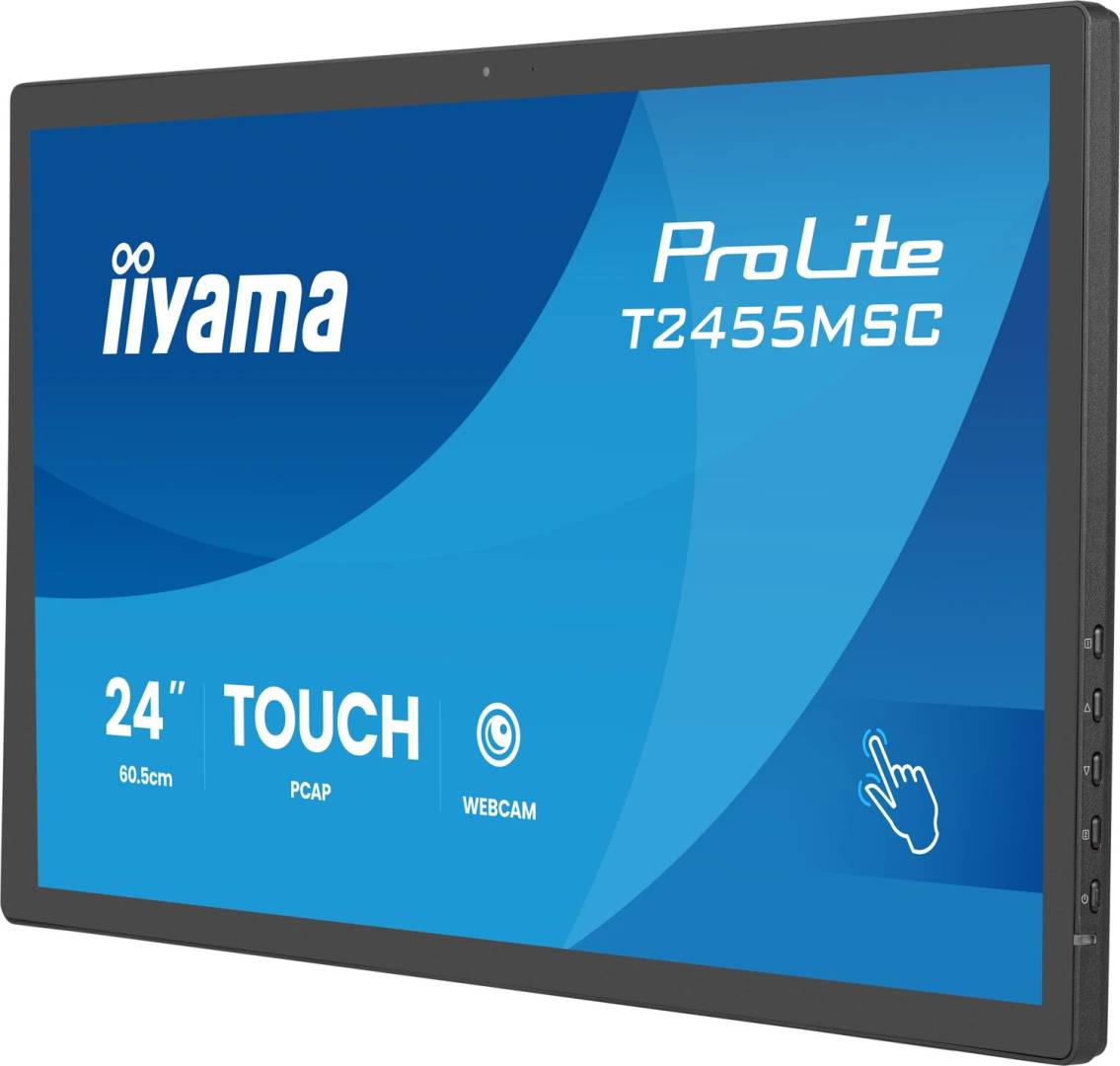
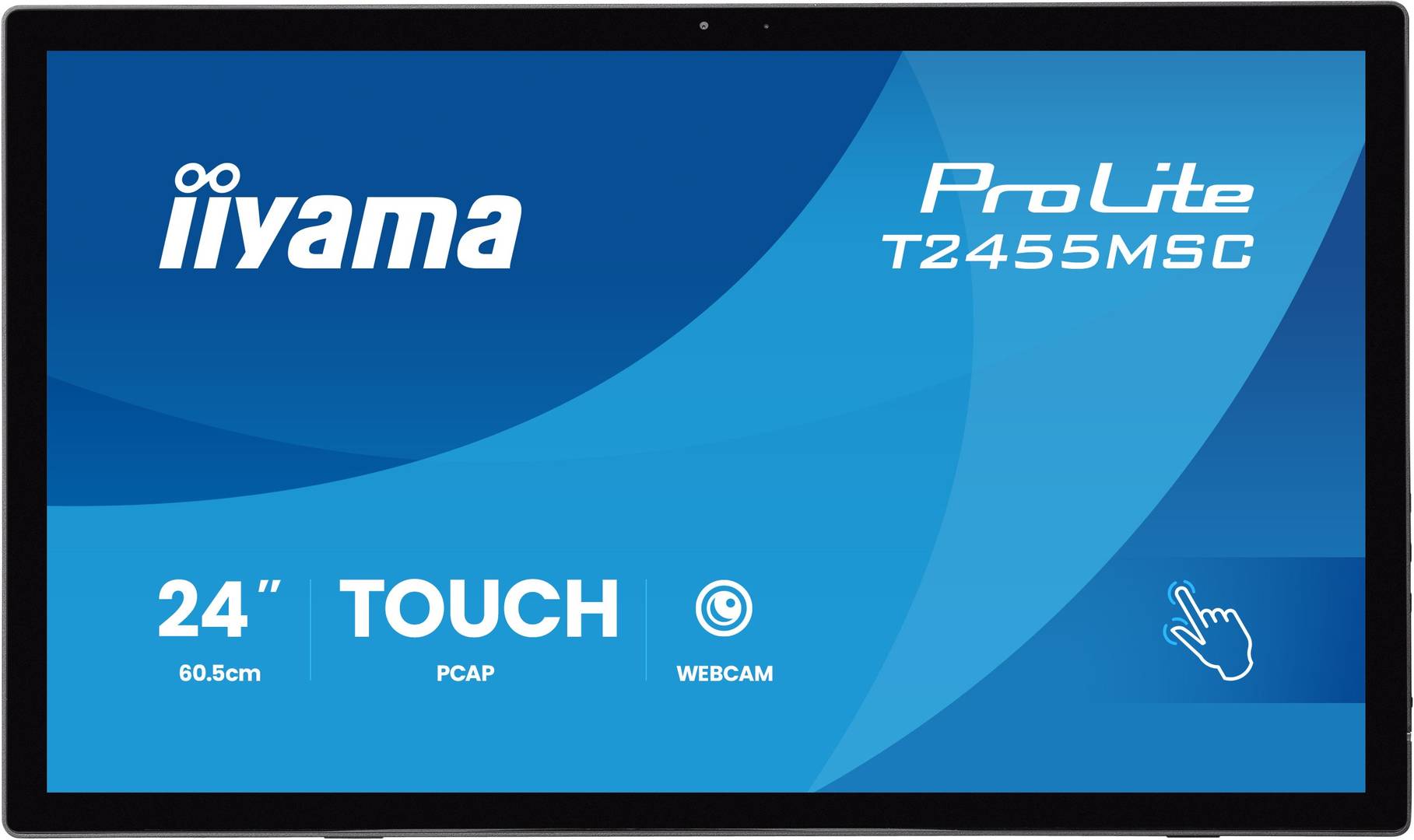
The iiyama ProLite T2455MSC-B2 is a 23.8-inch Full HD IPS touchscreen for interactive desktop work. Its optically bonded projected-capacitive panel supports up to 10 touch points on compatible hosts, with an anti-fingerprint coating and edge-to-edge glass. A folding stand, integrated webcam, microphone and speakers support flexible workstations and video calls.
Best For: Reception, interactive desktop applications, collaboration and shared workspaces using a compatible computer.
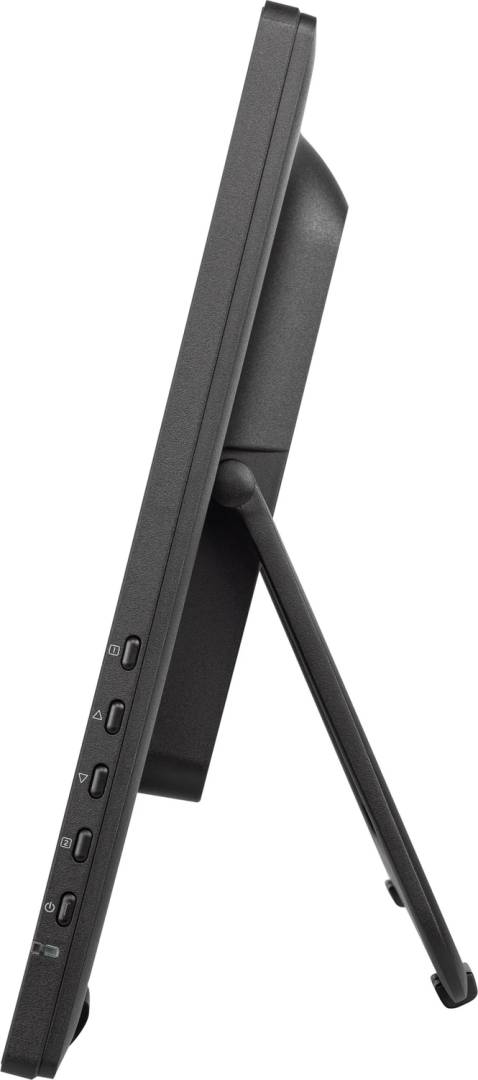
Before you order: Connect HDMI or DisplayPort for video and USB Type-B upstream for touch, webcam and USB functions. Touch points and gestures depend on the operating system, drivers and application. This is the B2 model, supporting up to 120 Hz at Full HD. The webcam is 0.9 MP. Follow the manual’s landscape installation and 15–65° stand guidance; fold the stand closed for storage.
What's in the Box
- T2455MSC-B2 touchscreen with folding stand.
- Power, HDMI and USB cables, spiral cable tube, quick start guide and safety guide.
- Computer, stylus, DisplayPort cable and a separate VESA mount are not listed as included.
What It Means in Practice
- Connect the video cable and USB upstream cable to the same compatible host; video alone does not enable touch or webcam.
- Use native 1920×1080 and select up to 120 Hz only when the host and connection support it.
- Choose the specified stand angle for comfortable touch input and keep cables clear when folding it for storage.
- Use a finger, suitable latex glove or appropriate stylus. Avoid sharp or metal tools and follow the manual’s cleaning instructions.
- Select the monitor webcam and microphone in the meeting application; its two USB Type-A downstream ports connect suitable peripherals.
What Will Not Work
- No integrated computer or USB-C single-cable docking is specified.
- Ten touch points and palm rejection depend on compatible software and host support.
- No enclosure IP rating or waterproof use is established. Keep liquids away from connections.
- The 5 ms GTG figure requires Overdrive +5; the webcam is not specified as Full HD or Windows Hello.
Key Features
Smooth Full HD display
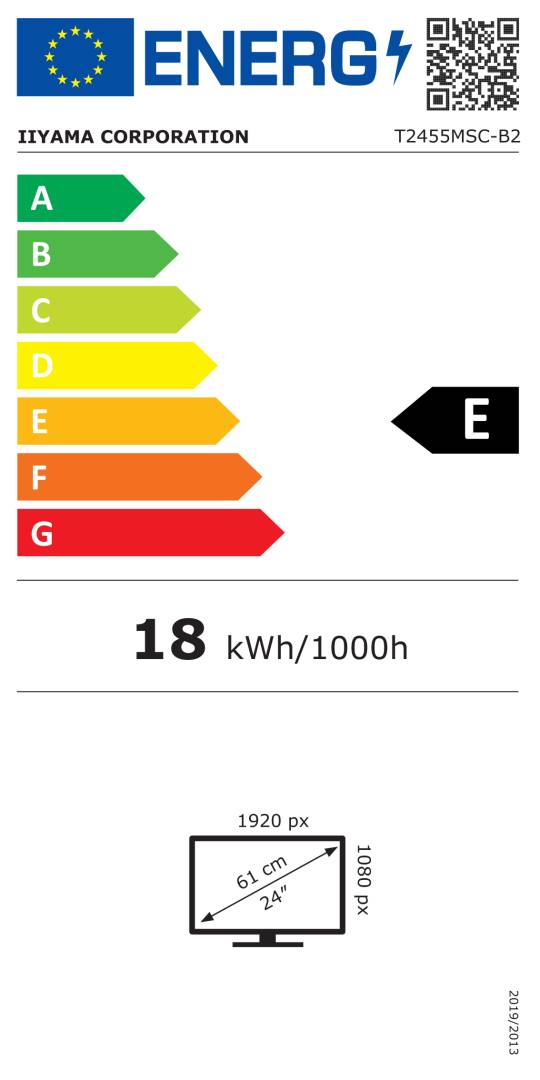
The B2 IPS panel supports 1920×1080 up to 120 Hz with 1300:1 contrast and 360 cd/m² typical brightness through touch glass.
Bonded multi-touch
Optical-bonded PCAP supports up to 10 points, palm rejection and compatible finger, glove or stylus input.
Built-in communication
A 0.9 MP webcam, microphone and two 1 W speakers support basic video calls with a connected host.
Flexible desktop form
A folding stand and edge-to-edge anti-fingerprint glass support touch interaction and convenient storage.
Technical Specifications
Frequently Asked Questions
Singular Expert Insight
Touch and video are separate connections, so plan the USB path before installing the display. Test gestures and camera selection in the intended application, then set a stable viewing angle. A folding stand helps storage, while sharp native images and host compatibility determine the day-to-day experience.
Buyer’s Guide
✓ Buy it if You need a compact IPS touchscreen with webcam, microphone and a folding stand for a compatible desktop host.
✕ Skip it if You require an integrated computer, USB-C docking, a certified waterproof enclosure or a high-resolution webcam.
→ Also consider OS and application touch support, video plus USB cabling, camera requirements and installation angle.
Features - Iiyama - T2455MSC-B2
More Details
Product Code
CR44614
EAN Code
4948570127283
Manufacturer
Iiyama