
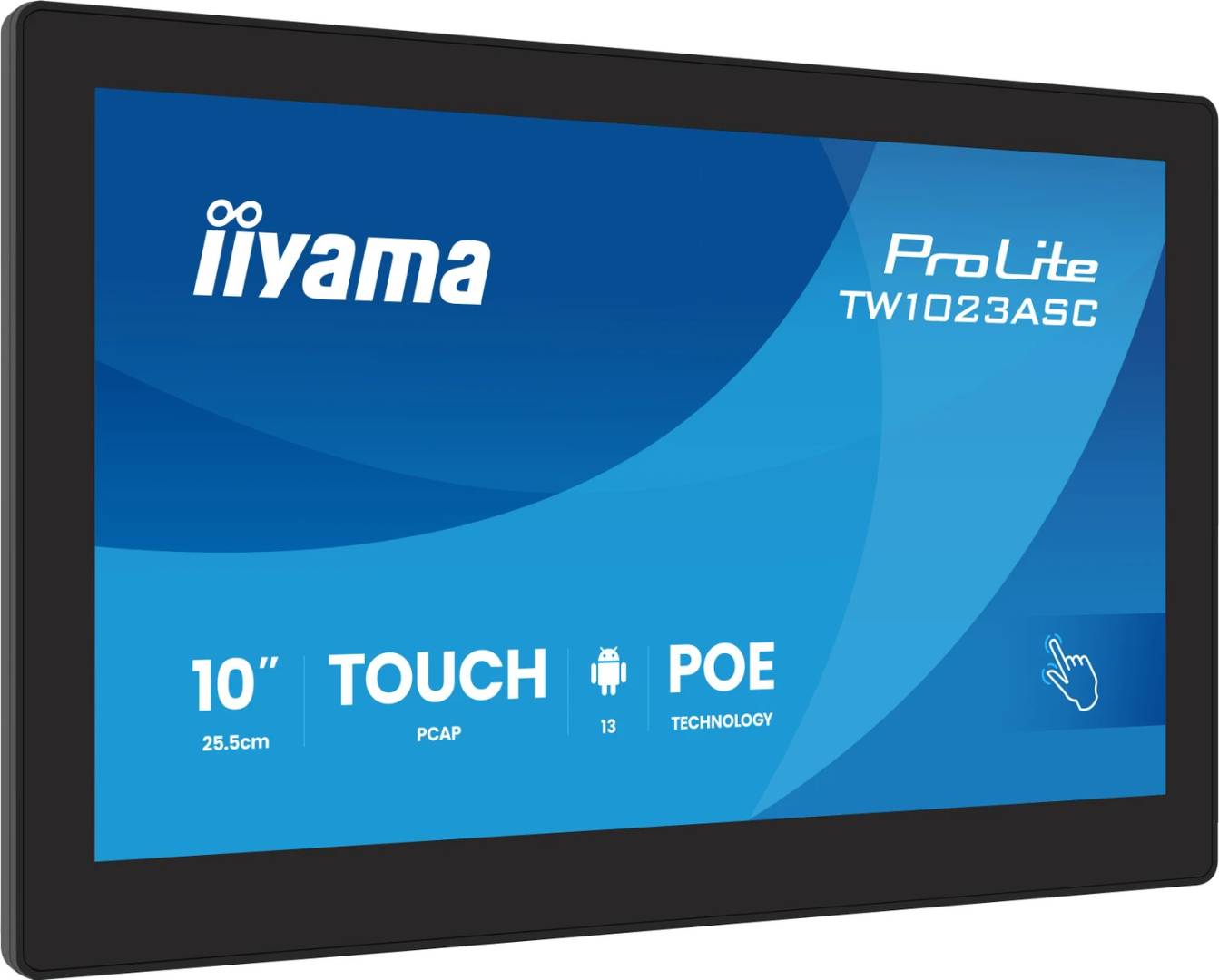
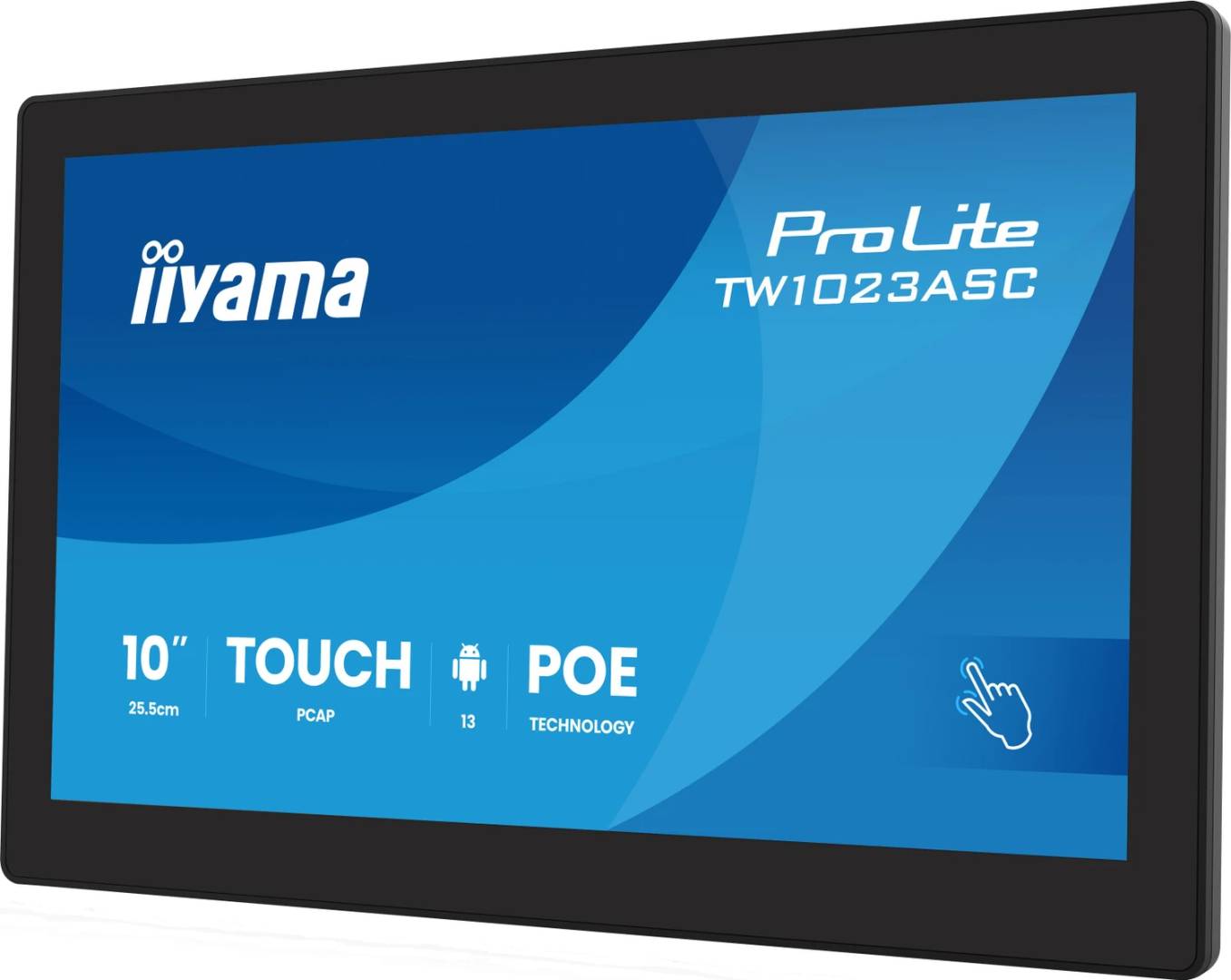
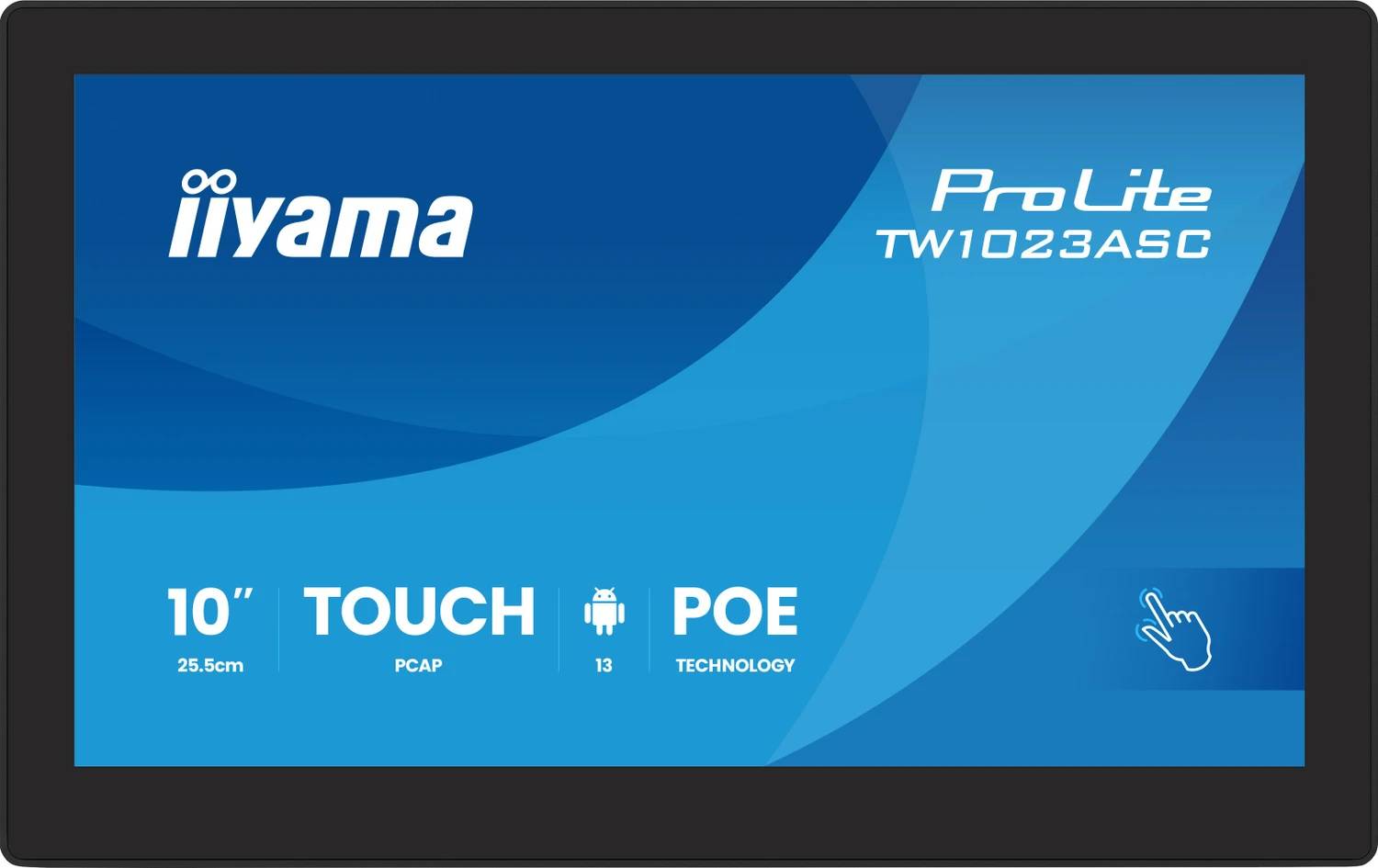
iiyama ProLite TW1023ASC-B3P 10.1" Android Touch Panel · PCAP 10-Point · PoE · 5MP Camera · Room Booking & Signage · Black
Brand:
Iiyama

iiyama ProLite TW1023ASC-B3P 10.1" Android Touch Panel · PCAP 10-Point · PoE · 5MP Camera · Room Booking & Signage · Black
€378.73 inc. VAT


TW1023ASC-B3P
Delivery
Order Today...
Ships...
Delivery...
ℹ️ Large or fragile items (e.g. monitors) may require extra handling time. We'll keep you informed.
Payment options
Trusted Tech Choice
Buying Benefits
Verified
Competitive EU pricing
Delivered to Cyprus from EU stock
Local warranty support
Please sign in so that we can notify you about a reply
iiyama ProLite TW1023ASC-B3P — 10.1" Android Touch Panel with PoE, Camera and Microphone
10.1" IPS · 1280x80010-point PCAP touchAndroid 16 · PoE 802.3at5MP camera · mic · 24/7
The iiyama ProLite TW1023ASC-B3P is a 10.1-inch Android touch panel with a built-in media player, PoE power, 5MP camera, microphone and speakers, designed for meeting-room booking, door signs, reception check-in, small kiosks and interactive signage that runs 24/7.
It runs Android 16 on a quad-core RK3568 with 4GB RAM and 32GB storage, has Google Play and kiosk mode, and comes with iiyama's iiSignage² preinstalled. The 10-point projected capacitive touch works with fingers, latex gloves or a capacitive stylus through 6H anti-fingerprint glass. A single network cable with PoE (IEEE 802.3at) powers it and connects it; Wi-Fi and Bluetooth 5.2 are also built in.
Before you order: For PoE power the switch or injector must support IEEE 802.3at (PoE+). It is not a monitor: there is no HDMI input, only a mini-HDMI output. Multi-touch works with the built-in Android OS; an external operating system gets single touch only.
What's in the Box
- iiyama TW1023ASC-B3P touch panel
- AC adapter with EU and UK plugs
- Power cable 2.5 m
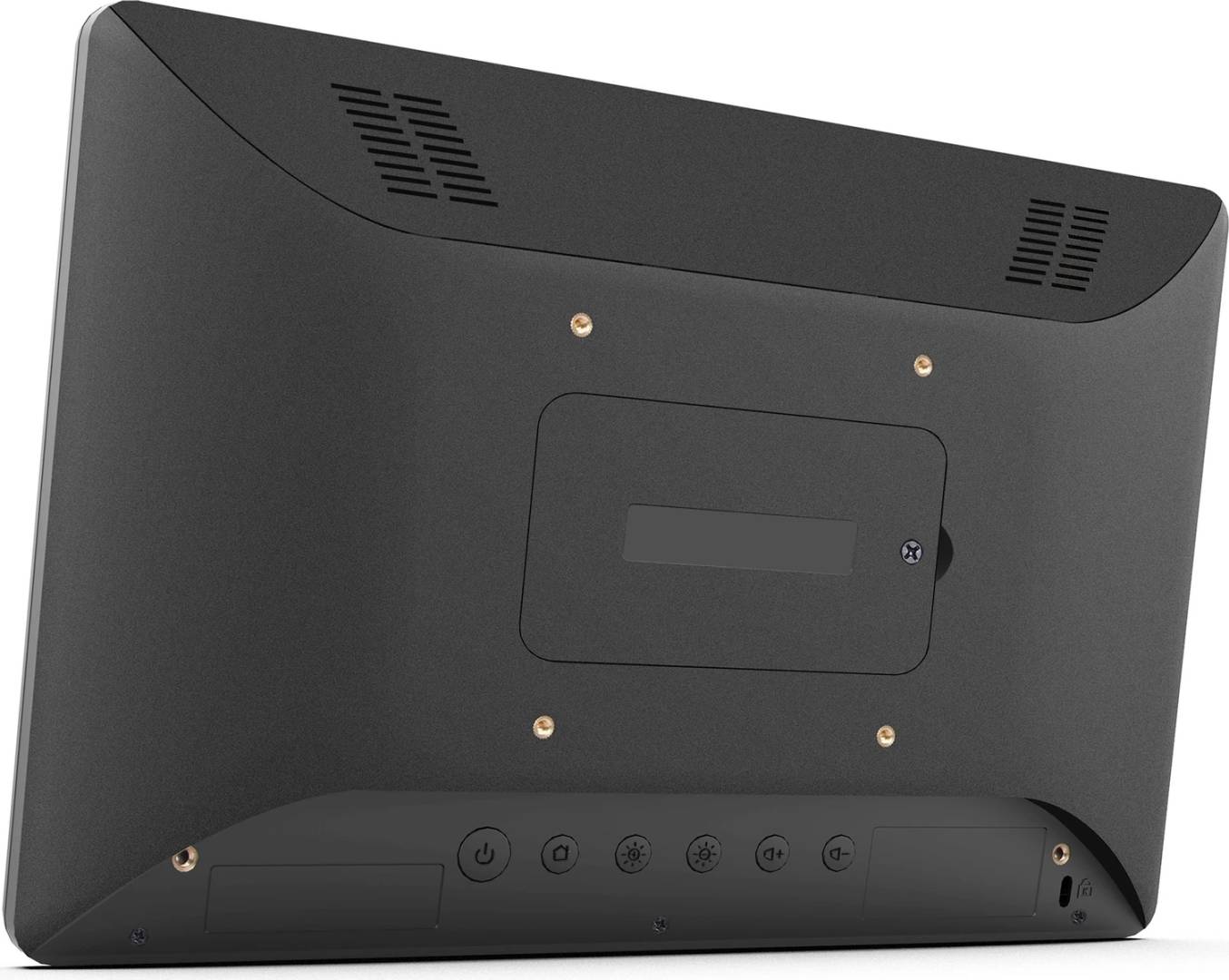
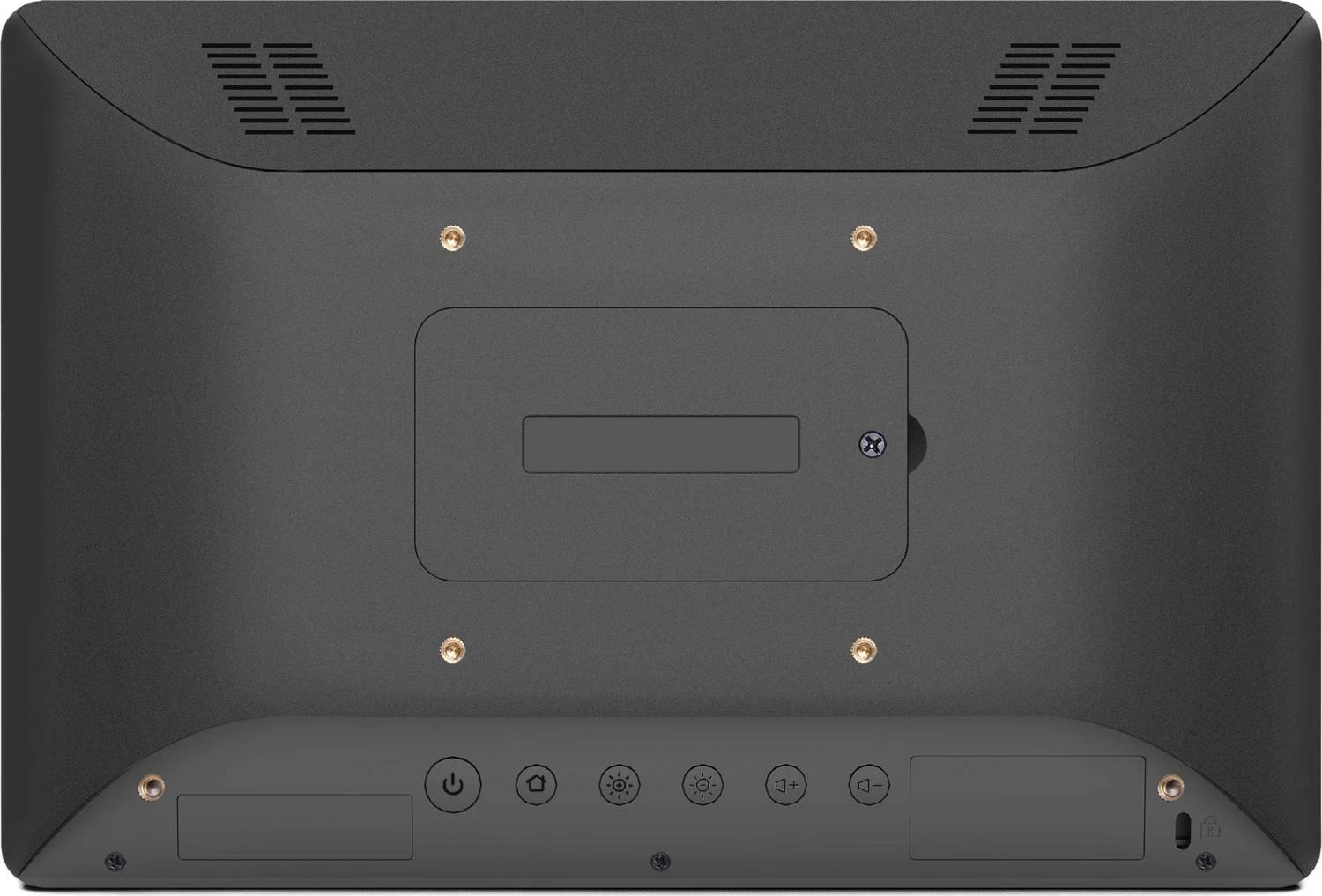
- Cable cover with 2 screws
- 5 x M4 VESA screws
- Quick start guide and safety guide
What It Means in Practice
- Mount it next to a meeting room, run a room-booking app from Google Play, and power it from the network switch — no socket needed at the door.
- Video calls or check-in apps can use the built-in 5MP camera, microphone and 2 x 1.5W speakers.
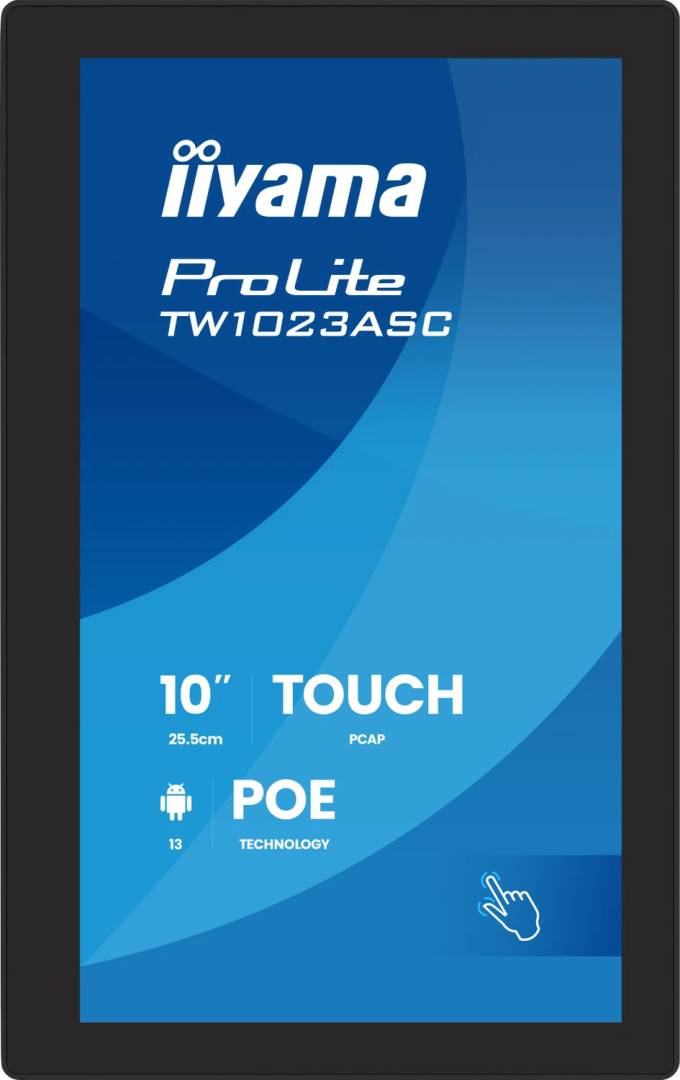
- It works in landscape, portrait or lying face-up on a counter, with auto-rotation.
- Kiosk mode locks the panel to one app so visitors cannot leave it.
What Will Not Work
- It will not work as a PC monitor — there is no HDMI input, and HDMI-CEC is not supported.
- A standard 802.3af PoE switch is not enough; it needs 802.3at.
- An external OS (for example via USB) gets single-touch only.
- NFC/RFID reader and LED light bar are not listed in iiyama's specifications for this model — do not count on them.
- Touch can take about 15 seconds to become active after boot.
Key Features
All-in-one Android panel
Android 16, RK3568, 4GB/32GB, Google Play, kiosk mode, iiSignage² preinstalled.
PoE single-cable install
IEEE 802.3at PoE (max 30W) or the supplied 12V adapter.
10-point PCAP touch
6H anti-fingerprint glass, works with gloves and capacitive stylus.
Camera, mic and speakers
5MP camera, microphone, 2 x 1.5W speakers for check-in and calls.
Technical Specifications
Frequently Asked Questions
Singular Expert Insight · Buyer's Guide
Small Android panels like the TW1023ASC-B3P are the tidy way to put booking, check-in or information at a door or counter with one PoE cable. Check that your switch is 802.3at and that the app you want runs on Android. For larger signage screens see our commercial displays.
✓ Buy it if you need a 24/7 wall or desk touch panel for room booking, check-in or small kiosks, powered by PoE.
✕ Skip it if you need a monitor with HDMI input or a touchscreen for a Windows PC.
→ Also consider An 802.3at PoE injector if your switch has no PoE+.
Tell us which booking or signage software you use and we will check it before you order.
Features - Iiyama - TW1023ASC-B3P
Colour
black
More Details
Product Code
CQ20702
EAN Code
4948570126927
Manufacturer
Iiyama