
Ubiquiti UniFi UACC-G6-Dome-FM-W Flush Mount for G6 Dome Cameras Recessed Ceiling Wall White Polycarbonate
Μάρκα:
Ubiquiti

Ubiquiti UniFi UACC-G6-Dome-FM-W Flush Mount for G6 Dome Cameras Recessed Ceiling Wall White Polycarbonate
€68.35 inc. VAT


UACC-G6-Dome-FM-W
Delivery
Order Today...
Ships...
Delivery...
ℹ️ Large or fragile items (e.g. monitors) may require extra handling time. We'll keep you informed.
Payment options
Trusted Tech Choice
Buying Benefits
Verified
Competitive EU pricing
Delivered to Cyprus from EU stock
Local warranty support
Συνδεθείτε για να μπορέσουμε να σας ειδοποιήσουμε σχετικά με μια απάντηση
Ubiquiti UniFi G6 Dome Camera Flush Mount — Recessed Ceiling and Wall Installation, in White
For G6 Dome, Pro Dome and Edge DomeRecessed ceiling or wall fitPolycarbonate, 301 g⌀207 x 54.3 mm
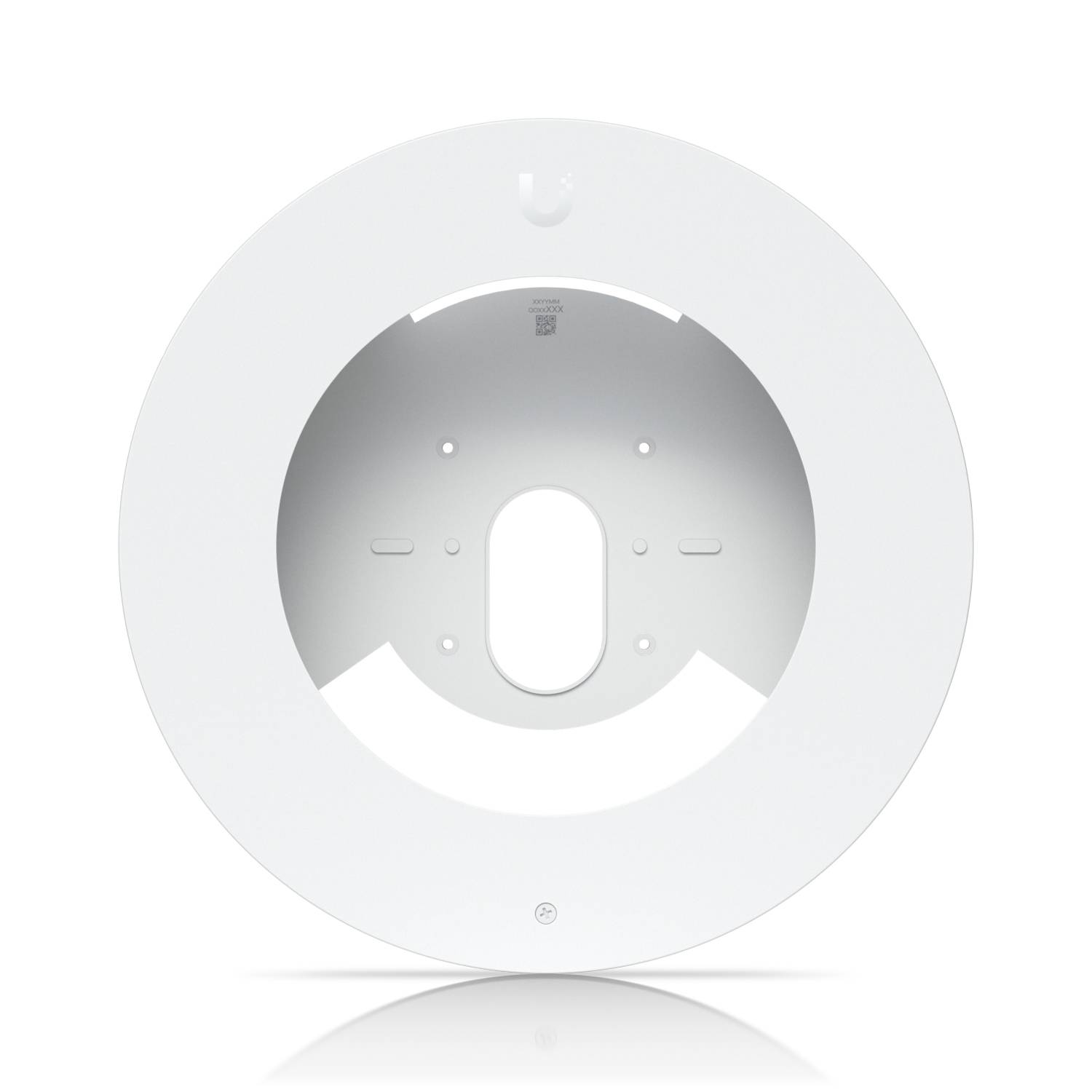
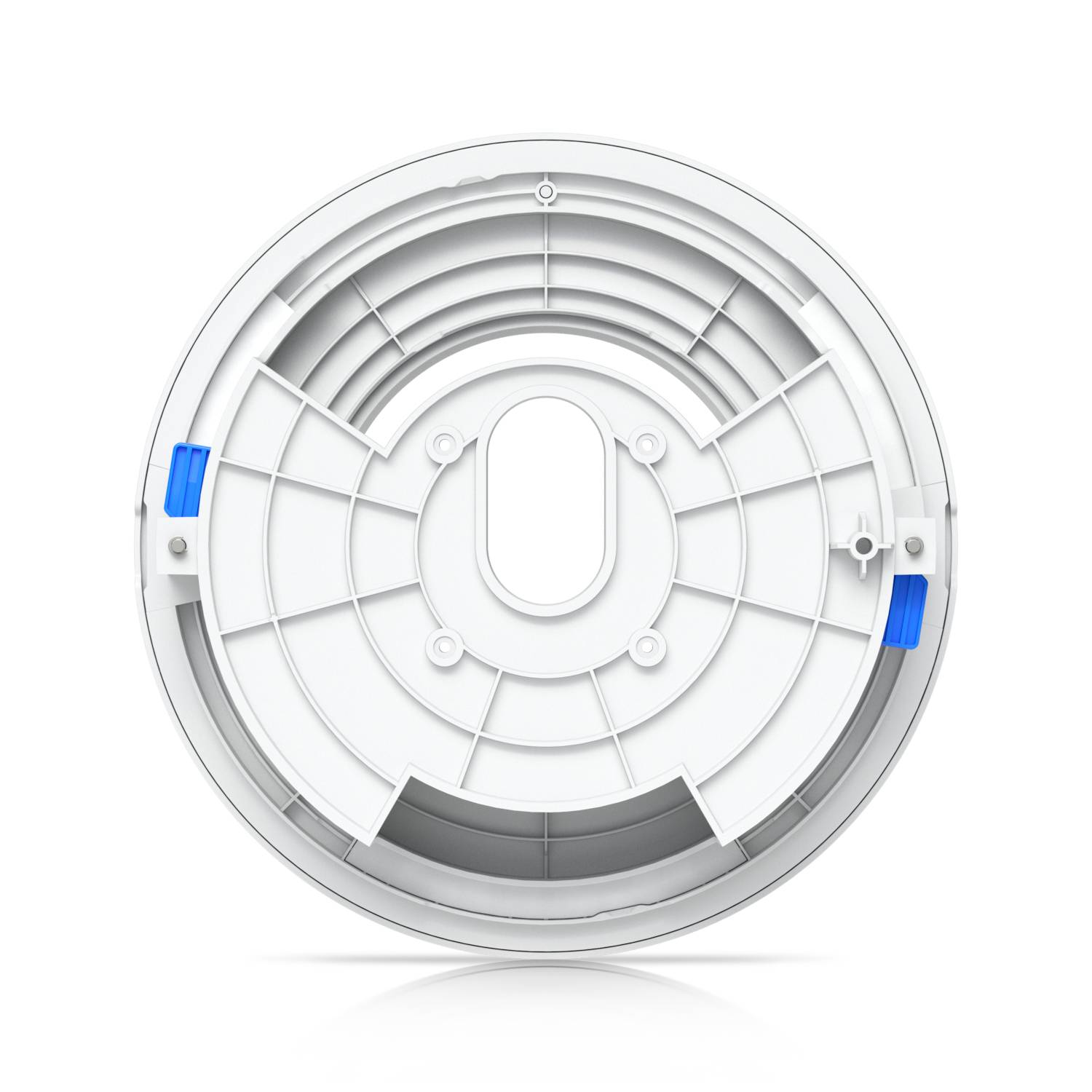
The Ubiquiti UniFi G6 Dome Camera Flush Mount is the accessory that lets a UniFi Protect dome camera sit recessed into a ceiling or wall instead of protruding from the surface, giving a discreet, professional finish in offices, retail spaces, hotels and homes. It carries the part number UACC-G6-Dome-FM-W (EAN 0810177162438) and is the white version of the mount. Ubiquiti lists it as compatible with the UVC-G6-Dome, UVC-G6-Pro-Dome and UVC-G6-Edge-Dome cameras. The housing is moulded polycarbonate, measures 207 mm across and 54.3 mm deep, and weighs 301 g. Typically in stock with fast delivery across Cyprus.
Compatibility — check before buying:
This is a mount only — no camera is included, and it is not a standalone product. Ubiquiti lists compatibility with the UVC-G6-Dome, UVC-G6-Pro-Dome and UVC-G6-Edge-Dome cameras; it is not intended for the older UniFi AI Dome or G4 Dome models, which use their own flush mount part. Check your exact camera model before ordering. Because it is a recessed mount you need a void behind the surface at least 54.3 mm deep plus room for the camera body and the Ethernet cable, so it suits suspended ceilings, plasterboard and similar cavity constructions rather than solid concrete. Ubiquiti does not publish the required cut-out diameter, the supported surface thickness or an IP rating for this accessory on its specification page — consult the installation guide supplied with the mount before cutting anything, and treat it as an indoor fitting unless Ubiquiti documentation states otherwise. This is the white variant; a black version exists under a separate part number.
Best For
✓ Suspended ceilings in offices and meeting rooms
✓ Retail and hospitality interiors where camera housings look intrusive
✓ Homes where a surface-mounted dome would be too visible
✓ Installations that need a flush, plaster-line finish
✓ Refits replacing an older recessed camera position
✓ Any G6 Dome deployment where appearance matters
Key Features
Recessed installation for a flush finish
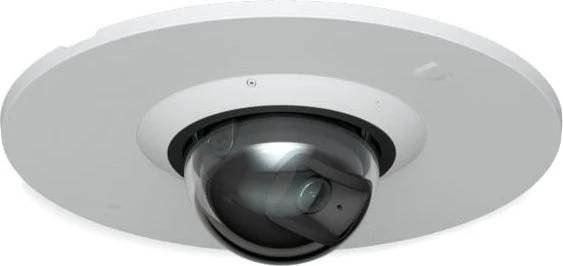
The mount lets the camera body sit inside the ceiling or wall so only the dome face is visible at the surface. That removes the protruding housing that makes a surface-mounted dome obvious, which is the whole reason for choosing it in a finished interior.
Made for the G6 Dome camera family
Ubiquiti lists compatibility with three cameras: the UVC-G6-Dome, the UVC-G6-Pro-Dome and the UVC-G6-Edge-Dome. Using the manufacturer mount rather than a generic bracket keeps the dome seated correctly, which matters for both the IR illumination and the camera weather seal.
Moulded polycarbonate construction
The mount is polycarbonate rather than thin metal or brittle ABS — the same material family Ubiquiti uses for the camera housings themselves. At 301 g it is substantial enough to hold the camera securely in a suspended ceiling tile.
Compact 207 mm footprint
At 207 mm in diameter and 54.3 mm deep, the mount fits comfortably within a standard suspended ceiling tile while keeping the visible aperture modest. The white finish blends into the majority of commercial and domestic ceilings without painting.
Technical Specifications
Frequently Asked Questions
Singular Expert Insight
A flush mount is one of those accessories that costs a fraction of the camera but changes how the whole installation looks. In a finished office, a shop or a hotel corridor, a surface-mounted dome reads as security equipment; the same camera recessed into the ceiling almost disappears. That is the entire argument for this part, and it is a good one. Practical advice: order the mount at the same time as the camera, because retrofitting a flush mount after the ceiling is closed up means cutting again, and check the depth you actually have above the ceiling — 54.3 mm for the mount is only the start, you also need clearance for the camera body and a bend radius for the Ethernet run. Note also that Ubiquiti does not publish the cut-out size or an IP rating for this accessory, so follow the supplied installation guide and keep it indoors. See our IP cameras range for the G6 Dome cameras themselves, and our network switches range if you still need a PoE switch to power them.
Buyer's Guide
Buy it if
You are installing a UniFi Protect G6 Dome, G6 Pro Dome or G6 Edge Dome camera into a suspended ceiling or a cavity wall and want it recessed for a clean, discreet finish, in white.
Skip it if
Your camera is an older UniFi AI Dome or G4 Dome, you are mounting onto a solid surface with no cavity behind it, or the position is exposed outdoors.
Also consider
The black version of the same flush mount if your ceiling is dark, or the camera’s standard surface mount if there is no cavity to recess into.
Colour
white
Χαρακτηριστικά
Product Code
04:575761
EAN Code
0810177162438
Manufacturer
Ubiquiti