
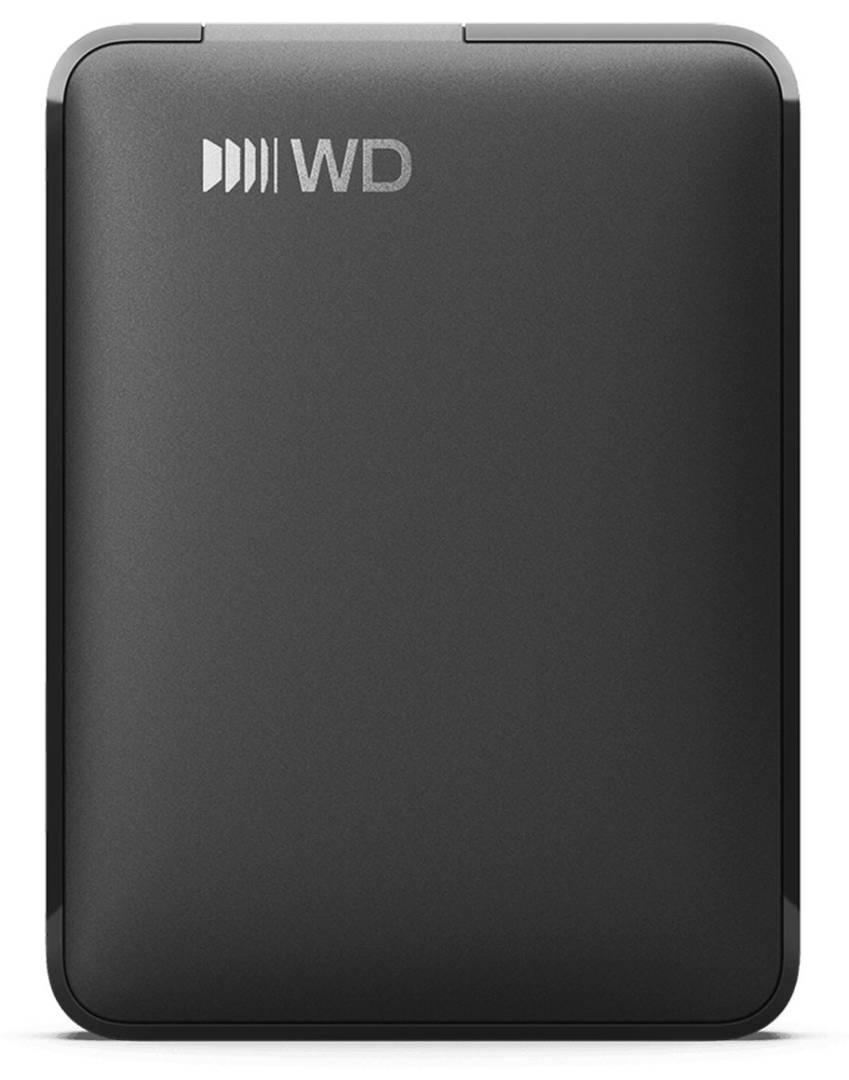
WD Elements Portable USB-C 4TB External Hard Drive, 2.5-inch HDD, USB 3.2 Gen 1 (5Gbps), USB-C Cable Included, Black
Brand:
Western Digital

WD Elements Portable USB-C 4TB External Hard Drive, 2.5-inch HDD, USB 3.2 Gen 1 (5Gbps), USB-C Cable Included, Black
€240.13 inc. VAT


WDBLSS0040BBK-WESN
Delivery
Order Today...
Ships...
Delivery...
ℹ️ Large or fragile items (e.g. monitors) may require extra handling time. We'll keep you informed.
Payment options
Trusted Tech Choice
Buying Benefits
Verified
Competitive EU pricing
Delivered to Cyprus from EU stock
Local warranty support
Please sign in so that we can notify you about a reply
WD Elements Portable USB-C 4TB — plug-and-play external hard drive
4TBUSB-C · USB 3.2 Gen 1Bus-poweredWindows 10+ · macOS 11+
The WD Elements Portable USB-C 4TB (WDBLSS0040BBK-WESN) is a bus-powered external hard drive with a USB-C connector and USB 3.2 Gen 1 (5Gbps) interface, for home and office users who want a lot of affordable storage for backups, photos, video and document archives on one drive that plugs straight into a modern laptop.
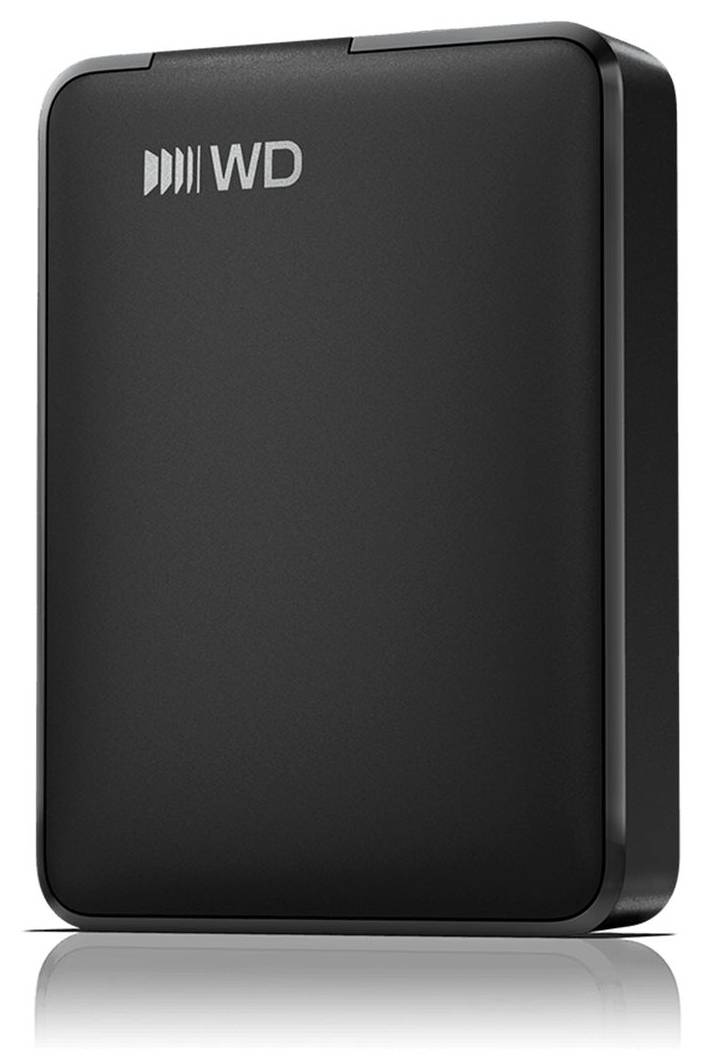
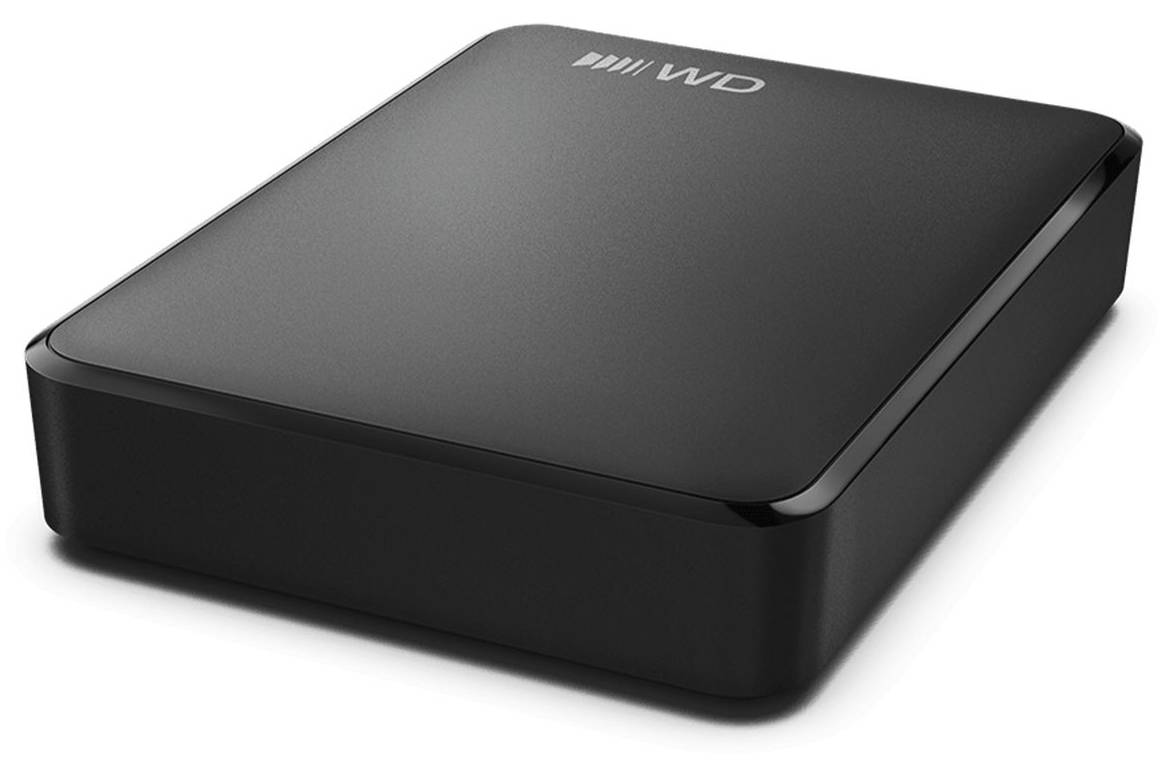
This is the USB-C generation of the long-running WD Elements Portable line. It ships with a USB-C to USB-C cable, so it connects directly to current laptops, MacBooks and USB-C desktops without an adapter. Power comes from the USB port — there is no separate power supply. The 4TB model shares its thicker housing with the 5TB and 6TB versions; the 1TB and 2TB versions are slimmer.
Before you order: The included cable is USB-C to USB-C only. To use the drive on an older computer with only USB-A ports you need a separate USB-C to USB-A cable or adapter (not included).
What's in the Box
- WD Elements Portable hard drive, 4TB, Black
- SuperSpeed USB-C to USB-C cable (5Gbps)
- Quick install guide
- No USB-A cable, adapter or power supply is included
What It Means in Practice
- 4TB holds a full laptop backup several times over, or many years of family photos and home video, on one drive the size of a passport.
- Plug-and-play: connect it to a Windows 10+ or macOS 11+ computer and it is ready to use; WD notes that other operating systems may require reformatting.
- Bus-powered over USB-C, so you can use it on a laptop away from a wall socket.
- It is a mechanical hard drive: excellent cost per terabyte for backups and archives, but noticeably slower than an external SSD for opening large projects or editing directly from the drive.
- USB 3.2 Gen 1 is the same 5Gbps class as USB 3.0, so the drive does not need a fast USB 3.2 Gen 2 or Thunderbolt port to run at its own full speed — any USB 3 port is enough. On a USB 2.0 port it works, but slowly.
What Will Not Work
- It will not plug into a USB-A port with the cable in the box — you need a separate USB-C to USB-A cable or adapter.
- It is not an SSD: do not expect SSD-class speeds, and it is not a good choice for running applications, games or video editing directly from the drive.
- It is not rugged or water resistant — WD publishes no IP or drop rating, so it should not be dropped or moved while it is reading or writing.
- WD publishes no hardware encryption or password protection for this model — if you need encrypted backups, use software encryption (BitLocker, FileVault) or choose a drive with hardware encryption.
- It is not a NAS or network drive — it connects to one computer or device at a time over USB.
Key Features
USB-C ready
USB-C connector and a USB-C to USB-C cable in the box for direct connection to current laptops and desktops.
4TB in your pocket
Large capacity at hard-drive cost per terabyte for backups, photo and video libraries and document archives.
No power adapter
Bus-powered from the USB port — one cable for data and power, convenient on laptops and on the move.
Technical Specifications
Frequently Asked Questions
Singular Expert Insight · Buyer's Guide
For backups and archives, a portable hard drive still gives the most terabytes for the money, and the USB-C cable removes the adapter hassle on new laptops. If you edit photos or video directly from the drive, or carry it in the field, an external SSD is the better tool. Compare both in our External HDDs range.
✓ Buy it if you want 4TB of low-cost storage for backups and archives and your computer has a USB-C port.
✕ Skip it if you need speed for editing or a drive that survives drops and rain — choose an external SSD instead.
→ Also consider the 5TB WD Elements Portable USB-C (WDBLSS0050BBK-WESN) for more capacity in the same size class, or the 2TB version (WDBDTV0020BBK-WESN) for a slimmer drive.
Not sure which drive fits? Send us the model of your laptop or computer and we will check compatibility before you order.
Features - Western Digital - WDBLSS0040BBK-WESN
Colour
black
Interface
- USB Type-C,
- USB3.0
More Details
Product Code
04:601037
EAN Code
0718037912790
Manufacturer
Western Digital
Technical specifications
Capacity
4TB