
Zebra SP7201-H | In-Counter Horizontal Single-Plane 2D Scanner | PRZM 2.3 MP | USB Kit (Scanner + Cable + Mount Incl.)
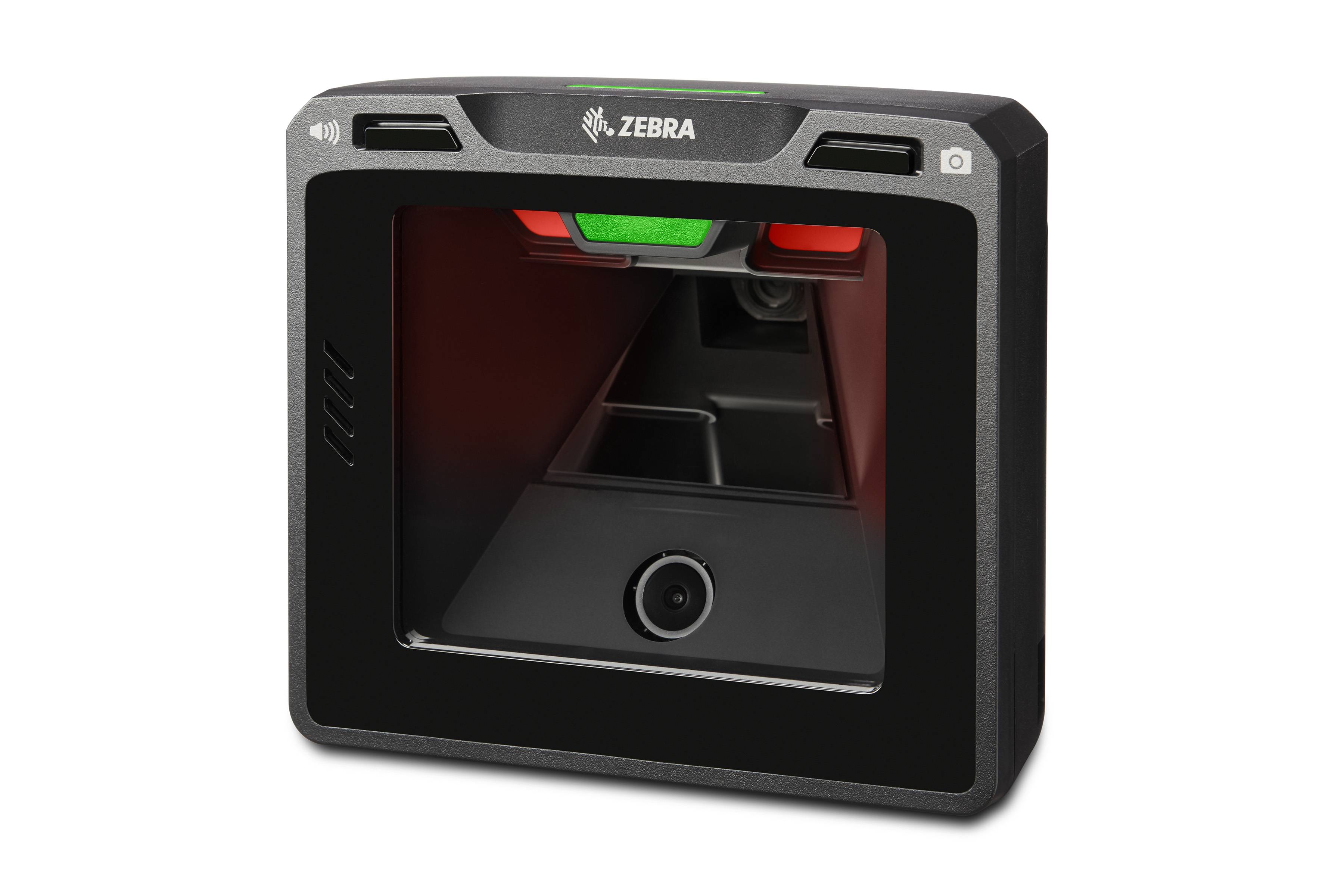
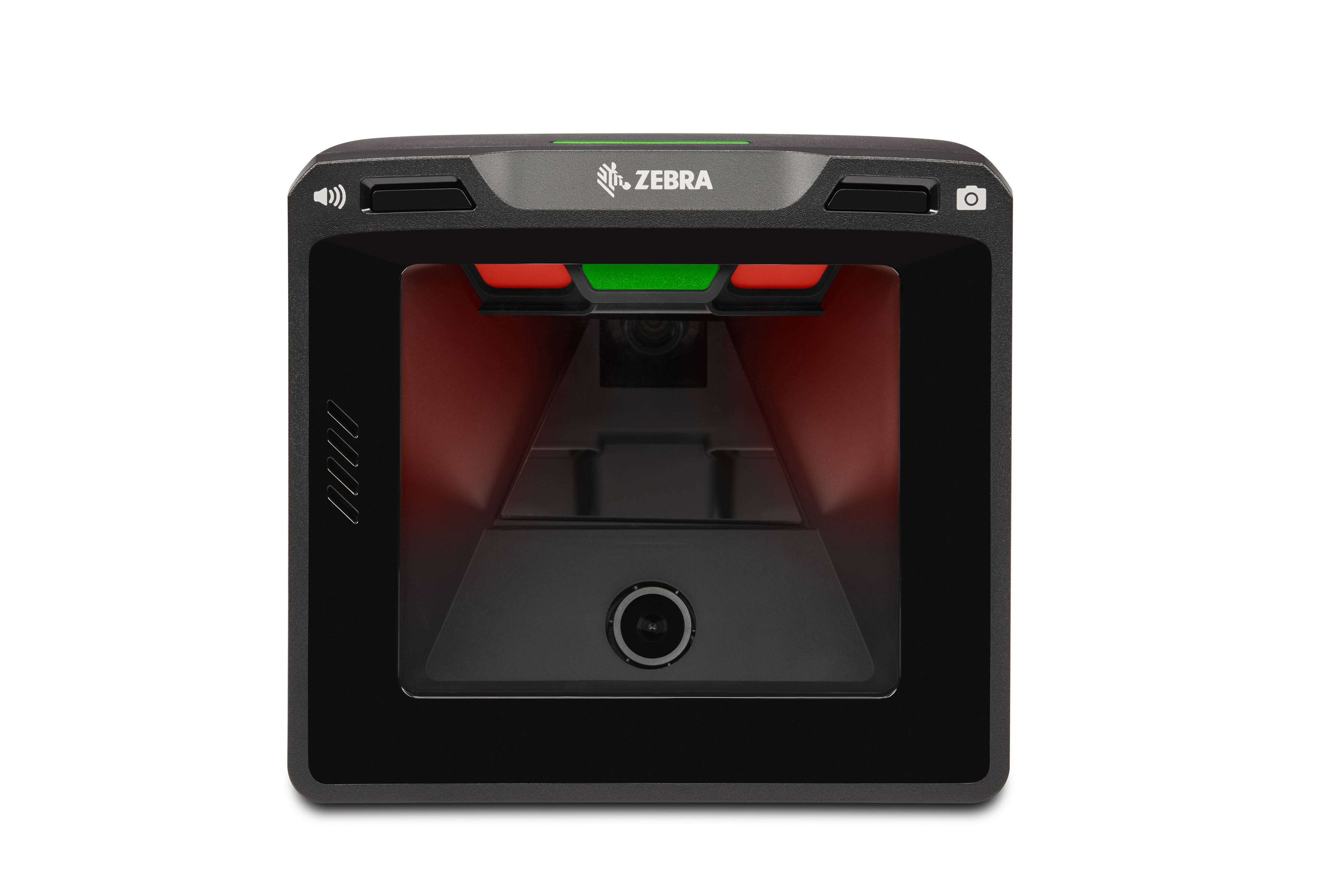


The Zebra SP7201-H is a fixed horizontal in-counter single-plane 2D scanner engineered for high-throughput manned and self-checkout lanes in grocery, pharmacy, convenience, and specialty retail. A 2.3 megapixel sensor with PRZM Intelligent Imaging delivers scan speeds up to 120 in/s, a 44% larger scan area than typical competitive models, and full coverage of 1D, 2D, Digimarc, and postal codes — clearing items faster and with fewer missed scans. Checkpoint EAS integration, sapphire glass window, and IP52 sealing complete a retail-grade specification. This USB kit includes the scanner, a 7-foot USB cable, and a bucket mount bracket.
2.3 MP PRZM Imaging — 40% Faster at Self-Checkout
The SP7201-H's 1,920 × 1,200 pixel 2.3 megapixel sensor runs Zebra's PRZM Intelligent Imaging algorithms, enabling scan speeds up to 120 in/s (305 cm/s) for a 13 mil UPC in optimised mode. Independent benchmarking referenced by Zebra shows up to 40% faster throughput at self-checkout versus competitive single-plane scanners, and a 44% larger scan area means items pass through the scan zone more reliably without precise placement. Damaged, crinkled, faded, and poorly printed barcodes are decoded without the repeated passes that slow checkout queues.
Digimarc — Scan Anywhere on the Package
Support for Digimarc digital watermarks allows the scanner to decode product information from any part of a package surface, not just the printed barcode label. A Digimarc watermark is invisible to the eye but embedded repeatedly across the entire package design — meaning the item scans regardless of orientation or barcode position. For self-checkout lanes where customers vary in how they present items, Digimarc support directly reduces scan failures and customer frustration, contributing to measured improvements in checkout throughput.
Checkpoint EAS Integration
The SP7201-SH4U2100BGW is configured with Checkpoint EAS (Electronic Article Surveillance) deactivation compatibility. When integrated with a Checkpoint EAS system, the scanner deactivates security tags only after a successful barcode scan — preventing the sweethearting scenario where items are passed over the EAS pad without being scanned. This tightly couples barcode scanning and loss prevention in a single lane installation without requiring a separate deactivation pad workflow.
Sapphire Glass Window & IP52 Durability
The scan window uses sapphire glass — one of the hardest materials available, resisting scratches from keys, rings, and abrasive packaging that would cloud a standard glass or polycarbonate window and degrade scan performance over time. IP52 sealing protects against dust and liquid splashes from spills at the checkout counter. The deep red 660 nm LED illumination (4 units) provides a 54° × 35.5° field of view with consistent brightness across the full scan zone. Operating temperature is 0°C to 50°C.
Loss Prevention & Self-Checkout Attendant Visibility
An upward-facing "good decode" LED provides clear scan confirmation visible to self-checkout attendants and overhead loss prevention cameras — enabling staff to monitor multiple lanes simultaneously for missed scans. The scanner can also generate non-decode event alerts when an item passes through the scan field without a successful read, creating an audit trail for loss prevention workflows without requiring additional camera hardware at each lane.
| Specification | Detail |
|---|---|
| Scanner Type | 2D Area Imager, Fixed, In-Counter, Horizontal Single-Plane |
| Sensor | 2.3 Megapixel (1,920 × 1,200 pixels) |
| Imaging Engine | PRZM Intelligent Imaging |
| Illumination | Deep red LED, 660 nm (4 units) |
| Field of View | 54° H × 35.5° V |
| Scan Speed | Up to 120 in/s (305 cm/s) — 13 mil UPC optimised |
| Depth of Field (H) | UPC-A 13 mil: 0–7.2 in / Code 128 15 mil: 0–7.6 in / DataMatrix 15 mil: 0–5.6 in |
| Symbologies | 1D (Code 39, 128, UPC/EAN, GS1 DataBar), 2D (QR, DataMatrix, PDF417), Digimarc, Postal |
| Interface | USB (also: RS-232, Keyboard Wedge, TGCS IBM 46xx over RS485) |
| EAS | Checkpoint compatible (scan-linked deactivation) |
| Window Material | Sapphire glass |
| IP Rating | IP52 |
| Operating Temperature | 0°C to 50°C (32°F to 122°F) |
| Storage Temperature | -40°C to 70°C |
| Weight | 864 g (30.4 oz) |
| Dimensions | 152.4 × 152.4 × 86.4 mm (6.0 × 6.0 × 3.4 in) |
| Kit Contents | Scanner (SP7201-SH00004SCWW) + 7-ft USB cable (CBA-U21-S07ZBR) + bucket mount (BRKT-BM0072-00) |
What is the difference between the SP72-H and SP72-V?
The SP72-H is a horizontal scanner installed flat into a countertop — items are passed over it, as in a grocery checkout. The SP72-V is a vertical scanner mounted upright at the side of a counter — items are passed in front of it, as at a convenience store or pharmacy counter. Both share the same 2.3 MP PRZM imaging engine; the choice depends on counter configuration and workflow.
Does the SP7201-H work with self-checkout systems?
Yes. The SP7201-H is specifically designed for both manned and self-checkout lanes. The upward-facing good-decode LED provides clear visual confirmation for customers and attendants, and the non-decode event alert can flag items that pass without scanning — supporting the loss prevention requirements of self-checkout deployments.
Why does sapphire glass matter for a checkout scanner?
Checkout scanner windows accumulate scratches from rings, keys, and abrasive packaging over years of use. Scratches scatter light and degrade scan performance — particularly for 2D codes that require higher optical clarity. Sapphire glass, rated 9 on the Mohs hardness scale, resists scratching far better than standard glass or polycarbonate, maintaining optical performance throughout the scanner's service life without window replacement.
What EAS systems is the SP7201-SH4U2100BGW compatible with?
This SKU is configured for Checkpoint EAS deactivation. If your store runs Sensormatic EAS, a different SKU configuration is required. Confirm your existing EAS infrastructure before ordering to ensure compatibility — mixing EAS systems in a single lane installation requires additional configuration.